


Have you ever wondered how reading can light up someone’s day, even for those with dyslexia? New apps are creating fun, fresh ways to enjoy words and sounds. They let you listen to your favorite texts, play with the letters, and break tricky words into smaller, easier parts.
These interactive tools make learning feel like a fun game rather than a challenge. They change reading from a tough task into a friendly, engaging experience. Our look at these dyslexia apps shows just how these digital helpers can open up brighter reading futures for anyone who might need an extra hand.
dyslexia apps power brighter reading futures

Reading support plays a big role in many dyslexia apps. For example, Reading Machine helps you listen to text with its text-to-speech feature, explains sounds with phonics support, and even has a built-in dictionary that breaks down words into easy pieces. With over 125 books for beginners, it turns reading into a fun adventure rather than a tough task. And with Voice Dream Reader, features like Finger Reading, Spoken Word, and auto-scrolling work together to make reading feel friendly and engaging.
Writing can be a challenge too, so some apps focus on that area. Take Writing Wizard for Kids, it turns practice into a game with interactive tools, various fonts, and clickable worksheets. As kids trace letters and words, the app offers quick feedback that boosts their confidence in spelling. It helps them see writing as a creative activity, not just endless practice.
These digital tools rely on multi-sensory learning, which means they engage your sight, hearing, and touch all at once. This hands-on approach gives clear, step-by-step guidance that makes spelling and language rules easier to grasp. By making learning personalized and fun, these apps turn every moment into a bright step toward smoother reading and writing skills.
Top dyslexia apps for reading, writing, and spelling support

Choosing a dyslexia app means finding one that helps with reading, writing, and spelling in fun, simple ways. We picked apps that offer interactive help, build phonics skills, and use games for learning. Some apps read text aloud, scroll automatically, or highlight words to ease reading. Others focus on handwriting practice, word prediction, and use colors to guide writing.
The table below shows our top picks. It compares main features, platforms, and cost so you can quickly find what fits best.
| App Name | Category | Key Features | Platform | Price |
|---|---|---|---|---|
| Reading Machine | Reading Support | Text-to-speech, phonics, built-in dictionary, beginner book library | Apple | Free |
| Voice Dream Reader | Reading Support | Auto-scrolling, spoken-word highlighting, advanced TTS | iOS/Android | Paid |
| Writing Wizard for Kids | Writing Support | Interactive games, multiple fonts, worksheets, handwriting practice | Google Play | Free Version/Full Version |
| Rainbow Sentences | Writing & Spelling Support | Color-coding, TTS, picture lessons | Apple | Paid |
| Ghotit Real Writer | Writing & Spelling Support | Word prediction, advanced spell-check, multiple dictionaries | Windows (trial)/Other platforms | Paid/Free Trial |
Each app brings its own special way to support learning. Parents can choose free options like Reading Machine for basic help, while apps like Voice Dream Reader offer extra challenges. Writing Wizard for Kids turns handwriting practice into a playful activity, and Rainbow Sentences uses colors and sounds to boost sentence skills. Ghotit Real Writer handles tricky writing with smart word prediction.
You can test many of these apps with free trials or free versions before opting for paid plans. With audio hints, visual tips, and engaging exercises, these apps make learning enjoyable and clear. Overall, they brighten every learning moment for kids, helping them feel confident and supported.
Free and low-cost dyslexia apps for every budget
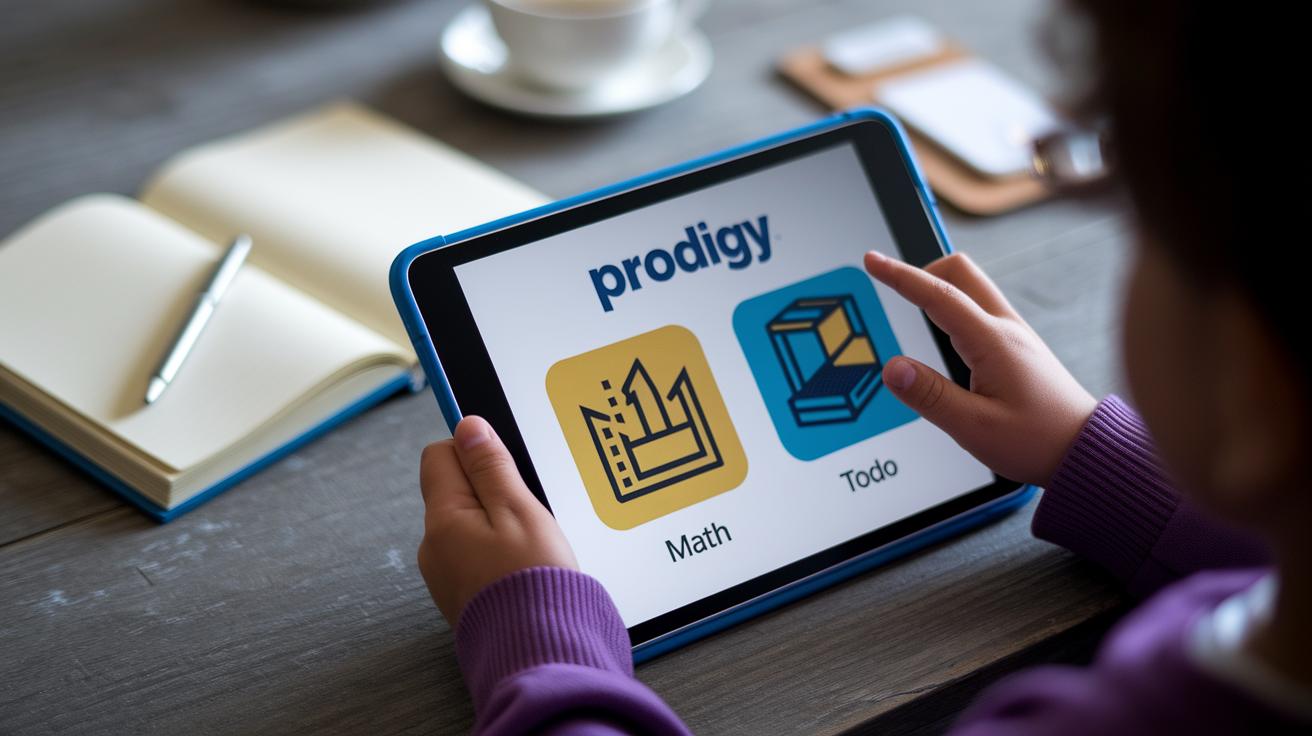
If you’re looking for ways to support learning without spending a lot, you’re in luck. Many dyslexia apps are completely free. For example, Prodigy Math is available on both iOS and Android. It feels just like a fun game while still following Common Core guidelines, all at no cost.
Then there’s Bear In Mind on Apple. It works offline and gently reminds you of tasks, all without a charge. Todo Math offers kids thousands of interactive exercises. (Just a heads-up: the free version might limit how many sessions you can have in a day.) And Writing Wizard lets children practice letters and words in a playful way with its free version.
These free apps give families a great way to start learning without worrying about extra costs.
Some apps take a different approach with freemium models and microtransactions. Take Mod Math on Apple, it’s free to download but you can pay a little extra for features like a custom keypad and digital graph paper. Similarly, Todo Math might prompt you to subscribe for unlimited use after trying out its basic features.
This lets parents and educators try out the main parts of each app and then decide if the additional features are right for their child’s learning pace. In short, these budget-friendly tools help make digital learning accessible for every family.
Key factors in choosing the best dyslexia app for individual needs

Parents and teachers should invite the learner to join in picking out the right app. Take time to look at screenshots together and try out the features to see if the app feels engaging and suits the child's learning style.
Remember to check if the app works on your devices, whether it's iOS, Android, or Windows, and if you can use it even without internet access. A handy tip? Try turning off Wi-Fi to see if the app still gives clear instructions.
This simple, hands-on test helps you decide if the app is a good match, making learning both fun and easy to manage.
When it comes time to make a purchase, look closely at the pricing and the tools that track progress. Compare one-time purchase apps, subscription models, and free trials to find one that fits your family's budget.
It’s a smart move to choose an app with built-in progress monitors and goal-setting features. These can help craft a learning plan that fits specific needs, like an individualized education plan. If the app offers a free trial, use that time to check for improvements in reading and writing skills.
Taking the time to compare carefully will help you pick an app that truly supports long-term learning success.
User insights and testimonials on leading dyslexia apps

A recent blog post about spelling apps received 20 thoughtful comments. Many users mentioned how these tools helped improve their reading and writing skills. The conversation even compared dyslexia spell-checkers to Braille for the visually impaired, easing worries about fairness in learning support.
One parent said that using Word Perfect’s spell checker during homework helped her child spot and fix mistakes right away. This real-time correction built trust in the tool. Another user shared a classroom moment where the app’s quick feedback boosted a student's confidence in reading aloud. What once was a frustrating experience turned into one full of smiles and pride.
Community ratings also highlight how easy the apps are to use. Users note that these tools help increase reading speed and writing fluency. Many say the apps boost self-confidence, improve accuracy, and keep young learners engaged every day.
Emerging trends in adaptive and evidence-based dyslexia apps

Adaptive dyslexia apps are getting smarter every day. They watch how fast you read and even notice your reading style. When you slow down or seem to struggle, the app gently simplifies the text so you can keep up without feeling overwhelmed.
These apps often feel like fun games. They add points, levels, and even badges for each win. Kids might earn stars every time they complete a challenge, which makes practicing feel like playing a game. It turns tough reading tasks into something exciting and motivating.
Modern apps also support a variety of languages using sounds and visuals. Tools like Avaz AAC let you enjoy content in your native language, making learning more personal. This thoughtful mix of languages and interactive help makes sure every user feels supported and ready to succeed.
Final Words
In the action here, we saw ways to boost reading and writing skills using tools like TTS and phonics for reading support and fun games for handwriting. We explored choices from free and budget-friendly options to those with progress tracking that let users shape their own routine. Simple steps and real feedback were mixed with hints of upcoming trends, showing a clear path forward. With smart dyslexia apps, managing health and learning becomes easy, empowering every user for a brighter, more confident future.
FAQ
Which dyslexia apps support students at all levels?
The dyslexia apps for students, kids, and high school students combine interactive reading tools with engaging phonics games, text-to-speech, and adaptive lessons to help learners at various stages build confidence and improve literacy skills.
Which dyslexia apps are designed for adults and offer free learning tools?
The dyslexia apps for adults often include free or low-cost options that use text-to-speech and multi-sensory learning techniques to boost reading fluency and writing clarity, making learning accessible and engaging.
What are some of the best dyslexia apps available?
The best dyslexia apps use evidence-based, game-like learning to support reading and writing. They often feature interactive phonics, adaptive text-to-speech, and engaging activities that help users overcome reading challenges.
Which dyslexia apps are available for Android users?
Dyslexia apps for Android offer interactive support by incorporating features such as auto-scrolling text, voice feedback, and gamified exercises that make reading and writing tasks more approachable on a mobile platform.
Do apps help with dyslexia?
Dyslexia apps help by using text-to-speech, interactive phonics, and multi-sensory features that create a supportive learning environment, making it easier for both children and adults to improve their reading and writing skills.
Is ABCmouse good for dyslexia?
ABCmouse is geared toward early general learning and may not offer the specialized phonics and multi-sensory focus that dyslexia-targeted apps provide, which are better suited for addressing specific dyslexia challenges.
How can I adjust my phone to be more dyslexia friendly?
To make your phone dyslexia friendly, enable text-to-speech features, adjust the font and contrast settings, and consider downloading apps with clear, interactive instructions that support reading and writing.
What is the best program for children with dyslexia?
The best program for children with dyslexia uses interactive, game-like learning methods—blending text-to-speech, phonics, and multi-sensory activities—to create a fun, engaging environment that helps improve literacy skills.