


Ever wondered if your iPhone could help you hear better? Lively Sound is a handy app that turns your phone into a personal sound coach. It makes soft sounds louder and cuts down extra noise so you catch every word.
Imagine this: a tool that walks you through a simple hearing check, letting you adjust your audio settings with just a few taps. It really feels like having a mini hearing expert in your pocket, making your calls and conversations clearer.
Curious how it works? Keep reading to find out how this clever app can transform your everyday listening experience.
Understanding Hearing Aid Functionality on iPhone
Apple first rolled out a new hearing aid mode with the AirPods Pro 2 in September 2024, and then extended it to the AirPods Pro 3 a year later. This cool, FDA-cleared upgrade uses smart machine learning and audio computing to make speech easier to understand and cut down on background noise.
Next, the app Lively Sound steps in to help you fine-tune the audio just for you. By taking a guided hearing test on your iPhone, it sets up personalized sound settings that boost soft sounds and manage unwanted noise. You can also snap a picture of your audiogram to perfect the profile even more. It’s a bit like having a mini hearing expert in your pocket.
And then there’s the Bluetooth pairing. The app easily connects with earbuds like AirPods so you get the most out of the sound assist tool. Not only does it turn up the volume, but it also highlights certain frequencies so you catch every word during calls or group chats.
All these features, amplifying sound, cutting down background noise, and tailoring settings just for you, come together to make daily tasks at work or school much clearer. The app transforms everyday tech into a handy auditory boost.
The developers made sure the app is simple to use too. Each step is guided with clear cues so that calibration feels effortless. Whether you’re in a quiet room or a bustling space, you can trust that every setting will work just right for you.
iphone hearing aid app: Lively Sound

Lively Sound is a smart app that helps you catch every word in your daily conversations. It boosts sounds in real time and adjusts the settings just for you, making sure you hear clearly no matter where you are.
This friendly tool not only makes speech easier to follow, but it also softens background noise so you can focus on what really matters. It even offers guidance through a simple hearing check, so you know it’s tuned perfectly to your needs.
Key features include:
- Real-time sound boosting
- Reducing unwanted background noise
- A guided hearing check to understand your needs
- Custom tuning based on your audiogram
- Live captions during calls
- Transcriptions that turn speech into text
These features work together to bring you a warmer, clearer listening experience, ensuring every call feels more like a friendly chat.
Setting Up Your iPhone Hearing Aid App and Compatibility
First, check that your iPhone is up to date. It should run iOS 15 or later and be an iPhone 7 or newer. This setup makes sure everything runs smoothly when you pair with AirPods Pro 2, Pro 3, or other supported earbuds.
Next, follow these steps:
- Pair your earbuds using Bluetooth. Open Settings, turn on Bluetooth, and tap your device from the list.
- Allow camera access when asked. This lets you capture and upload an audiogram by using your phone’s camera.
- Take the quick on-device hearing test. The app walks you through the test so you can see how your hearing works right where you are.
- Adjust your hearing levels in the options menu. Tap into the custom settings to fine-tune sound amplification and lower background noise to suit your day-to-day life.
Each step is designed to be easy and friendly. With just a few taps, your iPhone turns into a personal hearing helper, giving you clear sound during calls and everyday moments. Isn’t it amazing how simple changes can make a big difference?
User Feedback on iPhone Hearing Aid Apps
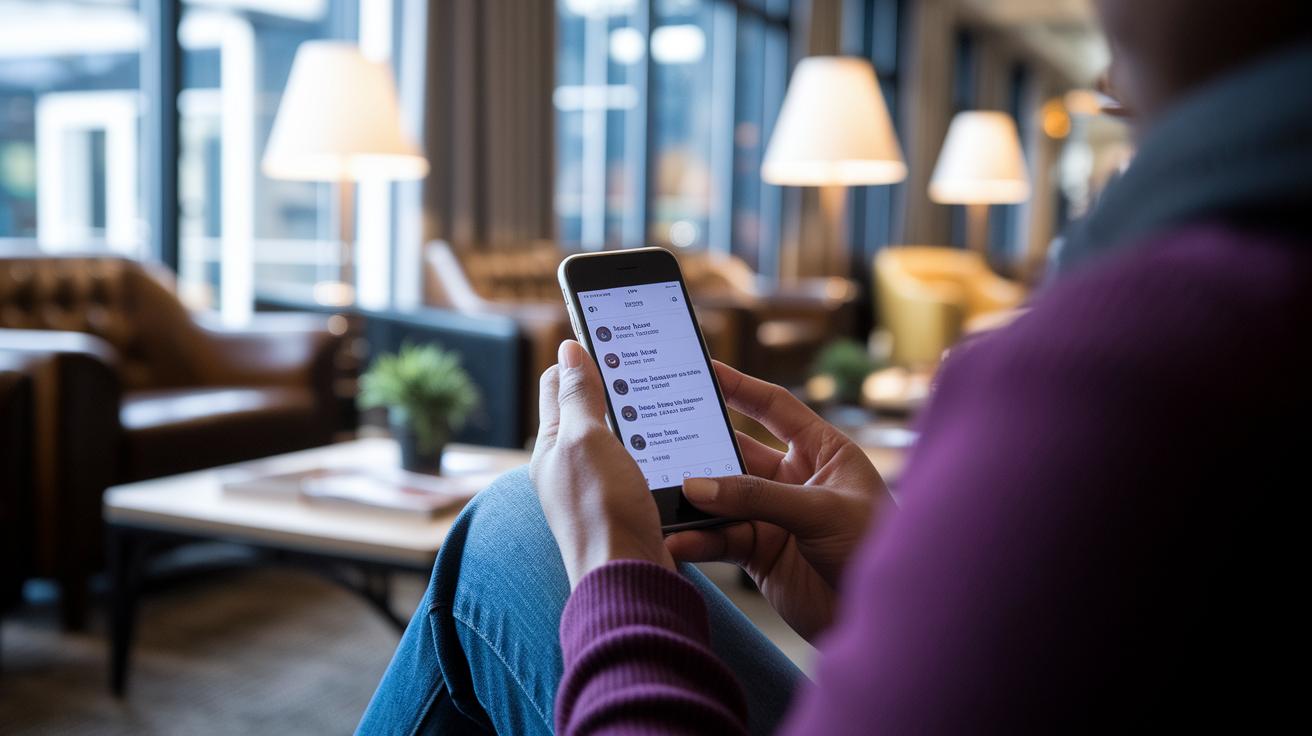
Many people find free tools like Mimi Hearing Test and Sound Amplifier really easy to use, and they love it. Users mention that CaptionCall Mobile has clear call captions that help a lot. The apps feel friendly and straightforward, meaning you can use them without any fuss. Some say the design even helps them catch every word during busy calls or group chats.
On the flip side, a few users have noted a few hiccups. For instance, transcription sometimes lags behind when conversations are very fast. There's also a bit of extra battery use when the app stays connected for a long time. Still, most users agree that, overall, these apps do a great job making everyday communication clearer.
Free vs Premium: Pricing for iPhone Hearing Aid Apps
Many people love exploring free apps available today. Apps like Mimi Hearing Test and Live Transcribe let you check your hearing and change speech into text as it happens, all without costing a dime. If you have been diagnosed with hearing loss, services such as CaptionCall Mobile and Otter offer clear call captions and live transcriptions, keeping things simple for your budget.
Then there are paid options that bring extra bells and whistles. Take Sound Alert, for example. It uses smart AI to notice important sounds, like doorbells or alarms. With a subscription, you unlock these advanced features. This premium choice can be a great fit if you need a stronger system to handle sound events and keep your hearing environment safe.
FDA Clearance and Comparison to Traditional Hearing Aids

Since September 2024, the AirPods Pro Hearing Aid mode has received FDA clearance. This means that solid clinical tests back up how well it works. Studies show that many users with mild-to-moderate hearing loss notice that it helps make speech sound clearer, even when there’s a lot of background chatter. For lots of people, that FDA nod offers a bit of comfort, knowing the tech meets trusted safety and effectiveness standards.
A big difference between this and traditional over-the-counter tools is in how they check and adjust your hearing. Instead of requiring a pro to fit ear molds, these iPhone apps use built-in tests to see how well you hear. It starts with a simple guided hearing test that fits right into your setup, and you can even snap a quick photo of your audiogram for a profile just for you. This makes the whole process easier, even if it might not be as accurate as a custom, prescription device.
Traditional hearing aids usually offer a stronger boost for more severe hearing issues. In contrast, apps like this one focus on lifting everyday sounds and cutting down on background noise. It’s a handy, proactive tool for everyday hearing support right from your iPhone. While it might not reach the same levels of amplification as prescription aids, it provides a flexible and accessible option for clear, daily communication.
Top iPhone Hearing Aid Apps for 2025
If you're looking to get more from your daily hearing, check out these five apps. They each offer a unique way to help you catch every word, whether it's turning spoken words into text or making quiet sounds louder. It’s like having a little helper right on your iPhone.
| App Name | Key Feature | Platform |
|---|---|---|
| CaptionCall Mobile | Captioned calls | App Store |
| Live Transcribe | Real-time transcripts | App Store |
| Subtitles Viewer! for iPhone | Video captions | App Store |
| AudioCardio Hearing & Tinnitus | Tinnitus relief | App Store |
| Sound Amplifier | Volume boost | App Store |
Together, these apps work hand-in-hand to support your hearing needs. They bring important sounds into focus and clear away the background noise. Whether you need text support during a call or just a little extra volume for your favorite show, they feel like a trusted friend who’s always nearby.
Troubleshooting and FAQs for iPhone Hearing Aid Apps
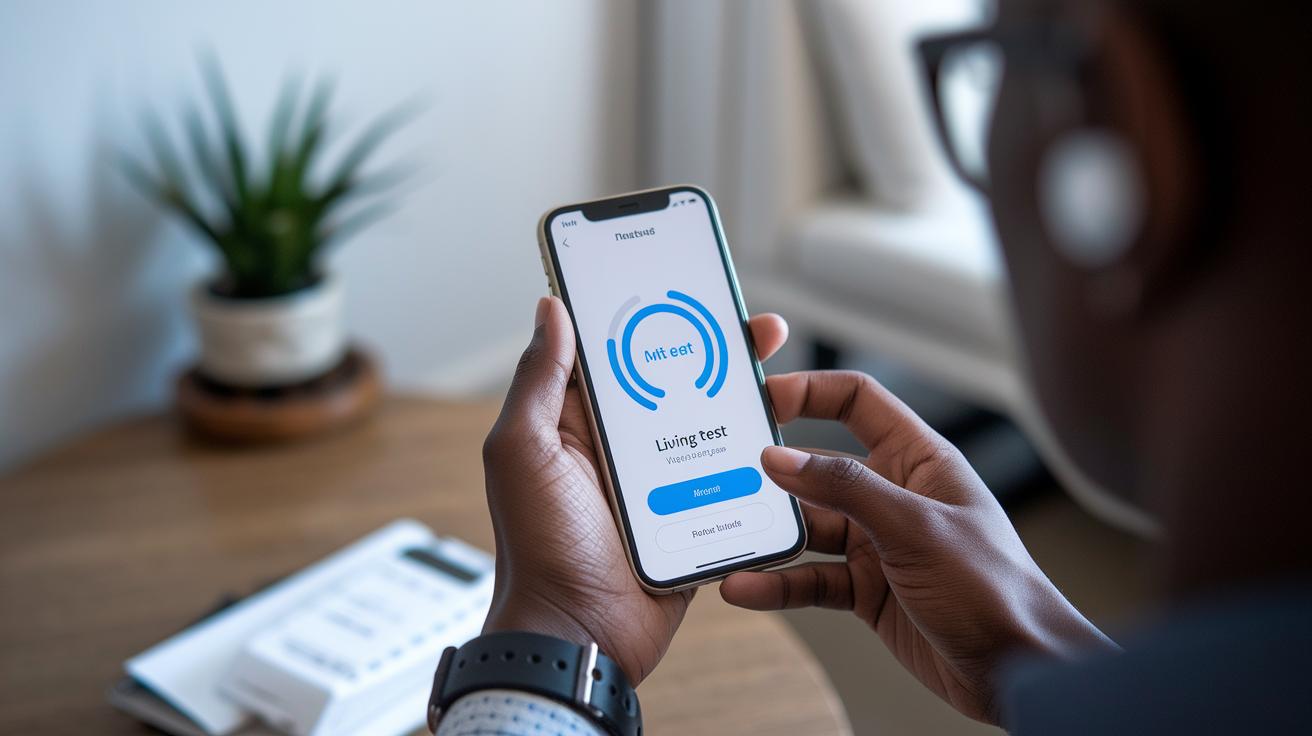
Sometimes even the best sound tools can run into bumps. Have you ever tried pairing your earbuds only to find they just don't connect? Or maybe your voice sounds muffled when you speak? It can be really annoying when you depend on the app to boost your sound and lower background noise.
To fix these issues, first try resetting your Bluetooth connection. Open your iPhone settings, turn Bluetooth off, then on again to give it a fresh start. Next, run the guided hearing test in the app. This little check helps the app get your audio settings just right. And don’t forget to make sure the app can access your microphone and camera.
Still having trouble? You might want to close apps running in the background because they can sometimes interfere. Also, updating your hearing aid app is a smart move, it brings in useful improvements and fixes bugs. Keeping your device settings on track helps the app run smoothly every time you use it.
Final Words
In the action, we explored how modern features make your hearing experience better on your phone. We reviewed key aspects like amplification, background noise reduction, and how guided tests personalize care. Steps to set up your device, user insights, and pricing differences highlighted what makes a standout iphone hearing aid app. With FDA clearance and innovative technology, this approach brings clear, tailored audio right into your hands. Enjoy the clarity and empowerment it brings to your daily life.
FAQ
Are there free hearing aid apps for iPhone?
The free hearing aid apps for iPhone offer real-time sound boost and noise reduction through guided tests and custom settings available on the App Store. They work without subscription fees.
Can I use my iPhone with headphones as a hearing aid?
Using your iPhone with headphones as a hearing aid involves pairing supported earbuds and running a guided hearing test to optimize audio clarity, offering personalized amplification in a simple way.
What is the app that turns your phone into a hearing aid?
The app that turns your phone into a hearing aid uses machine learning for sound enhancement, noise suppression, and guided hearing tests to tailor audio settings for clearer speech.
How do I access or set hearing aid settings on my iPhone?
Accessing hearing aid settings on your iPhone involves pairing compatible devices, running a guided hearing test, and adjusting sound options so you can tailor amplification and noise reduction to your needs.
Are there hearing aid apps available for other smartphones like Android?
Hearing aid apps are available on Android and other platforms, offering similar features like real-time amplification and sound tuning with guided tests to tailor your audio experience.
How do I turn on Live Listen on my iPhone?
Turning on Live Listen requires enabling it in your iPhone’s accessibility settings and pairing your AirPods or supported headphones, so your device can capture sounds and enhance speech clarity.