
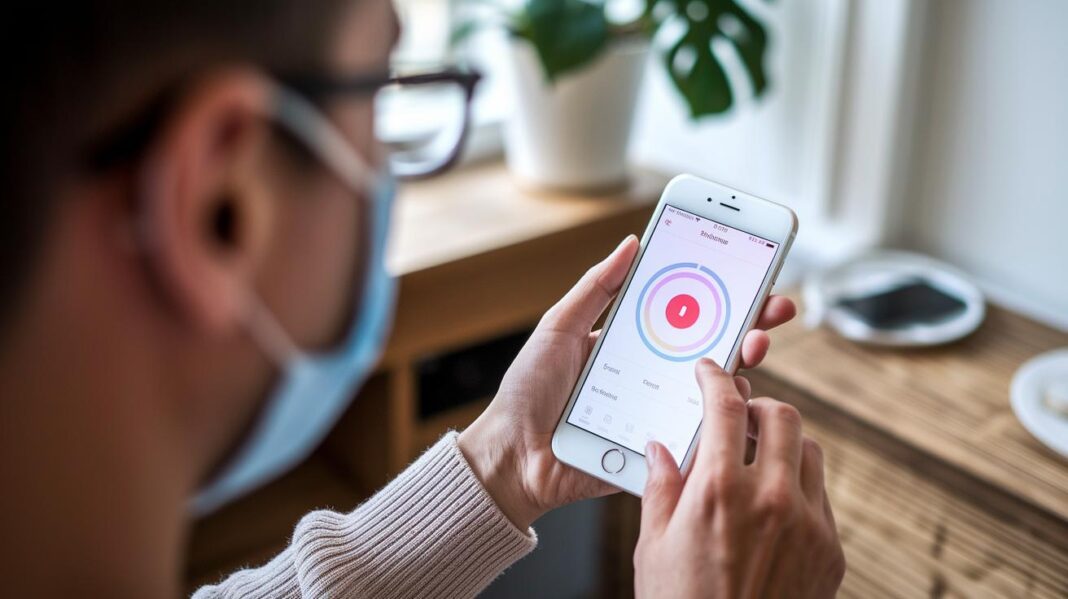

Ever think your smartphone could help you hear better? There are hearing aid apps that use smart technology along with simple controls to give you clearer sound and even live captions. With just a few taps, you can change the volume, switch settings, or even test your hearing while you’re on the move. It feels a lot like having a friendly sound coach right in your pocket.
This article shows you how these apps work and why they can make your everyday sound experience better. Isn’t it cool how a few taps on your phone can brighten your day?
hearing aid app Enlivens Your Sound Experience
Hearing aid apps make it easy to care for your hearing. They mix simple smartphone features with smart, new technology to give you clear control. These apps even let you see words appear on your screen as someone talks. And they offer live captions during phone calls, so you never miss a word.
Imagine catching every detail and tweaking your sound with just a few taps. It’s almost like having your own sound coach right inside your pocket. Top apps like Live Transcribe and InnoCaption turn your phone into a trusted audio helper.
These tools also let you fine-tune everything you hear. You can adjust the volume, switch between sound programs, and even check your hearing on the go. Whether you need a boost with extra sound or a quick hearing test, these apps fit right into your daily routine, helping make every conversation clearer and more confident.
| Feature |
|---|
| Real-time speech-to-text conversion |
| Live phone call captioning |
| Sound amplification up to 100 times |
| DIY hearing assessments in-app |
| Companion controls for hearing devices |
| Integrated tinnitus relief features |
| Accessibility tools like video subtitles and hearing-loss simulators |
Comparing Hearing Aid Apps and Traditional Hearing Aids
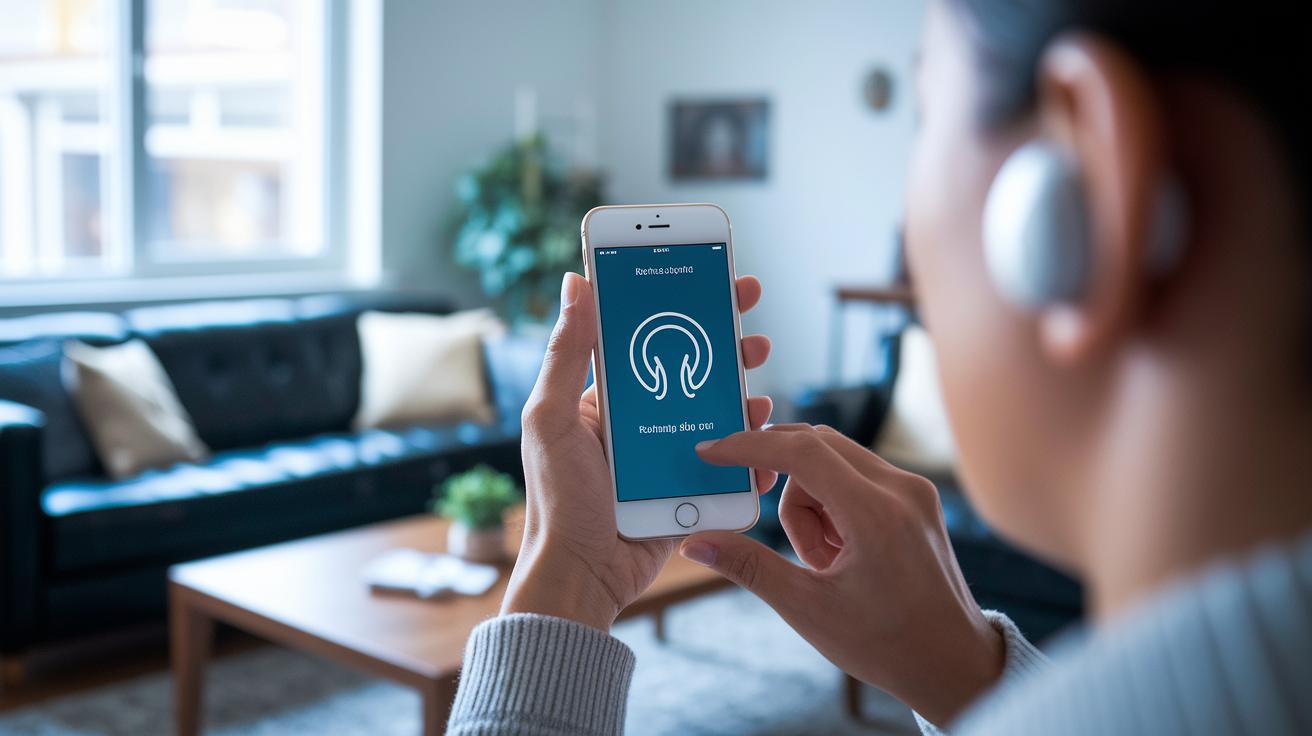
Hearing aid apps connect using Bluetooth, so they work directly with your devices or headphones. They let you quickly change the volume, switch settings, and stream audio from your phone. This makes them a practical option that easily blends into your everyday life.
Traditional hearing aids work a bit differently. They have built-in microphones and a digital processor that cleans up sound. An audiologist fits these devices to suit your ears, giving you a specially tuned listening experience and excellent battery life. In truth, their unique hardware often creates a richer, more detailed sound.
Using an app can save you money and lets you adjust settings right when you need them. But it also means relying on your smartphone each time you use it. Sometimes, the app’s sound processing might not match up to what a traditional aid provides, and its performance can differ between phone models.
Traditional hearing aids still stand out for clear, true-to-life sound and personalized tuning done by professionals. They remain a reliable choice if you value consistent audio quality, even though they might cost more and don’t offer the same quick-adjust convenience as an app.
Top-Rated Hearing Aid App Brands and Compatibility
Hearing aid apps mix the ease of your smartphone with smart sound controls. They let you fine-tune your audio, whether it's adjusting volume, tracking your daily steps, or cutting down on unwanted noise. And the best part? You can enjoy these features on both iOS and Android devices.
Take a look at the table below to see how each app stands out with its special features and pricing options.
| App Name | OS Compatibility | Key Features | Pricing |
|---|---|---|---|
| myPhonak v4.0.4 | iOS, Android | Extensive device customization, Health & fitness tracking | Free with in-app options |
| Starkey Thrive | iOS, Android | Body score data, Brain score monitoring | Free with subscription features |
| Signia App | iOS, Android | Volume/balance adjustment, Built-in tinnitus therapy | Free |
| ReSound Smart 3D | iOS, Android | Per-aid volume control, Program switching, Bass/mids/treble tuning, Environment-specific noise reduction | Free with premium options |
| Oticon ON | iOS, Android | Sliding-gesture volume control, Pre-set memories, Audio streaming, OpenSound Booster | Free with in-app purchases |
Installing and Configuring Your Hearing Aid App
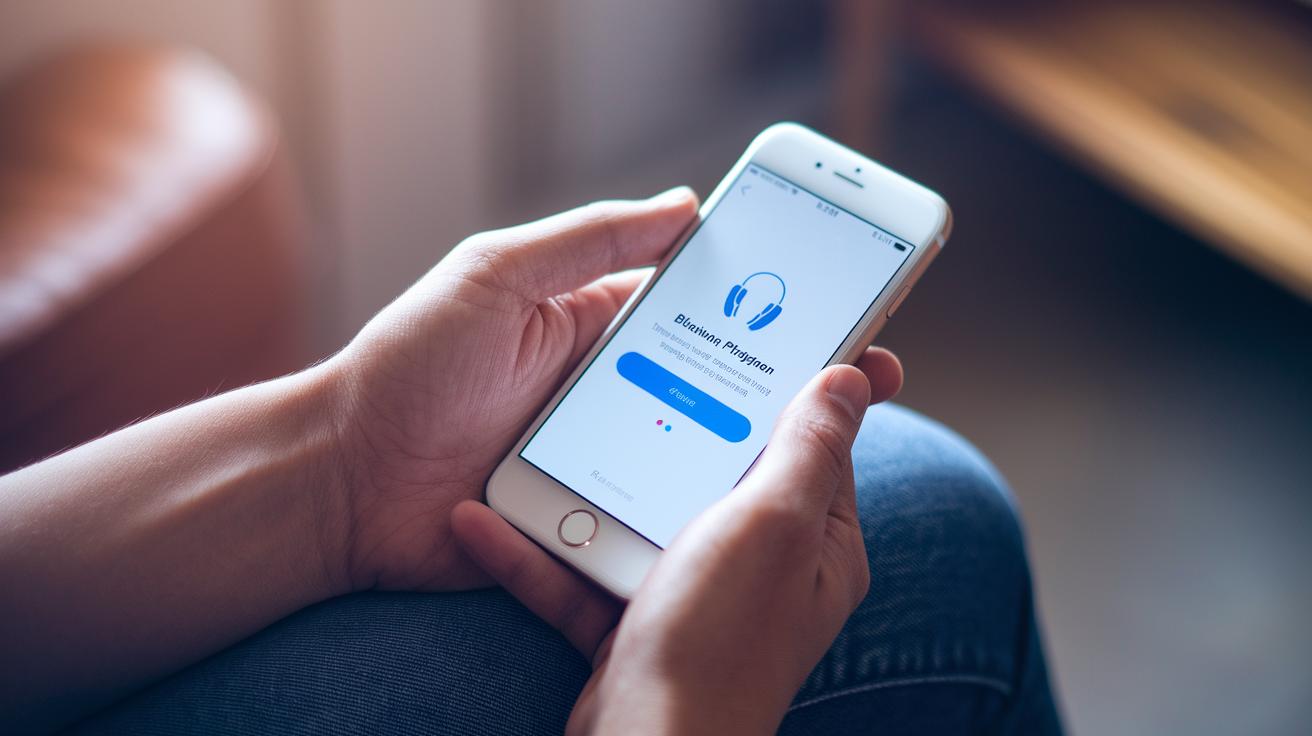
First, head over to your smartphone’s app store and download your hearing aid app. Whether you’re on the Apple App Store® or Google Play™, the process is super simple. Just type in the app’s name, tap install, and be sure your phone meets the requirements for a smooth start.
Once the app is on your phone, open it up and allow the permissions it asks for. It will need access to Bluetooth and your microphone so it can connect to your hearing device. If a prompt pops up, go ahead and grant the permissions, this helps your audio inputs and outputs work together seamlessly.
Next, follow the in-app steps to choose your specific hearing aid model. The app will walk you through pairing your device, including a quick test to adjust left/right settings and fine-tune your hearing preferences. It’s a bit like a mini calibration that makes sure the sound feels just right.
Finally, try out the controls by adjusting the volume and balance as needed. Most modern hearing aids support Bluetooth, so connecting is a breeze. Isn’t it amazing how smart tech can effortlessly adapt to your lifestyle?
Pricing and Subscription Models for Hearing Aid Apps
Many hearing aid apps are free to download and offer helpful features without costing you anything. For instance, apps like Live Transcribe, Sound Amplifier, Mimi Hearing Test, myPhonak, Signia, ReSound Smart 3D, Oticon ON, and Starkey Thrive let you try out real-time transcription and sound boosting right away. Even InnoCaption is available for free, thanks to FCC support. This means you can explore basic hearing tools without any upfront expense.
Of course, some parts of these apps do come with a fee. Advanced services, such as premium transcription or human captioning that might charge monthly or by the minute, usually require a subscription. These extra features give you more precise control and better support if you need a bit more help. This flexible pricing lets you decide whether the free basics are enough or if investing in extras will boost your hearing experience.
User Experiences and Limitations of Hearing Aid Apps
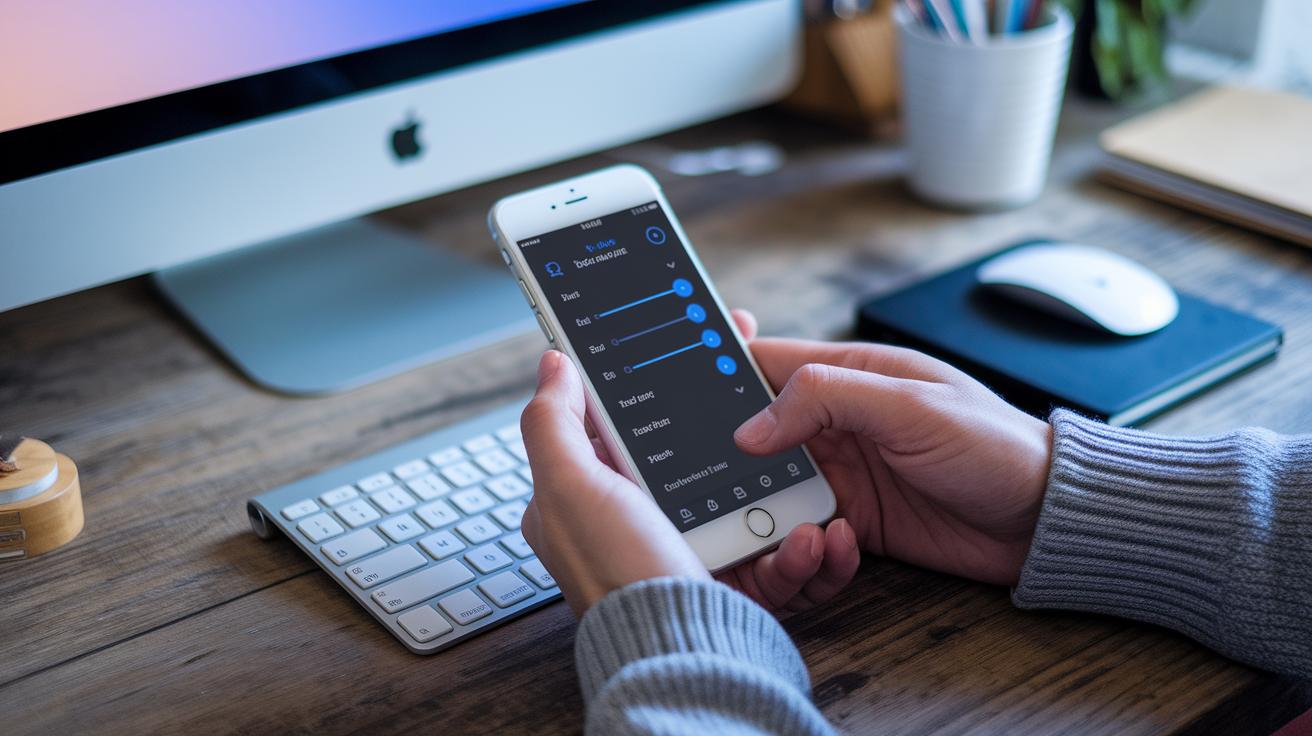
Many users love how easy it is to switch sound programs and enjoy the simple, subtle control these apps offer. They often say that a quick tap on their phone brings instant adjustments, making their daily audio feel fresh and personal. It’s like having a little helper right there with you, ready to change the sound whenever you need it.
That said, a few technical bumps can make things less smooth. Some users mention a slight delay in streaming or occasional Bluetooth dropouts. The sound quality might change depending on your phone, and if you’re using an older operating system, you might notice a drop in performance. Plus, relying on your phone’s battery sometimes means the app isn’t as dependable for long, uninterrupted use.
If you run into these challenges, a few basic steps might help clear things up. First, make sure your device is updated and you’re using the latest version of the app. Then, try restarting your Bluetooth connection or simply rebooting your phone. Often, these little fixes can smooth out the glitches and give you a better overall experience.
Best Practices for Customizing Your Hearing Aid App
Customizing your app lets you control every sound around you. Start by checking out the in-app tutorials. They show you how to adjust your audio levels and filter out unwanted noise so your world sounds just right.
Many apps let you build a personal sound profile. Imagine a tool like the Mimi Hearing Test where you can change tones and volumes to match your hearing. Some even have multiband equalizers. These let you tweak the bass, mids, and treble so you get the perfect mix.
Next, try using presets designed for different settings. Whether you’re in a quiet room or a bustling cafe, these scene-based options adapt your listening experience. It’s like having a custom soundtrack for every spot.
Once you set up your profile, test it out in different environments. Use any available features to check how well your settings work in both calm and busy places. For example, listen at home and then in a noisy place to see if the app handles background sounds nicely. Also, keep an eye out for updates and in-app tips, they might introduce handy features to help you get the best sound for your day-to-day needs.
Final Words
In the action, we explored key features of digital hearing tools, from real-time sound adjustments to simple setup steps that put control back in your hands. The article compared modern hearing aid apps to traditional aids, broke down pricing models, and shared helpful tips for a personalized experience.
Each section highlighted tools and tactics aimed at making healthcare more accessible. With smart digital solutions, enjoying a reliable, personalized hearing aid app feels like having expert care with you every step of the way.
FAQ
What are the best free hearing aid apps available for Android?
The hearing aid apps for Android provide free, user-friendly options that support Bluetooth pairing, customizable sound amplification, and convenient controls to help improve your listening experience with your smartphone.
What hearing aid apps work well on iPhone?
The hearing aid apps for iPhone offer free, accessible solutions with easy connectivity and simple settings adjustments, giving you a portable way to enhance your hearing and manage sound on the go.
What apps do I need to connect to my hearing aid?
The apps you need are those designed for your specific hearing aid model, connecting via Bluetooth to offer volume control, program switching, and direct pairing with your smartphone for smooth operation.
Can I control my hearing aid from my phone?
Many hearing aid apps let you control your device directly from your phone by adjusting volume, switching programs, and modifying settings, making everyday use more accessible and personalized.
Can a phone be used as a hearing aid?
A phone can function as a hearing aid by using apps that amplify sounds, provide real-time adjustments, and stream audio via Bluetooth, offering practical support for everyday listening needs.