


Ever wondered if checking your lab results could be as simple as tapping your phone? The Labcorp app makes it easy to manage your health tests. You can view your results right away, book appointments, and even handle billing without any fuss.
The app sends you real-time alerts and has an interface that’s really user-friendly. Just think of it as your personal health guide, right there when you need it. With a few quick taps, your lab info is right at your fingertips, fitting perfectly into your busy day.
Labcorp App Overview: Key Features and Functionality
The Labcorp app makes it super easy to manage your lab results, book appointments, and even handle billing, all on a secure mobile platform. It feels like a one-stop shop for your health records, giving you a quick and friendly way to see your results and coordinate your care.
When a new lab result or bill is ready, you'll get a real-time notification, so there are no surprises. The app also features an interactive PDF viewer where you can check, download, or print your lab reports without any fuss. And if you’re juggling multiple tests, you can easily manage up to 10 lab orders at once. Every swipe and tap feels natural, helping you move from booking appointments to finding nearby facilities like a breeze.
- Result notifications: Instant alerts when lab results or billing info is available
- Digital report access: Simple options to view, download, or print your lab reports
- Appointment module: Effortless scheduling for your lab tests
- Billing support: Organized and clear management of billing details
- Family profile management: Easily keep track of your loved ones’ test results
- Intuitive navigation: A friendly layout that makes everything easy to find
Overall, the Labcorp app cuts down on wait times and keeps your health on track, making the whole experience feel a lot more effortless.
Labcorp App Download & Installation Guide for iOS and Android
The Labcorp app works on many modern devices. If you have an Android phone running Android 8.0 or higher or an Apple device on iOS 13 or later, you're ready to go. The latest version, 7.5.0, released on October 3, 2025, builds on a long line of 45 earlier updates.
With just a few taps, you can check lab test results, schedule appointments, and manage billing easily. Before you start, make sure your phone has enough storage and that any background downloads are paused. A little prep goes a long way in keeping things smooth.
Here’s how to install it:
- Search for "Labcorp | Patient" in your app store.
- Tap Install or Download.
- Accept the app permissions.
- Wait for the installation to finish.
- Open the app and give the initial permissions.
For the best experience, check for updates often. Make sure your device is compatible and use a reliable Wi-Fi connection, especially if the download is large. These simple steps help keep your app updated and running smoothly.
Labcorp App User Registration & Secure Login Setup
Getting started with the Labcorp app is easy. First, you simply enter your email and click the link sent to you. After that, create a secure PIN and fill in your profile details. This step-by-step process makes sure you’re ready in no time.
Next, you can choose an extra layer of security. The app lets you use Face ID or fingerprint login, so signing in can be as simple as a quick glance or touch. If you want even more protection, you can turn on multi-factor authentication. This means you get a code on your phone to verify your identity, keeping your account safe and sound.
Forgot your login info? Don’t worry. Just tap "Forgot Password" and follow the instructions to reset your details. This secure feature ensures your health records are well-protected. Remember to update your recovery information from time to time to keep everything extra safe.
labcorp app: Enjoy Instant Lab Access
At the bottom of your screen, you'll see a clear navigation bar with Home, Results, Appointments, and More icons. It feels like a simple guide that lets you move easily from one feature to the next.
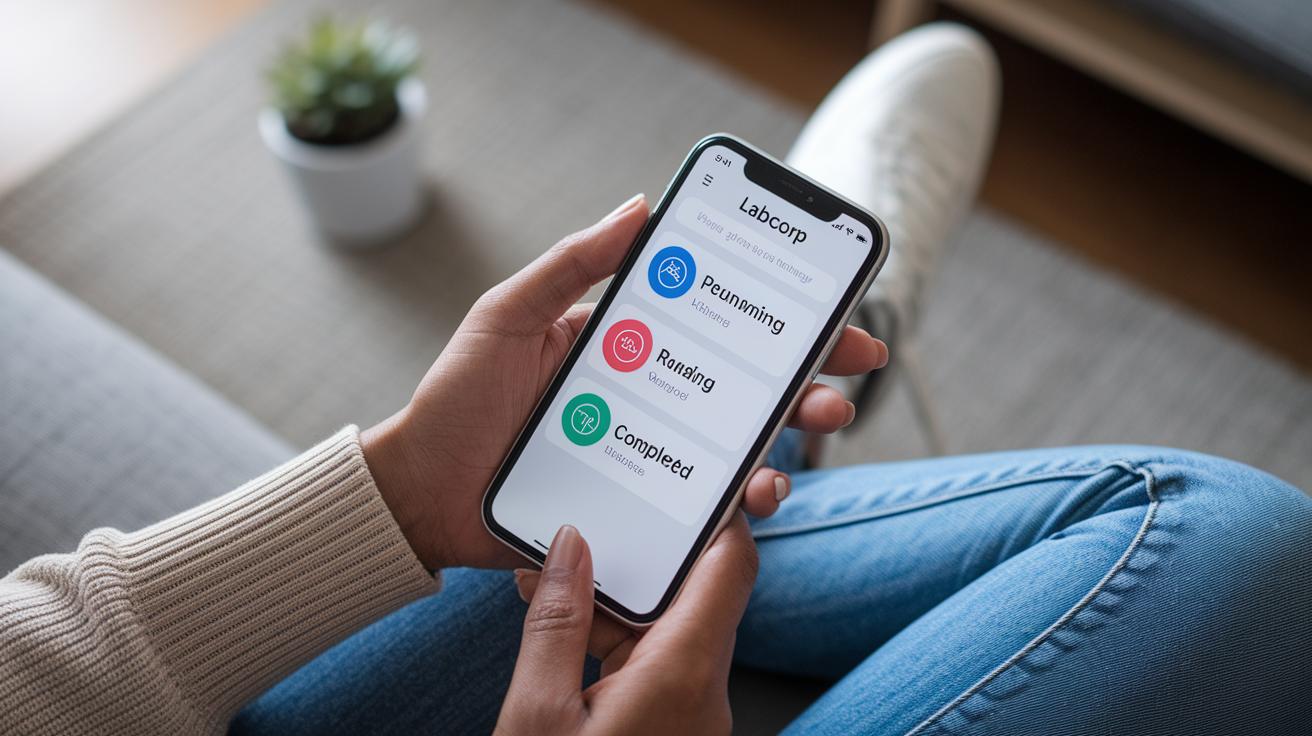
Keep an eye on your lab orders with real-time badges that show the test status. The app can track up to 10 lab orders at once, marking each one as pending, running, or completed. For example, if you're waiting on a blood test, the badge changes color to show its progress. This straightforward display means you can check your health records quickly without extra clicks. It gives you that calm assurance of knowing exactly where your lab work stands.
A fun touch is the swipe gesture. A quick left or right swipe lets you schedule new tests or look for a nearby lab, so you can get to what matters fast.
Designed for modern smartphones, the app adjusts smoothly to your touchscreen. Its clean layout makes it easy to find test results or book an appointment, much like scrolling through your favorite social feed. Each tap and swipe is set up to be clear and natural, putting your health information right at your fingertips.
Labcorp App Appointment Scheduling & Check-In Tools
Our Labcorp app makes booking your test a total breeze. It helps you pick the right test, like a blood test or urine screening, and choose a date and time that work perfectly for you.
Here’s what you can do:
- Select your test type
- Pick a date
- Choose a time slot
- Check in digitally
- Get confirmation alerts
- Reschedule if needed
- Find nearby lab locations
Once your appointment is set, the app handles the rest. It gently confirms your check-in so you don’t need to worry about a thing. Friendly notifications remind you that your appointment is locked in, and if your plans change, you can update it quickly. Plus, the interactive map uses GPS to show over 1,000 Labcorp locations nearby. With simple zoom controls, you can easily spot a lab that's close to home or work. Every step, from choosing your test to checking in, feels smooth and clear, designed just for you.
Labcorp App Lab Results Access & Test Management
Get alerts right in the app when your lab results or billing details are ready. It’s like getting a gentle nudge to check what’s new. For more on real-time alerts and test tracking, take a peek at the labcorp app's Enjoy Instant Lab Access section.
| Test Status | Badge Indicator | User Action |
|---|---|---|
| Pending | Gray badge | View details |
| Running | Blue badge | Monitor progress |
| Completed | Green badge | Download/print |
Once you check an alert, open your interactive PDF viewer. This makes it easy to download, print, or share your lab reports. Just tap on a test to get more info. Remember: a gray badge means it’s still pending, a blue badge shows it’s in progress, and a green badge tells you the test is done.
Labcorp App Security, Privacy & Compliance Measures
Labcorp cares about keeping your health information safe. The app uses strong encryption, like TLS 1.2 for information traveling between devices and AES-256 when data is stored. This means your sensitive health details stay protected.
You can log in using friendly options such as Face ID or fingerprint scanning, and you even have the option to add an extra layer of protection with two-factor authentication. So, even if someone gets hold of your device, your account remains secure.
The app also keeps a close eye on your sessions. After a period of inactivity, you'll be automatically logged out, which protects your details if you step away. Plus, there’s a privacy dashboard where you can easily review and adjust your settings. If any changes come up in privacy rules or HIPAA guidelines, you’ll get clear notifications. All these measures work together to give you confidence that your personal health records are managed with the utmost care.
Labcorp App Support & Troubleshooting Resources

When you’re grabbing large reports or files, make sure you’re on a strong Wi-Fi connection. This little tip really helps the app run smoothly so your updates and downloads finish without a hitch.
- Check that your app is updated
- Clear the app’s cache and data
- Double-check your internet connection
- Restart the app or your device
If you run into a small glitch or see an error, don’t worry. The app’s built-in help section is there to guide you through fixing things like interface errors or service outage alerts. You’ve got several ways to get support right at your fingertips. Live chat can give you quick answers, and you can email detailed questions if needed. Plus, there’s 24/7 support available on the hotline at 1-888-522-2678 if you need help immediately. All these options work together to keep your experience smooth and limit any downtime.
And if you ever feel stuck or just wonder how to fix a minor hiccup, the in-app help page explains troubleshooting tips in plain language. Following these steps and knowing where to find help makes managing your lab reports on the Labcorp app both simple and worry-free.
Final Words
In the action of streamlining healthcare, the article reviewed how the Labcorp app makes managing lab results, appointments, and billing feel effortless. We explored a straightforward download guide, a user-friendly registration process, and clear navigation that puts key features at your fingertips. With safety measures and quick support options, the app shows how mobile diagnostics can support your everyday health needs.
Overall, the labcorp app brings secure, accessible care right to your phone, making health management easier and more positive every day.
FAQ
Labcorp near me
The Labcorp near me query means the app uses your device’s GPS to quickly list nearby Labcorp facilities, helping you find a convenient testing location with ease and confidence.
How do I download the Labcorp app for Android and other devices?
The Labcorp app download inquiry shows that the app is free from Google Play for Android (version 8.0+) and the Apple App Store for iOS (version 13+). Simply search, install, and follow the setup prompts.
How do I set up and access the Labcorp patient portal?
The Labcorp patient portal setup question explains that new users verify their email, create a PIN, and complete profile details before securely logging in through the dedicated patient portal.
How can I view my Labcorp test results and patient portal results?
The Labcorp test results inquiry tells you that results appear in an interactive PDF viewer within the app or portal, with real-time notifications that allow quick downloading, printing, or sharing.
How can I schedule a Labcorp appointment using the app?
The Labcorp appointment query means you can choose test types, select a date and time slot, and complete a digital check-in. The app sends confirmation notifications and provides rescheduling options if needed.
How do Labcorp providers log into their accounts?
The Labcorp provider login question indicates that providers access their accounts through a secure, dedicated portal designed for managing patient data and lab orders efficiently.
What does using Apps labcorp com Citrix involve?
The Apps labcorp com Citrix inquiry means certain Labcorp services are accessible via a Citrix interface, offering a secure alternative for remote access and management of lab services.