


Have you ever lost track of the day before you knew it? ADHD apps might be just the unexpected buddy you need. They break tasks into bite-sized parts, keep your schedule tidy, and give you a gentle nudge to keep going. It’s like having a trusted planner and a supportive coach in your pocket. These apps help with forgetfulness and scattered thoughts so you can feel more focused and get more done. Let’s dive into how ADHD apps can turn daily chaos into simple, clear steps.
Essential ADHD Apps for Improving Focus, Organization, and Productivity
ADHD apps are handy digital helpers that make daily planning and staying focused much simpler. They come with clear, easy-to-understand features that help you manage common challenges like forgetfulness and losing track of time. These apps break tasks into smaller pieces and offer gentle reminders to keep you on course. In simple terms, they take your everyday routine and turn it into a series of manageable steps that boost your focus and productivity.
Six great apps really stand out. Tiimo, for instance, uses color-coded timelines and handy home-screen widgets so you can see your plans at a glance. Forest makes focus fun by letting you plant a virtual tree that grows as you work without distractions. Habitica turns your daily tasks into little quests, rewarding you with virtual wins and a sense of community. Bearable tracks your mood by syncing sleep, energy, and overall well-being with entries that you can customize. Tiny Decisions helps when you’re overthinking by randomly picking a choice, making decision-making a breeze. And Medisafe keeps your medication routine on track with personalized reminders, easy pill tracking, and refill alerts.
There are more than 25 apps available that tackle everyday challenges like disorganization and time mismanagement. Together, these tools support your daily executive functions by turning potential obstacles into small, manageable parts of your day.
Comparing Free vs Premium ADHD Apps
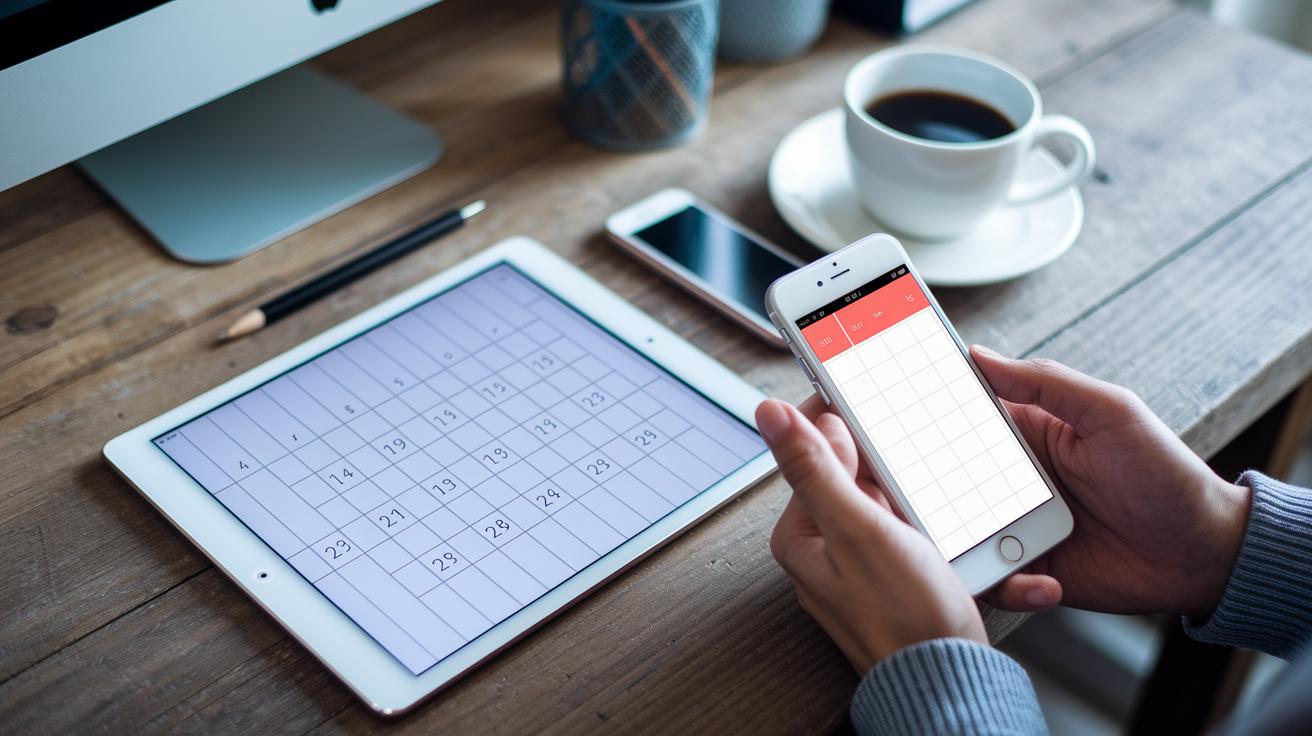
Ever wonder which ADHD app can help sharpen your focus? Some apps are free and give you basic tools to stay on track, while others offer cool extras for a small monthly fee. It's like choosing between a simple toolkit or one with extra gadgets that make life a bit smoother.
Here’s a peek at a few popular options:
| App Name | Platforms | Pricing |
|---|---|---|
| RescueTime | PC, Mac, Android, Linux | Free plan; paid tiers up to $9/month |
| Focus@Will | iOS, Android, Web | 15-day free trial; then $9.95/month |
| Freedom | Mac, PC, Android | Free trial; then $2.50/month |
| Evernote | iOS, Android | Basic free; Personal at $7.99/month; Professional at $9.99/month |
| Mint | All major platforms | Free |
| Dropbox | iOS, Mac, Android, PC | 2 GB free; then 2 TB for $9.99/month |
| IFTTT | iOS, Android | Free with paid plans from $5/month |
| Boomerang | Android | 10 free messages monthly; plans start at $4.99/month |
When you're picking an app, think about what fits your life and wallet. Free versions let you try things out and build new habits without spending a dime. Then again, if you need a little extra help with detailed tracking and smart tweaks, a premium option might just be your perfect match. Enjoy exploring your choices!
Planning and Scheduling Features in ADHD Apps
Think of visual schedules as a friendly guide to help you plan your day. They use bright colors and easy icons so you can quickly see what needs to be done. It’s like having a simple sketch of your day where everything has its own space.
- Color-coded blocks
- Home screen widgets that show you your schedule
- Calendar syncing to keep things organized
- Drag-and-drop scheduling for an easy touch
- Custom reminder settings so you never miss a beat
Apps like Tiimo use visual time blocking, while Bearable lets you track your mood, sleep, and energy throughout the day. Medisafe even adds refill alerts and keeps track of symptoms. For people whose brains work a bit differently, these features help turn overwhelming to-do lists into a clear, friendly layout. This way, you feel more at ease and confident managing your day-to-day tasks.
Task and Time Management Tools in ADHD Apps

Many ADHD apps turn everyday challenges into small, doable steps. They come packed with handy features like timers and fun, game-like task lists. These apps help you beat distraction and build strong time management skills. They break activities into bite-sized chunks and guide you to plan your day with clear, simple steps.
Focus Keeper
Focus Keeper uses a method called the Pomodoro technique, which means you work for a set time and then take a short break. You get to set clear goals, check your progress in logs, and even get reminders. This approach helps you keep distractions at bay and builds a steady work rhythm, so you stay on track throughout the day.
Alarmy
Alarmy changes your wake-up routine in a playful way. Before you can switch off the alarm, it makes you complete a task, like solving a simple math problem. This little challenge shakes off sleepiness and gives you a jump start for the day.
Habitica
Habitica makes daily chores feel like a fun quest. As you complete tasks, you earn experience points and virtual rewards. Plus, you can join community groups that keep you motivated and add a social touch to managing your routine. It’s a unique way to turn everyday duties into an engaging adventure.
Tiny Decisions
Tiny Decisions helps cut down on decision fatigue by picking for you. It randomly selects from choices you’ve provided, so your mind stays free to focus on what really matters. This quirky tool takes the guesswork out of choosing and keeps your day moving smoothly.
Together, these apps provide easy-to-use tools that turn big tasks into steps you can handle. Their features build real-life skills by suggesting structured breaks, engaging routines, and simple ways to make decisions, making your day feel more productive and balanced.
User Experience and Accessibility in ADHD Apps
Good user experience makes all the difference in any app, especially when you're managing ADHD symptoms. A simple layout helps you find what you need without feeling swamped by too many options. Lots of great apps offer clean designs, changeable color themes, and easy-to-read icons. For example, Bearable’s mood tracker lets you quickly jot down your feelings, while Medisafe’s pill tracker uses clear, simple controls for users of every tech level.
Consider these design points that boost app accessibility:
| Key Feature | Description |
|---|---|
| Interface simplicity | A clean design with no clutter. |
| Customizable visuals | Options to adjust colors and fonts. |
| Notification controls | Easy settings to manage alerts. |
| Widget usability | Simple tools right on your home screen. |
| Accessibility settings | Features that help with reading and navigation. |
| Onboarding tutorials | Step-by-step guides when you first use the app. |
These elements work together to keep distractions low and usability high. When you’re picking an ADHD app, look for a design that clicks with your daily habits. A friendly, easy-to-navigate interface can ease frustration and build your confidence day by day. In truth, careful design makes everyday challenges feel much more manageable.
Expert Recommendations and Future Trends for ADHD Apps

Experts say it's best to pick apps that match your own needs. Try a few different tools to see which ones fit into your daily routine. Start with easy-to-use apps and then try more advanced features as you get comfortable. Look for options like cross-platform syncing (which means your data works on various devices) and wearable reminders that help you stay connected wherever you are. These tips let you build a personalized plan that suits your unique brain and everyday habits.
Looking ahead, ADHD apps are changing fast. New apps use smart AI to adjust your schedule so everything fits in nicely, and they even add fun, game-like activities to make focus practice more engaging. Plus, you'll see more tools that help block distractions automatically, keeping you on track throughout your day. Stay tuned to the latest trends in mobile health as these innovations bring better focus tools right into your daily life.
Final Words
In the action, we explored a range of digital tools designed to boost focus, organization, and productivity. We touched on visual scheduling, task management, and cost comparisons, each offering its own unique benefit.
We also looked at how user-friendly designs and expert insights can guide your daily routine. With such a variety of adhd apps to choose from, there’s a chance to find just the right fit to enhance your everyday life and maintain a positive vibe.
FAQ
Frequently Asked Questions
What free ADHD apps are available for adults and how do they help with focus and organization?
The free ADHD apps available offer tools to manage focus, schedule tasks, and set reminders. They help simplify daily planning for adults without requiring any cost.
Which ADHD apps do people recommend for adults, kids, and students, including those popular on Reddit?
Many users recommend apps like Tiimo, Forest, and Habitica, as they cater to various needs. These apps offer engaging, easy-to-use features that work well for adults, kids, and students alike.
What is considered the best app for ADHD?
The best ADHD app depends on your needs. Many users praise visual scheduling apps such as Tiimo for combining focus management with personalized reminders for a balanced daily routine.
What is the 1/3/5 rule for ADHD and how does it work?
The 1/3/5 rule breaks tasks into one major goal, three medium tasks, and five small actions. This structure helps reduce overwhelm and improves everyday task prioritization.
What is the 20 minute rule for ADHD and how can it improve focus?
The 20 minute rule suggests working steadily for twenty minutes followed by a short break. This method helps maintain concentration and prevents mental fatigue during longer projects.
What do doctors say about ADHD apps for managing symptoms?
Doctors note that ADHD apps can be useful tools when combined with professional advice. They often recommend these apps to support focus, organization, and to complement structured treatment plans.