
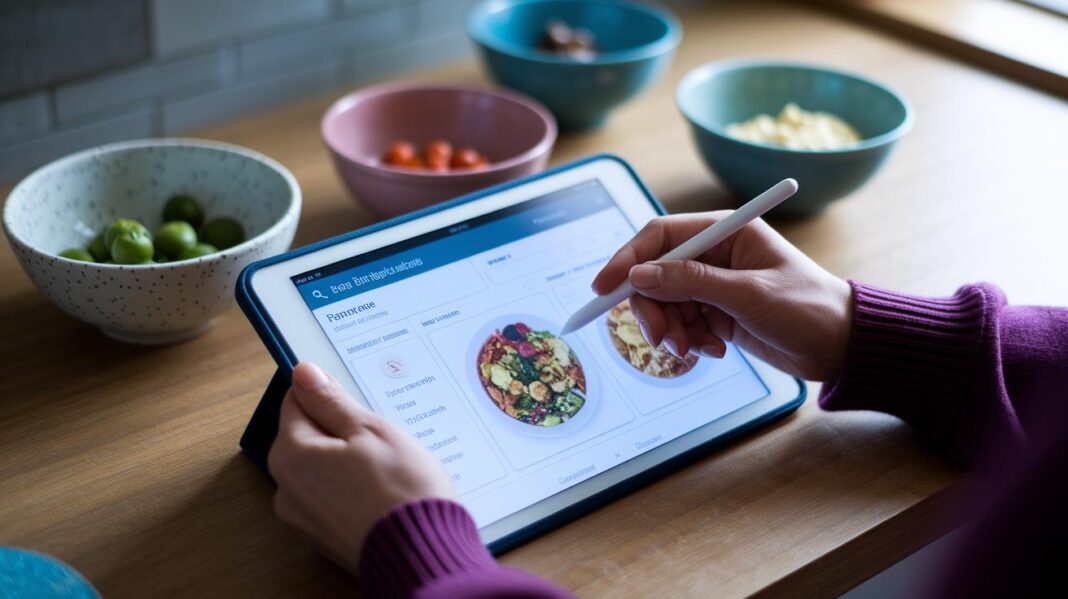

Ever thought meal planning might be fun instead of a headache? Try a meal planning app, it can completely change your cooking routine. Picture yourself moving meals around like tiles on a board until you set a perfect plan.
These apps often come with cool features, like grocery lists that update on their own and voice instructions that guide you through recipes. It’s like having a friendly helper right on your phone!
Keep reading to see how these handy tools can make mealtime both organized and more enjoyable.
Comparing Top Meal Planning Apps for Key Features and Reviews
We looked closely at meal planning apps that are both simple to use and full of handy features. Our goal was to find apps with a clear layout, smooth support for your devices, and tools like drag-and-drop scheduling, built-in calendar syncing, and even voice-guided recipe help. These apps are perfect whether you are a tech expert or just starting out with digital planning.
These choices work well on many devices so everyone in your home can join in easily. We checked if each app could create grocery lists, sync with your calendar, and offer extra features like pantry management or letting you save recipes when you're offline.
- Plan To Eat: Lets you drop meals into slots and visually plan with calendar tools.
- Prepear (Gold): Makes it easy to share recipes and manage your pantry.
- My FreezEasy: Focuses on freezer meal prep with an easy-to-use schedule builder.
- eMeals: Offers themed menus and syncs directly with retailers.
- Cozi (Gold): Helps families plan together with shared calendars.
- Mealime: Guides you hands-free through cooking and adds nutrition details.
If you love simple, visual planning, you will appreciate the drag-and-drop and calendar views in apps like Plan To Eat and My FreezEasy. Families and teams can take advantage of Cozi's shared calendars, while busy cooks may find Mealime's voice-guided mode really helpful. Each app fits a different lifestyle, whether you plan meals ahead or are just exploring digital meal planning options.
Meal Planning App: Create Delicious, Organized Meals

This meal planning app offers a fun, hands-on way to set up your meals. Its calendar view lets you drag and drop meal blocks with ease. You can rearrange your daily menus like moving pieces on a game board. Really, it makes meal planning feel like play.
The app automatically builds your grocery list and works with popular services like Instacart, Shipt, and Amazon. Forget the hassle of writing out long lists. And if you scan an item's barcode, it adds it to your list in seconds. Just one quick scan and your favorite snacks are covered.
You also get a clear nutrition dashboard that keeps track of your calories and breaks down proteins, fats, and carbohydrates. Plus, your custom recipes, meal plans, and shopping lists are safely backed up in the cloud. No need to worry about losing your hard work.
There’s a hands-free recipe mode, too. Imagine your phone gently guiding you through each step, almost like having a friendly chef by your side. It’s a simple way to keep your cooking stress-free and enjoyable.
Pricing Comparison Table for Popular Meal Planning Apps
Meal planning apps come in different price styles. Some let you use them for free with in-app upgrades, some need you to subscribe each month or year, and others charge a one-time fee. Most apps give you a free trial so you can test them out before deciding.
| App | Free Trial | Subscription Model | Monthly Cost | Annual Cost |
|---|---|---|---|---|
| Plan To Eat | 14-day trial | Yes | $4.95 | $39 |
| Prepear Gold | 30-day trial | Yes | $9.99 | $89.99 |
| My FreezEasy | Free trial | Yes | $12 | $120 |
| eMeals | 14-day trial | Yes | $4.99 | $59.99 |
| Cozi Gold | 14-day trial | Yes | $2.50 | $29.99 |
| Mealime Premium | Free download upgrade | Yes | $5.99 | $59.99 |
Each option has its own perks. If you’re watching your budget, Plan To Eat or Cozi Gold might be a great pick. But if you like extra features such as voice guidance, Mealime Premium could be more your style. Your best choice depends on how often you plan your meals and what fits with your wallet.
Real-World User Feedback on Meal Planning Apps

Real users are saying these meal planning apps really save time and help them stick to their plans. Families mention that a simple 30-minute planning session each week can shave off up to two hours from their grocery trips. Dieters find that using the built-in nutrition reminders boosts their success rate to about 90%, making healthy eating much easier. Plus, many folks love the shared calendar on apps like Cozi and Plan To Eat, which lets up to four family members plan meals together without any hassle.
Mobile reviews also point out the fun, social side of these platforms. A lot of users are raving about Mealime's hands-free cooking mode, describing it as a smart, voice-guided helper that makes following recipes a breeze. Social posts and community ratings keep praising the smooth recipe sharing and real-time updates, turning meal planning into something not just efficient but genuinely enjoyable. This feedback shows that both busy families and individuals can really benefit from these clever and engaging features.
Step-by-Step Guide to Setting Up Your Meal Planning App
Step 1: Account Creation
First, set up your account using your email or social account. Allow the app to access needed features like your camera so you can scan barcodes. You might also have the option to link your grocery store profile, which can save time later.
Step 2: Recipe Import
Next, add your favorite recipes. You can copy them from websites or type them in by hand. Some apps even let you store recipes when you're offline, keeping your meal planning smooth even without an internet connection.
Step 3: Calendar Assignment
Now, choose specific dates for your meals on the app’s interactive calendar. With a simple drag-and-drop method, you can easily shift meals around. This lets you see your week of meals clearly, so you know what's coming up.
Step 4: Grocery List Generation
After planning your meals, the app automatically creates a grocery list. You can adjust this list with an intuitive drag-and-drop tool. Some apps also connect with retailers, making your shopping easier by collecting all the ingredients from your planned recipes.
Step 5: Sync and Share
Finally, sync your meal plans across all your devices and share them with family members. Cloud backup and sharing features let everyone add ideas and review meals, helping the whole household stay organized and on the same page.
Expert Tips for Maximizing Meal Planning App Efficiency
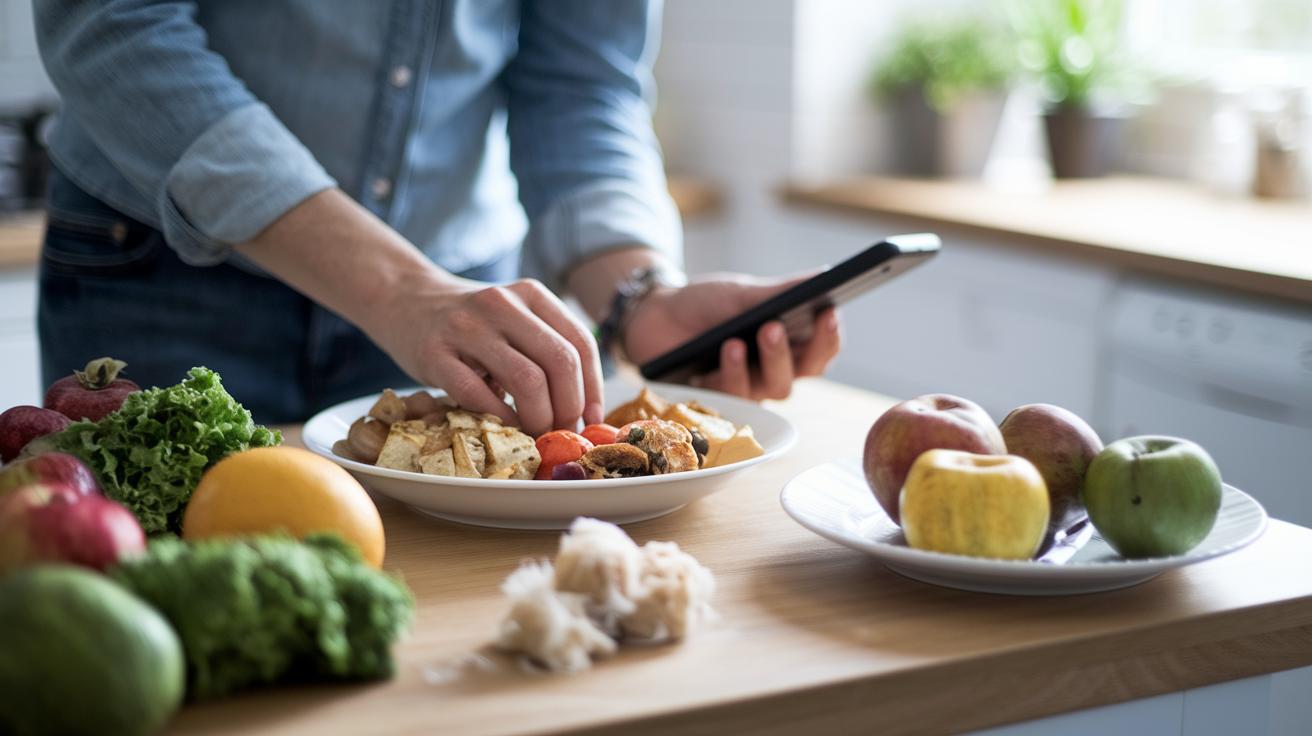
Batching recipes that share ingredients can really save you time and money. Try grouping similar dishes so you can reuse items throughout the week. You might label them by prep time, difficulty, or even what diet they fit. For example, using built-in templates for breakfast, snacks, or one-pot meals can speed up planning a lot. Planning a day for leftovers cuts down on food waste and keeps your grocery budget in check. It’s a lot like having a personal helper that sorts everything out with just a tap.
Turning on plan notifications is a smart way to keep you on track. These reminders make sure you never miss shopping for ingredients or prepping your meals. Adjusting your grocery-list sync turns your app into a clever shopping guide, covering everything from fresh produce to pantry staples. Even on the busiest days, this trick helps you stay organized and ready for every meal.
Emerging Integrations and Future Trends in Meal Planning Apps
Modern meal planning apps are getting incredibly smart. They now connect with your smart devices and use AI (that’s a way for computers to learn your habits) to plan your meals in a way that just makes sense.
They also sync with fitness trackers like Fitbit and Apple Health, which means they help you align your meals with your daily activity. When you see a suggestion for how much protein or carbs to include, it’s matching up with what you’ve been doing all day.
Plus, these apps can offer you recipe ideas based on what’s already in your pantry. Imagine opening your fridge and knowing your app has already thought up an idea that fits your ingredients perfectly. It really takes the guesswork out of dinner time.
Some even let you set up meals using just your voice through smart speakers so you can multitask easily. And with built-in tools that track your spending and monitor ingredient use, you can see exactly where your money is going and how to cut back on waste.
Looking ahead, there are three exciting trends. First, predictive grocery delivery scheduling is coming soon. Services like Instacart and Shipt will soon make it even easier to stock your pantry without a hitch. Next, enhanced voice-command scheduling is set to further simplify how you set up your meals, making the process almost as simple as chatting with a friend. Finally, advanced analytics dashboards will give you real-time insights into your spending and food waste, which means you'll always know where you stand at a glance.
It’s all about making your meal planning more intuitive, so every step, from cooking to budgeting, feels effortless.
Final Words
In the action, the post broke down a side-by-side view of top meal planning apps. It covered user-friendly device support, core features like calendar-based scheduling, grocery list generation, and even real user feedback.
Readers learned about step-by-step onboarding, pricing options, and expert tips for a smoother weekly planning routine. A meal planning app that fits your lifestyle paves the way for effortless, healthier days ahead.
FAQ
What are the best free meal planning apps with grocery list features?
The best free meal planning apps offer built-in grocery list tools that compile ingredients automatically, easy-to-use meal calendars, and simple recipe management designed to simplify your weekly cooking and shopping routine.
How do Reddit users rate meal planning apps?
Reddit users share honest feedback on meal planning apps, praising clear grocery integration, intuitive interfaces, and shared calendars. Their discussions help new users decide which app best fits their cooking habits and lifestyle.
How suitable are meal planning apps for families and couples?
Meal planning apps suit both families and couples by offering shared calendars and grocery lists that keep everyone aligned. They simplify dinner scheduling and help reduce the stress of last-minute meal decisions.
Can ChatGPT make a meal plan?
ChatGPT can create meal plans by suggesting recipes and organizing weekly menus based on your preferences and dietary needs. It provides a useful starting point though a dedicated app might sync plans more seamlessly.
Does MyFitnessPal create meal plans?
MyFitnessPal mainly tracks calories, nutrition, and exercise rather than crafting meal plans. Many users pair it with meal planning apps to obtain a complete schedule and integrated grocery list for a balanced approach.
How do I create a 7-day meal plan?
To create a 7-day meal plan, start by listing your favorite meals and assign each dish to a specific day using a calendar or planning app. Then generate a grocery list to streamline your shopping and meal prep.