
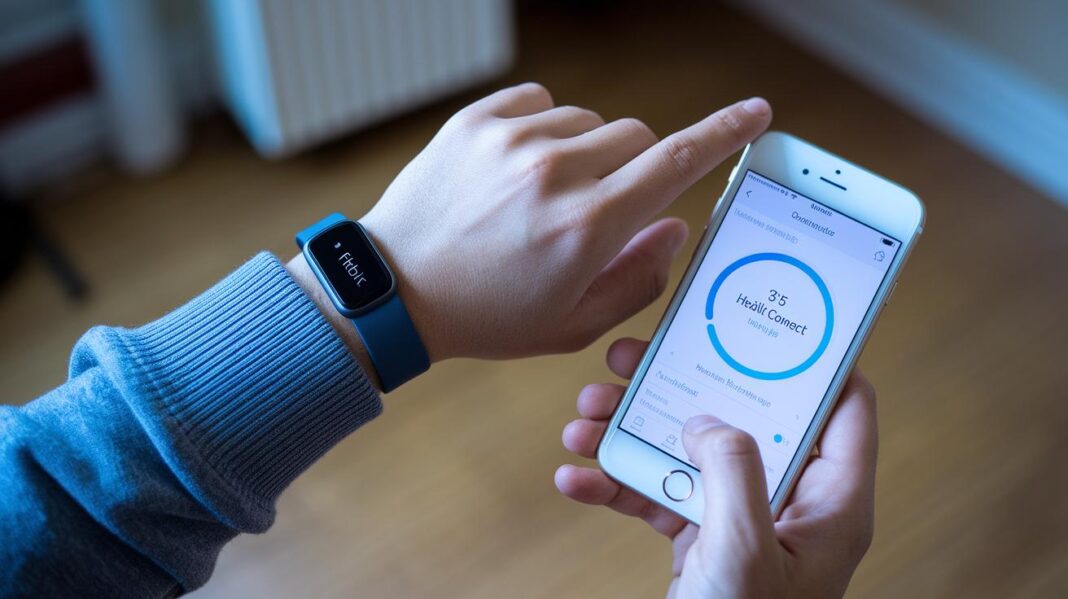

Ever feel like checking your health data is hard to figure out, almost like piecing together a puzzle? The new Fitbit Health Connect update makes it simple by showing everything in one easy view. Imagine seeing your steps, heartbeat, and calories all at once, without flipping between apps.
It’s a quick, neat upgrade that lets you check your fitness and food data at a glance. In this article, I'll show you how it works and walk you through setting it up so you can get the most from your Fitbit every day.
Fitbit Health Connect App: Elevate Your Data Sync

Imagine this: your Fitbit app is now packing even more useful info, all in a single spot. At the end of February, Fitbit announced a cool update that’s slowly rolling out. It brings Health Connect-enabled wearables and services straight to your Fitbit Android app so you can see all your health stats without hopping between different apps.
Next, the app now pulls data from fitness and nutrition apps like AllTrails and MyFitnessPal into one neat view on the Fitbit “You” tab. This means you can easily check your steps, active minutes, and heart rate trends from different sources in one place. It’s all about making it simple and letting you see how different parts of your health fit together.
The update works with many Fitbit devices, so connecting your tracker and getting a full look at your health is a breeze. For more details on which gadgets are supported, have a look at wearable tech for health.
- Charge 6
- Sense 2
- Versa 4
- Charge 5
- Inspire 3
- Ace series (Ace, Ace 3, etc.)
Fitbit Health Connect App Setup: Step-by-Step Guide

Ready to dive in? In just a few moments, you can download the Fitbit app and sign in with your Google account. Follow these steps to set up Health Connect and join Reaction Club. This connects you with a welcoming community of health lovers from around the world.
- Download the Fitbit app from the Google Play Store or Apple App Store.
- Sign in using your Google account.
- Go to the "You" tab and tap the Health Connect tile.
- When asked, allow the app to access your data.
- Connect to Reaction Club by clicking the invitation link or scanning the QR code.
- Accept the Amdocs BeHealthy invitation.
- Confirm sync settings for apps like AllTrails and MyFitnessPal.
Now that you're all set up, enjoy the convenience of viewing all your health stats in one easy dashboard. Just tap the Health Connect tile in the "You" section and see detailed data from various health and fitness apps. The simple prompts make it easy to grant the permissions you need for a smooth experience.
By joining Reaction Club, you're not just syncing data, you’re becoming part of a global community that loves to share tips, insights, and support one another's well-being. Enjoy a more connected health tracking experience as you bring together the best of apps like AllTrails and MyFitnessPal.
Fitbit Health Connect App Device Compatibility and Requirements

For Android users, all you need is a phone running Android 9 or later and the Fitbit app updated to version 4.50 or above. This setup makes sure your Health Connect works smoothly and keeps your data safe.
If you're on iOS, it’s just as easy. Make sure your device uses iOS 14 or later and update your Fitbit app to version 4.50 or above. That way, your health info stays secure and syncing happens without a hitch.
| Device Category | OS Requirement | Fitbit App Version |
|---|---|---|
| Smartphones (Android) | Android 9+ | 4.50+ |
| Smartphones (iOS) | iOS 14+ | 4.50+ |
| Charge series | Android/iOS | 4.50+ |
| Watch series (Sense, Versa) | Android/iOS | 4.50+ |
| Inspire series | Android/iOS | 4.50+ |
Keep your devices updated. This helps you enjoy secure data storage and hassle-free syncing on every platform.
Managing and Viewing Synced Data in the Fitbit Health Connect App

Inside your Fitbit app, all your health numbers come together on one easy-to-read screen. Open the Health Connect tile on the "You" tab and you'll see a dashboard that gives you more than just a quick look, it's a view you can customize. You can adjust the display to watch your heart rate trends or compare your daily activities over a week. For instance, you might choose a colorful graph for your step count so you can quickly spot your most active days.
Here's what you get:
- Your step count combined from different apps.
- Total active minutes grouped together.
- All your nutrition logs in one spot.
- A clear overview of your heart rate trends.
- Sleep analysis all in one view.
Need a hand? Community support is just a tap away with forums, FAQs, and a Help Site full of tips to help you get the most out of these features.
Troubleshooting Common Issues with Fitbit Health Connect App Sync
Sometimes the sync freezes because your app is out of date or your connection feels a bit shaky. Try taking a moment to check your Google sign-in, Bluetooth, and network settings to smooth things out.
- Make sure both the Fitbit app and Health Connect are updated to the very latest version.
- Double-check that you're signed in with your Google account.
- Turn Bluetooth off and on again on both your phone and your Fitbit tracker.
- Restart your phone along with your tracker for a fresh start.
- Review the app permissions for Health Connect to ensure everything is set right.
- Visit the Fitbit Help Site for advice specific to your error message.
If these steps still don't resolve the sync glitch, remember that many issues boil down to small hiccups that a quick restart or update can fix. Keeping your apps current is a surefire way to help everything run smoothly.
Privacy and Data Security in Fitbit Health Connect App
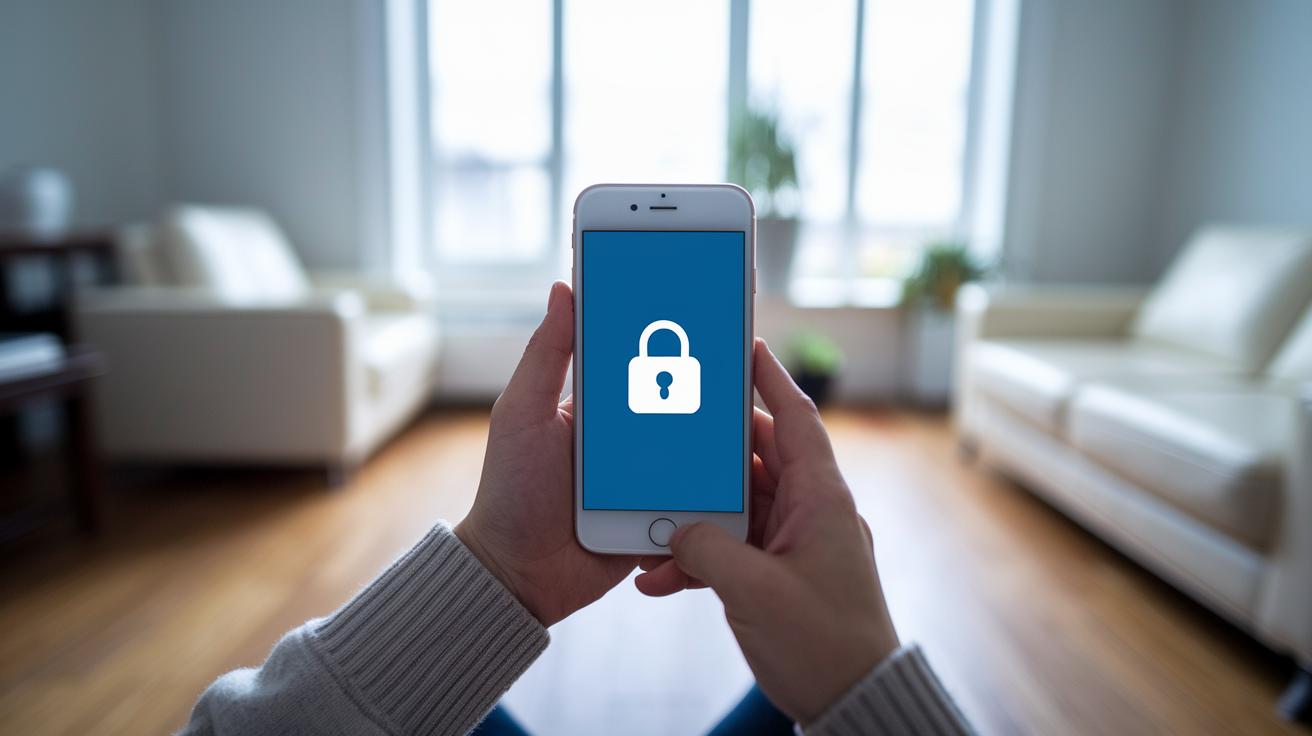
Health Connect uses your secure Google account to log in and scrambles your data when it’s stored or on the move. It works much like your bank’s app, keeping your health info safe from prying eyes. Recent updates have made the login even tougher for anyone trying to sneak in, so you can feel good about your data privacy. Everything is handled with care, keeping your personal health details secure.
Taking control of your app permissions is really important for your privacy. You decide which apps can see or change your health info, so you’re always in charge. The built-in settings make it easy to adjust who gets access, and there’s plenty of help available through forums, FAQs, and our Help Site. Here are a few simple tips to keep your account secure:
- Regularly review Health Connect permissions.
- Use a strong Google account password.
- Enable device screen lock or biometric authentication.
- Keep the Fitbit app updated for security patches.
Comparing Fitbit Health Connect App with Other Wearable Sync Platforms

Fitbit Health Connect really stands out when you look at apps that sync wearable data. It makes merging your health details feel smooth and simple. Google Fit and Apple Health do collect wearable data, but they only partially mix data from other apps. Fitbit Health Connect goes a step further by pulling data from multiple apps and even builds a sense of community with partners like Reaction Club and Amdocs BeHealthy.
It’s refreshing to see frequent updates such as Dark Mode and new accessory bands that let you tailor your experience. Every piece of your health info is carefully tracked and shared within a friendly network. This solid connectivity makes managing your fitness data feel unified and interactive.
| Feature | Fitbit Health Connect | Google Fit | Apple Health |
|---|---|---|---|
| Data consolidation | Yes | Partial | Partial |
| Cross-app integration | High | Medium | Medium |
| Community features | Yes | No | No |
| Platform support | Android & iOS | Android & iOS | iOS only |
This side-by-side shows that Fitbit Health Connect isn’t just about numbers, it also brings people together. While Google Fit and Apple Health do a good job with the basics, they miss out on the rich connectivity and community feel that Fitbit Health Connect offers. Plus, it's available on both Android and iOS, making it a friendly choice for anyone looking to keep their health info in one accessible place.
Final Words
In the action of exploring the new features and easy setup, this article highlighted how your device’s data gets neatly brought together.
We reviewed syncing steps, device compatibility, and troubleshooting tips while keeping security and privacy in mind.
Each section showed simple ways to tap into a smoother, more connected health experience using the fitbit health connect app.
Step by step, you learned how to get the most out of your wearable and enjoy a seamless, secure approach to managing your health.
Keep moving forward and feel good about taking charge of your wellness.
FAQ
What is the Fitbit Health Connect app for Android?
The Fitbit Health Connect app for Android means you can access your wearable’s stats on Android devices by using the Fitbit app. It lets you view your activity, sleep, and more in one place.
How do I download the Fitbit Health Connect app?
The Fitbit Health Connect feature comes via the latest Fitbit app update. You download the app from the Google Play Store or Apple App Store and sign in with your account to start using its features.
Why might the Fitbit Health Connect app not be working?
The issue of the app not working typically means that either the Fitbit or Health Connect versions are outdated or necessary permissions, like Google sign-in and Bluetooth connectivity, need to be verified and refreshed.
Which apps are compatible with Health Connect?
Compatible apps like AllTrails and MyFitnessPal work with Health Connect to supply your health data. They merge details such as nutrition, activity, and sleep stats into your Fitbit app for a complete picture.
What is Google Health Connect?
Google Health Connect is a platform that securely houses your health data and shares it between apps. It allows services like Fitbit to pull together various activity and wellness metrics for easier tracking.
How does the Fitbit app connect with Health Connect?
The Fitbit app joins with Health Connect by merging data from connected wearables and third-party apps. This approach offers a unified view of your activity and health details within the app.
What is the difference between Health Sync and Health Connect?
The difference is that Health Sync is a third-party tool for transferring health data, while Health Connect is Google’s platform that securely collects and combines your health information in one central place.
Can Fitbit connect to Health Connect?
Yes, selected Fitbit devices sync to Health Connect through the Fitbit app. This integration provides a comprehensive view of your health information on both Android and supported iOS devices.
How do I set up Health Connect?
Setting up Health Connect involves downloading the updated Fitbit app, signing in with your Google account, tapping the Health Connect tile in the ‘You’ tab, granting permissions, and confirming your sync settings.
What is meant by the Fitbit Connect app?
The term “Fitbit Connect app” refers to the single Fitbit app that now houses multiple features, including Health Connect integration. It gathers information from your wearable and other synced apps for easy access.