


Have you ever wondered if your glasses can really feel as cozy as they look? Imagine using a simple app that measures the distance between your eyes almost like a mini optometrist in your pocket.
This smart tool quickly finds your pupillary distance and other key details in under a minute. The precise reading helps you get a better, more personal fit, making the whole process of choosing glasses smooth and worry-free.
It’s a fresh way to care for your eyes every day, blending technology with your everyday comfort.
How an Eye Measure App Delivers Precise Ocular Metrics

Ever wonder how your glasses seem to fit just right? It all starts with your pupillary distance, or PD. This is simply the space between the centers of your eyes, usually around 63 mm for men and about 60 mm for women. Getting this measurement spot-on means your lenses will line up with your eyes, keeping your vision clear and comfy.
When your prescription is above ±3.00, knowing your exact PD is even more important. Relying on a rough average might cause eyes to tire or feel off. That's why it's smart to get your personal PD from your eye care professional, even if you're using a digital method.
Modern eye measure apps make things super simple. Your smartphone or VR device acts like a mini clinical pupillometer. The app shows you on-screen markers to help line up your eyes perfectly, then quickly records the measurement in millimeters, often in less than a minute. Once you've got your number, you can easily share it with your optician, making the process nearly as accurate and convenient as an in-office exam.
Eye Measure App Features: Measuring PD, Eye Movement, and More
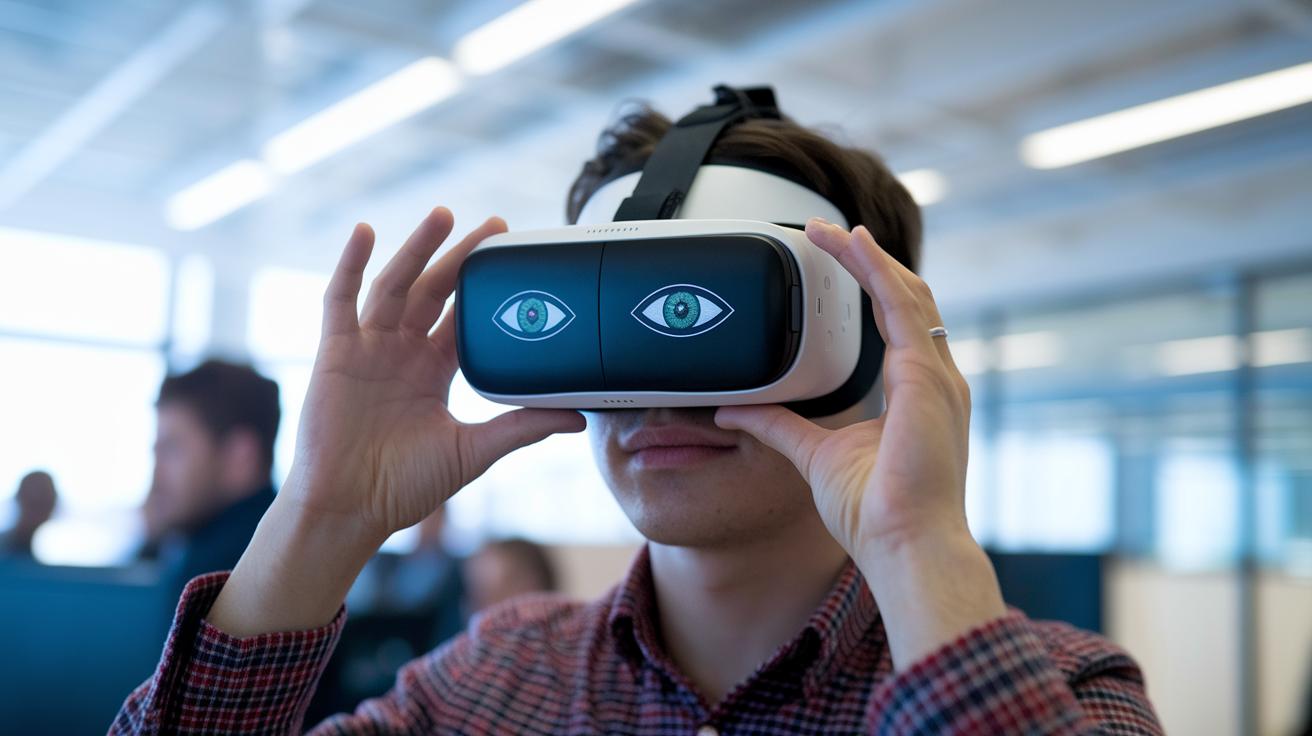
Eye measure apps bring a host of handy features right to your phone or headset. They let you check your eye details, like pupillary distance and eye movement, in real time, all thanks to your device's camera or VR sensors and smart computer helpers. It's almost like having a mini eye-care clinic in your pocket.
Here's what you get:
- PD measurement using your camera or headset
- Live tracking of your eye movements
- AR/VR guides to help you line things up (with support for Quest 3)
- Smart calculations for a better VR fit
- Options to export measurements to a prescription or PDF
- Syncing across devices so your data stays with you
The tech behind these apps is pretty cool. It uses simple marker overlays to help you position your eyes just right so you get the best reading possible. For those who love VR, there are extra features that adjust the settings based on your own measurements, making sure the headset feels great and looks spot-on. Even Android users won’t be left out, your phone's built-in camera picks up subtle eye movements to give you clear, detailed data.
And the best part? You can easily export your measurements, whether you want to share them with your optometrist or keep them just for you. With multi-device syncing, your info is always at your fingertips, whether you're checking on your phone or headset. This blend of accuracy and simplicity makes these apps a friendly, reliable tool for your eye care.
Eye Measure App Compatibility: Android and VR Device Support

Eye measure apps are super handy because they work on a bunch of devices, so checking your vision is easy and quick no matter where you are. They act like a little vision buddy that sets your headset automatically and follows your eye movements without any fuss. On Android, your phone's camera becomes a smart helper that grabs your PD fast and keeps track of your eyes. And if you're into VR, the Oculus Quest II and Quest 3 versions offer swift, spot-on calibration, almost like having a mini professional eye tool right at home.
| Device | Platform | Features |
|---|---|---|
| Oculus Quest II | VR | PD in mm, IPD auto-set |
| Quest 3 | VR | AR calibration, PD tracking |
| Google Pixel | Android | Camera PD, eye motion |
| Samsung Galaxy | Android | PD & pupillary analytics |
Next, here's some exciting news: upcoming updates will add iOS support. This means even more people can enjoy these trusted measurement tools, making accurate vision care accessible on an even wider range of devices.
Eye Measure App User Guide: Step-by-Step PD Measurement Process

This guide is your friendly walkthrough for measuring your pupillary distance (PD) right from your home, or even with your VR headset. It works much like a traditional device that measures the distance between your pupils but is made simple for everyday use. With easy on-screen markers and clear, step-by-step instructions, you can line up your eyes, snap a photo, and get a precise measurement in millimeters with no hassle. Whether you're using your smartphone or a VR setup, remember: a steady head and good lighting make a big difference.
First, open the app and tap on “Measure PD.”
Then, set up your device or headset so it lines up with the markers on the screen.
Next, keep still and hit “Capture.”
After that, check your measurement and adjust it if needed.
Finally, save the reading and share or export your data.
The app uses your home camera to guide you every step of the way, helping you align your eyes perfectly with the digital markers. If you're using a VR headset, make sure it sits squarely in place. Adjust the on-screen sliders until the markers match your eye position comfortably. There’s also an interactive tutorial that explains each step in detail, almost like having a mini health coach right by your side.
For the best results, choose a spot that is nicely lit with little glare. Keep your head as still as you can and focus on aligning those markers. In no time, you'll have a reliable PD measurement that can help you find the perfect eyewear fit or enhance your VR experience.
Eye Measure App Accuracy and Validation: Ensuring Reliable PD Measurements
Getting your pupillary distance (PD) just right is super important. Even the smallest mistake can cause eyestrain and discomfort, especially if your prescription is strong. When your glasses line up perfectly with your eyes, you avoid blurry vision and headaches. Traditionally, professionals use a pupillometer, a special tool known for its accuracy, to measure PD. For people with stronger prescriptions, individual measurements are a must so that digital readings can match this high standard for clear and comfy vision.
Recent studies show that app-based PD measurements are very close to what you get with a traditional pupillometer, usually differing by less than 1 mm. That near-perfect match means you can trust these digital tools to work well when conditions are right.
Today, many free apps use tested algorithms to deliver precise and repeatable measurements. This means you can rely on your phone’s tools for accurate readings every time. And with ongoing tweaks to these measurement systems, they’re quickly becoming a vital part of the modern vision care toolkit.
Eye Measure App Privacy & Security: Protecting Ocular Data
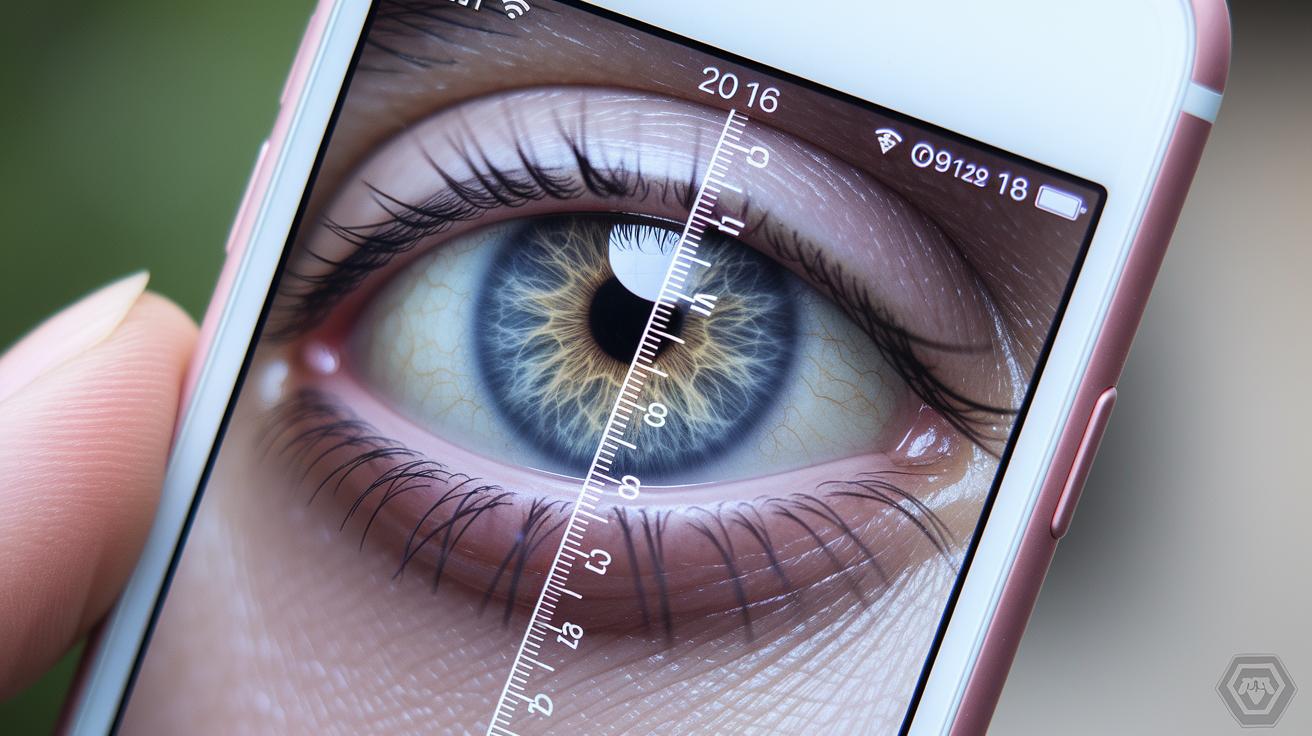
Your eye measurements – like the distance between your pupils – count as sensitive personal data. They fall under rules that protect your private details. We use this data in our app to guide your vision care, so it's important to keep it safe from prying eyes.
Our app uses strong encryption when saving and sharing your information. Think of it like a secret code that locks your data up tight. The privacy policies explain how we secure and use your data, all following the proper data rules. Before any processing happens, we ask for your clear consent, showing our promise to care for your information.
Keeping your data safe is our top goal. We follow state and federal laws, including rules like the Illinois Biometric Information Privacy Act, to protect your eye data. We regularly review our security methods and update our encryption and privacy policies so you can feel confident that your information stays secure. Frequent checks help us keep everything running safely for you.
Eye Measure App Certifications and Clinical Endorsements

Certifications matter because they show that an eye measure app meets high safety and reliability standards. A trusted app gives you peace of mind knowing that the PD measurement tool is both easy to use and reliable. It means your vision data is true and safe.
Many well-rated eye measure apps work hard for FDA approval, CE marking, and ISO certification. These marks are like a seal of approval from experts, showing the app has been tested much like a medical device to ensure it’s safe to use. Plus, several optometry groups have given their nod to these tools, highlighting that they work well in real-life settings.
Developers also share clinical trial results to show that their easy-to-follow interactive eye measurement methods line up closely with in-office tests. This clear, honest approach not only builds trust but also helps health professionals feel confident recommending digital options for vision care. So, if you’re eyeing a new app, check for published studies that back up its performance.
Eye Measure App Reviews & Benefits: User Feedback and Advantages

Users tell us how our app quickly finds their PD with great accuracy right from the comfort of home. They love how simple it is to use, which builds trust in our secure digital health tools.
Many users mention that the app saves them extra visits to the optometrist. One person said, "I measured my PD in seconds from my living room and skipped a costly appointment."
- Fast results, under 60 seconds
- Fewer visits to the optometrist
- Accurate frame alignment
- Built-in VR headset adjustment
Glasses wearers and VR fans enjoy a tool that adds comfort and clarity to their daily lives, backed by genuine user comments.
Final Words
In the action, we explored how an eye measure app defines key metrics like pupillary distance and brings clinical precision to your mobile screen. We broke down the simple steps behind PD measurement, highlighted real-time eye movement tracking, and reviewed secure data practices that keep your information safe.
Smart tools now deliver accurate, at-home ocular metrics, making it easier than ever to manage health details. With clear instructions and trusted features, this approach turns everyday tech into a powerful way to care for your vision.
FAQ
Are free versions of the eye measure app available?
The free eye measure apps are available across multiple platforms. They offer on-the-spot ocular measurements and allow you to capture pupillary details without any cost.
How does the eye measure app work on Android?
The eye measure app on Android uses your phone’s camera and on-screen guides to capture your PD effortlessly. It provides a user-friendly tool for quick, everyday measurements.
What features does the eye measure app offer for Quest 3?
The Quest 3 version of the eye measure app uses AR calibration overlays to capture PD accurately during VR sessions. It helps adjust headset settings with precise, millimeter-accurate measurements.
What is an IPD measurement app and why is it useful?
The IPD measurement app calculates the distance between your pupils, crucial for aligning eyeglasses or fine-tuning VR headset settings. It offers personalized measurements for a comfortable visual experience.
Is the EyeMeasure app accurate?
The EyeMeasure app’s accuracy stems from advanced algorithms that match clinical tools. It produces pupillary distance measurements that closely agree with those taken by optometry-grade devices.
Can you measure PD using your phone?
The ability to measure PD with a phone is real. The app uses your phone camera with on-screen markers to capture and record your pupillary distance quickly and correctly.
How do you use the eye measure app?
The eye measure app works by launching the tool, aligning your eyes with the on-screen markers, capturing the image, and then reviewing and saving your PD. It is designed for a straightforward, hands-on approach.
Can a phone camera be used to measure distance?
The phone camera can measure distance when paired with the right app. It leverages built-in sensors and digital guides to provide accurate distance estimates for everyday use.