


Ever thought about making your video follow-ups as warm as an in-person visit? Small changes can make a big difference.
Start by choosing a quiet spot with solid internet. A clear plan makes everyone feel comfortable, like settling in for a friendly chat.
Next, we share simple steps to ensure your video sessions run smoothly, from checking your connection to helping your patient set up their camera.
Read on to learn how to transform your virtual visits into caring, efficient encounters.
Video consultation best practices for follow-up visits: Thriving

Reliable internet connection is key. Before your video visit, check your connection and be ready with a backup like a mobile hotspot. This helps avoid any sudden drop-offs that might worry you or your patient.
Next, choose a quiet, bright spot. A calm, well-lit area with a simple background lets everyone feel more at ease. Imagine a friendly greeting like, "Good morning! I’m glad to see you today." It makes the start both warm and personal.
It also helps to stick to a clear plan for each visit. Explain each step in simple words and ask about any concerns. For example, you might say, "Let’s review your lab results together." This approach builds clarity and keeps everyone on the same page.
Don't forget the visual part of the checkup. Guide your patient on how to position their camera so you can see what you need to see. A clear instruction like, "Could you adjust your camera a little so I can get a better view?" makes a big difference.
Time management is equally important. Keep to your schedule and talk about the next steps before you wrap up. Set follow-up appointments during your session, via text, or over a quick call to keep care moving smoothly.
To sum it up, ending with a quick recap of the main points reinforces the care plan and builds trust. This way, every video visit stays focused, efficient, and truly supportive.
Technical Setup and Connectivity in Remote Follow-Up Sessions

Before your session starts, check your network speed. Try a quick speed test to make sure your connection stays steady. It really helps keep disruptions at bay, so you can give your patients timely care. And don’t forget to have a backup plan, like a mobile hotspot, just in case you need it.
Before each consultation, take a moment to test your webcam, microphone, and speakers. You might record a short video or run a mini call with a colleague. A simple "Testing, testing, can you hear and see me clearly?" can do the trick. This way, you know your video and audio will work without a hitch. Plus, keep vendor support numbers close by so help is just a call away.
For a smoother experience, use trusted telehealth apps like the MedicusUnion App. Have a few test sessions to get comfortable with its features. Also, gather your medical documents into one clear folder on your computer. This makes it easy to share lab results or images during your call. Finally, check out our setup tips for a successful video consultation appointment for more ideas on preparing your device and software.
Communication Strategies and Video Appointment Etiquette

When you're on a video call, speak slowly and clearly. Use everyday words so everyone can follow along. For example, try saying, "Let's go over your test results step by step." This simple approach helps avoid mix-ups and builds trust.
Next, keep your eyes on the camera. It feels like you're speaking face-to-face, and it shows your patient that you're really listening. Imagine saying, "I see your concern," with a gentle nod. That small gesture invites them to share more about how they're feeling.
Also, practice active listening by summarizing what your patient tells you or asking simple questions. For instance, if they mention some new discomfort, you could ask, "So, you mostly feel this in the evenings?" This encourages more details and helps you understand the whole picture.
Finally, let your body language show your care. Sit comfortably with an open posture and nod slightly to show you value what they say. Sharing your screen is a neat trick too, it can help explain care plans or show lab results. A kind prompt like, "Let's take a look at your chart together," makes the chat more engaging.
In short, when you mix clear speech, friendly eye contact, and supportive body language, you create a video consultation that feels warm and interactive. This way, every patient leaves the call feeling understood and cared for.
Scheduling Protocols and Logistics for Virtual Follow-Up Visits
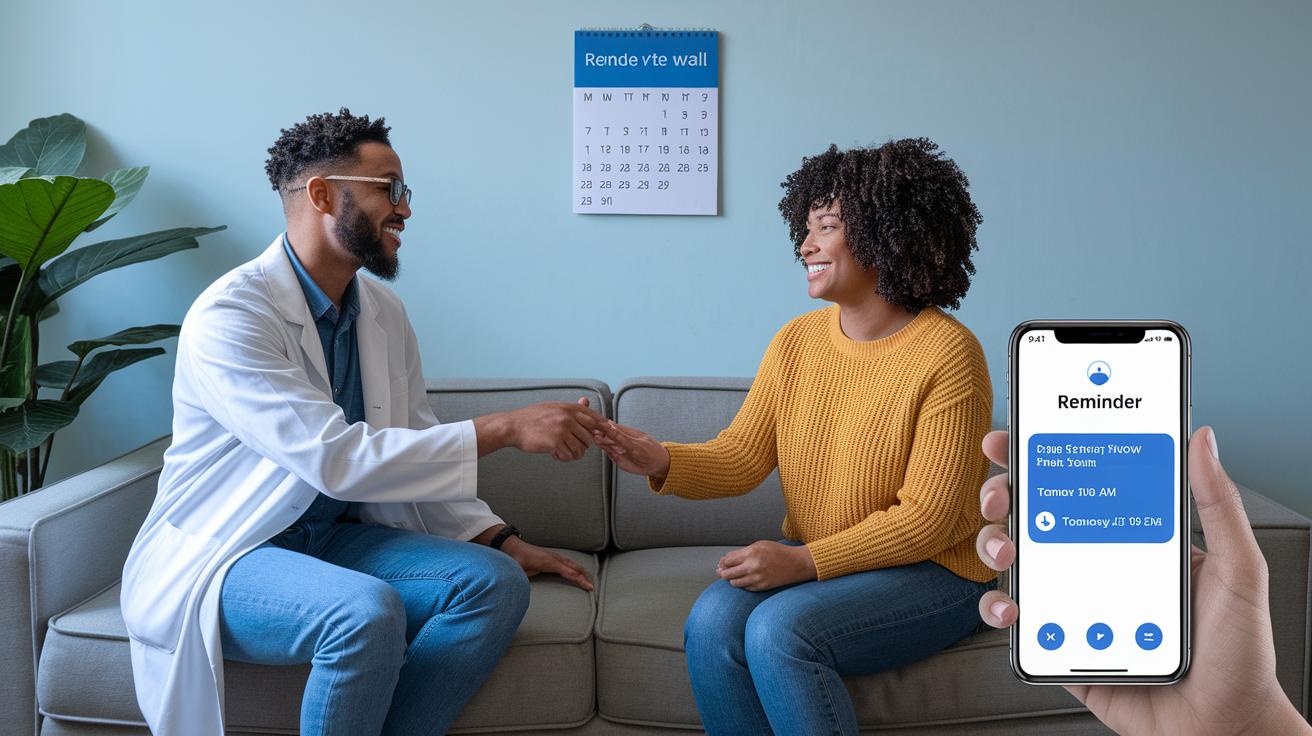
At the end of every session, take a few minutes to set up your next video visit. A simple suggestion like "Let's schedule our next check-in right now" keeps everything moving smoothly. And, send out calendar invites straight away so both you and your patient have the date locked in.
Next, set up automated reminders via SMS or email 24–48 hours before the appointment. Imagine a friendly text saying, "Your follow-up video call is tomorrow at 10 AM!" Such reminders can help ease any jitters and give patients a chance to gather any needed documents.
Then, make virtual follow-ups a regular part of your care routine. This familiar process makes appointments feel natural and is a comforting part of staying on top of your health.
Finally, offer clear instructions for joining the video call. A brief note like "Click the link in your invite and enter your personal code" keeps things simple. These easy steps ensure that both clinicians and patients enjoy a smooth, hassle-free follow-up experience.
Privacy, Security, and Compliance in Video Follow-Ups

Keeping your privacy safe is key for smooth video follow-ups. Providers should use encrypted video systems that follow health service rules and HIPAA or similar guidelines. For a trusted option, check out HIPAA compliant video consultation platforms. These platforms not only protect your private info but also help build trust during remote sessions.
Using safe network practices adds another layer of protection. Think about VPNs (virtual private networks, which hide your data) and network firewalls, they really help keep unwanted access at bay. Before each session, a quick system check makes sure these safety features are on. This extra step is important for stopping data breaches and keeping up with privacy regulations.
Verifying a patient’s identity is another must. At the beginning of each session, ask for two forms of proof, like confirming personal details and entering a security code. This process helps both you and the patient feel secure that the conversation stays private.
By following these privacy and security rules carefully, providers turn every video check-up into a safe space to talk about health concerns while meeting all the required guidelines.
Documentation Methods and Aftercare Frameworks Post Video Follow-Up

After each video call, make sure to follow up with a clear, written summary. In your note, explain the medicine to take, how to keep an eye on symptoms, and what to do next. For instance, you might say, "Take your medicine after breakfast and check your blood pressure each morning." This simple reminder really helps patients stick to their plan.
Then, right away, jot down the key points and any changes to the care plan in the electronic record. This quick note-taking keeps all the details safe and helps guide better care in the future.
Also, give patients easy-to-use digital resources. Send them guides or short videos that match what you discussed during the call. These tools can make understanding and managing their health a lot easier.
Next, create a way to check in with them. Set up short, automated messages or even a brief survey that asks, "How have you been feeling since our last talk?" This little check keeps the conversation going and helps catch any bumps early.
- Send written summaries to remind patients of their care plans
- Record key details in the electronic health record right away
- Offer digital resources for extra guidance
- Use automated check-ins to collect feedback
This thoughtful aftercare plan makes it easy to communicate clearly and keep a proactive approach to patient care after every video follow-up.
Case Studies Demonstrating Remote Follow-Up Best Practices

In a pilot program in Wales, clear video calls helped the care teams work much better. They saw a 75% boost in efficiency, patients got care 72% faster, waiting times dropped by 69%, and no-shows fell by 61%. One clinician explained, "My patients were not only on time but truly felt our full attention." This shows that well-organized virtual care can really change the way follow-ups are done.
Diagnostic accuracy got a big lift, too. By combining video calls with patient history, lab tests, and physical exam details, accuracy climbed from 76.6% to a strong 93.3%. This extra step helped clinicians address concerns faster and with more confidence, even when they couldn't see the patient in person.
Another virtual care program, which involved 83,000 clinical staff, kept to an 88% adherence rate on average. Patients became comfortable with video calls early on, making the switch for follow-up visits smoother. As one staff member put it, "Getting familiar with video calls from the start allowed us to focus more on caring for our patients during follow-ups."
These real examples prove that clear guidelines and continuous training can lead to big improvements in clinical work. Organized virtual care not only makes operations more efficient but also builds trust between patients and providers, paving the way for quick and accurate care.
Final Words
In the action, we reviewed simple guidelines for smooth video follow-up care. We covered the setup, clear communication, scheduling details, security measures, and proper documentation. Each step helps improve daily health care routines.
Following video consultation best practices for follow-up visits can make care more efficient and personal. With these tips, managing your health using our platform becomes easier. Let these practices inspire your confidence and help you feel connected every step of the way.
FAQ
What are telehealth best practices and how do they apply to mental health care?
Telehealth best practices involve using secure, encrypted platforms, maintaining a quiet, well-lit space, and following clear protocols. For mental health care, providers also offer empathetic communication and verify privacy continuously during each session.
How can a provider assess privacy during a telehealth session?
A provider assesses privacy by confirming the use of encrypted, HIPAA-compliant video services, verifying patient identity with dual checks, and ensuring neither party is in a location that risks confidential information.
What do U.S. telemedicine guidelines require?
U.S. telemedicine guidelines require secure communication platforms, strict adherence to privacy laws like HIPAA, verified patient identity, proper documentation, and compliance with state-specific regulations that protect patient data.
What information does a telemedicine workflow diagram display?
A telemedicine workflow diagram shows each step of the process—from setting up the video call and performing technical checks to conducting the consultation and documenting patient information—ensuring a seamless and efficient visit.
What are teletherapy guidelines and what is an example of synchronous telehealth?
Teletherapy guidelines focus on using live video sessions with clear communication and empathy. A form of synchronous telehealth is a real-time video call where both provider and patient interact immediately during the session.
How do you conduct a video consultation?
To do a video consultation, test your internet and equipment beforehand, choose a quiet space, start with a warm introduction, follow a clear script, and conclude by scheduling future appointments and summarizing next steps.
Which practices reflect best practices for telemedicine visits?
Best practices include ensuring reliable technical setups, clear patient identity verification, thorough documentation, maintaining a private and well-organized environment, and using structured scripts to keep the visit focused and efficient.
What are three examples of documentation needed for a telehealth visit?
Examples include a written summary of the consultation, electronic health record entries noting key observations and care plans, and digital follow-up instructions or resource links provided to the patient.
How should a healthcare professional prepare for an emergency response during a video visit if the virtual care manager experiences downtime?
They should have an emergency response plan, including backup contact methods, accessible technical support, and clear procedures to transfer urgent care or contact emergency services immediately.