


Have you ever wondered if a quick follow-up video call can really help you feel better? Sometimes those nagging symptoms or unanswered questions pop up just when you least expect them. A brief video chat might be the perfect way to adjust your treatment plan.
This article shares easy tips that save you time and even includes a free seven-day period for simple message check-ins. Have you noticed how a small change can brighten your day? Keep reading to find practical ways to keep your care on track.
Essential Video Consultation Best Practices for Follow-Up Visits

Follow-up check-ins play a big part in tracking your path to feeling better. Sometimes you might feel a bit off or notice the same symptoms lingering, and that's when a quick video call can help your doctor see what’s working and what might need a little tweak. Picture someone with a sinus infection using a follow-up call to talk about ongoing congestion. It’s a simple way to keep your treatment on point.
Here's something neat: the 7-day rule. After your first video call, you can send your doctor a message for free over the next seven days. So, if you have any questions during that time, no extra charge is coming your way. Once that free period passes, any new video visit will cost you the regular fee. This rule makes it easy to know when you're covered and when a fresh charge kicks in.
Regular follow-ups also give your doctor a chance to check if your therapy is really doing its job. They take a good look at your symptoms and can adjust your treatment if things aren’t improving. Studies show that around 88% of patients stick with their online treatment plans, which tells us that these video chats really help keep recovery on track.
Some good practices to remember include:
- Checking in on symptoms and any side effects.
- Talking in clear, simple language.
- Sharing how you feel in your own words.
- Reviewing your treatment plan and confirming what comes next.
Every video call is a chance for both you and your doctor to stay in touch and boost your recovery. Following these tips makes the follow-up process smooth and ensures you get the care you need every step of the way.
Tech Setup and Secure Platforms for Remote Follow-Up Video Calls

Before your call, give your tech a quick once-over. Check that your camera, mic, and speakers work fine, and test your internet too, like you’d check your phone battery before an important conversation. A simple check can help you avoid interruptions during your follow-up.
Next, pick a quiet, well-lit space. A plain background keeps distractions at bay and makes you look professional. Imagine sitting in a softly lit room with a neutral wall behind you. Wearing a solid-colored shirt, like light blue or gray, can boost your appearance and confidence. This setup not only makes the call clearer but also makes you feel more at ease.
It’s key to use secure telehealth platforms that tie in with your electronic health records, a safe way to record and access your consultation details. Many of these platforms offer around-the-clock technical help, so you can get issues sorted fast. Updated guidelines from 2020 and 2021 remind us that a quick equipment check goes a long way. By following these simple steps, you’re setting up your virtual consultation to be as smooth and professional as possible.
Think of it like setting up your workspace for success. Spend a few minutes before each call making sure everything’s in place. This little bit of care makes your follow-ups efficient and effective. Now, get set and enjoy your consultation!
Communication Strategies in Virtual Follow-Up Consultations

Start your session by ensuring you're talking with the right person. Ask them to share their name and the email they used to sign up. For example, you might say, "Could you please confirm your full name and the email you registered with?" This little step sets a secure and respectful tone right from the beginning.
Talk clearly while looking directly into your camera, just as you would in a face-to-face chat. Use simple gestures like nodding to show you’re listening. Think of it like giving a gentle nod during a serious talk about recovery. These small cues build trust and help your patient feel truly heard.
Before you finish, take a moment to review what you discussed and outline the next steps. You could say, "Let’s review our conversation: your treatment progress, any new symptoms, and the plan for the coming week." This clear reminder reassures the patient that nothing important has been missed and that they are an active part of their care.
It also helps to use a simple checklist or script during your talk. For example, you might follow steps like verifying identity, discussing symptoms, confirming any treatment changes, and planning the follow-up. These organized cues ensure you cover every important topic while keeping the conversation relaxed and friendly.
Documentation and Recordkeeping for Digital Follow-Up Sessions
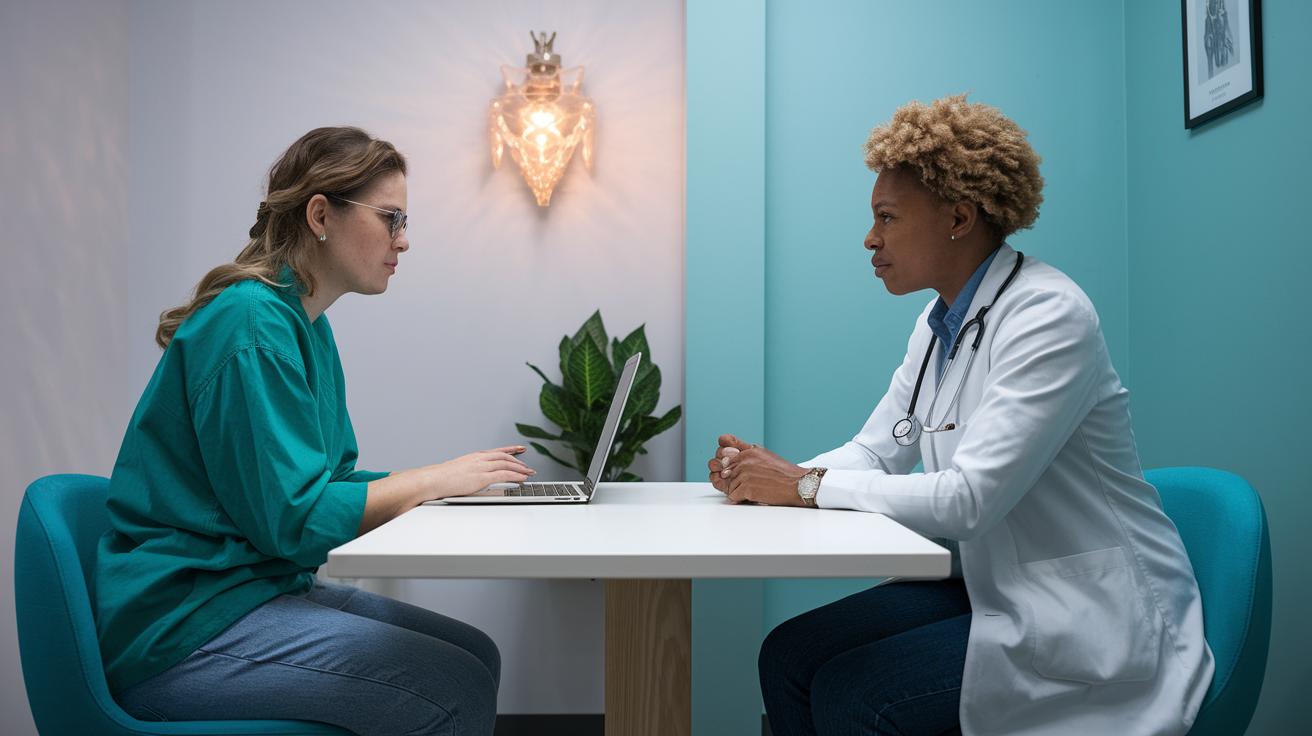
After each video follow-up, take a moment to jot down what happened. Write a clear and friendly summary that includes any new prescriptions, monitoring details, and contact info. For example, you might write, "Today we tweaked your medication and set a new date to check your blood pressure." This helps both you and your patient remember the session.
Then, add these notes right into the electronic health record. This means all the details stay together in one place, kind of like putting each visit into a single, ongoing story of care. This way, it's easier to see how treatment is progressing over time.
Next, make sure you secure everything with encrypted storage so that every note meets privacy rules. This step keeps your patient's information safe and feels secure for everyone involved. Use a checklist after each session to verify that you’ve recorded every detail. For instance, your list might remind you to note any changes in symptoms, update treatment steps, and confirm the date for the next follow-up.
Keeping these records both consistent and secure not only meets regulations but also helps create a smooth, reliable care experience. Every note is a small piece of a clear, connected plan that supports effective, trustworthy patient care.
Quality Metrics and Outcome Tracking in Video Follow-Up Visits

Tracking key numbers can turn video follow-up visits into smart, useful chats. Imagine a dashboard that shows 88% of patients sticking to their plans, it's like knowing friends really have your back.
But it's not just about following plans. We also keep an eye on things like readmission rates and how much money is saved. For example, one year of remote monitoring helped save $2.3 million for chronic care patients. That kind of result not only shows the financial win of telemedicine but also proves that patients are really feeling the benefits. It sounds a bit like watching a well-run system where every part plays its role.
We also track details like how often treatments change and how long it takes for symptoms to fade away. If a patient feels better sooner than expected, it tells us the follow-up plan might be working even better than we thought. And with handy automated reminders and digital surveys, we also gather patient feedback about their visit’s quality.
| Metric | Value |
|---|---|
| Patient Adherence Rate | 88% |
| Cost Savings (12-month RPM) | $2.3 Million |
| Average Symptom Resolution Time | 10 Days |
| Treatment Adjustments | Varies |
Using these clear numbers, clinicians can fine-tune their plans to boost patient results and keep everyone satisfied.
Leveraging Remote Monitoring and Feedback in Telehealth Follow-Up Visits

Integrating connected monitoring gadgets into your video follow-up appointments really ups the care you receive. For example, using a linked cardiac or diabetes monitor, a kind of "biometric device" (https://healthyfax.com?p=3069), lets doctors watch your vital signs from afar. This way, they can spot changes quickly and adjust treatment right away, keeping your care both responsive and effective.
Real-time data from these devices flows straight into the virtual care system. So if a patient's heart rate changes suddenly or their blood sugar spikes, the doctor can review the data and tweak medications without waiting for the next in-person visit. This quick feedback loop is essential for stopping readmissions and managing chronic conditions before they become worse.
After each session, short digital surveys add an extra layer of insight. They ask about things like how clear the instructions were, overall satisfaction, and how comfortable the patient felt with the technology used. This swift input helps doctors fine-tune their approach and build a care system that truly puts the patient first.
Also, enrolling patients in simple educational programs and digital care plans builds a strong routine. Imagine receiving timely reminders and easy tips to better manage your condition. All these efforts work together to make sure that every follow-up visit is a step forward toward better health.
Final Words
In the action, we reviewed key tips that make follow-up sessions smooth and reassuring. We touched on checking tech, clear communication, and precise recordkeeping to keep digital care running frictionlessly.
We also explored setting metrics that measure success and incorporating real-time monitoring to adjust care quickly. These video consultation best practices for follow-up visits help create a secure and supportive health environment that leaves everyone feeling positive.
FAQ
What are telehealth best practices?
The telehealth best practices mean checking your equipment, using a secure platform, communicating clearly, and documenting each session to promote safe, effective remote care with privacy and consistency.
What are the U.S. telemedicine guidelines and Telehealth guidelines 2024?
The U.S. telemedicine guidelines, including the 2024 standards, advise using secure, integrated systems, pre-visit tech checks, clear patient communication, and thorough documentation to maintain quality and privacy in remote care.
What are telehealth best practices for mental health treatment?
The telehealth best practices for mental health involve using secure platforms, verifying patient privacy, confirming identity, and engaging in open, compassionate conversation to foster trust and provide supportive, practical care.
How can a provider assess privacy for telehealth treatment during a session?
A provider can assess privacy during a telehealth session by checking the patient’s environment, confirming secure network use, and verifying identities while ensuring that both sides are in private, distraction-free locations.
What is a telemedicine workflow diagram?
A telemedicine workflow diagram visually outlines each step—from scheduling and technical checks, through the consultation to documentation—helping teams follow a consistent process that supports safe, effective remote care.
What are teletherapy guidelines?
The teletherapy guidelines recommend verifying patient identity, using a private setting, testing equipment beforehand, and following structured communication practices to ensure clear, secure, and supportive therapy sessions.
How can implementing a telehealth program be described?
Implementing a telehealth program means setting up a secure platform, training staff on tech checks and patient communication, establishing clear protocols, and maintaining proper documentation for consistent remote care.
How do you do a video consultation?
Doing a video consultation involves testing your camera, microphone, and internet; choosing a quiet, private space; verifying patient identity; communicating clearly; and documenting the visit accurately for follow-up care.
Which best practices reflect telemedicine visits?
Best practices for telemedicine visits include verifying equipment readiness, using secure platforms, fostering clear and friendly patient communication, adhering to structured checklists, and ensuring complete, confidential documentation.
How should the healthcare professional prepare for an emergency response during a video visit when a virtual care manager is down?
The professional should have a backup plan that includes immediate access to local emergency services, clear on-call protocols, and alternative communication methods to safely manage the situation if technical support fails.
What types of visits are appropriate for telehealth?
Telehealth is suitable for routine follow-ups, mental health sessions, chronic condition management, and post-treatment check-ins, while complex emergencies or cases requiring hands-on evaluation are best handled in person.