


Have you ever realized too late that your prescription wasn't refilled? Well, a prescription app can take that worry off your plate. It taps into drug databases so that your doctor can send your medicine orders straight to your pharmacy. Plus, the app gives you gentle reminders and even sets up automatic refills to keep your routine smooth. It’s like having a friendly helper by your side, making it easier and safer to manage your meds while saving time for you and your healthcare team.
Prescription Apps in Action: Streamlining Refills and Tracking

Prescription apps work by connecting straight to big online drug databases. This means doctors get instant access to essential drug details, which can help cut down hospital stays and even lower death risks. The system updates in real time, so the newest guidelines, possible drug clashes, and dosage tweaks are always there when you need them.
For busy healthcare providers, these digital tools really smooth out the day-to-day. They let doctors quickly send prescriptions to a pharmacy and even set up automatic refills, cutting out the repetitive work and lowering the chance for mistakes. Meanwhile, patients appreciate the ease of tracking their orders and getting timely alerts on a simple dashboard.
Better safety and sticking to medication schedules are clear wins here. With fewer manual errors and delays, patients miss less of their doses and see steadier results. In truth, these apps turn traditional refill practices into a more secure, user-friendly experience for everyone involved.
Prescription App Features: Essential Tools for Medication Management

Today’s prescription apps make managing your medicines feel like a breeze. They blend smart design with easy-to-use features that help both health professionals and patients. With these apps, you can quickly check your refill needs, track your orders, and get friendly alerts to remind you when it’s time to take your meds. The clear displays and smooth integrations keep everything neatly organized, almost like having a reliable buddy by your side.
Some key features include:
- Automatic refill scheduling that cuts down on repetitive tasks.
- Built-in dose reminders and alerts to keep your routine on track.
- Barcode scanning for quick, hassle-free prescription uploads.
- Real-time price comparisons to spot lower-cost options fast.
- Integrated insurance and payment tools that simplify copay calculations.
- Tools for clinicians like branded letter printing and bulk prescribing options.
- Delivery tracking with live updates, so you’re never left wondering.
- A secure, user-friendly mobile interface to help you stay on top of your medication.
All these features work together to make prescription management simple and smart. Automated refills, timely reminders, and live order tracking help remove the guesswork from your daily routine. Meanwhile, easy payment options and barcode uploads reduce manual effort. In short, these tools bring clarity and ease to medication management, saving time for clinicians and making it easier for patients to stay organized and healthy.
Prescription App Security and Compliance

Encryption is our first shield. We scramble patient data both when it's stored and when it's moving, keeping it safe in digital spaces. This means your health records remain private, whether they rest or travel.
Next, our HIPAA-compliant setup adds another strong layer of security. We use tight access controls, clear audit logs, and permissions based on roles. This way, only trusted users see the information. Our system also follows data privacy laws like HIPAA and GDPR, which are essential for safe data handling across different regions.
We also rely on solid authentication steps. Multi-factor authentication means you or your provider must verify your identity in extra ways, making unauthorized access nearly impossible. This extra step gives both clinicians and patients more confidence.
Finally, we run regular security audits and risk checks by third parties to stay ahead. Routine checks help us catch and fix any issues fast, ensuring that the whole system stays strong and safe.
Integrating Prescription Apps with Healthcare Systems
EHR and Pharmacy Network Connections
Prescription apps like Prescrip work closely with electronic health records and large medication databases. They let doctors quickly check medicine details and update patient records. And they link up with retail pharmacies, too, so electronic prescriptions get sent smoothly for quick pick-up.
Telehealth Prescription Integration
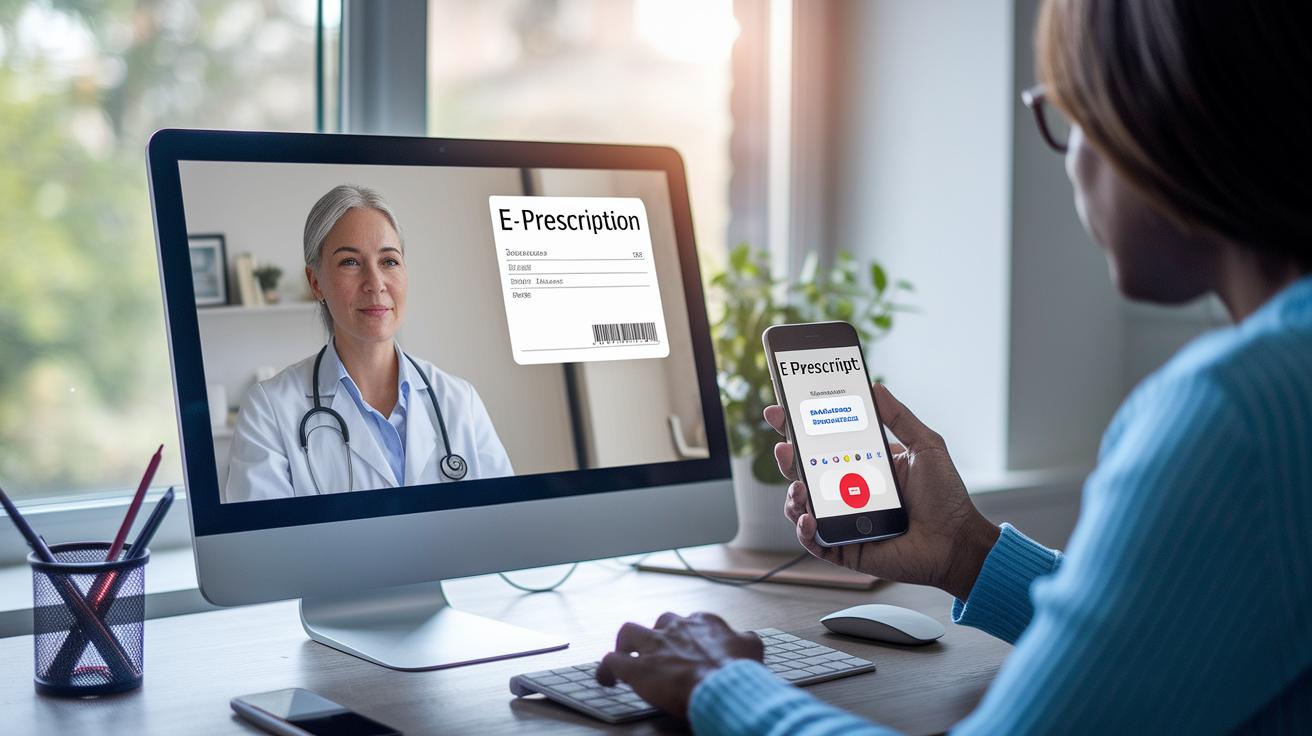
During a video visit, your clinician can send an e-prescription right from the consultation. This setup makes real-time communication and verification feel natural, so prescriptions come through instantly. Plus, the secure channels keep all your information private, ensuring you have a reliable experience with telehealth.
Insurance and Payment Gateway Integration
These apps also include a handy payment feature that handles copay calculations and processes insurance claims. By connecting to insurance systems, they figure out the right copay and check your eligibility without extra hassle. This streamlined process makes managing your medications easier for both patients and providers.
Prescription App Pricing and Savings Programs
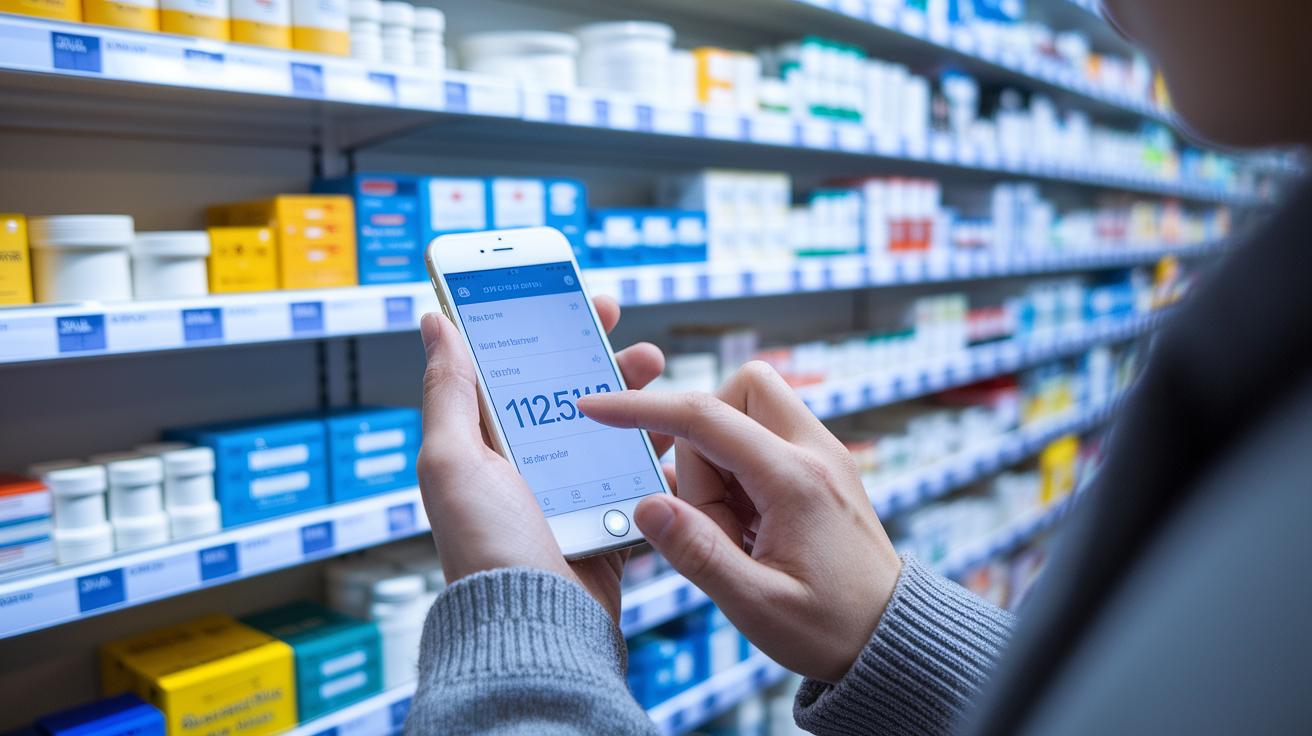
Prescription apps make it easier to handle your medication costs. They bring smart pricing tools right into the app so you can compare prices quickly. You can see different prices next to each other, much like checking out a price tool in a shopping app without needing extra sign-ups. By combining cost info and insurance details, these systems help patients and providers find the most affordable options fast, all while keeping the details clear and accurate.
Many of these apps also include discount and rebate features designed to lower what you pay out of pocket. They even alert you when a cheaper generic medicine is available and come with built-in coupon finders that apply discounts automatically. Thanks to partnerships with pharmacies, users get exclusive offers and savings when buying in bulk. This all-in-one approach eases the financial burden and provides peace of mind along every step of buying your medicine.
They also show clear copay details for every medication. With transparent breakdowns of what you owe and what your insurance covers, you know exactly what you're paying for from the start. This simple format helps you avoid hidden fees or surprises later on. In the end, these tools build trust and make managing prescriptions not just simpler, but more affordable too.
Comparing Top Prescription Apps: Features and Pricing
Looking at these apps, you can see that each one brings something unique to the table to help you manage your medications and costs.
| App Name | Platform | Key Feature | Pricing Structure |
|---|---|---|---|
| PillPack | iOS-only | Automatic refills and branded packaging | Standard copays |
| Nimble | iOS/Android | Nationwide one-hour delivery and a simple dashboard | Insurance-based copays |
| CVS Pharmacy | iOS/Android | Online transfers, scan-to-refill and several auto-refill options | Competitive pricing |
| Walgreens | iOS/Android | Live chat with pharmacists, pill reminders and dose tracking | Standard store pricing |
| Costco | iOS/Android | Price comparisons and detailed drug info without a membership | Transparent pricing with bulk savings |
Each app has a special touch to help suit your needs. For instance, PillPack makes the process easy with its automatic refills and bold packaging design that helps keep things clear. Meanwhile, Nimble is known for its fast one-hour delivery and a dashboard that feels like a breeze to use.
CVS Pharmacy gives you flexibility with options like online transfers and multiple auto-refill schedules that fit different lifestyles. On the other hand, Walgreens offers a helpful live chat with pharmacists and reminders that can really ease the stress of keeping up with your meds.
Costco focuses on great value by letting you compare prices in real time and offering transparent details, so you know exactly what you’re paying for. Seeing these features side by side makes it easier to pick the app that best supports both your medication needs and budget.
How to Use a Prescription App: Step-by-Step Guide
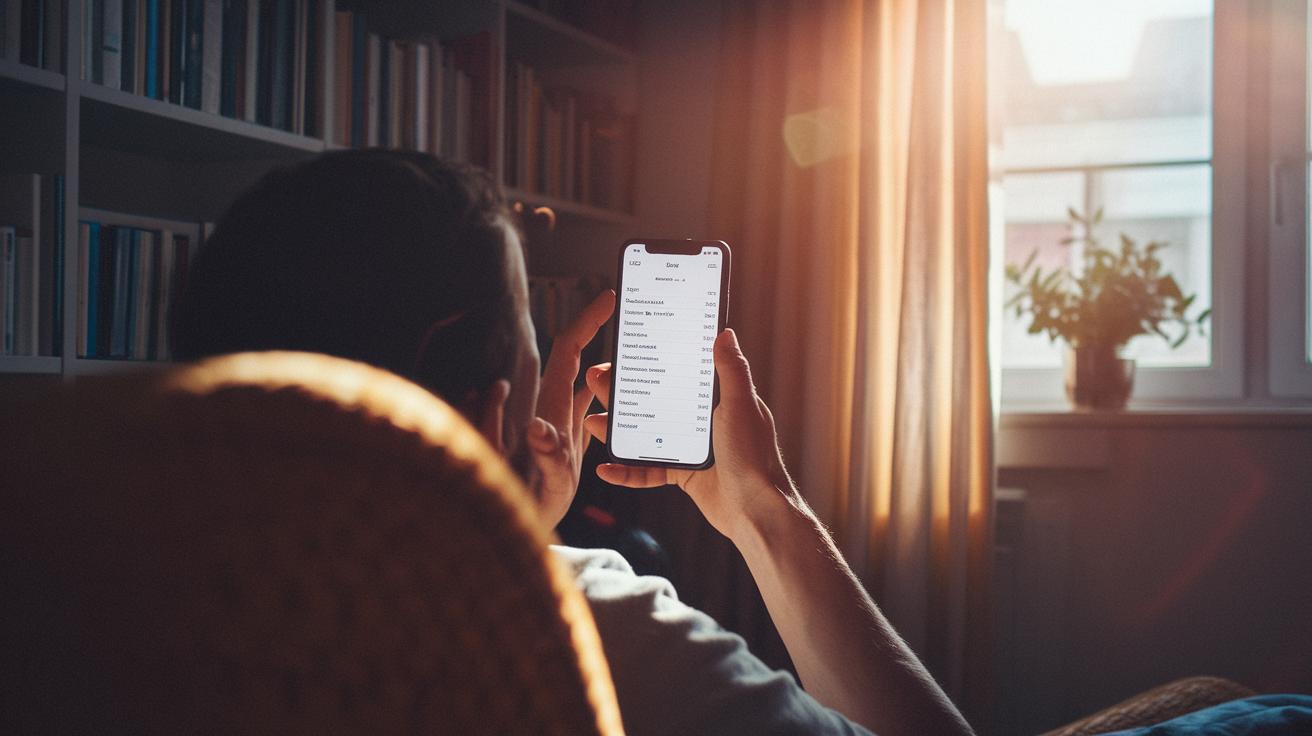
Using a prescription app can really simplify keeping track of your medications. It sets up a handy dashboard where you can see your orders, reminders, and even past prescriptions, all in one place.
First, download the app from the App Store or Google Play. When you open it, fill in your personal and insurance details to create your account.
Next, upload your doctor-issued prescription by snapping a picture or by using a direct e-prescription transfer. This step makes sure your prescription is on file.
Then, set up your refill schedules and turn on reminders. This way you won’t miss a dose or a renewal. It’s like having a gentle nudge from your phone.
After that, you can check the progress of your order and see real-time delivery updates right in the app. That helps take the guesswork out and keeps you informed.
Also, you have access to your medication history. You can review how you’re doing over time and even log your usage. It’s a simple, clear way to stay on top of your health.
If you have any questions along the way, just reach out for help through the app’s support or chat directly with a pharmacist.
Following these steps means you’re all set to manage your medications with ease. The friendly, easy-to-use design keeps everything organized, so you can focus on what really matters, your health.
Prescription App User Reviews and Ratings
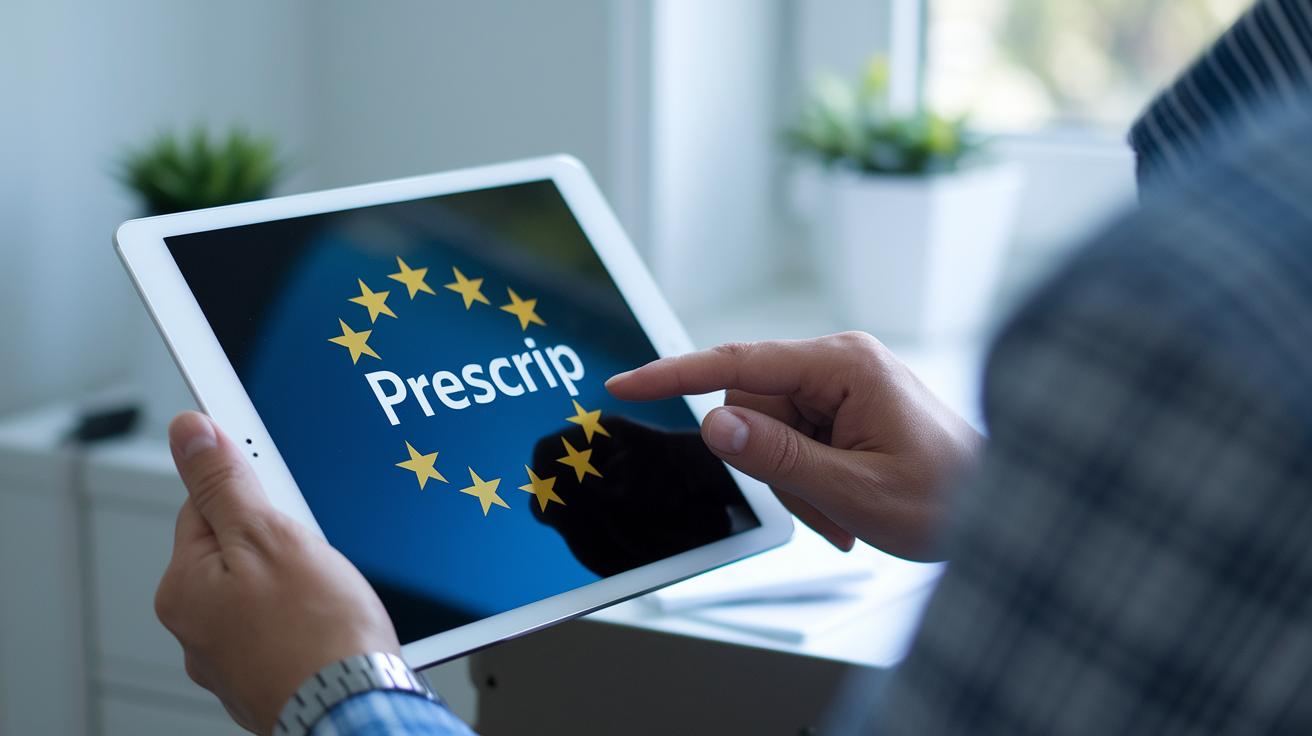
Over 10,000 clinicians rely on Prescrip because its clear and easy design makes tracking patient records and managing prescriptions a breeze. PillPack and Nimble consistently earn around 4.8 stars on app stores, showing that both professionals and patients appreciate their dependable service and user-friendly dashboards. Similarly, the CVS and Walgreens apps score above 4.5 stars, with users loving features like fast refill scans and chat options with pharmacy experts.
These high ratings speak to the confidence users have in the apps for everyday health needs. Many users mention significant cost savings and simpler ways to handle their medications, saving them time on routine tasks like ordering refills and checking orders. Still, a few wish for an even smoother link with local pharmacy systems.
Overall, the feedback clearly shows that these digital tools not only help with timely medication reminders and clear cost comparisons, but they also enhance the experience for both healthcare providers and patients alike.
Final Words
In the action, we explored how today's prescription app delivers real-time updates and secure, connected care. The blog walked through its smart features, from easy tracking of medications and clinician support to seamless integration with your health system. These steps help you manage your care effortlessly while keeping costs in check. It all adds up to a positive shift in how we handle our health every day.
FAQ
What is the GoodRx app?
The GoodRx app lets you compare prescription prices and find discounts fast. It shows drug costs at nearby pharmacies, helping you save money on medications without any extra hassle.
What is the best prescription app for doctors?
The best prescription app for doctors offers a secure, user-friendly way to write and manage prescriptions. It provides real-time updates and links to drug databases so clinicians make better medication decisions on the go.
What free prescription app can doctors use for prescribing medications?
A free prescription app for doctors lets clinicians digitally write and manage prescriptions at no cost. It improves workflow with secure data handling, real-time drug information, and convenient e-prescription transfers.
How does a prescription discount card like GoodRx work?
A prescription discount card like GoodRx cuts costs by comparing drug prices at various pharmacies. It applies negotiated discounts at checkout, reducing your out-of-pocket expenses when you fill your prescriptions.
What is GoodRx drug lookup?
GoodRx drug lookup is a feature that lets you search for specific medications and compare prices at different pharmacies. It streamlines the process of finding the best price and saving on your prescriptions.
What does Prescription Rx mean?
Prescription Rx refers to a medication order from your doctor. In digital apps, it means an electronically transmitted prescription that streamlines the process of refilling and managing your medicines.
What is the best app for medication management?
The best app for medication management combines tracking, refill reminders, and price comparisons. It makes managing your prescriptions easier, helping you stay on top of your healthcare routine every day.
Is SingleCare better than GoodRx?
SingleCare and GoodRx both offer prescription discounts, but they have different features and pricing options. Your choice depends on your specific medication needs and which benefits align best with your situation.
Can I get a prescription without seeing a doctor?
Typically, you need to consult a doctor to receive a prescription. Some telehealth services offer virtual consultations that, after reviewing your health needs, allow you to obtain a prescription safely.