


Ever had your video call cut off when you needed it most? When you rely on a screen for care, you deserve a service that you can trust.
In this post, we walk you through finding a dependable health platform. First, try checking your sound and camera before your appointment. Then, ask about how your personal data is kept safe. We also cover how easy it should be to book an appointment, understand costs clearly, and get quick customer support.
Read on to feel secure every time you connect.
Essential Criteria for How to Choose a Reliable Video Consultation Service
First, check if the technical side is solid. Try a trial run to see if the video and audio work well. I remember scheduling a test call to adjust my settings, and it really boosted my confidence that the connection was steady. A dependable service means you can count on it, even when things get busy.
Next, make sure your private information stays safe. Look for platforms that use strong encryption (a way to scramble data so only you can read it) and have regular security checks. Asking a simple question like, "How do you protect my health information?" can reveal a lot about how seriously they take privacy.
Then, look into how easy it is to book an appointment. A clear "Book Appointment" button and simple forms can save you time and prevent mix-ups. After all, scheduling should feel straightforward and stress-free.
Also, get a clear idea of the costs upfront. Whether you're paying per visit or on a subscription basis, knowing exactly what you'll pay, from the consultation fee to any extra charges, helps avoid surprises later.
Customer support is important too. A reliable platform should offer live help, handy troubleshooting guides, and an FAQ section so you can get answers quickly. It might be a good idea to ask a couple of questions by chat or phone before your consultation to see if the support team is truly helpful.
Finally, take a look at reviews from other patients. Real testimonials and case studies can give you a trustworthy peek into how well the service works in everyday life.
Evaluating Technical Reliability of Video Consultation Services

Start by testing the platform ahead of time. Before your appointment, try a practice call to set up the picture and sound just the way you like. It’s simple and helps you know if the video stays clear and the audio plays smoothly, kind of like tuning your favorite song.
A steady connection is really important. A strong signal means your video call will not drop while you discuss important health details. Ever wondered if the platform works well during busy hours? Try it at different times to see if it consistently holds up.
Good bandwidth matters too. If you notice fuzzy images or odd sounds during your call, your connection might be too slow. Read more about what to look for and how to test your setup at how do video consultations work for telemedicine.
Finally, check the system’s overall reliability over time by looking at records or asking others about their experience. When a service delivers a steady connection, it makes virtual care flow smoothly, leaving both you and your doctor feeling confident and at ease.
Assessing Security and Compliance in Video Consultation Platforms
Start by making sure your video consultation platform uses strong encryption. Think of encryption as a digital lock that shields your data, only people with the right key can get to your private details. It’s like having a special passcode that only you and your doctor know.
Next, check that the service follows HIPAA rules. These rules help protect your health information by controlling who can see it and how it’s stored. Look for certificate badges or audit reports, they show the platform truly cares about keeping your info safe.
Regular security audits are a clear sign of a reliable service. They mean the provider is always checking for weak points and fixing them quickly. Before you decide on a service, ask how often these checks happen and if you can review the audit logs.
Also, take a close look at the platform’s safety measures for remote monitoring and data transfers. When you’re chatting online with your doctor, you want to know that every piece of your information, from consultation details to follow-up tips, is handled securely.
If you need more hands-on advice about keeping things secure, visit our guide on best practices for secure video consultations in telemedicine. It explains everything, from encryption basics to compliance reviews, you should expect from a reliable provider.
Comparing User Experience and Usability in Video Consultation Services
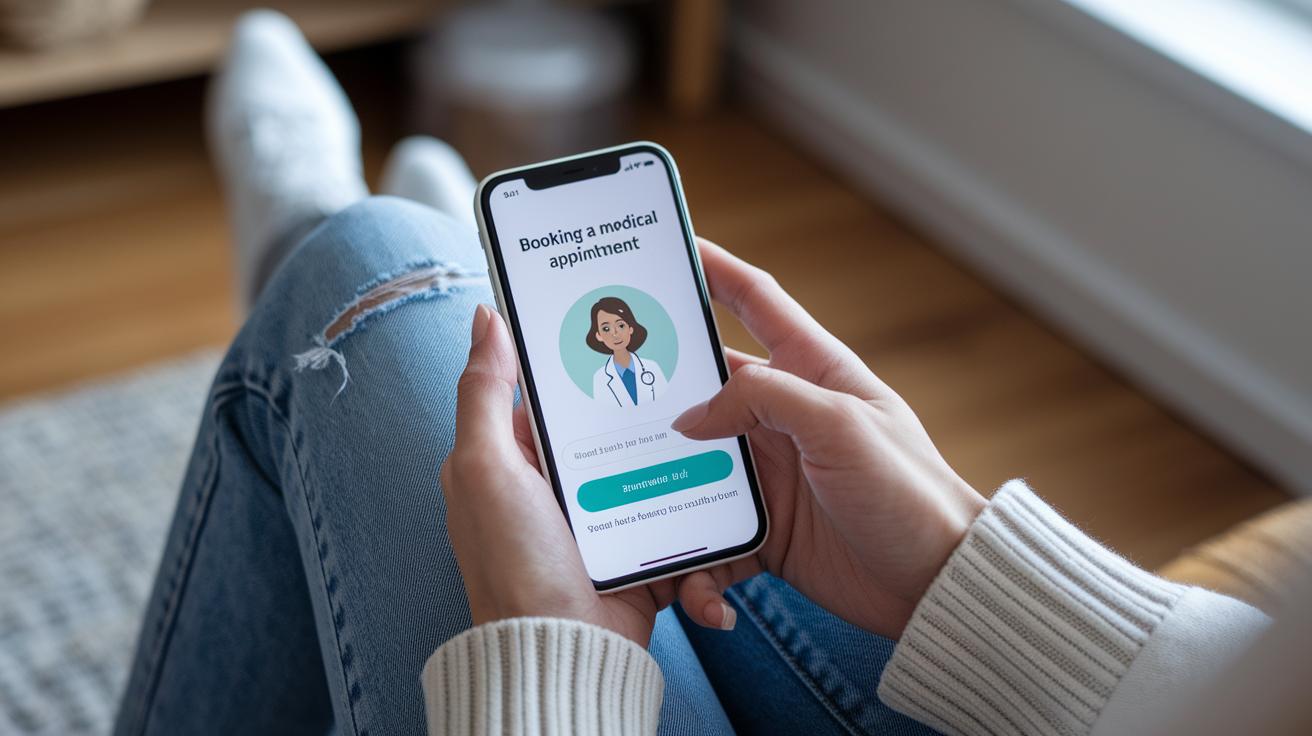
User experience is just as important as technical performance. A system that feels natural makes booking appointments as easy as following a trusted recipe. Imagine opening an app where setting up a consultation is as quick as ordering your favorite pizza.
A smooth booking process cuts down on delays, so you can focus on what matters most, your health. Think of it like having a clear calendar and a simple confirmation button that eliminates the need for extra calls or emails.
Mobile design is key, too. A well-made health app should work great on a small screen just like it does on a computer. Easy, clear navigation can ease your stress, especially when help is just a tap away.
And then there's the power of integration with electronic health records (EHR systems). This feature lets your doctor check your history without any extra hassle. It can pave the way for quicker diagnoses and better care.
| Feature | Benefit |
|---|---|
| Intuitive controls | Effortless appointment setup |
| One-tap booking | Quick and simple scheduling |
| User-friendly mobile design | Easy navigation on any device |
| Seamless EHR integration | Fast access to your health history |
A clear, straightforward design cuts out distractions, allowing both patients and healthcare providers to stay focused on health.
Essential Criteria for Digital Consultation Platforms
When you're checking out a digital consultation platform, start by testing its customer support. Send a quick message to their help desk and see if you get a speedy reply. Look for easy-to-find patient forms and billing help, too.
Next, it’s a good idea to see if they offer live chat or phone support. Make sure they have simple guides, FAQs, and clear steps to follow if your issue isn’t solved right away. For example, ask, "What if basic support doesn't fix my problem?" and notice if they explain exactly how to get extra help. One user shared that they received clear and friendly instructions when they needed it most.
Analyzing Pricing Models in Video Consultation Services

When you look at video consultation services, you’ll see that pricing can differ a lot based on the service and where you live. Some companies offer a subscription plan for regular care, while others charge you each time you visit. I once compared two options, one helped me save money with its subscription, but the other surprised me with extra fees during busy times.
It’s a smart idea to check if the service works with your insurance. Knowing what your insurance covers can really lower your out-of-pocket costs. You can ask simple questions like, "What is included in this plan?" or "Will there be extra fees for after-hours visits?" Sometimes, services even bundle together consultation fees with follow-up tests or medication reviews so you can see the full cost right away.
Before you decide, make a list of things to check:
- Make sure they offer a clear trial period.
- Ask about any hidden fees.
- Find out if bundled pricing gives extra benefits.
Looking closely at these details helps you get a clear picture of pricing. A little research can make sure you pick a service that works for your needs and budget without any unexpected surprises.
Examining User Reviews and Reputation of Video Consultation Services
When you read user reviews, you get a real peek into how well a service works. People share their own stories, praising things like a clear mission statement and friendly support. Still, you might also hear about hiccups like slow system responses or rare downtime. Have you ever noticed how repeated mentions, good or bad, can help you decide?
Take a moment to explore detailed testimonials and case studies. See if patients mention that the interface is simple to use and that their video calls went off without a hitch. Look for clear notes about overall happiness with the virtual care they received.
Consider these key points:
- Consistency in service quality
- Responsiveness of technical support
- Clarity in billing and scheduling
User ratings reveal both the good and the not-so-good. They turn technical details into down-to-earth experiences, helping you decide if the platform meets your unique healthcare needs.
Final Words
In the action, we broke down what matters most when considering how to choose a reliable video consultation service. We looked at technical reliability, secure health data handling, and easy scheduling, along with clear pricing, solid customer support, and real patient reviews. Each part helps you decide on a service that fits your everyday needs while keeping care simple and secure. The focus is staying connected to expert health guidance, making your virtual care experience both smooth and rewarding.
FAQ
How to receive a telehealth call?
Receiving a telehealth call means being ready on your registered number or email at your scheduled time, sitting in a quiet area with a strong internet connection for a smooth experience.
How to do telehealth on a phone (Android or iPhone)?
Using telehealth on a phone involves downloading your provider’s app from your device’s store, following the in-app steps, and making sure your device’s camera and microphone work well for video calls.
What is the best telehealth option for prescriptions?
The best telehealth service for prescriptions offers smooth consultations, clear pricing, and secure handling of prescription requests while following proper guidelines for maintaining privacy.
How to use telehealth as a patient?
Using telehealth as a patient means setting up your account, booking your appointment, and following your provider’s guidance during the video consultation for a private and effective care session.
How do telehealth appointments work?
Telehealth appointments work by linking you to your doctor through a secure video call, where you can share symptoms and receive real-time advice just like an in-person visit.
How to use telehealth on a computer?
Using telehealth on a computer means visiting your provider’s website or downloading their app, testing your camera and microphone, and joining the consultation using your preferred web browser.
Who is the best telehealth provider and what telehealth is legit?
Choosing a reliable telehealth provider means looking at technical performance, secure data protection, clear pricing, and positive patient reviews to find a trusted option that meets your needs.
How much does a virtual consultation cost?
A virtual consultation’s cost varies with the service, location, and insurance coverage; fees can range from modest to higher amounts, so it’s best to check details directly with your provider.