
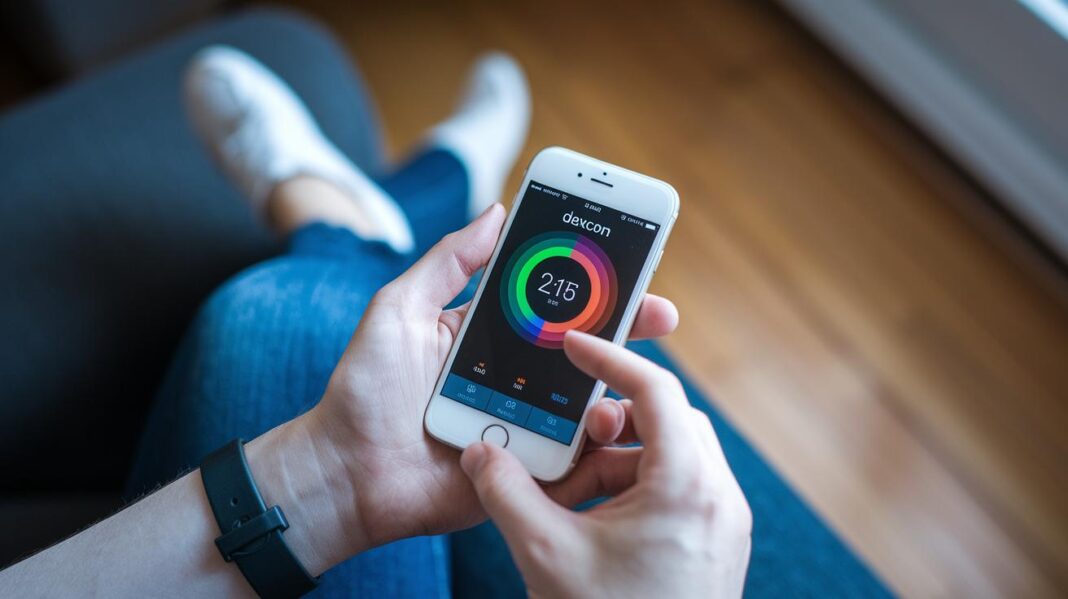

Ever wished checking your blood sugar was as easy as unlocking your phone? The Dexcom App makes it that simple. With live updates and clear, easy-to-read graphs, you can see your levels in real time. It’s like having a friendly guide in your corner, helping you adjust your meals or exercise by showing you patterns as they happen.
This simple tool works with your sensor so you and your caregivers can make confident decisions quickly. Imagine a little helper right in your pocket, keeping a watchful eye on your health every step of the way.
dexcom app: Effortless Glucose Monitoring
The Dexcom App gives you live glucose readings, clear trend graphs, and smart alerts so you always know what's up with your levels. It updates in real time, letting you see how your body reacts to meals, exercise, and your daily routine. For example, you might notice a quick spike after a big meal and adjust your next snack accordingly.
It smoothly connects with your sensors and mobile devices, so you get current data that helps both you and your caregivers make smart decisions. When caregivers review your updated charts during check-ins, they can quickly tweak care plans if needed. This clear, real-time info is like a helper on your journey to better well-being.
Setting Up the Dexcom App: Compatibility & Installation
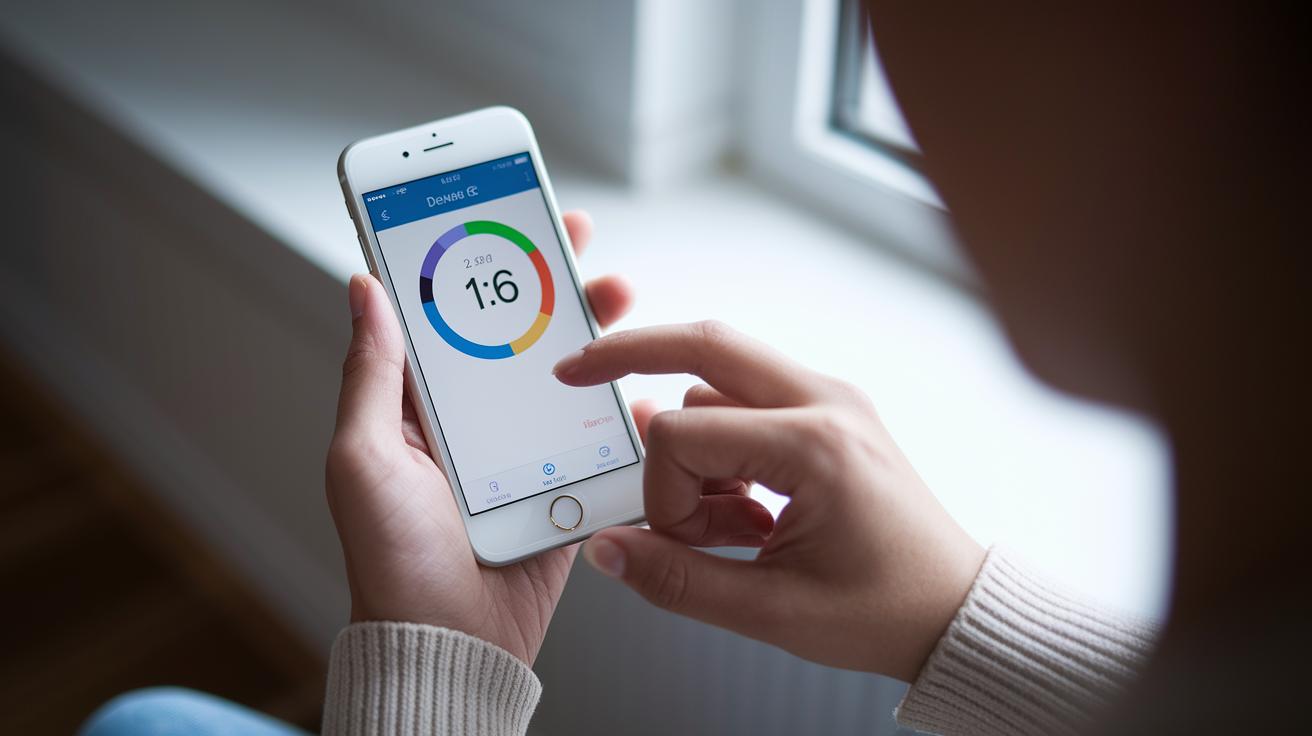
Getting started with the Dexcom App is really easy. First, check if your phone is an Android phone or an iPhone. The app runs smoothly on devices with iOS 15+ or Android 10+, so you’ll know it’s ready to go. Imagine quickly scrolling through a few screens and seeing your latest glucose reading, it’s that simple.
Next, make sure your sensor will pair right. The app works well with the sensor connectivity platform, which means your G7 sensor will match up perfectly as long as its firmware is up to date. You know, it's like a little dance between your sensor and your phone.
Follow these simple steps:
- Download the Dexcom App from the App Store or Google Play.
- Check that your phone uses iOS 15+ or Android 10+ so everything works at its best.
- Pair your G7 sensor after confirming it meets the necessary firmware requirements.
- Allow Bluetooth and location permissions to finish the setup.
Once you finish these steps, the app sends real-time data and smart alerts right to your device. This smooth process helps you jump right into tracking your glucose without any hassles. Enjoy your journey to easier health monitoring!
Exploring the Dexcom App’s Interface & Dashboards
When you open the Dexcom App, you're greeted by a bright, easy-to-read home screen. Widgets show your glucose readings in a clear way, letting you see how you're doing with just one quick glance. Picture checking your screen and noticing a bold arrow that shifts direction, a gentle hint showing you how your meal or some light exercise affected your levels. This smart design makes keeping track of your health a breeze.
- current value
- trend arrow
- 24-hour graph
- statistics
- settings
The dashboard uses a familiar layout that feels almost like an old friend. It lets you zero in on important data without any extra steps along the way. You get a straightforward look at your body's trends throughout the day. And here's something neat: you can make it your own. With easy customization options, you can choose from different color themes to match your mood and move around widgets however you like. Basically, you decide if the statistics panel should be in the center stage or if the 24-hour graph should be the first thing you see. Changing the layout is as simple as a few taps, making the experience feel personal and organized.
Pairing Your G7 Sensor with the Dexcom App
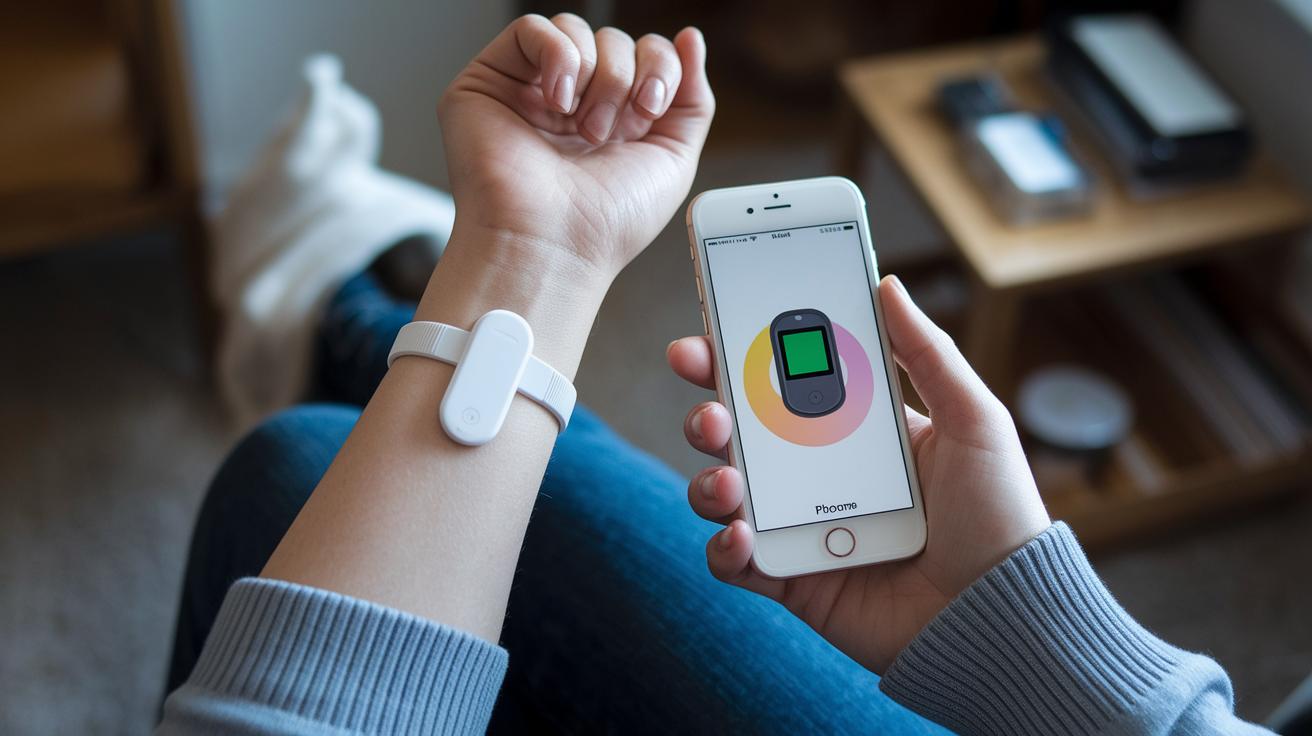
First, press the sensor's button to turn it on and get it ready. Then, open the Dexcom App on your phone. You'll see a friendly menu that helps you start the process.
When the app opens, tap the option to add a new sensor. Follow the on-screen steps closely to make sure everything matches up. Finally, check that your sensor is paired with the app so it can show you live glucose readings.
To recap, here’s what you need to do:
- Power on the sensor.
- Open the Dexcom App.
- Choose "Add Sensor."
- Follow the simple on-screen steps.
- Confirm the connection worked.
If you notice a weak Bluetooth signal or delayed updates, it might be a small hiccup. Try using the in-app diagnostics tool to fix any problems and get your sensor back on track.
Managing Alerts & Notifications in the Dexcom App
The Dexcom App comes with ready-made alarm settings that give you a quick, friendly nudge when your glucose levels drift too far from your norm. It feels like a gentle reminder to check on things before any small change turns into a big issue. Users love that the notifications are clear, letting them act fast when levels dip too low or shoot too high.
- Set a low alarm to get a heads-up when your levels fall under your target.
- Configure a high alarm so you catch any sudden spikes right away.
- Turn on trend alerts if you want to know when glucose levels are slowly rising or falling.
- Activate reminder notifications so you never miss checking in on your readings.
You can also choose vibration or sound alerts, and even set up do-not-disturb periods to keep things quiet at night. This way, you get all the safety you need without feeling overwhelmed during your day.
Sharing Data & Remote Monitoring with the Dexcom App’s Follow Feature

With the Dexcom App, sharing your glucose readings with family or your doctor couldn’t be easier. The follow feature lets you invite someone to check your live data, adding a little extra care to your day. Imagine sending a quick text or email invitation, and your loved one gets to see your levels whether you're at home or out. It’s as easy as sending a friendly message to let someone know you’re all good.
Here’s how to share your data in a few simple steps:
- Open the follow feature right in the app.
- Send an invite using email or SMS.
- Choose how much information to share by setting permission levels.
- Check your shared glucose readings live.
- If things change, you can revoke access with just one click.
And don’t worry about privacy. The app comes with privacy controls and daily summary reports that keep you feeling secure. You’re in charge of who sees your info and how much they see. This smart mix of sharing and privacy makes it easier to stay connected and feel supported, all while keeping your data safe in your hands.
Troubleshooting Common Dexcom App Issues
Using the Dexcom App can sometimes come with a few hiccups, but most are quick fixes. Take a look at the table below to find common issues and easy ways to solve them:
| Problem | Solution |
|---|---|
| Sensor drop-outs | Restart the app and reconnect your sensor |
| App crashes | Make sure you have the latest update or reinstall the app |
| Bluetooth pairing failures | Check that Bluetooth is on and try pairing the sensor again |
| Outdated firmware alerts | Go into settings and update your sensor firmware |
| Low-battery warnings | Charge your device and sensor if needed |
If these fixes don’t do the trick, try using the in-app support feature. You’ll find options to check diagnostics or chat with someone who can walk you through more troubleshooting steps. Sometimes a quick look at your settings or firmware can smooth things out. And if the problem sticks, sending your issue through the in-app help form means our technical team gets it right away, so you can be back on track in no time.
Using Advanced Analytics & Reporting in the Dexcom App
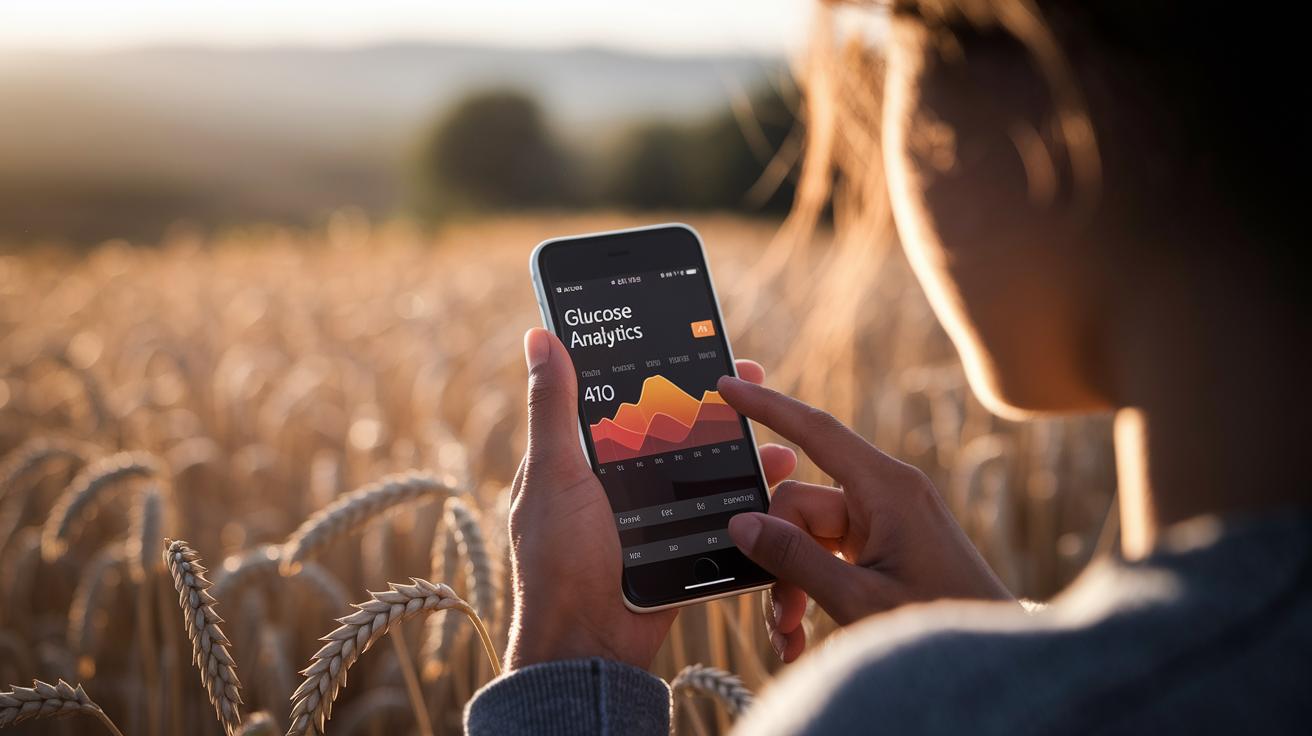
The Analytics tab shows you a simple view of your glucose health. It gives you quick estimates of your A1C and the time your levels stay in a safe range. You can see how your numbers change from day to day, making it easier to connect your habits with the results on your screen.
The app also has colorful, interactive reports and a dashboard that tracks your data in a clear, easy-to-read way. You might even notice small changes over time with its trend tracking. It really helps you feel more in tune with what your body is doing.
- Daily patterns
- Meal responses
- Exercise integration
- Historical trends
These reports help you see how different parts of your day affect your glucose. This means you can make small, simple tweaks to improve your routine. Plus, you can export your reports as CSV or PDF files. Sharing a detailed history with your doctor is quick and hassle-free. In truth, this easy export feature helps you have informed, friendly chats with your healthcare provider during your follow-up visits.
Staying Updated: Dexcom App Versions & New Features
Automatic update prompts work like a friendly reminder to keep your app at its best. Even if you’re swamped, a quick nudge on your phone lets you know when a new version of the Dexcom App is ready. These updates pack handy fixes and smooth performance boosts to keep things running without a hitch.
Next, the update prompts explain what’s changed so you always know what to expect. With each update, your glucose data stays secure and the app feels more intuitive. Really, these alerts are gentle and easy, guiding you step-by-step toward a better experience.
Every update not only fixes little bugs but also adds small touches that make your readings more accurate and the system more stable. So, keeping your app updated means you get the latest features and enjoy a smoother, friendlier experience every day.
| Version | Release Date | Key Features |
|---|---|---|
| 2.5.1 | July 15, 2023 | Minor bug fixes and UI enhancements |
| 2.5.0 | June 10, 2023 | New alert customization, performance improvements |
| 2.4.3 | May 5, 2023 | Enhanced real-time data syncing and small fixes |
| 2.4.2 | April 1, 2023 | Stability improvements and updated sensor pairing |
Security & Privacy Measures in the Dexcom App

Dexcom really cares about keeping your data safe. They use strong methods like end-to-end encryption and HIPAA-approved cloud storage. Your health details travel from your sensor to the app much like a secret note passed between trusted friends.
Your data remains private and is only shared with people you choose. Every step in the process is carefully watched to make sure nothing goes wrong.
You can boost your security even more with features like multi-factor authentication. This means even if someone figures out your password, they still need an extra code sent to your device to get in. The app also makes it simple to adjust your privacy settings so you control who sees your information.
You manage your own data right from your screen, giving you the safety and peace of mind you deserve. And with regular updates, you always have the latest safety measures in place.
Final Words
In the action, this piece showed how the dexcom app makes glucose monitoring easy and reliable.
We touched on live readings, sensor pairing, and sharing real-time data with care teams.
Step-by-step guides and troubleshooting tips kept everything clear.
Security and privacy measures helped keep your information safe.
Altogether, the dexcom app stands out as a strong tool for managing health digitally.
Enjoy a smoother, more connected experience as you stay on top of your well-being!
FAQ
What is the Dexcom app and how do I download it?
The Dexcom app download lets you view live glucose readings, trend graphs, and alerts. To install, visit the App Store for iOS or Google Play for Android, supporting both G6 and G7 sensor models.
Is the Dexcom app free and what is its cost?
The Dexcom app download is free, giving you access to real-time glucose monitoring and alerts without any extra fees.
How do I get my Dexcom readings on my phone?
The Dexcom app connects your sensor to your phone, providing live glucose data and trend updates. Simply complete setup and pairing to view readings instantly on your device.
Is there an app for Dexcom G7?
The Dexcom G7 app download is available for both iOS and Android. It offers live glucose tracking, alert notifications, and seamless sensor pairing for accurate, real-time data.
What is the Dexcom Follow app used for?
The Dexcom Follow app download lets caregivers or loved ones monitor glucose levels remotely. It transmits live data and alerts, ensuring a shared view of key health metrics.