
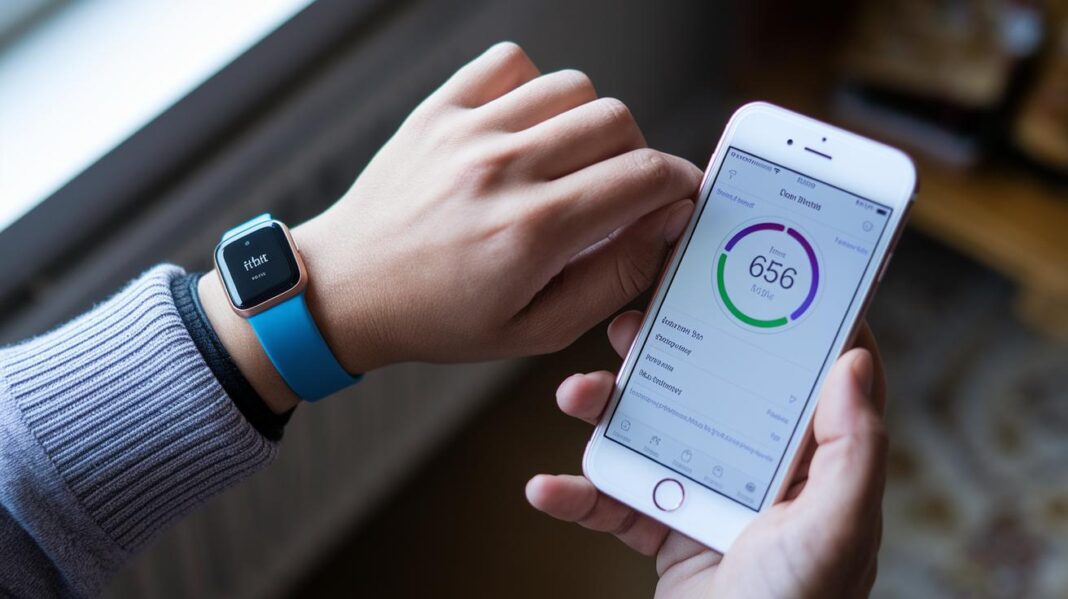

Have you ever thought a small change in your daily routine might boost your health? The Fitbit health app does just that.
It helps you track your daily activities as easily as checking your scorecard before a big game. Plus, it offers dark mode for late-night workouts and fun family challenges that turn fitness into a friendly contest.
In short, the app sets you up for success by making it simple to see how you’re doing at a glance. Isn't that neat?
Key Features in the Fitbit Health App

The Fitbit health app gathers your everyday fitness details into one neat, easy-to-read dashboard. It shows your daily activity, exercise stats, and sleep patterns in a way that feels like checking a well-organized scorecard before a big game. Everything you need is right there.
Dark Mode in Fitbit App 4.50 makes it easier on your eyes and helps save battery life. This means you can review your progress comfortably during late-night workouts or while unwinding before bed. And with the new Family Quests update, you can sync step counts with loved ones and spark some friendly competition that really keeps everyone motivated.
Next, the Health Connect tile found under the "You" tab pulls in data from popular apps like AllTrails and MyFitnessPal. This handy feature brings together your walking routes, calorie counts, and more in one unified view. It makes comparing your stats a breeze without the hassle of switching between apps.
Ultimately, these features come together to offer a simple, real-time look at your health. It’s like having a personal wellness partner right in your pocket, helping you stay on track every day.
Setting Up Your Fitbit Health App for Seamless Connectivity

To begin, create your account right in the Fitbit app. Open it on your Android or iPhone and follow the simple prompts to set up your profile. This easy process works whether you’re just starting with smart wearables or have been using them for a while.
Next, double-check your device. Fitbit supports models like Alta, Blaze, Charge 2 to 6, Inspire series, Ionic, Sense series, Versa Lite through Versa 4, Ace 2 and Ace 3, Luxe, Flex series, and even Aria Scales. Confirm your device appears on this list so you don’t run into sync problems later.
Now, connect your device with the app. Turn on your phone’s Bluetooth and choose your Fitbit model from the in-app list. Follow the friendly on-screen steps to finish pairing. This way, whether you’re on Android or iOS, your fitness data is always at your fingertips.
Finally, if you want to style your tracker, explore the different band choices. Options come in silicone, metal, leather, nylon, scrunchie, and sport styles in both 38 mm and 44 mm sizes. Taking a few extra moments here ensures your device syncs smoothly every time you check your progress.
fitbit health app Boosts Your Wellness Routine

The Fitbit health app is your friendly partner for tracking activity. Open the app and you’re just a tap away from starting your workout. Just hit the workout button, pick an activity, and the app begins to log every step, almost like setting your phone’s timer. You see your live step counts on the screen, whether you're enjoying a calm walk in the park or going for a brisk run.
While you exercise, it keeps you updated with real-time step numbers so you always know how far you’ve come. It even shows instant heart rate updates, helping you find that sweet spot where you push hard without overdoing it. Isn’t that neat?
When you wind down, you can check your calorie burn, think of it as having a personal trainer who cheers you on with every move. Plus, the summary of active minutes shows exactly how long you’ve been in the workout zone.
Below is a quick look at the six core tracking metrics that Fitbit offers:
| Metric | Description |
|---|---|
| Steps | Your daily movement that keeps you motivated |
| Heart rate | Instant readings to help monitor your workout pace |
| Calories | Shows the energy you use during exercise |
| Active minutes | Tracks the time you spend in focused exercise |
| Floors climbed | Measures vertical movement for a complete picture |
| Distance | Calculates the miles you cover while moving |
Each metric adds its own value, encouraging you to move more and maintain a balanced routine. The real-time data keeps your wellness journey interactive, letting you adjust your workouts as you go. Whether you’re pushing your limits or just enjoying a stroll, every detail is captured to inspire your next move.
Leveraging Sleep Tracking Insights in Fitbit's Mobile Wellness Tracker

The Fitbit app collects all kinds of sleep details by tracking every stage, from light sleep to deep sleep and REM. It puts all that info together into a simple sleep score that shows you how well you rested. Imagine checking your score in the morning, kind of like glancing at a weather report to see if it’s going to be sunny or drizzly.
Over time, you might notice clear trends in your sleep quality. For example, the app could tell you, "After cutting back on screen time before bed, your deep sleep went up by 15% last week." It even offers friendly tips, like trying a few minutes of deep breathing to help you wind down before sleep.
All this info comes together to paint a full picture of your sleep and overall well-being. With these insights, you can tweak your daily habits to make each night’s rest a little better. It’s as simple as checking your favorite social app, but with details that help you feel more energized each day.
Integrating Fitbit Health App Data with Apple Health and Health Connect

Connecting your Fitbit data with Apple Health brings all your fitness info into one handy spot. You get to see workouts, sleep, blood pressure, and temperature details without jumping between apps. Since Fitbit doesn’t talk directly with Apple Health, you can use tools like Sync Solver or Fitbit to Health Power Sync to bridge the gap. With a few taps on your Fitbit app, you can turn on Health App Syncing and sign in with your Google account for Health Connect. This simple setup keeps your data flowing smoothly so you can share it with your doctor when needed.
Connecting Fitbit to Apple Health
First, open your Fitbit app and find the Health App Syncing option. Just follow the on-screen directions to let Apple Health grab your fitness data. You can pick what to sync, like steps, sleep logs, and heart rate. The Health Connect tile in the You tab makes it a breeze to bring everything together. For extra details, check out our page on integration of connected health devices.
Troubleshooting Data Duplication
Sometimes you might see the same data showing up twice in Apple Health if the sync repeats. If that happens, try clearing your sync history and reauthorizing the settings in your Fitbit app. This little refresh cleans up your dashboard and keeps it accurate, making sure you always have the right info at your fingertips.
| App Name | Cost | Supported Data Types | Membership Required |
|---|---|---|---|
| Sync Solver | $4.99 | Steps, workouts, sleep | No |
| Fitbit to Health Power Sync | Free | Multiple health metrics | Yes |
Customizing Notifications and Personal Dashboards in the Fitbit Health App

The app makes it super easy to set daily and weekly goals. Just head over to the goals section and type in your step target or minutes for a workout. You might choose 10,000 steps a day, and even see a message pop up like, "Keep going, you're almost there!"
You can also set up push notifications to give you friendly nudges all day long. Pick alerts for activity milestones, heart rate updates, or hydration reminders. These little prompts make staying active feel more like fun encouragement than a chore.
Your personal dashboard is totally customizable too. Rearrange the widgets so the info you care about the most is right where you can see it. Whether you like progress bars, charts, or quick stats that update on the fly, there’s a way to fit your style. It’s much like getting a mini celebration every time you check your progress!
Play around with these settings until your dashboard fits your daily routine perfectly, turning routine activity updates into a warm and personal companion on your wellness journey.
Troubleshooting and Updating the Fitbit Health App for Optimal Performance

Are you having trouble with your Fitbit app? First, check if it’s updated. Open your device’s app store and see if a new version is available. Often, keeping the app current clears up small glitches and makes everything run smoother.
If you run into syncing or connection issues, try a few simple fixes. First, update the app to tackle bugs and boost stability. Next, clear the app cache by opening your device settings, selecting the Fitbit app, and removing old data. Sometimes, simply closing the app completely and reopening it is all it takes to reestablish lost connections.
It might also help to reset your sync settings. Toggle the data sharing options within the app so that your data transfers properly. And if nothing seems to work, give your device a restart to refresh both the network connections and background processes.
Still not working? Take a moment to check your phone’s connectivity. Bluetooth or Wi-Fi might be interfering with the sync process. Try turning Bluetooth or Wi-Fi off, then on again to help restore the connection.
Lastly, keep an eye on the app’s version history in the store. This will let you stay informed about new updates and performance tweaks from the Fitbit team, ensuring your health data always syncs reliably and your app runs efficiently.
Final Words
In the action, the blog walked through key parts of the fitbit health app, from its real-time activity tracking and sleep insights to customizable notifications and smooth device syncing. It shared tips for setting up your account and troubleshooting common issues so you can get the most out of your mobile wellness experience.
Every feature is designed to make managing your health feel easy and intuitive.
Keep exploring and enjoy stepping into an energetic and connected life.
FAQ
Frequently Asked Questions
How do I download and log in to the Fitbit health app on iPhone and Android?
The Fitbit health app is free to download from the App Store or Google Play. After downloading, open the app and sign in or create an account for a seamless setup.
Does Fitbit offer a free health app?
The Fitbit app is free to download, giving you access to activity tracking, sleep monitoring, and other personal health insights at no cost.
Can I connect my Fitbit to Apple’s Health app or Health Connect?
Fitbit data connects with Apple’s Health app via setting adjustments and third-party tools, while Android users can enable Health Connect for consolidated workout and wellness data.
Why might some Fitbit models or services be discontinued?
Discontinuation refers to older models and services being phased out as the company upgrades to new devices and features for better performance and more refined health tracking.
Which Fitbit health tracker should I choose?
The best Fitbit tracker depends on your needs. Options include the Charge 6, Inspire 3, Versa 4, Luxe, and Sense 2, each offering unique features from basic tracking to advanced health monitoring.
What do “rastreador” and “reloj inteligente” mean in the context of Fitbit?
“Rastreador” means tracker, which focuses on monitoring your health data, and “reloj inteligente” refers to a smartwatch that combines tracking with smart notifications and other digital features.