
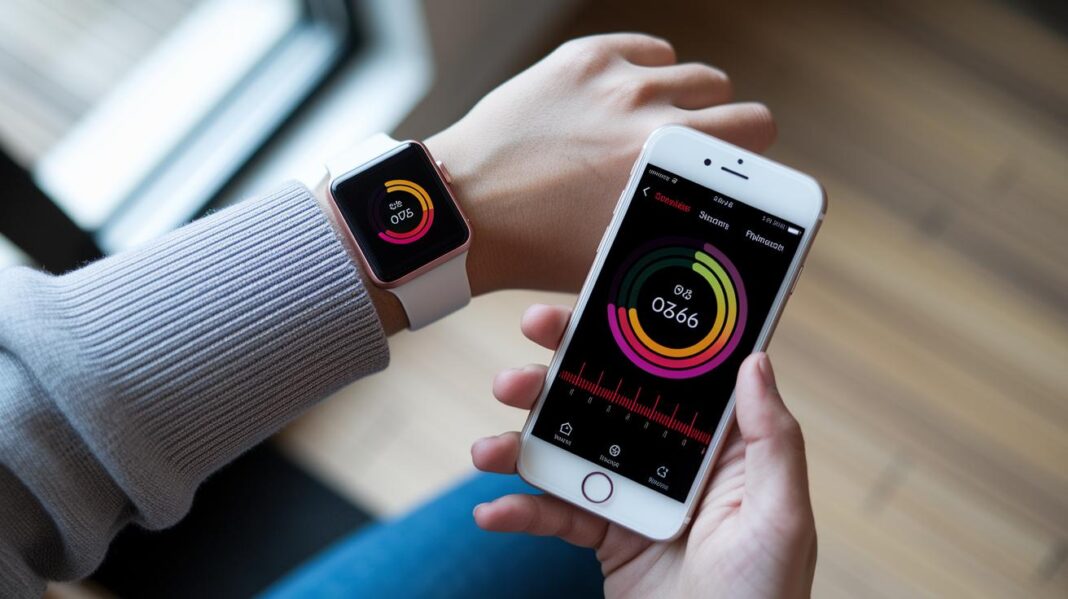

Have you ever wondered if your phone can help boost your health? There is an app that checks your blood oxygen level and heart rate without needing a doctor’s visit.
It works by using digital sensors, little tools built into your phone that measure your vital signs as accurately as traditional devices. You get real-time updates so you always know how you’re doing.
In this post, we’ll show you how this handy app gives you daily health insights. It might sound simple, but imagine the gentle buzz of a reminder when it’s time to check your stats. Isn’t it amazing how a small tool can help you feel more in control of your day?
Overview of Top Blood Oxygen Apps for Accurate Monitoring

Smartphone apps for tracking blood oxygen levels have become a favorite for many who care about their health. They make it easy to check your oxygen, heart rate, and even blood pressure from home. On September 19, 2022, one popular app showed that its readings were nearly as accurate as those from traditional medical devices, even if the blood pressure was a tiny bit higher. More and more people are using these apps for their daily check-ups. They work on different platforms and often offer cool extras like real-time updates and monitoring in the background.
| App Name | Platform | Price | Key Feature |
|---|---|---|---|
| OxyTrack | iOS, Android | Free | Real-time SpO₂ monitoring |
| HealthPulse | iOS | $4.99 | Background health tracking |
| PulseCheck | Android | Free | Comprehensive data logging |
| O2Insight | iOS, Android | $2.99 | Clinical-grade accuracy |
| VitalOxygen | iOS | Free | Daily trend analysis |
Every app brings something different to the table. OxyTrack and VitalOxygen are perfect if you want a free, easy tool that gives quick insights. On the other hand, HealthPulse and O2Insight are better if you need detailed background data and reliable, clinical-grade results. PulseCheck is the go-to if you’re an Android user who likes to keep a detailed log of your health stats. In truth, these apps are making it easier for everyone to stay on top of their wellness, offering options that suit different routines and lifestyles.
How Blood Oxygen Apps Measure SpO₂ with Digital Sensors
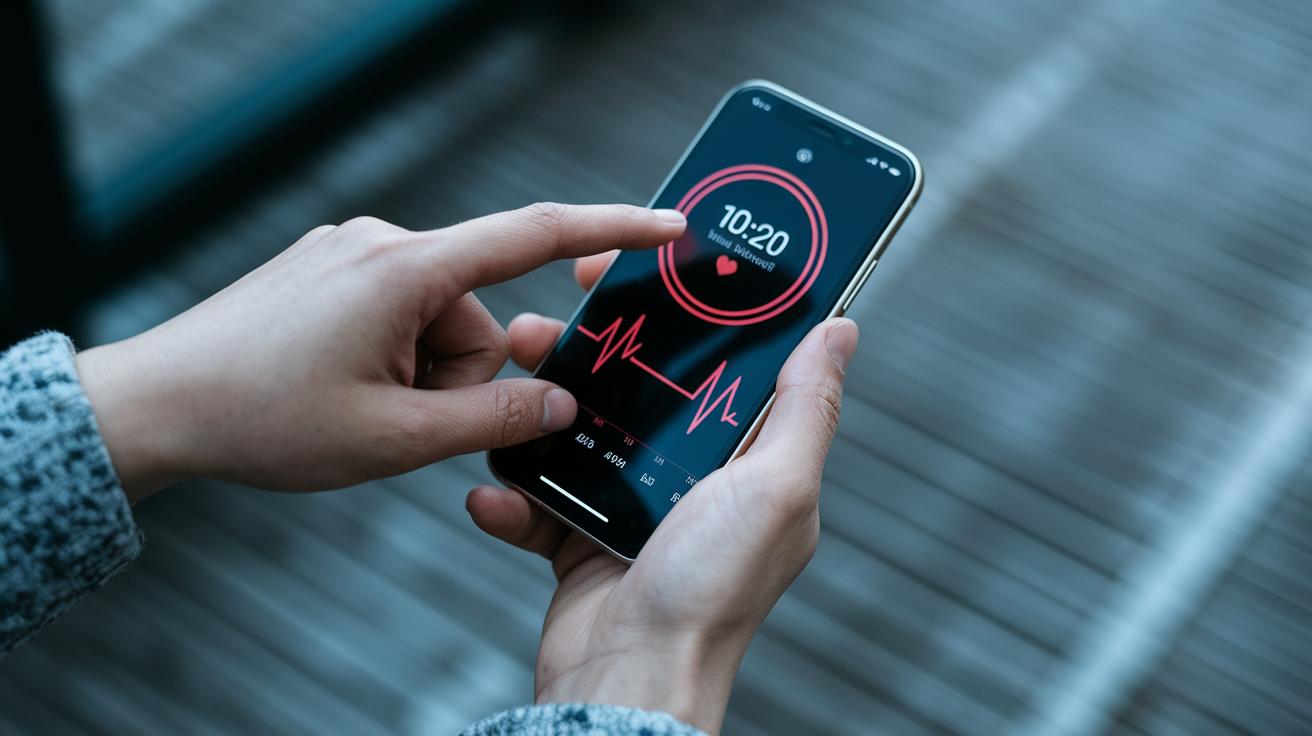
Imagine your smartphone shining red and infrared light on your skin to measure how much oxygen is in your blood. This clever method, called photoplethysmography, works by catching tiny changes in blood volume that occur with each heartbeat. It’s a bit like watching gentle waves at the beach, the rise and fall of the light give you a clear picture of what’s going on inside.
After the light does its magic, smart algorithms step in to sort the raw signals. They turn those little fluctuations into easy-to-read charts that show your oxygen levels and heart rate in real time. Picture a lively graph that updates as smoothly as a heartbeat, offering insights that are simple and clear.
This approach makes it effortless to keep an eye on your health, reminding you to pause and check in with your body throughout the day.
Device Compatibility and Setup for Blood Oxygen Apps

If you have an Apple Watch Series 6 or later, start by updating your watch to the newest watchOS. Open the settings and tap on the blood oxygen feature. It will guide you through sensor calibration so your readings are accurate every time. It feels like a simple checklist on your wrist that makes monitoring your health easy.
Next, if you’re using an iPhone, update your phone to the latest iOS version to keep everything in sync with your wearable. Open the blood oxygen app and allow it to use necessary sensors like the camera. With just a few taps, your readings pop up and sync with your health apps. It’s like getting a gentle nudge to check in on your well-being throughout the day. Plus, it supports connected health devices to give you a complete picture of your health status.
For Android users, the process is just as smooth. Make sure your device is running Android 8.0 or later, then download the app from the Play Store. Turn on the camera flash and follow the quick sensor calibration steps provided. Soon, your device will accurately track your oxygen levels and sync with apps like Google Fit for a full view of your daily health status.
Accuracy and Reliability of Blood Oxygen Apps Compared to Medical Devices
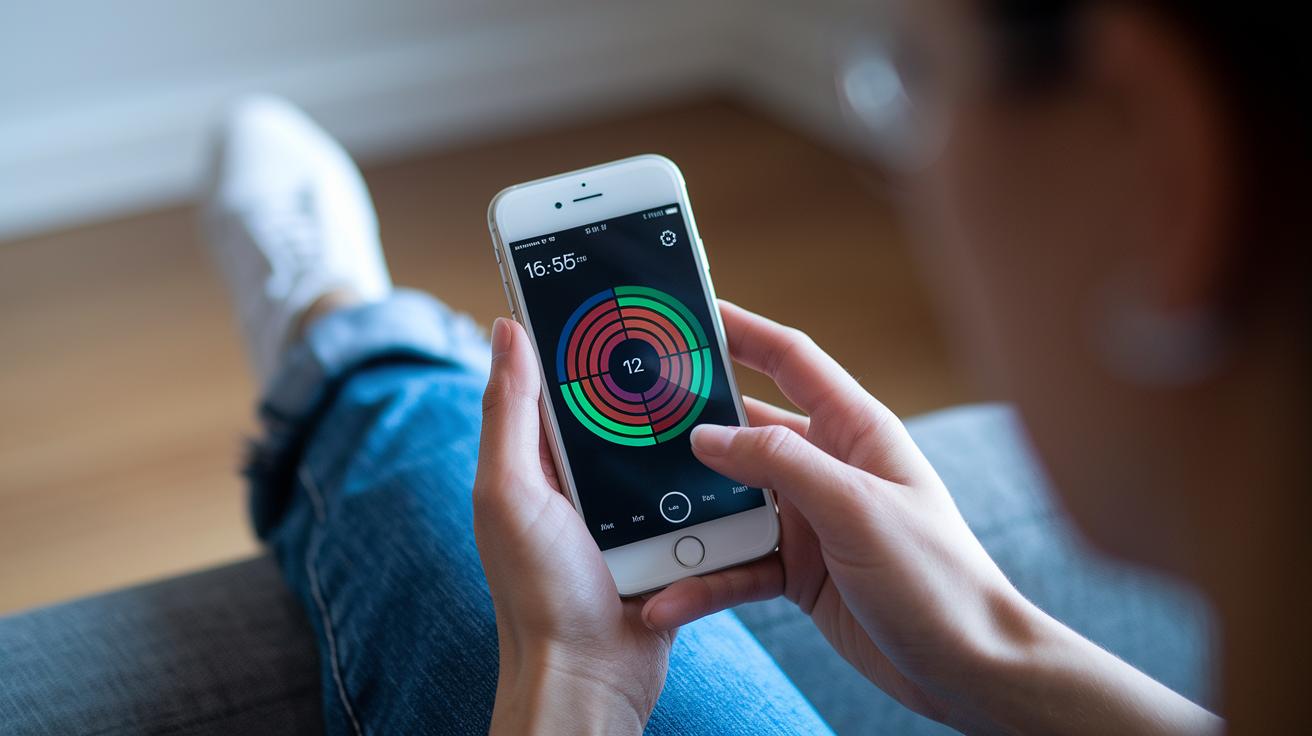
Recent tests show that many blood oxygen apps for home use measure SpO₂ and heart rate very close to standard pulse oximeters. Even blood pressure readings are just about 1% higher than those from clinical monitors. This close match helps build trust in these portable digital health tools.
That said, a few factors can influence the accuracy of these sensors. Movement during measurements, different skin tones, and the brightness of the room can all lead to small variations. Even the best sensors need a steady setting to work their best.
For the most reliable readings, it helps to follow a few simple tricks. Stay still while taking a measurement and try to use the app under similar lighting each time. The app’s calibration steps also serve to reduce any inconsistencies. Making it a daily habit to measure under the same conditions ensures your readings stay consistent and trustworthy.
Data Security, Privacy, and Health Platform Integration for Blood Oxygen Apps

Many blood oxygen apps let you sync your readings with tools like Apple Health and Google Fit. This helps pull your numbers into one central health record so you can easily see your trends and compare your oxygen levels with other wellness data.
Developers work hard to keep your sensor info safe. When you open the app, you’re simply asked to choose your data sharing options with clear explanations. This way, you control what’s shared with connected platforms, keeping your personal information secure as you go about your day. And if you change your mind, you can update your settings whenever you want.
There are rules in place too. Lawmakers insist that app developers follow up-to-date data privacy laws. This means the app makes sure you give clear consent and your rights are protected. In truth, these standards help create a safe space for enjoying innovative health apps.
Final Words
In the action of checking out top blood oxygen apps, we broke down how these tools track SpO₂ with digital sensors, compared their readings to clinical devices, and walked through setting them up on different gadgets. We also took a close look at the security and privacy of your data. This overview shows that a reliable blood oxygen app can put essential health insights right in your hand. Here’s to better, simpler, and more secure health checks every day.
FAQ
Q: Is there a free blood oxygen app available?
A: The free blood oxygen app option means you can get basic monitoring features on many apps without cost, though some may offer extra functions for a fee.
Q: How do Apple Watch models monitor blood oxygen levels?
A: The Apple Watch, including models like the Apple Watch SE, uses built-in sensors to track blood oxygen levels and displays readings in real time on its app.
Q: What is the current status of the blood oxygen app’s availability?
A: The current status of the blood oxygen app indicates it may be temporarily unavailable, so checking with the provider for recent updates is advisable.
Q: Which blood oxygen app is considered the best?
A: The best blood oxygen app combines reliable, real-time tracking with a user-friendly interface; your choice will depend on the features, pricing, and ease of use offered.
Q: Can Android devices measure blood oxygen levels like a pulse oximeter?
A: Using Android apps to measure blood oxygen means your phone can act as a basic pulse oximeter through its sensors, although the accuracy may not match that of clinical equipment.