
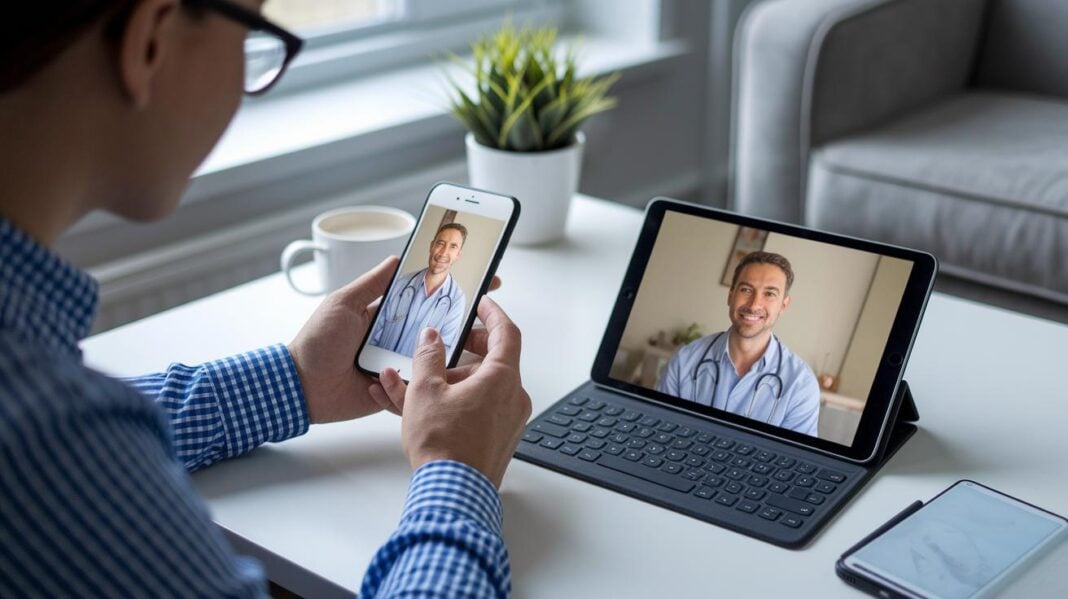

Ever thought talking with your doctor could feel as simple as texting a friend? Well, now health apps let you do just that with live video calls. One tap and you’re in a secure conversation that skips the long drives and busy waiting rooms.
It’s like having care right in your pocket. This easy access makes staying healthy feel personal and stress-free. Have you ever noticed how a simple video call can brighten your day? Read on to see how these handy health apps are changing our care routines.
How Video Consultation Integration Empowers Mobile Health Apps
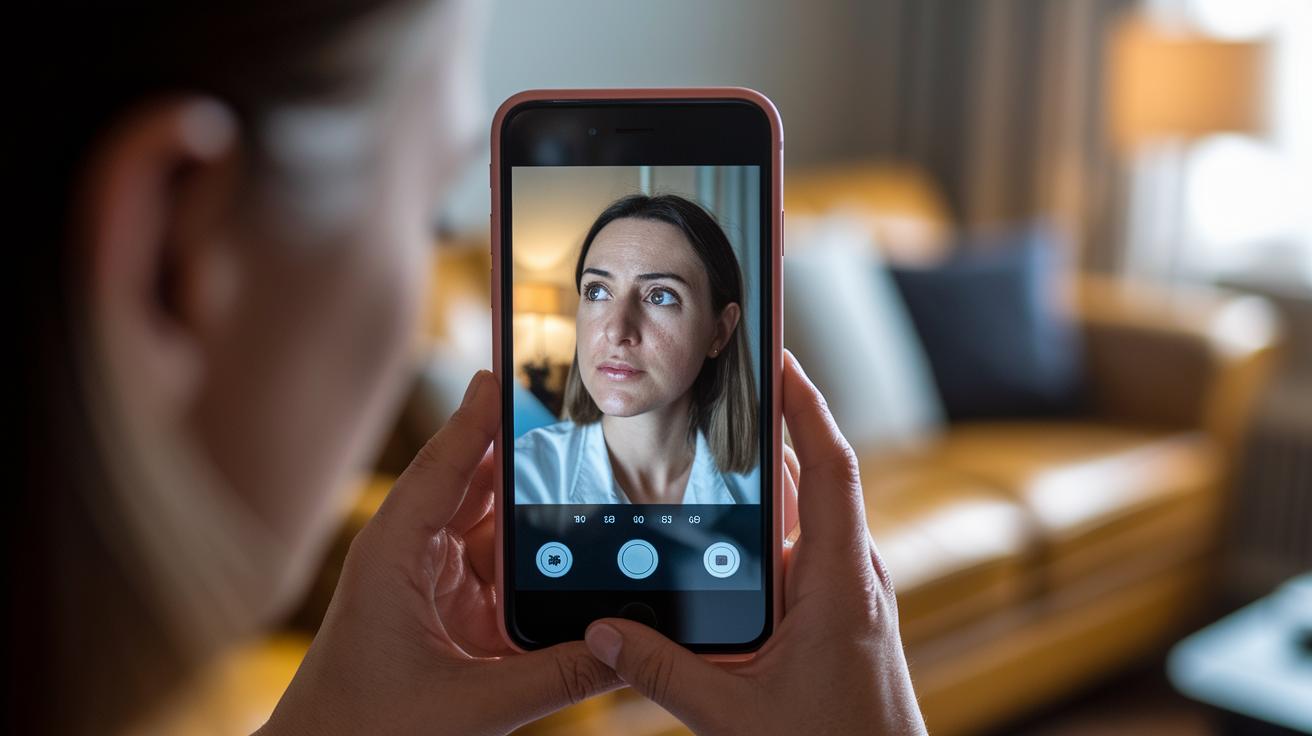
When you add live video visits into a health app, connecting with your doctor becomes as simple as tapping a button. You can quickly start a secure video call, chat by voice, or even text, all from your device. This easy addition breaks down travel barriers while keeping your privacy safe. Want to learn more? Check out the details at how do video consultations work for telemedicine.
The world of digital health is booming. Experts say telemedicine might be worth over $500 billion by 2030. That tells you people really appreciate having access to remote doctor visits. As more of us use digital health apps and technology gets smarter and more secure, the push for easier healthcare grows stronger every day.
One heartening example is a small chronic-care clinic in rural Kansas. They saw a 30% drop in missed appointments after adding video consultations to their services. This shows that video visits not only make scheduling simpler but also help you get care right when you need it. All in all, this means better care for everyone, right when it matters most.
Integration Methods for Video Consultation in Mobile Health Apps

Mixing live video into a health app is all about being flexible and ready for growth. It means choosing options that work well in many tech settings and can change as users need more. You get fun features like screen sharing, chat, captions, and even virtual backgrounds. All of these help create a smooth and engaging video call, no matter which device you use.
There are several ways to add video calls to your app. Some teams pick an API approach for complete control over setting up the video room. Others go for ready-to-use solutions that let them launch quickly without a lot of fuss. It all depends on whether you need deep customization or a fast start.
| Integration Method | Description |
|---|---|
| API Integration | Uses token-based room creation for detailed control. |
| Native SDK | Works with iOS/Android event hooks for a smooth native feel. |
| HTML iframe embed | Simplifies the process with an easy HTML embed. |
| Cloud-hosted Video Modules | Relies on cloud services to manage video calls efficiently. |
| CMS-based Plugin | Offers a quick setup for content management systems. |
Balancing custom features with fast deployment is key. A full API integration lets you tailor every detail, but sometimes you might need a CMS-based plugin to get going quickly. The best choice makes your app both strong and speedy, meeting the needs of patients and providers in today’s busy world.
Technical Infrastructure for Real-Time Video Calls in Healthcare Apps
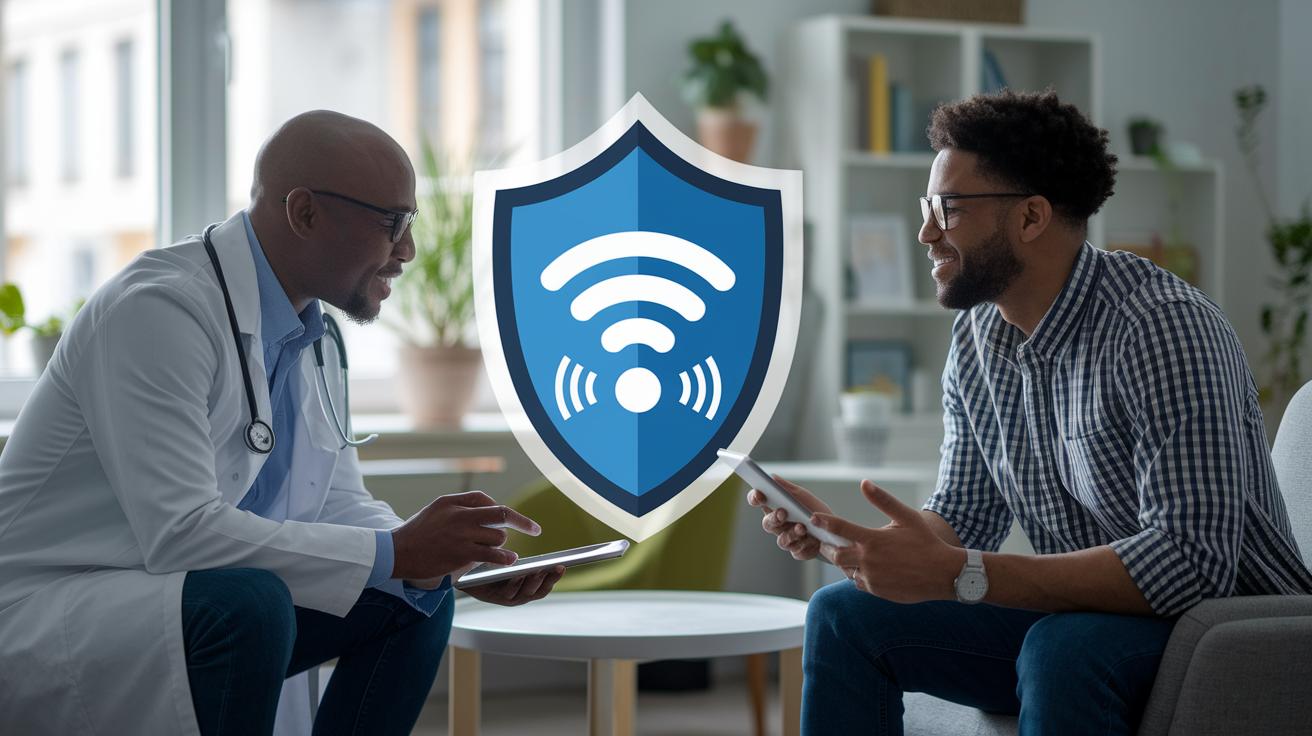
Real-time video calls are key for remote healthcare visits. They work because strong networks and enough bandwidth keep everything running smoothly. Most apps use WebRTC, which connects devices so the conversation happens in almost no time. With fast 5G or reliable Wi-Fi, you get clear audio and video even if you’re on the move.
Security is a top priority for live video consultations. End-to-end encryption makes sure only you and your doctor can see the conversation. Plus, secure token management provides a unique, time-sensitive key that keeps the session protected. This careful design helps keep your personal health details safe and builds trust between you and your provider.
Being able to share data easily is also very important. Healthcare apps can work with systems like EHR and EMR, so doctors can update and see your records during the call. Meanwhile, data from wearables like heart rate monitors flows in through simple APIs. This mix of real-time video and live health measures helps doctors make well-informed decisions during your consultation.
Security and Regulatory Compliance for Video Consultation Integration

Encryption is the cornerstone of safe video calls. With end-to-end encryption, each session is locked with a one-time unique token so that your conversation stays private. This method stops unwanted access and keeps your patient data secure.
We also use strong ways to confirm identities and manage consent. Multi-factor authentication, paired with clear user permission, helps us make sure that only the right people join the call. It verifies who you are and confirms that any sensitive information is shared only when you say it's okay.
Keeping careful records of every session is key to staying open and honest. By logging the details of each video call, it’s easier for providers to monitor the activity and catch any issues early. These records create a clear trail that helps us quickly address any problems.
Following rules like HIPAA, GDPR, and CCPA is essential. These standards require strict management of patient data, from letting you know about breaches to ensuring that you control your own information. Sticking to these guidelines not only meets legal demands but also builds lasting trust with users.
UX and Workflow Design in Mobile Video Consultation Apps
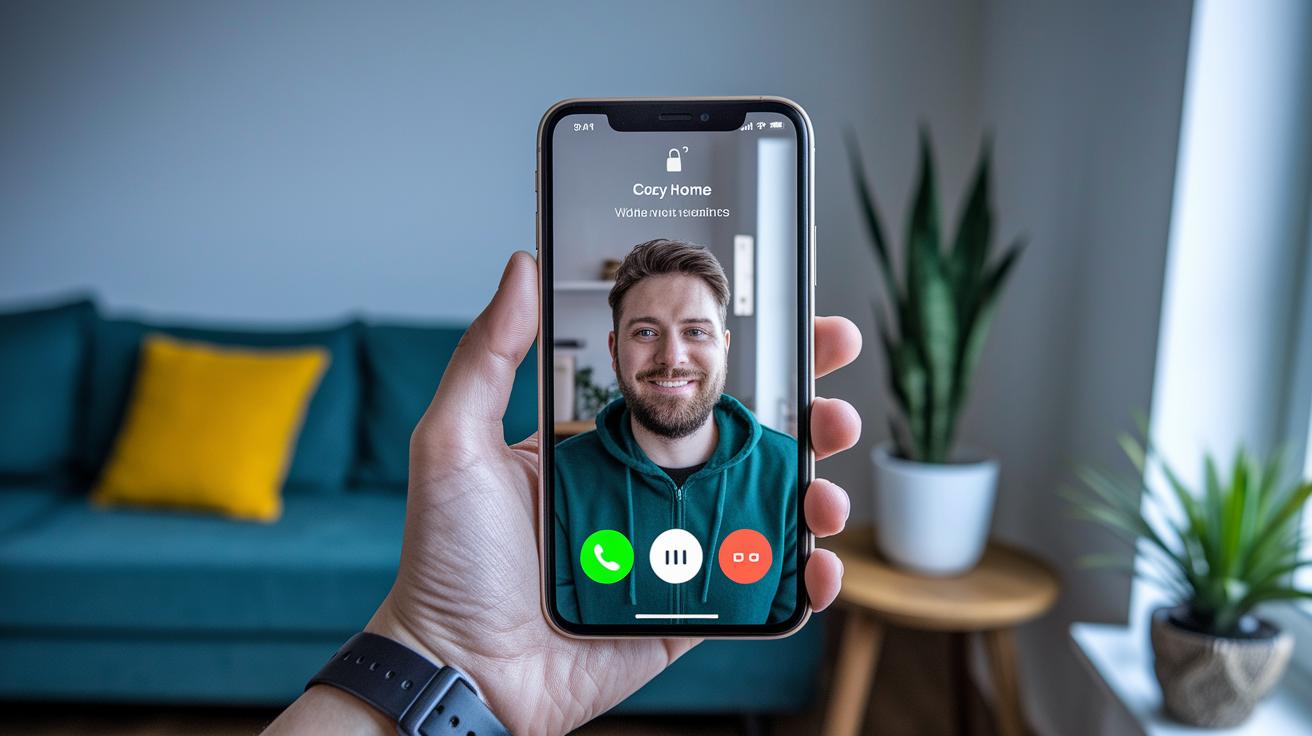
With a simple layout that just needs one tap, starting a video call feels as easy as flipping a switch. The screen is neat and clear, featuring big call buttons and easy-to-see status lights that tell you when help is available. You might even notice tiny animations or gentle color changes that show a provider is ready. It feels natural and gives you the confidence to connect in a flash.
Booking appointments is a cinch too. The app sends handy notifications and smart suggestions to help you pick the best times. In-app reminders and a clear calendar make it simple to book or adjust your appointments. Timely alerts keep you posted about upcoming sessions, so you’re always ready when it’s time to connect. It fits into your day seamlessly and helps you avoid missed appointments.
Getting started with the app is designed to be as smooth as possible. It kicks off with quick tests for your camera, microphone, and network connection before your video call starts. The setup walks you through each step with clear instructions, so you know exactly what to do. This friendly guidance makes your experience relaxed and stress-free every time you join a consultation.
Case Studies of Video Consultation Integrated Mobile Health Apps
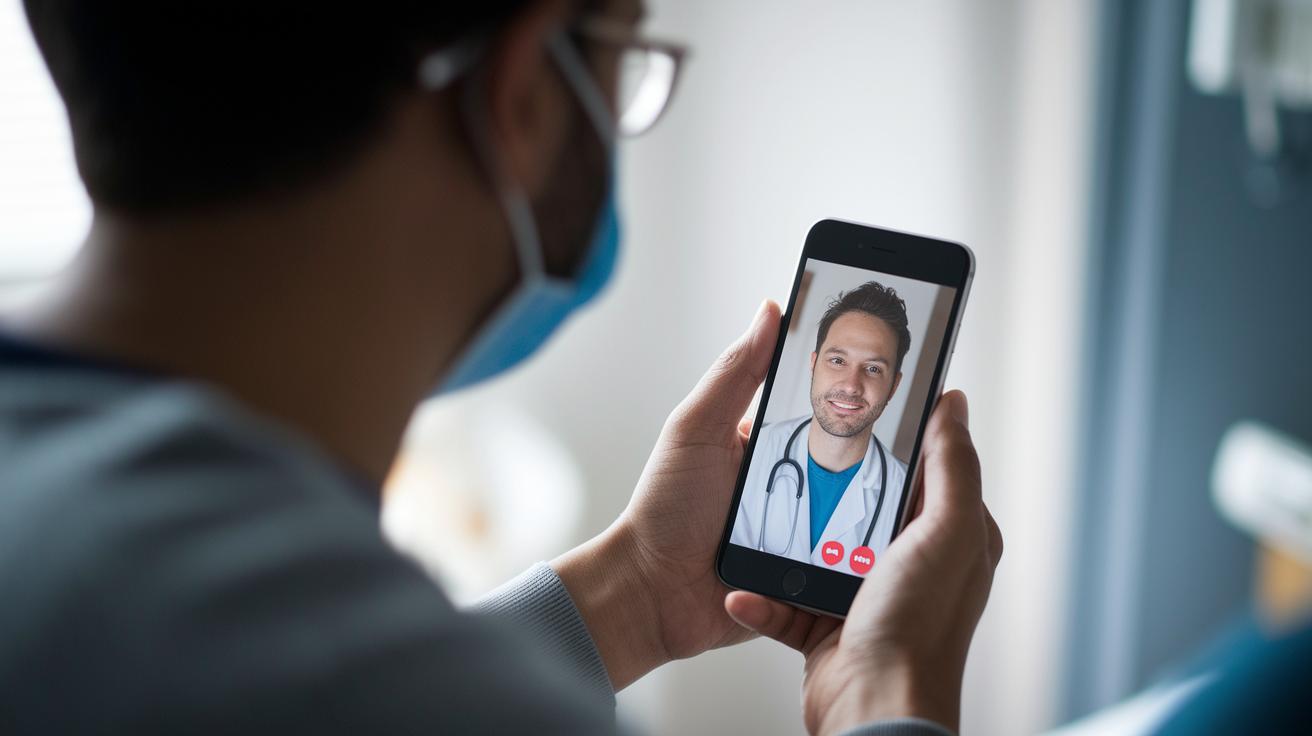
A rural clinic in Kansas started offering video visits on smartphones so patients could speak with their doctors from anywhere. This change led to a 30% drop in missed appointments. Patients no longer had to travel long distances, making it easier to get care. It’s a clear sign that smart video tools can bring top-notch care to under-served areas.
Another story comes from a mental health platform that built a WebRTC API into its system. This simple upgrade cut patient wait times by 40%. And there’s more: a service that added wearable devices to stream vital signs during video calls saw a 25% boost in accurate diagnoses. Isn’t it amazing how technology can help doctors understand you better?
| Case Study | Integration Approach | Outcome |
|---|---|---|
| Kansas Clinic | Smartphone Video Integration | 30% reduction in no-shows |
| Mental Health Platform | Embedded WebRTC API | 40% shorter wait times |
| Wearable Vitals Service | Vitals Streaming | 25% improved diagnostic accuracy |
These examples show that blending video consultations with smart tech can truly enhance care accessibility and the overall patient experience.
Future Trends in Video Consultation Integration with Mobile Healthcare
AI helpers are changing how video calls work in health care. They quickly sort through patient questions, showing which ones need immediate attention and which ones can wait. This makes our digital care smarter and more efficient.
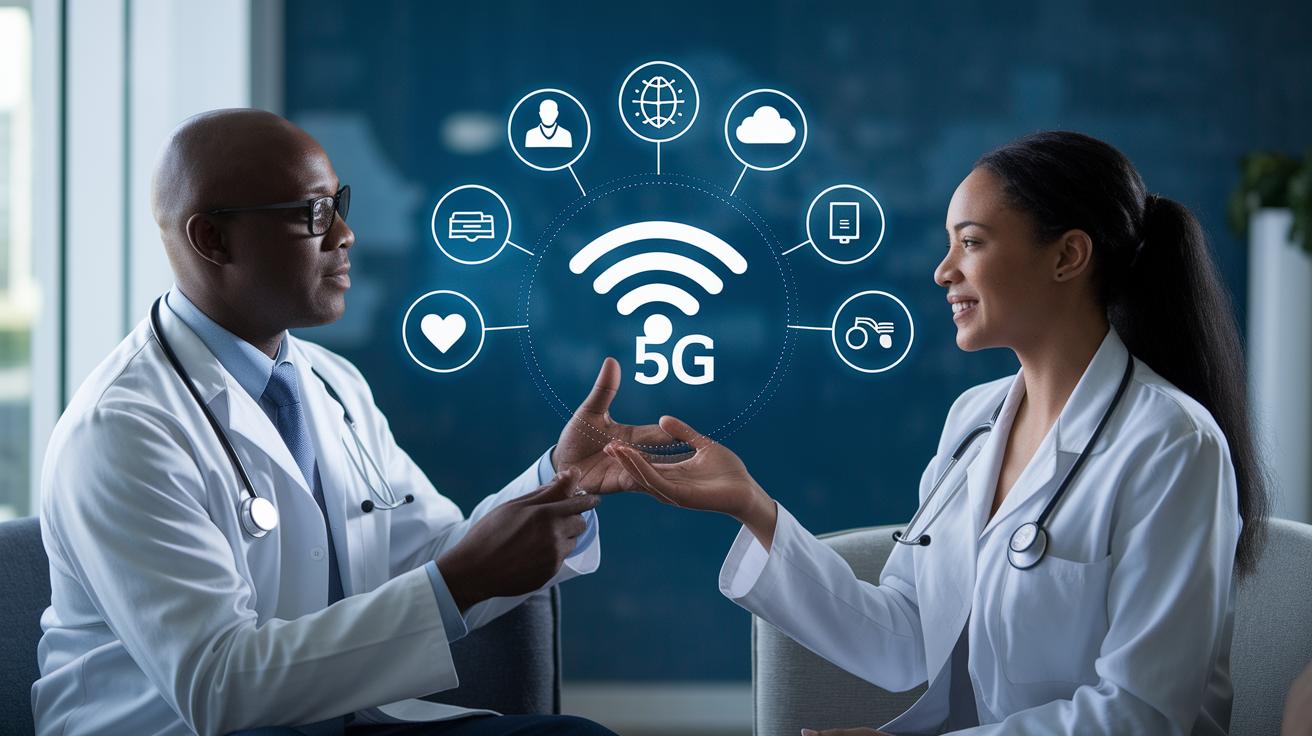
With 5G fast speeds, video calls stay clear and smooth even when many people are online. Cloud-based apps use strong networks to send data in real time, so every session feels responsive and high quality. This boost means less lag and a better overall experience.
Blockchain adds an extra layer of safety by keeping secure records of your video sessions. It helps by recording interactions so doctors can check details later if needed. Many new apps are using these secure methods, making communication clear and building trust.
Looking ahead, we might see new rules that require video consultation apps to share more information openly. Privacy laws could push for real-time data sharing and smoother connections between different systems. In truth, these updates will help make virtual care even more reliable and trustworthy.
Final Words
In the action, this piece showed how live video consultations are shaping a secure, user-friendly approach to healthcare. The discussion ranged from integration techniques and technical requirements to real-world examples that demonstrate improved patient outcomes. Video consultation integration with mobile health apps creates an accessible care model that removes barriers and simplifies service delivery. The evolving technology and safeguards give us hope and excitement for what's ahead. This new mode of digital care opens up a bright, positive path for the future of health management.
FAQ
How does telemedicine impact healthcare and why is it important?
The telemedicine impact on healthcare improves access and cuts costs by offering timely remote consultations, making care more convenient and bridging geographic gaps.
What are the benefits of telemedicine for patients?
The telemedicine benefits for patients include easier access to care through video consultations, reduced missed appointments, and the ability to receive care even when far from providers.
How does telehealth differ from telemedicine?
The telehealth vs telemedicine difference is that telehealth covers a broad range of remote health services, while telemedicine specifically focuses on clinical consultations and remote diagnosis.
What are examples of telehealth in practice?
The telehealth examples include video consultations, remote monitoring, digital messaging, health apps, and AI-powered scheduling, all designed to make healthcare more accessible.
How is telehealth integrated in healthcare systems?
The integration of telehealth in healthcare systems involves embedding secure video consultations, remote monitoring, and digital service platforms to connect patients with clinicians seamlessly.
Which technology supports remote consultations via video calls and digital tools?
The technology supporting these consultations uses secure video call systems, such as those based on WebRTC, to enable real-time, digital communication between healthcare providers and patients.
Are mobile health and telehealth the same?
The mobile health vs telehealth distinction shows that mobile health uses smartphones and apps for care, while telehealth broadly includes all forms of remote healthcare delivery.
What does virtual integration in healthcare mean?
The virtual integration in healthcare means linking digital tools and clinical systems so that video consultations and real-time data sharing work together to offer smooth remote care.