
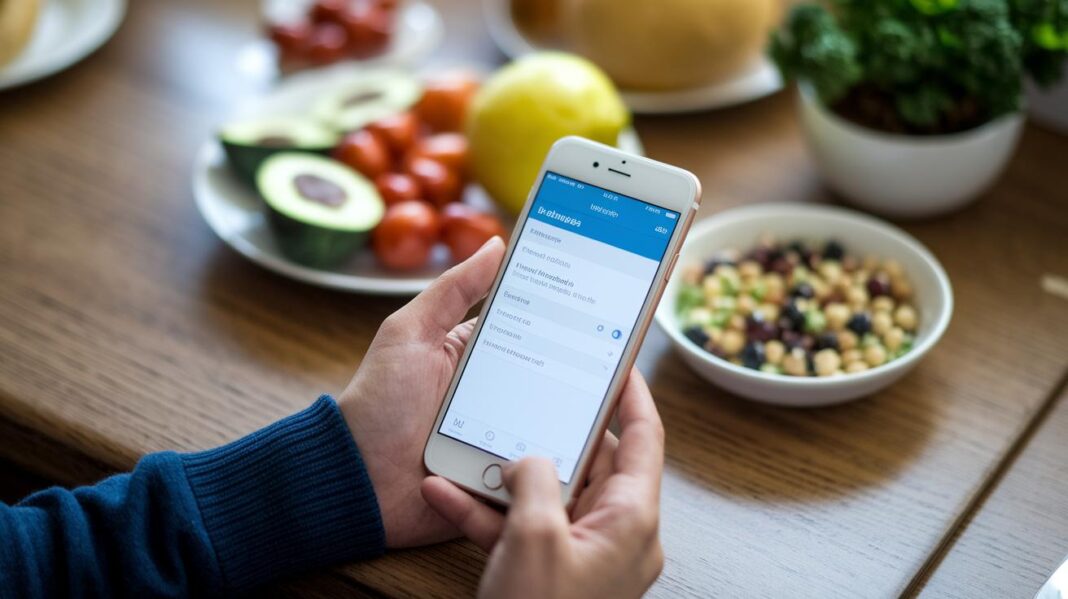

Ever wonder if a little app can change how you eat? myfitnesspal makes tracking your meals super easy with a free version that covers all the basics and a premium option to speed things up. Imagine having a giant food guide with over 13 million items, like a friendly helper that knows every bite you take. This app smooths out your routine and easily supports your healthy habits, whether you're keeping it simple or looking for extra insights. Ready to boost your nutrition with something that feels both smart and simple?
myfitnesspal food tracker app Elevates Your Nutrition
If you're someone who likes keeping things simple, the free version of myfitnesspal is a great way to record your meals and watch your calories without any fuss. It works like a friendly check-in for your daily eating habits. With an enormous food library of over 13 million items, you can easily look up foods from packs to chain-store favorites. Sure, you won't find detailed macronutrient breakdowns or exact meal time stamps here, but the logging is still smooth, even with a few ads popping up now and then.
For those who want a bit more insight into their nutrition, the premium version is available for $79.99 a year. This upgrade unlocks cool extra features like the speedy Meal Scan, which makes logging even quicker, plus enhanced macro tracking, a custom recipe editor, and useful tools like Daily Protein, Free Macro, and Daily Calorie calculators. And there’s more, a handy Meal Planner helps you come up with weekly menus and creates shopping lists, taking some of the stress out of planning your meals.
| Feature | Benefit |
|---|---|
| Extensive food database | Search from millions of food items |
| Barcode scanning | Quickly log packaged foods by scanning |
| Calorie & macro calculators | Keep track of essential nutrients easily |
| Meal Scan (premium) | Simplify your logging process with speed |
| Meal Planner | Create weekly menus and shopping lists |
| Tutorials & articles | Learn tips on nutrition and healthy living |
Every feature is designed to support your health and fitness journey by making food tracking as hassle-free as possible. Whether you stick with the free version or opt for premium, myfitnesspal aims to help you enjoy a balanced diet while fitting neatly into your everyday life.
Navigating the MyFitnessPal Food Tracker Interface
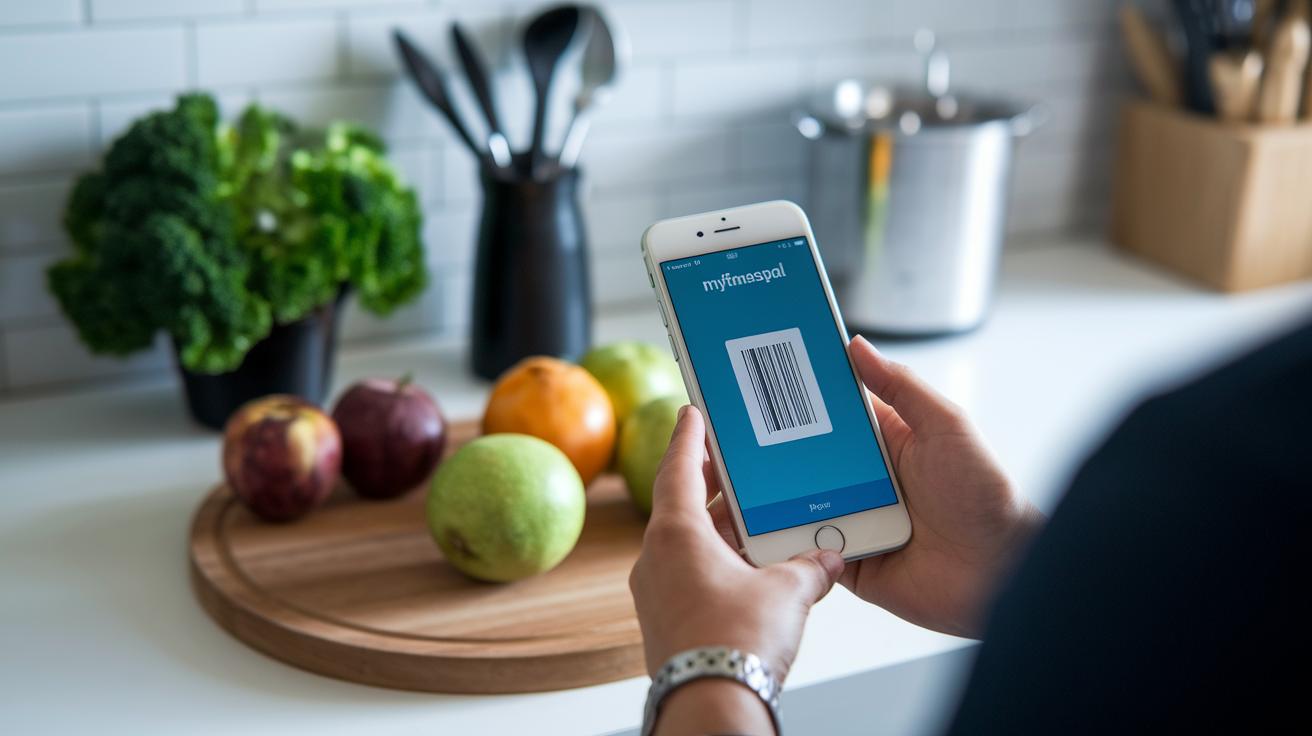
Download the MyFitnessPal app on your device, whether you're using iOS, Android, or even your desktop. Getting started is simple. You create an account by entering your current weight, your target weight, and your weekly goal. This setup gives you a custom calorie budget right away.
- Enter your weight and goals
- Get a calorie budget
- Customize your profile
- Connect fitness apps
Once you set up your account, logging meals becomes a breeze. You can type in food names, scan barcodes for a quick entry, or, if you choose the premium option, use the Meal Scan feature for faster logging. Just a heads up: sometimes the huge food database shows a few duplicate entries, so you might need to adjust those by hand.
Changes you make on one device sync automatically to all your other devices through a real-time cloud backup. This means your latest data is always available, no matter where you are.
Tracking Nutrition and Progress with the MyFitnessPal Food Tracker App
Start by setting clear nutrition goals. With MyFitnessPal, you can quickly record your meals and set calorie targets that match your weight loss plan. The app adjusts your goals as your weight changes, so keeping track over days and weeks is simple. You can also include exercise data from devices like Fitbit, Apple Health, or Google Fit to update your calorie targets based on your activity. It’s like having a friendly helper cheering you on.
Once your goals are set, the app offers easy-to-read reports that break down the calories, macros (the proteins, fats, and carbs), and other nutrients you consume. The meal planner is a neat bonus; it lays out weekly menus and even creates shopping lists for you. There’s also a custom recipe editor that lets you save nutrient details for your home-cooked meals. In-app calculators, such as Daily Protein, Free Macro, Daily Calorie, and Calorie Deficit, give you clear insights into your nutrition. Plus, the water tracker and portion size estimator make sure no details slip through the cracks.
| Feature | Free vs Premium |
|---|---|
| Meal Planner | Premium |
| Macro Tracking | Free (basic) / Premium (detailed) |
| Exercise Sync | Free |
| Recipe Editor | Premium |
| Water Tracker | Free |
| Progress Reports | Free (basic)/Premium (detailed) |
| Calorie Deficit Calculator | Premium |
All these features work together to turn your daily habits into clear, measurable results. Whether you’re fine-tuning your macros or planning meals for the week, every tool is designed to help you reach your nutritional and fitness goals. The easy-to-understand summaries and personalized calculators keep you informed so that your efforts today pave the way for lasting progress tomorrow.
Comparing the MyFitnessPal Food Tracker App to Alternatives

MyFitnessPal shows off a huge food list with over 13 million options. That said, the large database sometimes creates mix-ups, like when mozzarella ends up in the slot for white rice. Foodnoms, on the other hand, takes a more careful approach by offering a handpicked selection with fewer errors. Plus, you can scan barcodes for free with Foodnoms, while MyFitnessPal now puts scanning behind a paywall. Then there's Levels, which dives deep into your health by tracking biomarkers to give you a fuller picture of wellness. Each app has its own vibe. MyFitnessPal is all about sheer numbers, Foodnoms is about accuracy and privacy, and Levels is perfect if you want to explore a more detailed health journey.
| Database Size vs Quality | Scanner Access Model | Privacy Policies | Integration Scope | Error Rates |
|---|
MyFitnessPal’s extensive list works well if you love having tons of choices, even if a few items aren’t quite right. For those who want a simpler, more trustworthy experience with strong privacy, Foodnoms might be a better match. And for anyone curious about a deeper look at how food connects to your overall health, Levels could be the way to go.
MyFitnessPal Food Tracker App: User Reviews and Feedback
The community is a big reason MyFitnessPal feels so user-friendly. People gather in the forums to swap tips, share recipes, and help each other stay on track, whether it’s meeting a goal or sorting out a tech glitch. Many users talk about big wins, like shedding 50 pounds or seeing better blood test results. It’s amazing how these real-life stories both inspire and guide the way through challenges.
Pros:
- A huge food database gives you endless choices.
- Personalized calorie targets that keep you motivated.
- Data syncs smoothly across devices.
- Friendly community forums packed with advice.
Cons:
- Sometimes you might find duplicate entries that cause a bit of confusion.
- Manually entering meals can feel tedious at times.
- The photo-log feature might misread and get food items wrong.
- There are occasional slow responses from the app.
Overall, users appreciate that changes on one device update everywhere, and notes on calorie counts are just right for individual needs. Sure, minor issues like duplicate items or brief technical hiccups pop up now and then, but community threads usually sort these out fast. If you’re just starting out, check out the forums and read some success stories. They offer practical tips and simple fixes to help you ease into tracking your nutrition with confidence.
MyFitnessPal Food Tracker App: Free vs Premium Subscription Analysis

MyFitnessPal is a great tool whether you’re just getting started or want to dive deeper into your nutrition. You can use the basic, free plan to log meals and count calories, but keep in mind it shows ads and doesn’t give you a detailed look at your nutrients or the timing of your meals.
On the free plan, you get simple tracking for your meals and calories. It’s straightforward but basic, no in-depth macro details or meal-time stamps, and you might see a few ads here and there. It’s perfect if you just want to keep an eye on your daily intake.
Now, if you’re after a more complete picture of your nutrition, the premium subscription might be worth your time. For $79.99 a year, you unlock extra benefits like a meal scan feature that makes logging food easier, personalized macro settings, and an ad-free experience. Plus, you get advanced analytics and even a handy home-screen widget for quick access. Have you ever thought about how a few extra features can change your tracking routine?
In short, if you’re happy with the basics, the free version should do the trick. But if you want more detailed insights and a smoother, ad-free experience, upgrading to premium could really boost your tracking game.
Tips for Getting the Most from the MyFitnessPal Food Tracker App
Using the food tracker can be super easy when you work a little smarter. With a few simple tweaks, you can quickly log meals, monitor your nutrition, and keep track of your daily habits. These small changes help make your entries neat and steady, so you can hit your nutrition goals without any fuss.
Try these easy tips:
- Scan barcodes for quick entries. Instead of keying in each meal, use the barcode scanner to add packaged foods fast.
- Save your frequent meals. Keep a record of your favorite breakfasts, lunches, or snacks so you can add them with just one tap.
- Plan ahead with the meal notepad. Jot down your meals before you eat to make logging easier later.
- Set reminders. Use alerts for meals and water so you don’t miss a beat during your day.
- Activate the home-screen widget. Get instant access to your daily intake summary from your phone’s home screen.
- Connect your fitness devices. Link your Apple Health or Fitbit app to sync your exercise data automatically, saving you time.
- Check your weekly analytics. Look at your nutrition reports each week to spot any imbalances and adjust your meals if needed.
These tips keep your logging process smooth and help you build a solid routine over time. Spend a few minutes each day setting up your entries, and soon the small changes will lead to big improvements in your overall health.
Final Words
In the action, we explored the myfitnesspal food tracker app, highlighting its vast food database, barcode scanning, and easy calorie logging setup. The post broke down both free basics and premium perks like advanced tracking and smart meal planning to help you tailor your health routine. We also touched on user-friendly navigation and shared real feedback that shows the app’s practical benefits. Keep moving forward with clear goals and a smile, every step counts toward a healthier you.
FAQ
Is MyFitnessPal’s food tracker app free?
The free version of MyFitnessPal offers basic meal logging, calorie tracking, and access to an extensive food database with ads, while advanced macros and detailed goals require a Premium subscription.
Is MyFitnessPal available for iPhone and Android?
The MyFitnessPal app is designed for both iPhone and Android, and it also supports desktop access with real-time cloud syncing across devices for seamless tracking.
How do I download MyFitnessPal?
The MyFitnessPal app can be downloaded from the Apple App Store and Google Play, making it simple to install and start tracking your meals and exercise immediately.
What is the best free food tracking app?
The best free food tracking app often mentioned is MyFitnessPal due to its large food database, user-friendly interface, and effective calorie counting tools.
What are the disadvantages of MyFitnessPal?
The disadvantages of MyFitnessPal include occasional duplicate foods in the database, basic tracking limitations on the free version, and the presence of ads that might interrupt the user experience.
How do I use MyFitnessPal to track food?
Using MyFitnessPal to track food involves entering meals through text input or barcode scanning, setting nutrition goals, and reviewing daily summaries to monitor calorie and nutrient intake effectively.