
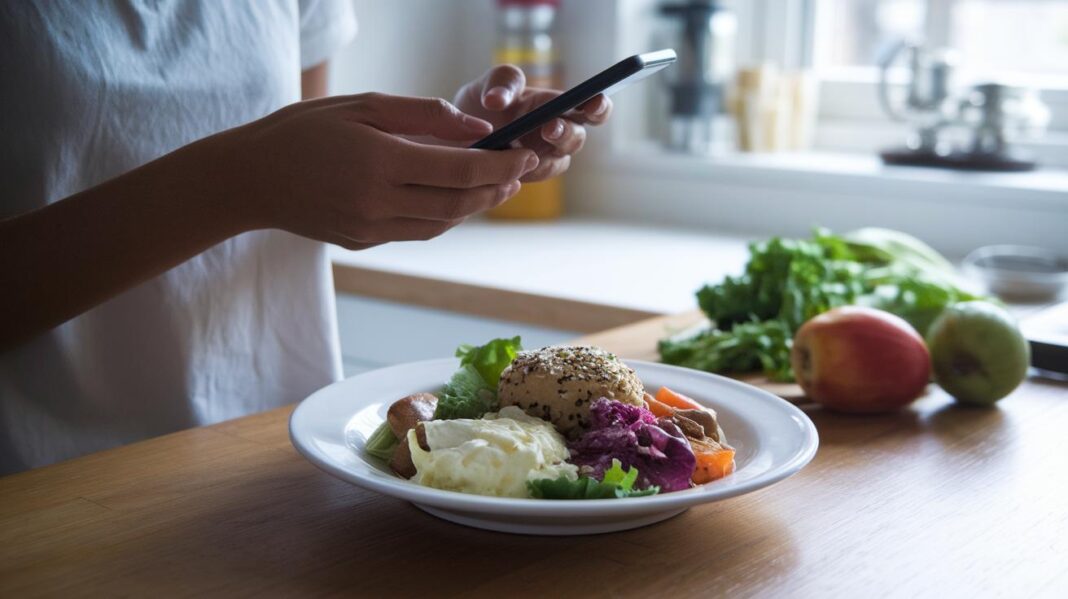

Have you ever wondered if tracking your meals could kick-start your diet success? MyFitnessPal is here to help. This food tracker is simple to use and comes stocked with more than 13 million food items.
Imagine entering your dinner details and instantly seeing your daily totals update. It feels almost magical. In this post, we'll show you how this friendly app turns meal tracking into a smart tool to help you reach your diet goals and feel healthier every day.
Understanding the MyFitnessPal Food Tracker App: Features, Usability, and Benefits
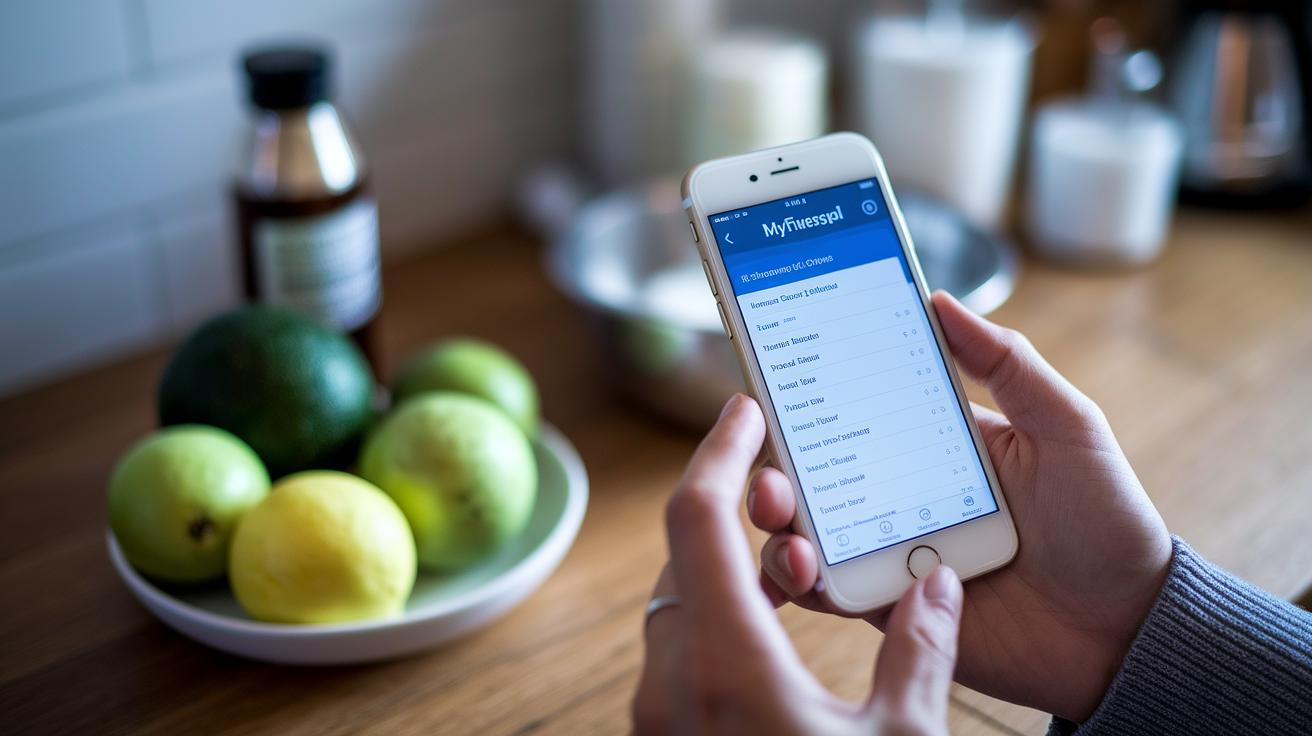
MyFitnessPal has a huge food database with over 13 million items, making it easy for you to track your meals. You can quickly search by name or brand, so logging your meals feels smooth and intuitive. The free version gives you basic meal logging and calorie tracking with some ads, while the Premium version at $79.99 a year unlocks extra tools like tracking macros by grams, meal time stamps, and detailed goal setting. Imagine typing in your dinner details and instantly watching your daily macro counts adjust, a real win for your health progress.
The app helps you set up a personal daily calorie goal based on your current weight, target weight, and weekly plans. This feature makes weight loss and diet management much simpler. Sure, the barcode scanner is only available with Premium, and sometimes the photo-log can mix up items (like mistaking mozzarella cheese for something else), but you can still add your custom foods and recipes to keep everything under control.
Plus, there's a lively community forum filled with recipes, challenges, and success stories. One user mentioned, "After logging a meal, I felt motivated by reading a peer's success story." Little boosts like that can really keep you going. All in all, with its friendly design and in-depth nutrition information, MyFitnessPal is a strong choice for anyone looking to manage their diet smartly and consistently.
myfitnesspal food tracker app: Smart Diet Success
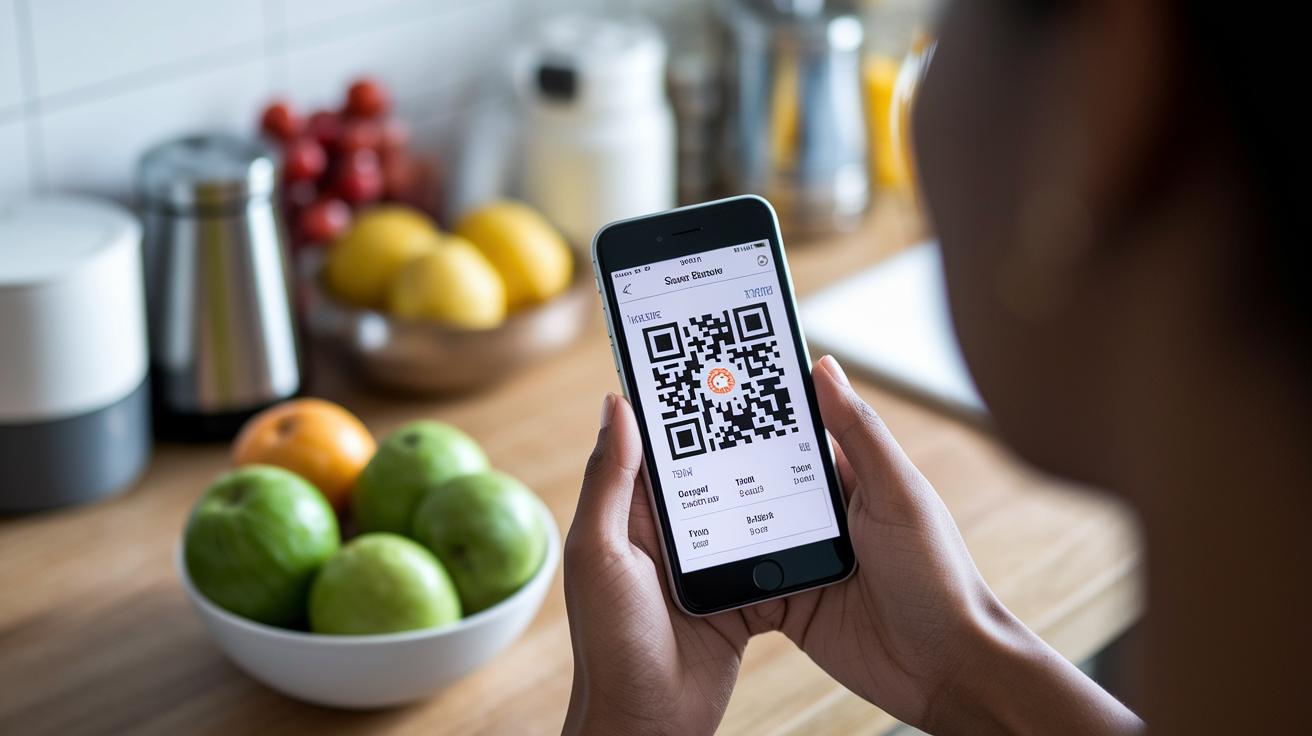
Start by downloading the app from the App Store with its QR code or finding it on Google Play. When you first open it, you'll be asked for your current weight, your goal weight, and your weekly target. Enter your numbers, and let the app quickly set up your daily calorie plan.
Next, explore the dashboard. It shows your daily calorie budget, a simple macro summary, and a meal timeline that guides you through each day. It feels like a supportive friend, always ready to help you stay on track.
At the bottom, you'll see three main tabs: Diary, Progress, and More. The Diary lets you log meals with options like search, barcode scanning, photo entry, or custom input. Whether you're using an iPhone or Android, the process is smooth and easy. For example, entering your breakfast might only take a quick scan or a few taps.
Plus, the app links with Apple Health and Google Fit to keep all your health data updated, making sure your progress stays consistent everywhere.
Detailed Food and Calorie Logging with MyFitnessPal
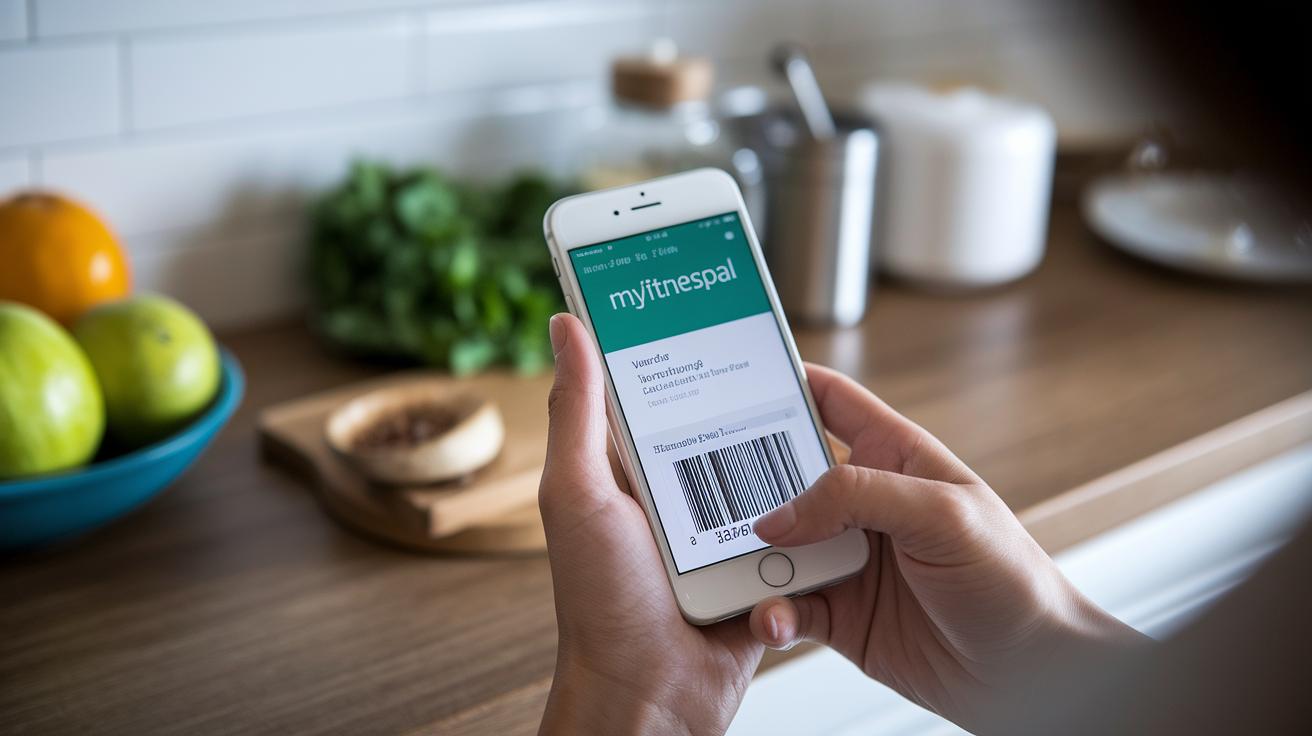
MyFitnessPal gives you several easy ways to track your meals, each with its own neat tips. Pick the method that suits you best and double-check your entries so you're sure of the details. If you run into common issues, try these steps:
- Tap Diary > Add Food.
- Choose the logging method that fits your style:
- Database Search finds over 13 million items. Tip: If you see duplicate entries or missing details, compare the nutritional info to your meal.
- Barcode Scanner (for Premium users) quickly reads UPC codes for fast logging.
- Photo Recognition lets you simply snap a picture of your meal. Tip: If it confuses mozzarella with white rice, take another clear shot or try a different method.
- Custom Entry means you type in the details manually, which is great for homemade recipes.
- Adjust your serving size and review the calories and macronutrients carefully. If something feels off, recheck your portions.
- Save your entry to your daily log or favorites. Tip: Saving favorite items can help keep things consistent if you have them often.
Trouble-shooting is simple too. Look for duplicate items by checking the gram details, retake those meal photos if the app makes a mistake, and double-check your custom entries to keep everything consistent.
| Logging Method | Benefits and Troubleshooting |
|---|---|
| Database Search | Access over 13 million items; compare duplicates and missing details against your meal |
| Barcode Scanner | Quick UPC scanning for Premium users; verify the scan if issues pop up |
| Photo Recognition | Fast logging with a simple snap; retake pictures for better accuracy if needed |
| Custom Entry | Manually log unique recipes; check nutrient details to keep them precise |
Tracking Nutrients and Progress: Macronutrients, TDEE, and Personalized Metrics
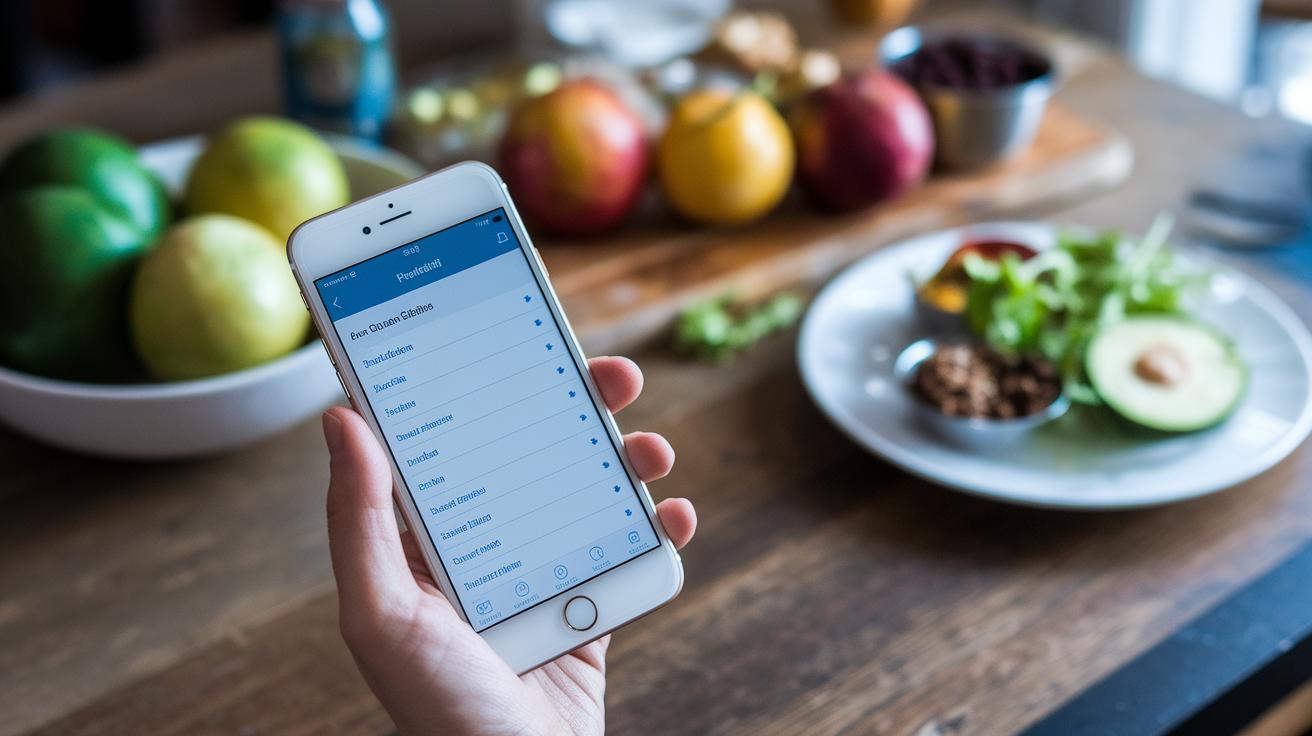
MyFitnessPal figures out your daily calorie goal using details from your profile, like your current weight, where you want to be, and how active you are. It’s like having your own simple weight loss helper. Even if you’re using the free version, you can see your calorie count along with the percentages for protein, carbs, and fats in your meals. And if you try the Premium plan, you'll also see the exact grams of each nutrient, giving you a clear look at what’s in your food and helping you make changes that suit you.
Then there’s the Progress tab, which keeps track of your weight over time. You get easy-to-read reports that show how your macros break down in each meal, serving as a handy tool to monitor your daily calorie intake and even estimate your total daily energy expenditure (TDEE). It even ties into a nutrient database that gives you extra details about micronutrients. For instance, if your snack shows low protein, you might decide to add a bit more protein in your next meal. This setup keeps everything simple while letting you adjust your diet as your routine changes.
Community, Premium Perks, and Integrations for Enhanced Results

MyFitnessPal brings people together in a friendly forum where you can swap recipes, fitness tips, and real-life success stories. It feels like chatting with friends who truly get your health goals.
For $79.99 a year, the Premium subscription packs in cool extras. You get detailed reports, gram-based macros, time-stamped meals, and thorough food analysis, all without any ads interrupting your vibe. This extra touch makes your daily log both personal and spot-on, so you can keep a clear handle on your diet.
Plus, the app pairs up with top fitness trackers like Fitbit, Garmin, and Apple Watch. Your workout data syncs smoothly, letting you see how your efforts help meet your nutrition and hydration goals. It even connects with Apple Health and Google Fit, ensuring all your exercise and water details are always up to date.
Need meal planning help? The built-in meal planner templates make setting up your meals a breeze. And while it doesn’t have its own sensors to track your body stats, the smart integrations and supportive community turn MyFitnessPal into a reliable buddy for daily diet tracking and smart weight management.
myfitnesspal food tracker app: Smart Diet Success

When you compare free food tracking apps, MyFitnessPal grabs attention with its huge food database. But it comes with a few trade-offs. The free version lets you log meals and count calories while showing ads, and important features like gram-based macro tracking are locked behind a paywall. This can be a downside if you’re looking for a complete free nutrition log.
Take Foodnoms for example. It lets you scan barcodes free of cost and is built for Apple devices, offering smooth iCloud sync for your data. This focus on simplicity and quality makes it a strong choice if you need detailed nutritional info.
Next, Cronometer offers a free diet tracking solution that provides detailed micronutrient information with no extra charge. Its focus on quality data is a bonus when you want a closer look at your nutrient intake.
Also, Lose It! gives you the option to log meals by snapping photos, cutting down on manual entries. This visual method is different from MyFitnessPal’s approach and works well for users who prefer to document meals in a more direct way.
All these apps have their own pros and cons. While MyFitnessPal boasts a large food library, its free version limits some advanced features. So, alternatives like Foodnoms, Cronometer, and Lose It! can be attractive choices if you want a free and user-friendly calorie counter that supports your overall health goals.
Tips for Accurate Logging and Sustained Success with MyFitnessPal

Keeping an accurate food log is really important for hitting your health goals. When you log your meals, small errors in serving sizes can throw off your calorie count. So, always check that the portion size is right and, when you can, pick entries that are verified. For instance, if you're noting down a sandwich, make sure the amount you record actually matches what’s on your plate.
To make your tracking easier and help you stick with it, save your go-to meals and favorite recipes. This way, you won't spend too much time typing in every detail and can focus on seeing your progress. It also helps to look over your log now and then to remove any duplicate items or fix any mistakes with the nutrients.
Set simple reminders on your phone for meals, drinks, and your workouts. These gentle nudges help paint a full picture of your daily nutrition and lifestyle. And don’t forget to check your weekly progress charts, they can really show you how things are trending and might give you ideas for adjusting your goals. Customizing meal times for snacks and drinks adds another layer of personalization to make your log truly yours.
Remember these practical guidelines:
- Verify serving sizes and choose verified foods.
- Save your frequent meals and recipes for quicker entries.
- Review your log regularly to remove duplicates and correct errors.
- Set phone reminders to help you log every day.
- Log everything, including water and exercise, for a complete view.
- Check your weekly progress charts to see trends.
- Customize meal times for snacks and beverages.
Final Words
In the action, we’ve explored the myfitnesspal food tracker app in detail, unpacking its food logging methods, calorie tracking features, and the benefits of community and premium integrations. We broke down how to set up and navigate the intuitive dashboards on both iOS and Android, while also comparing free solutions for diet management. Each feature aims to simplify healthy habits and boost confidence in mobile tracking. It's a helpful tool that leaves you feeling capable and ready to take charge of your wellness.
FAQ
Is MyFitnessPal free, and what features does the free version offer?
The free version of MyFitnessPal provides basic meal logging, calorie counting, and access to a food database of over 13 million items. It does include ads and hides features like barcode scanning behind a Premium upgrade.
Is MyFitnessPal compatible with iPhone and Android devices?
MyFitnessPal is available on both iPhone and Android. You can download it from the App Store or Google Play and enjoy a simple, user-friendly setup for tracking your meals and nutrition.
How do I download the MyFitnessPal food tracker app?
You can download MyFitnessPal by visiting your device’s App Store or Google Play, searching for the app, and following the installation prompts to set up your profile quickly.
What is the biggest downside of using MyFitnessPal?
The biggest drawback is that the free version shows ads and locks advanced features—such as barcode scanning and detailed macro tracking—behind a Premium subscription.
How do I track food on the MyFitnessPal app?
To track food, tap the Diary tab, choose a method like search, barcode scan, photo, or custom entry, verify serving sizes and nutrients, then save your meal to complete the log.
What makes MyFitnessPal a preferred free calorie counter and food tracking app?
MyFitnessPal is favored for its extensive database and intuitive interface, offering a practical calorie counter that meets many users’ needs, even if some advanced nutritional details require a Premium upgrade.