

Ever wonder if your health app really gets you? Imagine an app that feels like a trusted friend, guiding you with warm, clear advice every time you tap your screen.
With over 350,000 health apps out there, the way we design them can change how supported you feel every day. In this article, we share simple steps and clever choices that help an app feel both natural and secure.
We also offer tips based on real data to show how the right design approach can make a big difference in your everyday care.
Mobile health app design best practices: User-Centric solutions

The mobile health space is booming, with more than 350,000 healthcare apps available around the globe. In 2017, digital health revenue was $45.69 billion, and by 2024 it jumped to $193.69 billion. That means health apps aren’t just extra, they're now essential.
Design that puts people first is the key to success. Using real user stories and solid data, designers create smooth and trustworthy app experiences. Developers focus on what users actually need, making every feature feel natural and safe.
The best apps are always improving. Designers test new ideas quickly and then adjust based on real user feedback. This step-by-step process builds trust over time and keeps the app in line with what people want.
User Interface and Experience Strategies for Mobile Health Apps
Good app design feels like a friendly chat: simple but packed with useful features. A breeze sign-up process, easy appointment booking, and dependable video or phone consultations keep everything straightforward and efficient. It’s a bit like MySugr's diabetes app that makes tracking data and setting reminders as simple as a few taps.
At its core, user-first design means clear steps and a smart layout. Designers pick easy-to-read colors and clear fonts to gently guide you through every feature. Keeping the styling consistent helps you naturally learn where to go next, whether you're booking an appointment or checking a reminder. It’s like the soft glow of your phone on a quiet night, reassuring you with every tap.
And there's more. Easy-to-follow menus let you move around smoothly in the app. The design guides your eyes naturally from one section to the next, so you can finish tasks with fewer steps. Smooth transitions, clear actions, and friendly prompts all work together to give you an experience that feels light and inviting.
| Feature | Benefit |
|---|---|
| Clear call-to-actions | Quick, responsive actions |
| Progressive disclosure | Keeps the screen uncluttered |
| Feedback states | Shows you the result of your actions |
| Intuitive menus | Makes navigation feel familiar |
| Consistent design | Helps you trust and know the app |
Accessibility Standards and Inclusive Design in Mobile Health Apps

Mobile health apps can be a warm welcome for everyone, thanks to assistive technologies. Tools like screen readers, voice commands, and text-to-speech help people with vision challenges or other disabilities use the apps easily. Imagine a gentle guide that speaks to you as you tap and swipe. With almost 8.4 billion devices set to have voice user interfaces this year, even older adults can feel confident and included.
Designing for accessibility is all about keeping things clear and simple. Big buttons and high-contrast text make instructions easy to see and tap, even if fine details are a challenge. A clean layout means less clutter and more focus on what truly matters. Plus, smart interactions that adjust to your needs give friendly cues every step of the way. The goal is to create an app where everyone feels understood and supported, no matter how they interact with technology.
Ensuring Regulatory Compliance and Data Security in Mobile Health App Design

Mobile health apps need to follow strict rules to keep patient information safe. In the U.S., rules like HIPAA work hard to protect data, and in other parts of the world, GDPR in Europe, Canada’s PIPEDA, and Australia’s Privacy Act do the same. Data is locked up with encryption while it’s stored and during transmission, much like tucking your secrets safely away in a digital safe. Clear privacy terms written simply help users feel secure knowing their information is well-guarded.
But security goes beyond just encryption. Adding features like face or fingerprint recognition gives users an extra layer of protection at sign-in. Developers should design interfaces that clearly mark secure areas and use simple steps to fend off threats. From logging in to sharing your health details, each stage should honor strict security guidelines so that you always feel safe about your information.
Keeping the system secure is an ongoing conversation. Regular vulnerability scans and security audits catch risks before they turn into real issues. It’s helpful when privacy alerts and updates are explained in plain language, guiding you through any changes like a friendly step-by-step walkthrough. This ongoing care keeps data protection tight and user trust strong.
Patient Engagement Methodologies in Mobile Health App Design
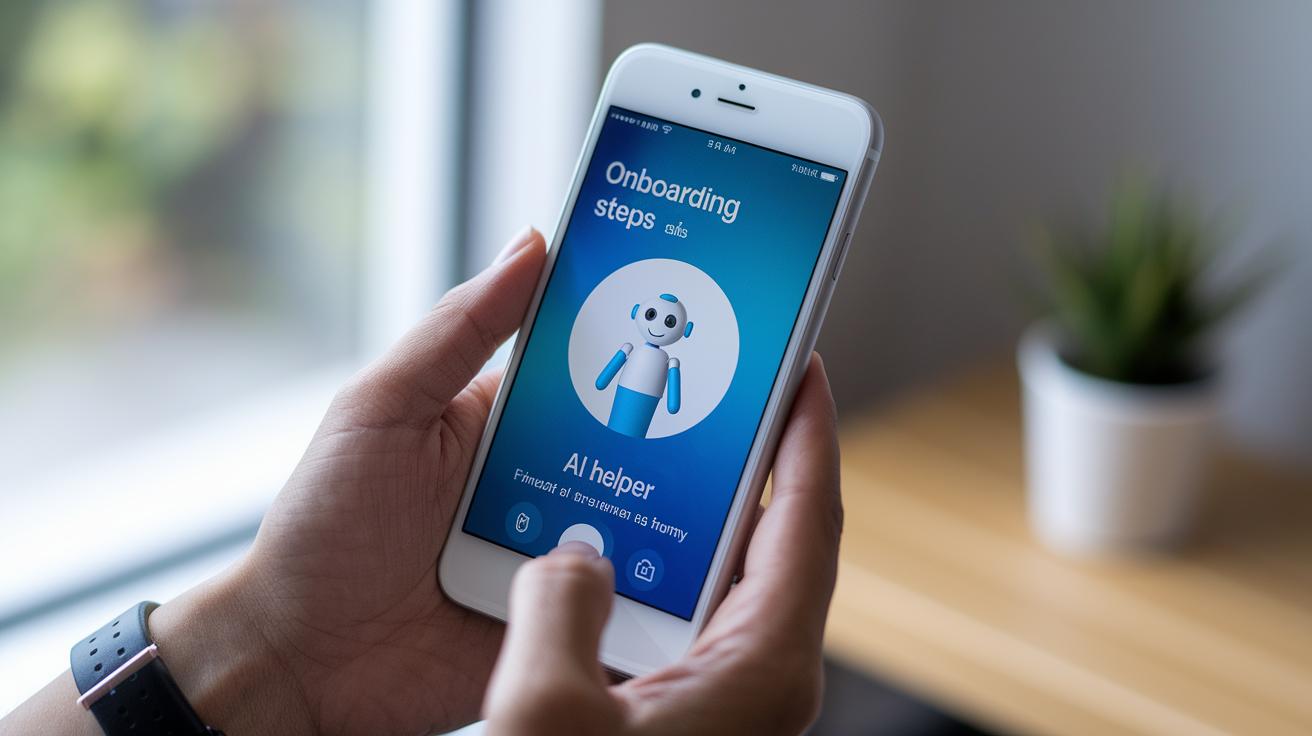
Smooth onboarding is the secret to keeping users excited from the very beginning. When an app takes you through clear, visual steps right away, it feels personal and gives you a boost of confidence. With friendly AI helpers (think of them like a gentle assistant) and real-time symptom tracking, you feel more in control of your health. Tiny hints and small button responses add a warm, reassuring tone every time you tap.
Well-timed push notifications and reminders are like friendly nudges. They let you know about upcoming appointments and even give you a quick way to reschedule or cancel if needed. Quick in-app surveys and easy-to-read progress checkpoints let you share your thoughts and monitor your journey. Over time, these thoughtful touches build trust and make managing your health feel simpler and more supportive.
| Key Feature |
|---|
| Easy onboarding walkthroughs |
| Friendly AI assistance for personalization |
| Real-time tracking of symptoms |
| Timely push notifications and reminders |
| Warm microinteractions on buttons and forms |
| Feedback options through surveys and progress dashboards |
Integrating EHR and Wearable Devices into Mobile Health App Interfaces
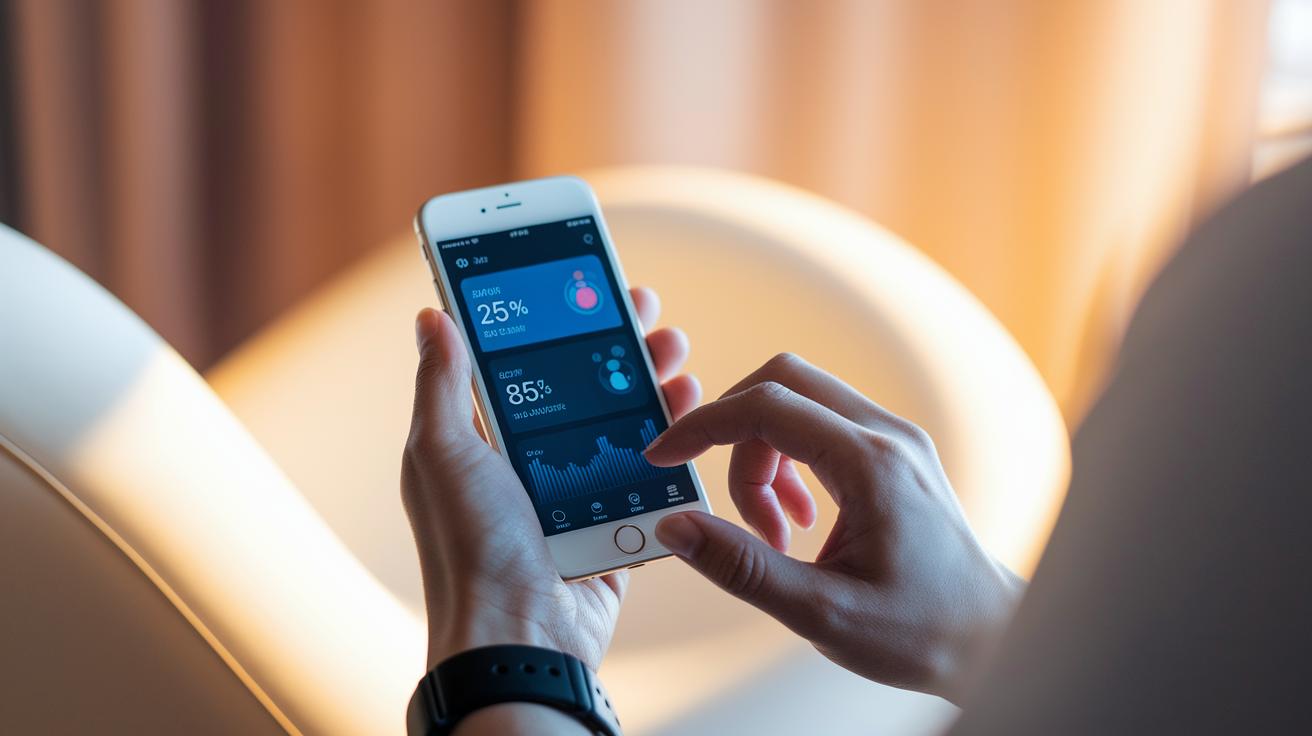
Integrating electronic health records (EHR) into your mobile health app makes data entry as smooth as possible. It pulls in patient details from many sources and shows them in a clear view. This means fewer mistakes and less work for busy health providers. Plus, having updated medical history right there helps guide smart decisions.
Linking with wearable devices adds even more value. Imagine your phone gently buzzing with real-time updates on your heart rate or sleep. Apps can sync with smartwatches and fitness bands to keep track of your activity and health stats. With more and more devices in use today, it feels like having a little coach right on your wrist.
Telehealth makes the whole experience even better. Good apps let you jump on a video call and check live stats, all from one friendly, easy-to-use screen. This means you can watch your progress and chat with your doctor without any hassle, staying on top of your well-being every step of the way.
Performance Optimization and Usability Testing for Mobile Health Apps
Mobile health apps need to be quick and reliable. They should load in less than 2 seconds so that no one is left waiting. Imagine your data always at hand, even when your connection is shaky, thanks to offline syncing and simple caching. Designers use easy, friendly methods to make every tap or swipe feel immediate, just like turning a page in your favorite book.
Regular testing is the secret to staying up to today's high standards. Testing on different devices and screen sizes makes sure that both patients and healthcare providers enjoy the same smooth experience. And with regular, step-by-step usability sessions, developers get real feedback from real users so they can fine-tune every detail.
- Set clear goals like load times and memory use.
- Use caching and offline syncing to keep data ready.
- Check compatibility across different devices.
- Run friendly usability tests with target users.
- Review the numbers and make improvements.
Emerging Trends and Future-Proof Designs in Mobile Health App Development

AI-powered personalization is changing how health apps interact with you. Smart assistants are now part of nearly 79% of organizations' offerings, and they help predict what you might need by looking at your recent activities and health data. This means you get timely advice that feels personal and clear. When your app notices your habits, it offers insights that are both natural and reassuring.
Voice commands are also making a big splash in app design. They simplify the way you interact by letting you talk through tasks like checking your schedule, booking appointments, or retrieving health records. With an expected 8.4 billion voice-enabled devices by the end of 2024, designers are focused on creating experiences that let you speak naturally, complete with clear prompts and friendly feedback. Imagine asking your app for a quick update and hearing an immediate, warm reply.
Cloud integration is the backbone of flexible, adaptable mobile health apps. Thanks to cloud setups, you can access your records and get real-time updates instantly, a crucial feature in busy medical settings. Developers are building systems that smoothly handle more data and growing user numbers. This smart, responsive design supports robust virtual care and keeps up with a telemedicine market that’s expanding nearly 18% a year, paving the way for a truly future-proof digital health experience.
Final Words
In the action, we explored key ideas that shape mobile health app design best practices. We looked at user-friendly design, easy navigation for care platforms, and accessible UI/UX strategies that put well-being first.
We also unpacked the power of iterative improvements and strong security measures in a competitive market. This approach builds stronger trust and makes health management effortless. Keep moving forward with confidence for a healthier tomorrow.
FAQ
How do mobile health app design best practices from 2020 and 2022 shape current development?
Mobile health app design best practices from 2020 and 2022 build on user-centered layouts, iterative prototyping, and evidence-based methods that improve user satisfaction, trust, and overall market competitiveness.
What do mobile health apps do and how do they benefit users?
Mobile health apps offer features like appointment scheduling, symptom tracking, and interactive patient engagement, enabling users to manage their health conveniently with secure and user-friendly digital tools.
What does the FTC guidance for mobile health apps and health products recommend?
The FTC guidance for mobile health apps and health products recommends clear privacy statements, strong data security measures, and honest advertising claims to protect users and build trust in digital health services.
How do FTC social media advertising guidelines impact mobile health promotions?
FTC social media advertising guidelines impact mobile health promotions by requiring transparent disclosures, clear partnership information, and accurate product descriptions to maintain consumer trust and regulatory compliance.