
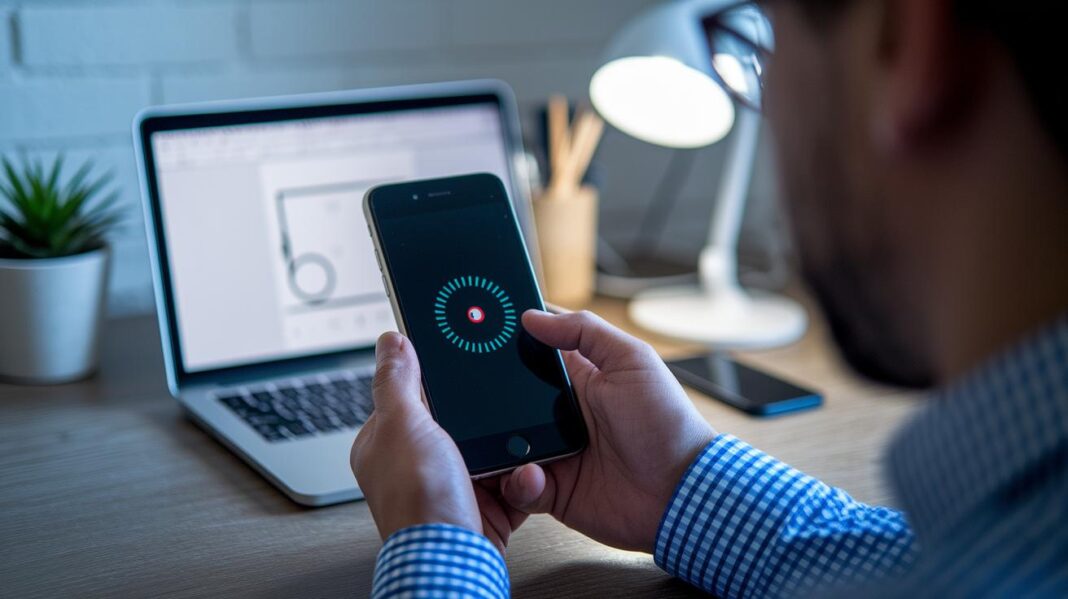

Ever thought your glasses prescription could be just a tap away? A new mobile app makes it simple to measure your pupillary distance with ease. Instead of fiddling with old-school tools, you can use your phone's camera for a fast, accurate read.
In this guide, you'll find a step-by-step process to ensure every measurement is just right. Picture lining up your eyes with on-screen markers for a clear, reliable result. It’s like giving a classic task a modern twist, turning eyewear setup into an effortless and precise process.
Measuring Pupillary Distance with a Mobile App: Step-by-Step Guide

Start by opening the app you downloaded from your app store. The app might ask for camera permission, this is needed since the app uses your camera to gauge the spacing between your eyes.
-
Tap the option to measure your eye gap. You'll see a virtual ruler and markers on the screen. For instance, a prompt might say, "Align your eyes with the on-screen markers."
-
Hold your phone at eye level and keep it steady in front of your face. Follow the on-screen grid or guide lines to center your face perfectly. This helps the app accurately check the distance between your pupils (the centers of your eyes).
-
When you’re all set, tap the capture button. The app quickly measures your pupillary distance in millimeters. You might even see a brief animation that shows the measurement process in a fun way.
-
Look at your result, it might show something like 63 mm for men or 60 mm for women, though your number could be different. If the app’s reading looks off, it usually lets you try again.
-
Finally, save your measurement or share it by email. This info can support your eyeglass prescription or be given to your eye care provider for a smooth online optical buying experience.
Calibration and Accuracy in Pupillary Distance Apps
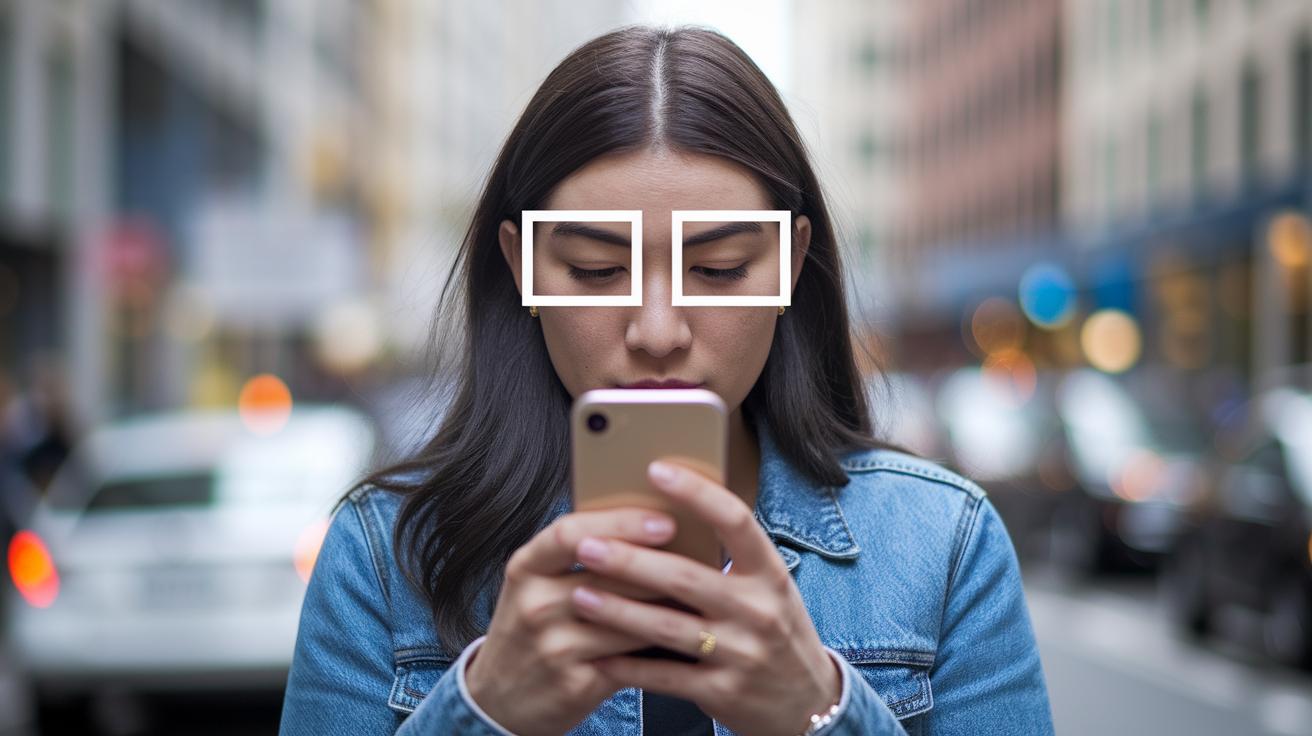
Imagine the gentle buzz of your phone reminding you to stay focused as you take a precise measurement of the distance between your eyes. The Opthy app makes this easy by using advanced methods that meet EssilorLuxottica quality standards. It walks you through a step-by-step routine, saying things like, "Align your eyes perfectly with the on-screen markers," so you know you’re holding your device just right.
Before it takes your measurement, the app asks you to set your face inside a special frame. This helps ensure that what it reads is really accurate. It’s almost like having a friendly guide that spots even tiny errors that could throw off your results.
This matter is important for your comfort and clarity. A small mistake could lead to eye strain, headaches, or blurry vision later on. Did you know the average measurement is about 63 mm for men and 60 mm for women? For those with prescriptions above ±3.00, every tiny bit matters. This careful process is what makes the app so dependable for everyday use and for ordering glasses online.
By following the calibration steps, each measurement helps bring you closer to better eye comfort and clear vision.
Comparing Top Pupillary Distance Apps on Android and iOS
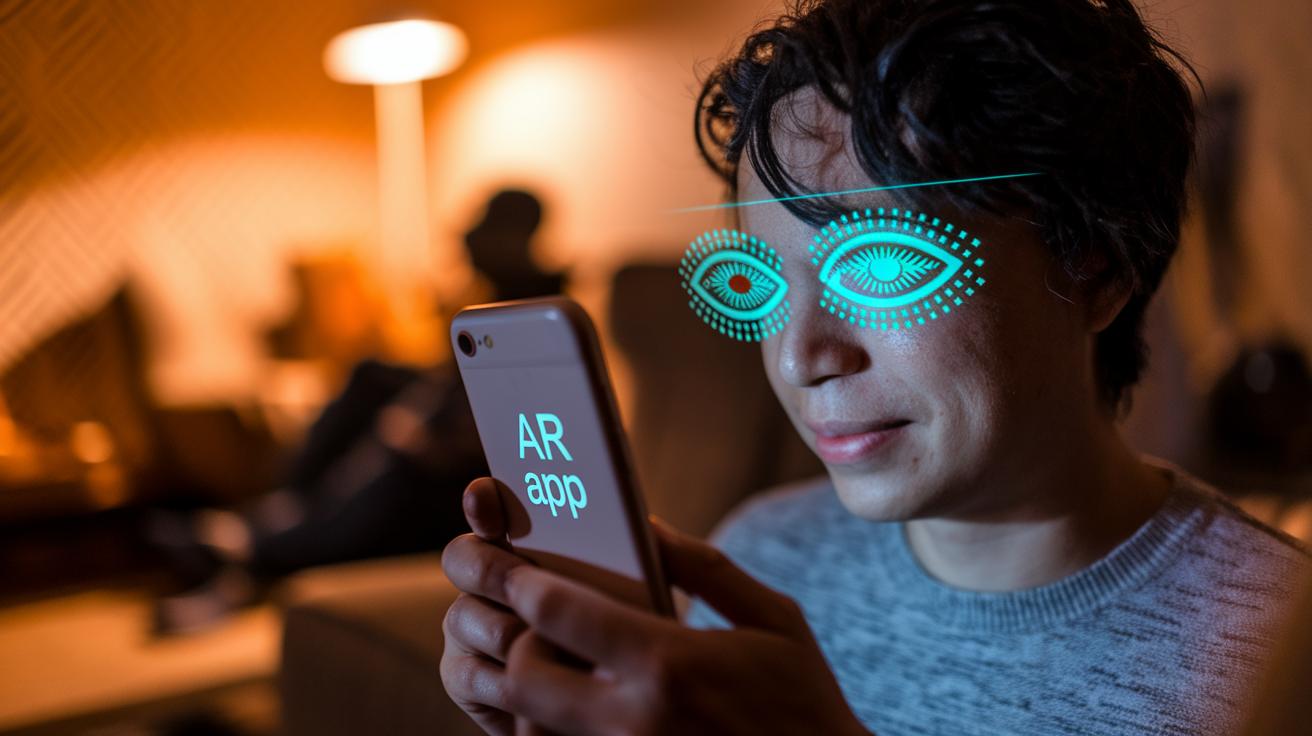
Measuring the distance between your eyes is quick and easy with many apps available on both Android and iOS. For instance, the familiar Opthy app is currently being tested on LensCrafters.com and is available on the US Apple App Store for iPhone. And don't worry, Android users have plenty of choices too, with several apps on Google Play that offer similar features using virtual reality technology. Each app has its own look and works best with certain devices, so you might feel more comfortable with one than another.
Most of these top apps use real-time virtual reality overlays to capture your eye spacing in a snap. Imagine your phone camera acting like a friendly guide, with on-screen markers that help you align your eyes correctly. One app might cheerfully prompt, "Center your eyes within the frame," which makes it easy for new users to get it right. Another might have a more technical design but still gives spot-on measurements every time. In the end, it really comes down to whether you prefer a simple, inviting interface or one packed with extra details.
Price and accuracy matter too. Some apps are free, while others offer premium features for a small fee. Accuracy can vary, so if you use these measurements to choose your next pair of glasses, a little extra research might help. Next, check out this table that compares a few standout apps across platforms:
| App Name | Platform | Technology | Price | Accuracy |
|---|---|---|---|---|
| Opthy | iOS | VR-driven optical gauge | $0.99 | High |
| EyeMeasure | Android | Virtual reality overlay | Free | Moderate |
| SightCheck | iOS & Android | Advanced phone camera optical gauge | $1.99 | High |
Pick the app that fits your lifestyle best and feels right for how you use technology every day.
Augmented Reality and Advanced Features in PD Measurement Apps
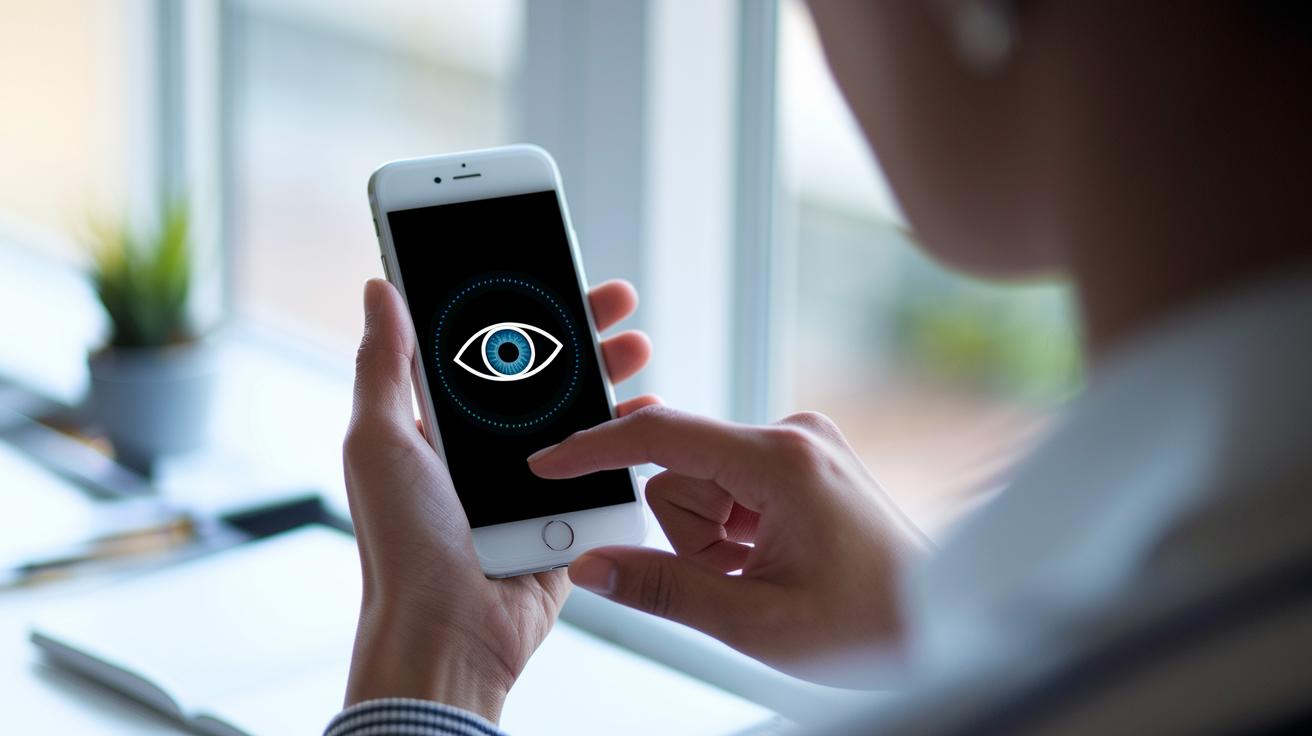
Imagine using a digital eye gap calculator that feels like a friendly guide. PD measurement apps now come with augmented reality features that show simple graphics over your video. You might see markers that say, "Place your eyes within the circle," which gently guide you for accurate measurements. This fun, interactive approach helps you focus, almost like following a simple map.
Many of these apps have an AI-powered tool working in the background to track your face in real time. The tool picks up small details through your camera and offers quick advice, like "Tilt slightly left for a perfect frame." It’s like carrying a tiny optometrist right in your pocket, making sure every measurement counts. Even if you’re doing your PD check at home, these features keep it efficient and easy.
Interactive tutorials and camera-driven systems further simplify your at-home eye spacing check. A quick prompt might say, "Align your eyes to the guide for a clear view," turning the task into a few easy steps. With these advanced tools, getting the right measurements feels almost effortless, giving you the confidence to shop for glasses without worry.
Manual Guide to Measure Pupillary Distance Without an App
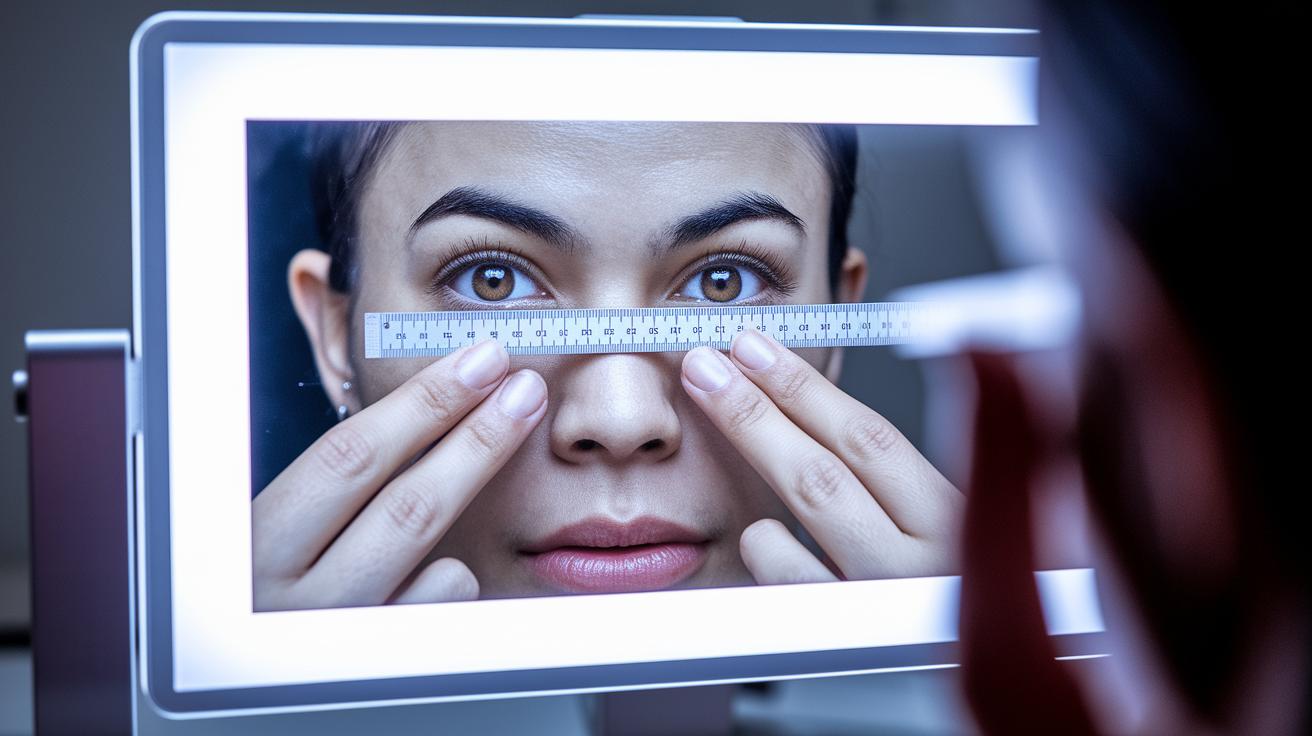
Sometimes you might find yourself without a handy app or missing the PD from your eye care pro. No worries, you can still get a reading with a millimeter ruler and a mirror or even ask a friend for help. Start by placing your ruler on the bridge of your nose and lining up the zero mark with the center of one pupil. For instance, imagine positioning the zero right where your eye’s circle begins, then noting the ruler mark at the center of your other eye.
Keep the ruler steady and make sure your face is well lit so you can see the numbers clearly in the mirror. Adjust slowly until both pupils line up perfectly. Sure, this method might not be as accurate as a digital tool, but it still gives you a good measurement for your glasses. If you can, repeat the measurement a couple of times and average the results to smooth out any little mistakes.
This simple, hands-on approach is a reliable backup when digital options aren’t available, ensuring you still get a near-accurate PD reading.
Benefits of Using a Pupillary Distance App for Eyeglass Fitting
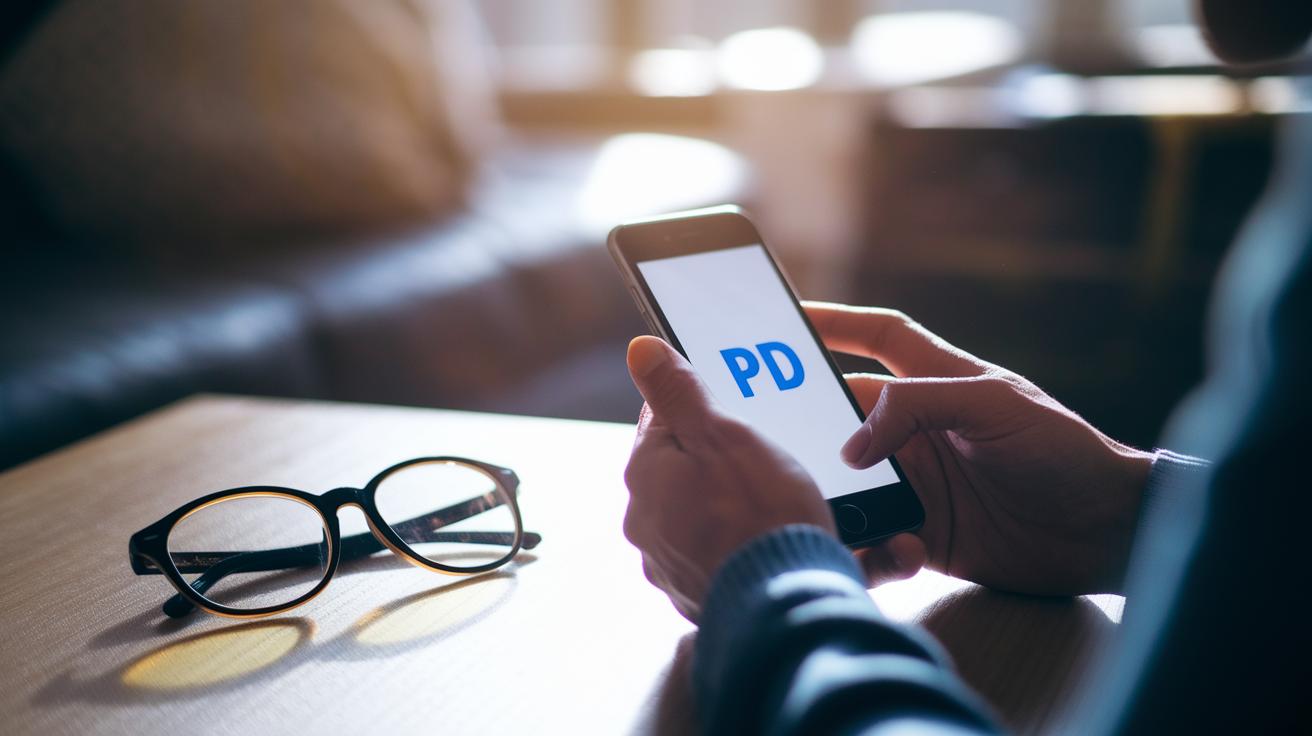
User feedback is powerful. Many have said, "The PD app saved me a trip to the optometrist and made ordering glasses hassle-free." Such real-life stories show that the tool not only cuts down on wait times but also helps avoid mistakes.
Nearly 75% of users feel happier with taking measurements at home. Studies suggest that using the app leads to fewer reorders, which means you save money and enjoy better comfort with your glasses every day.
Mobile health is always evolving. Now, PD apps are joining forces with broader home monitoring systems, making it easier for users to enjoy a mix of convenience and accurate measurements.
| Method | Cost | Time |
|---|---|---|
| Traditional Office Visit | $100+ | 60 minutes |
| PD App | $0 | 5 minutes |
Final Words
In the action, you explored how mobile tools guide you step-by-step to measure your eye spacing accurately. The blog showed you how modern apps use advanced tech, gave a side-by-side look at top tools, and even offered a simple manual method if needed.
Each section made it clear how these methods improve your glasses fitting experience. Embracing tech can make your daily routine smoother and more precise. Using a measure pupillary distance app paves the way to a clearer, more comfortable view.
FAQ
How can I download a free pupillary distance app for my smartphone?
The free pupillary distance app is available on both Android and iOS. It quickly measures your eye spacing using your device’s camera, and you can download it at no cost from your app store.
How can I measure my pupillary distance online using my camera?
The online tool uses your device’s camera and on-screen guidance to capture your eye spacing. It offers a fast, digital way to determine your PD for eyewear orders.
Can I measure my pupillary distance at home without professional help?
You can measure your PD at home using a digital app or a millimeter ruler and mirror. This self-measurement option is practical for ordering glasses when a professional exam isn’t available.
Are pupillary distance apps accurate?
Pupillary distance apps use camera and AI assistance for measurement. Most users find them reliable for personal use, though professional testing is recommended for high prescription requirements.
What happens if my PD measurement is off by 1 mm?
A 1 mm error in PD may cause slight discomfort or minor visual issues, making accuracy important. Even small differences can affect how well your glasses suit your eyes.
Can I use a pupillary distance app instead of visiting an eye doctor?
While a PD app is convenient for measuring your eye spacing at home, it does not replace a full eye exam by a professional. It is most useful for ordering glasses online.
How do I use a pupillary distance app for proper glasses fitting?
A PD app guides you to align your face with on-screen markers to capture your measurement accurately. This process helps match your prescription glasses for a comfortable, clear fit.
Do modern PD apps include AI or augmented reality features?
Modern PD apps integrate AI and AR overlays to guide alignment and improve accuracy. These advanced features simplify the measuring process and provide reliable data for your eyeglass prescriptions.