


Ever thought you could see a doctor without sitting in a waiting room? Video calls let you get advice right from your comfy home. No need to drive anywhere, and you can join a call in just a few minutes.
It almost feels like chatting with a friend when you book an online visit. In this guide, we’ll walk you through choosing a safe platform and booking your appointment with ease. Keep reading to see how you can get care without even leaving your living room.
Video Consultation Booking: A Step-by-Step Guide to Online Doctor Appointments

Video calls with doctors are popular because you can talk to a professional right from your living room. It’s a simple and friendly way to get care without having to step into an office. Many people love the quick access and flexible timing, especially when life gets busy or you just need help with a small issue.
When picking a telemedicine platform, make sure it feels secure and easy to use. Look for one that fits your unique needs. Most platforms let you sign up in a few quick steps, almost like joining your favorite social media network. You just enter a few details, choose a username, and start exploring your health options.
For a smooth booking experience, follow these steps:
- Look for a doctor or specialist on the platform.
- Pick a date and time that works for you.
- Fill in your personal and payment details.
- Confirm your appointment slot.
- Read over the terms to know your rights and care details.
Once your video consultation is booked, expect gentle reminders by email or through the app on your phone or computer. These notifications come with a handy link that gives you more details about your upcoming call. It’s a hassle-free way to keep your health appointments organized.
Selecting a Telemedicine Platform for Online Doctor Video Consultations
When you’re choosing a platform for online doctor visits, make sure it feels secure and easy to use. Your health data should be encrypted (that's like wrapping your information in a secret code) and covered by clear privacy rules. Look for details on data management, so you truly know how your information is handled. Have you checked out how video consultations work on some platforms? It might help you understand what to look for.
Next, think about the features that make your life easier. The right platform should be HIPAA compliant, which means it meets strict rules to keep your personal details safe. It should work on your phone, tablet, or computer with minimal fuss. Integrated tools for payments and messaging can also help you manage appointments without any extra hassle.
Lastly, do a little homework by reading star ratings and testimonials. Hearing what others say can give you a real sense of what to expect. Compare subscription plans with pay-per-visit options to find the best fit for your needs. This thoughtful approach ensures you enjoy a secure and smooth video consultation experience with your doctor.
Video Consultation Requirements: Prerequisites Before Booking Your Online Doctor Visit

Before booking a video visit, make sure you have your key details handy. You'll need a photo ID, your birth date, and a way to contact you. Having these basics ready makes the process smooth. You might even want to keep your driver's license nearby when you set up your appointment.
Next, create your patient portal account. Choose a username and password, then verify your email address. It’s like crafting a digital key that opens the door to personalized doctor care every time you log in.
Also, gather your insurance and payment details before booking your consultation. Snap a clear picture of your insurance card and check for any co-pay info. This simple step can save you time and help avoid delays when it's time to pay.
Finally, take a moment to check the doctor's credentials before you confirm your appointment. Look for signs like board certification and a detailed profile in the portal. Doing this means you can feel confident that you're connecting with a trusted professional for your care.
Video Consultation Cost and Insurance: Booking Online with Confidence

When you book a video consultation, you'll notice that pricing can differ a lot. Some services charge a simple flat fee for each visit, while others offer monthly or yearly deals that cover several meetings. Fun fact: many patients like the flat fee because it means no unexpected charges, especially for a quick chat with your doctor.
Next, it’s important to check your insurance. Make sure your health plan supports telehealth as an in-network benefit. And if your virtual visit isn’t covered, know what self-pay rates you’ll face so you’re not surprised by extra costs later.
Looking for budget-friendly telehealth can really ease your mind. Take a moment to search for coupon codes or clinics that adjust prices based on income. A little research can lead you to deals that ease the expense and make remote health care simpler to manage.
Lastly, your way to pay is flexible. Most platforms accept credit or debit cards, and many even let you use HSA or FSA funds. Some also offer options like digital wallets or platform credits, letting you choose the payment method that works best for your everyday routine.
Video Appointment Setup and Troubleshooting for Telehealth Doctor Consultations
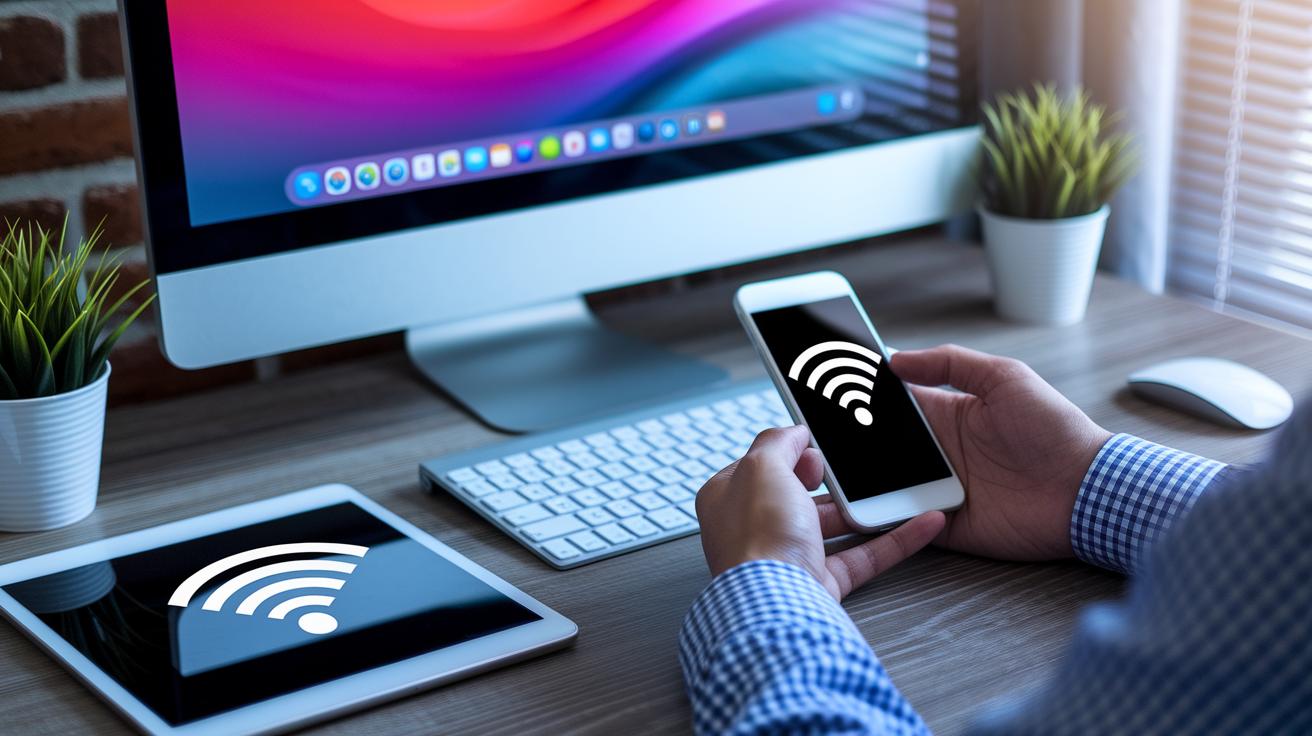
When planning your video appointment, pick a device that suits your needs. A smartphone lets you move around easily and has a tap-friendly screen, though its smaller size might make details harder to see. A tablet offers a bigger screen while still being light and portable. And if you like a steady connection with a clear, large view, your desktop might be the way to go. Choose what feels best for you and your tech comfort.
Connectivity Tips
- Use a steady Wi-Fi connection with speeds of at least 5 Mbps.
- Make sure your browser or app is up to date.
- Keep your device’s software current.
- Test your camera and microphone in advance.
If the video doesn’t load, try refreshing the homepage. You might also clear your browser cache to get rid of any temporary glitches. And if things still aren’t working right, a quick email to support can help sort out any lingering issues.
Video Consultation Best Practices: Preparing for a Successful Online Doctor Visit

Before your online doctor visit, take some time to gather your personal health details. Write down your medical history, list your symptoms, and note a few questions for your doctor. For example, you might write, "I have had a persistent cough and feel tired for the last five days." These simple notes help keep the appointment focused and efficient.
Then, review your records for a moment. This can help you pinpoint the key issues you want to talk about during your consultation.
Next, choose a quiet space that has plenty of natural light and a comfortable chair. Keep any medications or notes nearby so you can easily refer to them during the visit. A calm setting makes it easier to share your concerns freely and enjoy the full benefits of your video consultation. Curious about more benefits? Check out the link on video consultation advantages in healthcare.
Final Words
In the action, we broke down video consultations by explaining how to pick a secure platform, prepare your details, and solve technical issues. Simple steps like reviewing provider options, booking your slot, and checking your appointment details were covered clearly.
This guide empowers you to feel ready for your next digital health check. Now you have a simple roadmap on how to book a video consultation with a doctor online that makes managing your health feel smoother every step of the way.
FAQ
What is a 19 online doctor?
The term “19 online doctor” usually refers to a service offering online consultations with verified healthcare professionals. It provides quick access to care through secure digital connections, making advice more convenient.
What defines an online doctor visit free?
An online doctor visit free means you can access a consultation without cost, often through promotional offers or platforms that provide basic evaluations at no charge, even if you lack insurance.
What does a $20 online doctor visit imply?
A $20 online doctor visit implies a flat fee for a telehealth consultation where you connect via video or chat with a healthcare provider, offering a budget-friendly way to get medical advice.
How does an online doctor visit with insurance work?
An online doctor visit with insurance works by verifying your coverage before the consultation, which often lowers your cost or co-pay, making telehealth services easier to manage financially.
What does an online doctor visit free no insurance mean?
An online doctor visit free no insurance indicates a service that offers complimentary consultations to those without insurance, ensuring that basic healthcare advice is accessible regardless of coverage.
What is a free online doctor prescription?
A free online doctor prescription means that after a cost-free consultation, providers may issue an electronic prescription when they determine it’s appropriate, making access to necessary medications more convenient.
What is a free 24/7 online doctor chat?
A free 24/7 online doctor chat lets you connect with healthcare professionals via instant messaging any time of day, offering round-the-clock support and advice for non-emergency health concerns.
What does a virtual doctor visit near me involve?
A virtual doctor visit near you involves accessing telehealth services offered by local providers. This lets you consult with a nearby doctor via video, combining the benefits of local expertise with digital convenience.
How much does a video visit with a doctor cost?
A video visit typically costs around $20 per session, though fees can vary based on the provider and whether you have insurance. Some platforms also offer subscription models for ongoing care.
How do I video call with a doctor?
Video calling a doctor involves selecting a telehealth platform, creating an account, choosing your provider, and using a smartphone, tablet, or computer for a secure, real-time consultation.
What do you call a video visit with a doctor?
A video visit with a doctor is often called a telehealth consultation or virtual appointment, highlighting how modern technology lets you connect with your doctor remotely.
Can I do telehealth appointments on my phone?
Yes, many telehealth platforms support mobile devices, so you can easily schedule and attend video consultations on your phone, making healthcare accessible wherever you are.