


Ever wonder if your private info is safe during a video call with your doctor? More and more, people are turning to video consultations, and keeping your personal details secure is a big deal.
Doctors and clinics use safe systems and strong passwords so your call feels just as secure as an in-person visit. They work hard to protect your data with every session.
Let’s walk through a few simple steps that keep your information safe. Stay with us to see how a few smart moves can really guard your health details during virtual appointments.
Comprehensive Steps to Maintain Patient Confidentiality in Video Consultations

Telehealth services need to keep patient information safe when you have remote appointments. In 2021, 40% of Americans used video consultations, so it’s more important than ever to protect sensitive data. When providers follow these simple steps, they ensure that each virtual visit meets privacy rules and stays secure.
Patient privacy in online appointments isn’t just about technology; it’s also about smart policies. By setting up reliable processes, healthcare providers keep your records safe and your conversations private, even when you’re using a mobile device on a cellular network.
- Choose a trusted platform: Pick a system that is HIPAA compliant and uses end-to-end encryption so your audio and video are secure.
- Strengthen logins: Use strong passwords and two-step verification to keep unwanted visitors out.
- Sign agreements: Make sure you have clear contracts with video providers so everyone shares the responsibility of keeping your data safe.
- Enable encryption: Protect all calls with advanced encryption like TLS or AES, which shields your voice and video.
- Keep detailed logs: Record every login, logout, and data access. This helps with audits and shows you that your privacy is a priority.
- Secure networks and devices: Take extra care with mobile devices and cellular networks by using additional safety measures to protect against unauthorized access.
Regular checks make all of this even more effective. Providers should review policies often, keep staff updated, and adjust as new tech and rules come along. This way, every video consultation stays as safe and personal as if you were talking face-to-face with someone you trust.
Legal and Regulatory Requirements for Patient Privacy in Video Consultations

Federal rules like HIPAA are in place to guard your health information, and international laws such as GDPR extend these protections across borders. These rules mean that every digital appointment must follow strict security steps to keep your records and private conversations safe during video visits.
Business Associate Agreements are like handshake promises between healthcare providers and the platforms they use for video consultations. Both parties agree to use secure methods for sending and storing your health data, ensuring that every bit of information is protected. This careful approach builds trust and makes sure your digital care meets essential safety standards.
When it comes to data breaches, quick action is a must. Providers have to keep clear, detailed records of who accesses or changes health data, which helps them respond fast if something goes wrong. This rapid reporting and careful record-keeping are key in making sure that virtual care stays secure and compliant with the rules.
Technical Strategies for Encryption and Network Protection in Video Consultations
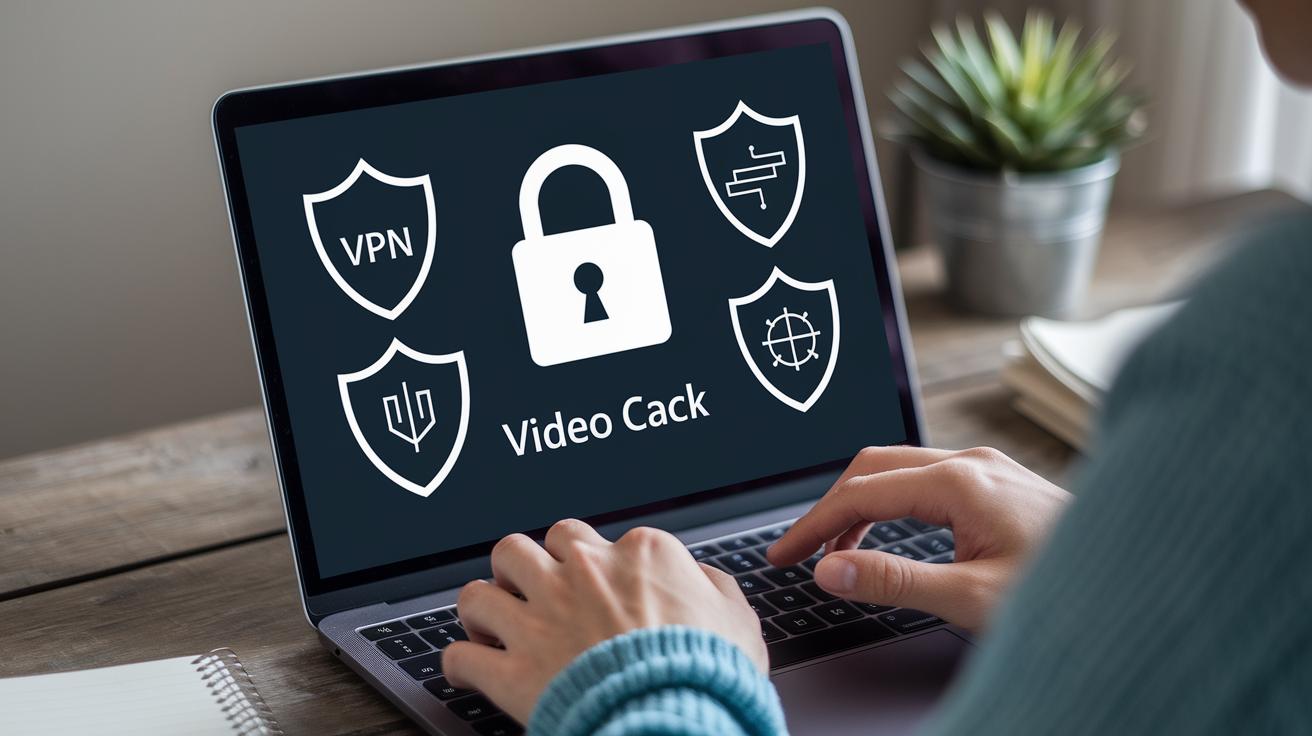
Video calls need strong locks to keep your chat safe. We use end-to-end encryption with TLS 1.3 or AES-256 so that your call stays private. Think of it like this: your video chat is sealed up like a high-security vault, making sure no one sneakily listens in.
Next, smart network defenses add extra peace of mind. Providers might use VPNs or private network connections, which means even on public Wi-Fi your data travels on safe, secure channels. Tools like firewalls and private LANs act as sturdy walls against unwanted cyber intruders, kind of like having a security guard at your digital door.
And then there’s the way we handle who gets in. By using role-based access controls, only the right people can join the call. Providers can even turn off recording or screen captures by default, so no uninvited guests can later peek at what happened. All these steps work together to keep your video consultations both private and safe.
Staff Training and Operational Protocols for Secure Video Consultations

Documented steps are key to safe digital care. Every team should have clear, written rules for setting up each call and making sure patients are who they say they are. For example, before you start your call, you might check each person’s identity using a shared code. This way, everyone knows their role, and sessions run smoothly while keeping privacy secure.
Ongoing staff training is a must. Regular sessions can show you how to use the app's privacy settings, report any issues, and handle security alerts. Imagine a quick reminder that when you log in, you should double-check your password and two-factor authentication are on. These hands-on lessons build confidence and keep the whole team up to date with the safety rules.
Regular reviews and updates are important too. Teams should routinely check session logs, identity verifications, and incident reports to ensure everyone is following the rules. After a drill or a real session, it’s good to chat about what worked and what might need changing. This regular feedback helps everyone stay on top of any changes and makes sure that patient privacy and safety are always a top priority.
Patient Communication and Consent in Confidential Virtual Medical Visits

At the start of every virtual visit, your doctor asks for your clear permission and makes a note of it in your record. They might say, "Please review and agree to our privacy terms," to help you understand how your information is kept safe. This approach builds trust and creates a record you can look back on if needed.
Before your session begins, you’re encouraged to find a quiet, private spot and use a secure Wi-Fi connection. The system uses tools like encryption (which scrambles your data) and access controls (which limit who can see it) to protect your details. Sometimes, you might even get a reminder like, "Find a secure spot at home to keep your digital care safe," which makes it easier to stay secure.
Each visit kicks off with a few quick checks to confirm it really is you. Your doctor might ask for a shared code or verify some personal details to be sure everyone joining is allowed. These simple steps are just one of the ways they make sure your confidential care stays just between you and your provider.
Comparing Leading HIPAA-Compliant Video Consultation Platforms

When picking a video visit solution, providers need to make sure each option meets strong privacy rules. Look for features like encrypted calls (so your data stays private), safe text messaging, clear activity logs, and the proper Business Associate Agreements. This way, every digital appointment keeps patient information safe.
| Platform | Compliance Features | Pricing |
|---|---|---|
| Updox | Secure messaging, e-faxing, BAA in place | Subscription-based |
| Zoom for Healthcare | End-to-end encryption, audit logs | Paid license |
| Doxy.me | Custom waiting rooms, screen-share controls | Free & paid options |
| Skype for Business | May qualify with a signed BAA | Included in Microsoft 365 |
| Google Meet | Requires Business Workspace and signed BAA | Subscription-based |
This table shows a mix of smart choices designed to keep online doctor visits secure. Each platform brings its own tools to lock down data securely, from strong encryption to clear audit logs. Next, try out a few options to see which one fits your clinical needs and budget best. It’s all about finding that perfect balance between ease of use and a promise of uncompromised patient care.
Audit Preparation and Breach Response for Video Consultation Security

When you set up video consultations, getting ready for an audit is key. Providers should keep track of every login, logout, and update in patient records by maintaining clear session logs. This record-keeping, along with up-to-date policies, helps everyone know that compliance is a must. Regular reviews of these logs and occasional practice drills give the team a chance to spot weak spots before they turn into real problems. For instance, a practice might simulate an intrusion so staff can practice keeping information safe.
If a data breach happens, catching it fast and containing it are the top priorities. Having a clear incident response plan with assigned roles and set timelines ensures the team acts quickly and talks clearly. Providers need to notify regulators and affected patients on time so everyone stays in the loop and any harm is kept to a minimum. Quick containment stops further exposure of patient records and helps maintain trust in digital care.
After the breach, it’s important to learn from what happened. This means taking a close look at how the response went and noticing any gaps in the process. Fixing these vulnerabilities and updating policies makes the whole system stronger. With each lesson learned, the security system gets a bit more reliable, keeping the digital care environment safer for everyone.
Final Words
In the action, the blog post walked through practical measures to protect patient privacy in video consultations. It explained secure video platforms, encryption methods, staff training steps, and clear patient consent practices. We explored audit preparedness and breach response, making it clear how to ensure patient confidentiality in video consultations. Each step is designed to build trust and simplify digital healthcare management. The detailed advice shows that protecting privacy can be straightforward when every control is in place and policies are continually reviewed. Stay proactive for a safer virtual care experience.
FAQ
How do nurses ensure patient confidentiality is maintained and protect patient privacy and confidentiality?
Nurses maintain confidentiality by using secure telehealth platforms, strong authentication, and strict access controls. They follow HIPAA guidelines and keep audit logs to protect patient information at every step.
How are privacy and security concerns addressed in telehealth appointments?
Telehealth privacy is secured by employing encryption, password protection, and controlled access. Providers also conduct regular audits and use secure networks to guard against unauthorized access and data breaches.
How will you address concerns and proactively protect patient privacy?
Addressing concerns involves clear communication with patients, strict adherence to secure practices, and routine staff training on privacy protocols. Proactive measures include using encrypted systems and continuous security assessments.
How do you protect patient health information in the workplace?
Patient health data is kept safe by limiting access to authorized personnel, using encrypted systems, and implementing HIPAA‐compliant policies in workplace IT practices to maintain privacy.
What strategy is best to avoid duplicating a patient’s electronic medical record?
The best approach is using a centralized, integrated system that verifies existing records before adding new ones, thereby reducing duplicate data and maintaining accurate, consistent patient records.
What HIPAA considerations should be observed when using telehealth?
Telehealth platforms must follow HIPAA guidelines by ensuring end-to-end encryption, proper authentication, regular auditing, and establishing clear breach-notification procedures to keep patient data secure.