

Ever thought your phone could help you hear better? Android hearing aid apps are totally changing the way we listen. Just imagine switching sound settings with a simple tap right from your device.
Tools like MDHearing and myPhonak let you change audio profiles to match a quiet night in or a busy day. Next, you'll see how these apps make everyday sounds clearer and more enjoyable.
Android Hearing Aid Apps: Essential Solutions for Improved Hearing

Android hearing aid apps make it simple to get better sound right from your phone. With MDHearing, you can easily adjust the volume and boost clarity, and if you run into any issues, remote help is right there for you. And with myPhonak, switching between sound profiles for busy or noisy places is a breeze. Oticon ON even connects with smart-home devices and has tools to help manage ringing sounds.
ReSound Smart 3D helps you focus on speech by reducing background noise and even tweaks settings automatically based on where you are. Signia touchControl turns your phone into a handy remote, letting you adjust volume, balance, and even settings for any tinnitus. Plus, Starkey Thrive offers a cool twist by keeping an eye on both your physical activity and how much you use your hearing aids.
Widex Evoke gets to know your preferences in real time, fine-tuning the sound just for you. The Amplifon App even includes a quick in-app hearing test to create a profile that matches your needs perfectly.
Built-in Bluetooth in Android phones means you can stream directly without extra gadgets. Imagine skipping the hassle of extra accessories and controlling everything with a tap on your phone, pretty neat, right? Each app brings its own set of benefits, from enhancing volume and clarity to offering personalized sound settings, making your Android device a trusted hearing helper.
Getting Started with Android Hearing Aid Apps: Installation and Compatibility
First, make sure your smartphone runs Android 8.0 or higher. Open the Google Play store and type in the name of your free hearing tool app. When you find it, like the latest myPhonak version 4.0.4, take a moment to check the version notes. They’ll tell you about new fixes and extra features that help improve control and keep you connected.
After you download the app, allow it to use your microphone and Bluetooth. These permissions are key, without them, your app might not work like it should. Then, take a quick look at the compatibility checker in the app settings to be sure your hearing aid works with the app. For instance, the Oticon ON tool has a newer slide-gesture volume control, which makes changing the sound as smooth as a gentle swipe.
Before you pair your devices, update your smartphone’s firmware if the app suggests it. This little step makes sure everything runs smoothly with your hearing aid. And, don’t forget to check that all the required permissions are turned on so your Android device can connect reliably.
Comparing Top Rated Android Hearing Programs: Features & Pricing

Take a look at the table below for a simple guide to some of the top Android hearing apps. Each app is shown side by side with features that matter most, like volume control, noise reduction, geotagging, tinnitus therapy, and adaptive tuning. It even lists how the app charges, whether it’s free, offers in-app options, or works on a subscription, and what users rate it on Google Play.
These clear details make it easy to pick an app that fits your hearing needs. Imagine having one quick glance at MDHearing with its easy volume and noise controls, while Oticon ON offers special help for tinnitus. Each app provides a smart way to boost your hearing right from your phone, making it feel like a gentle nudge towards better sound.
| App | Key Features | Pricing | Google Play User Rating |
|---|---|---|---|
| MDHearing | Volume control, Noise reduction | Free/In-app purchases | 4.5 stars |
| myPhonak | Volume control, Noise reduction | Free | 4.3 stars |
| Oticon ON | Volume control, Tinnitus therapy | Free | 4.2 stars |
| ReSound Smart 3D | Volume control, Noise reduction, Geotagging | Free/In-app purchases | 4.6 stars |
| Signia touchControl | Volume control, Tinnitus therapy | Free | 4.4 stars |
| Starkey Thrive | Volume control, Adaptive tuning | Free/In-app purchases | 4.0 stars |
| Widex Evoke | Volume control, Adaptive tuning | Free/In-app purchases | 4.7 stars |
| Amplifon | Volume control, Adaptive tuning | Free/In-app purchases | 4.8 stars |
This friendly comparison helps you choose an app that works well with your hearing aid, lifestyle, and preferences. With a simple tap on your Android, you can enjoy better listening and clear sound, all tailored to your needs.
Bluetooth Connectivity & Live Streaming in Android Hearing Apps
Have you ever imagined enjoying your favorite show with sound delivered straight to your ears? Starkey TruLink and Tunity offer just that. They let your smartphone and TV send sound via Bluetooth straight to your hearing aids. Think about it: you're watching a drama and every word, even a whisper, comes through crisp and clear.
Clear Captions makes phone calls easier by turning speech into live text on your screen. This is like having subtitles for every conversation so you never miss anything important.
Sound Alert is another handy feature that listens through your phone’s microphone for everyday cues, like a doorbell, alarm, or car horn. It gives you a little heads-up when these sounds pop up. And if you're in a noisy crowd or a big room, Oticon ON’s remote-mic streaming connects directly with your hearing aids to highlight speech clearly.
These Bluetooth tools are built to work across many devices, making everyday listening smoother and more straightforward for Android users.
Customizing Audio Profiles in Android Hearing Aid Apps

ReSound Smart 3D tweaks your hearing settings as you move around. Imagine walking from a quiet room into a buzzing restaurant, the app smartly adjusts the sound using your location.
myPhonak comes with ready-made presets for different spots, like a lively dining area, a peaceful walk outdoors, or even a busy crowd. It’s like having a little helper that knows just what you need.
Widex Evoke gets to know you over time. It learns from the changes you make and fine-tunes the audio so your experience stays personal and comfortable.
Signia offers special programs that help calm any ringing while making important sounds clearer, so you never miss a beat.
Amplifon even guides you through a simple hearing test right in the app. It builds a custom profile just for you based on your results, making the process feel easy and supportive.
Integrating Android Hearing Apps with Hearing Aid Brands
Start by connecting your Phonak Audeo devices with the myPhonak app. Open the app, then follow the on-screen steps. When you see a connection alert, simply tap to confirm. If you run into any issues, try clearing your Bluetooth cache and restarting your phone.
Next, if you have Siemens hearing aids, use the Signia touchControl app. First, download the app and switch on your hearing aid, setting it to pairing mode. The app guides you through each step, and a quick swipe on your screen will finish the connection.
For those using Starkey Evolv AI aids, open the Starkey Thrive app. Make sure Bluetooth is turned on your Android device, then select your hearing aid from the list. If the connection slows down or stalls, clear your cache and reconnect for a smoother experience.
Finally, to pair Oticon ON with the Opn or More series, put your hearing aid in pairing mode and let the app scan for it. Once it appears, a quick tap completes the pairing. If your device doesn’t show up, resetting your Bluetooth settings often helps before trying again.
Choosing the Right Android Hearing Aid App for Your Needs

When you're picking an app, start by making sure it works with your specific device and hearing aid model. First, check compatibility so you avoid any annoying connection hiccups.
Next, think about the features you really need. Look for options that help manage tinnitus, geotagging that tweaks sound based on your location, and a speech focus mode to make conversations clearer. It should feel as familiar as adjusting a radio dial you know well.
Also, a friendly user interface is a must. The app should be simple to navigate, with controls that are clear and easy to understand. And don't forget to consider pricing, whether it's free, uses in-app purchases, or requires a subscription, it should fit well with your budget.
Recently, some apps boosted their trust factor with FCC certification on April 19, 2023, ensuring they perform reliably and securely. So, take a moment to compare all the options based on features and cost, and pick the one that fits your lifestyle best.
User Reviews & Pros / Cons of Android Hearing Aid Apps
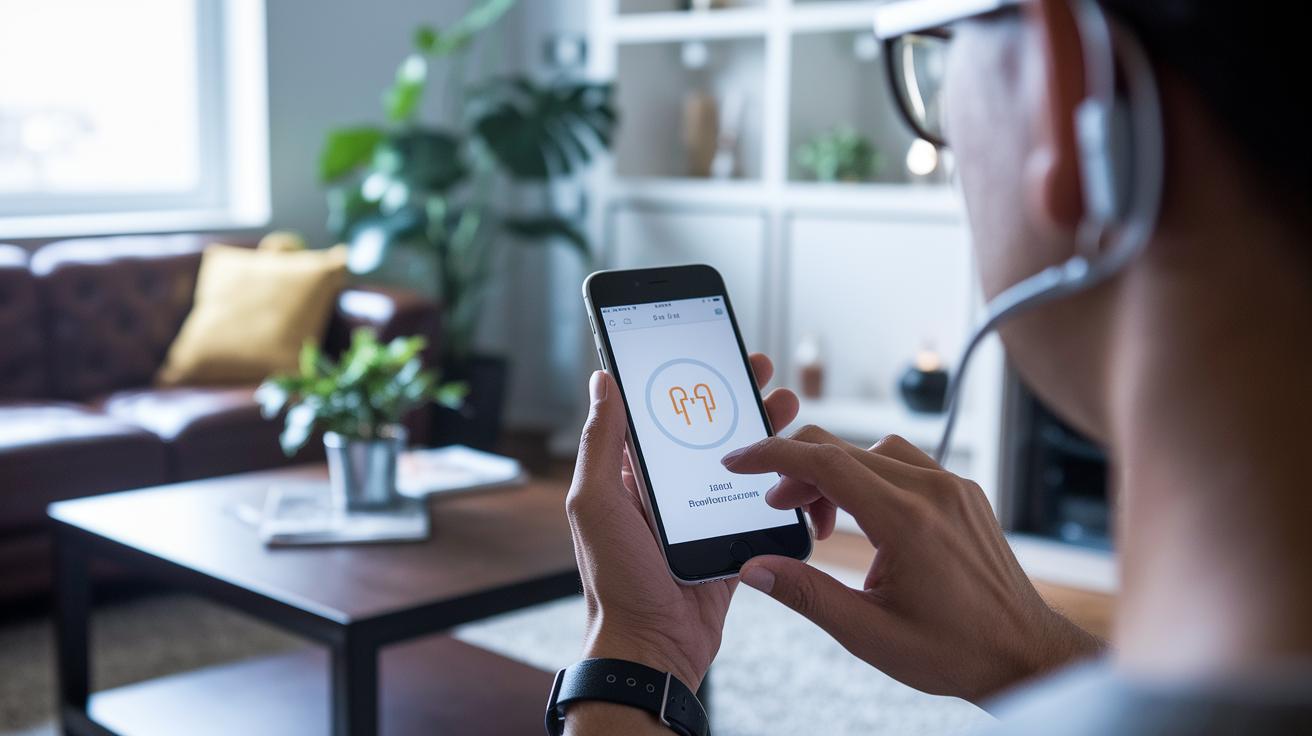
People have shared their honest stories about these apps, pointing out what works well and where things could improve. Many users are excited by the new ideas in Android hearing technology. One user even mentioned, "MDHearing gave me a clear volume boost while the remote audiologist chat was a lifesaver on a busy day." This kind of real-life feedback helps build trust for anyone new to Android hearing aid apps.
Pros:
- MDHearing offers a clear volume boost and a handy remote chat with an audiologist.
- ReSound uses smart geotagging to adjust settings based on your location.
- Signia features simple controls that feel like a natural part of the hearing aid.
- Widex adapts smoothly over time, learning what works best for you.
- Amplifon provides an in-app hearing test that builds a personal profile just for you.
Cons:
- Starkey Thrive can have occasional Bluetooth dropouts that interrupt streaming.
- Oticon ON sometimes has a complicated menu that makes setup a bit challenging.
- Some premium features require a subscription, which might not fit every budget.
- Older Android versions may have limited real-time environment detection, cutting down on some functions.
These insights let you compare benefits with potential drawbacks so you can find the right solution for your lifestyle and hearing needs.
Troubleshooting Common Issues in Android Hearing Aid Apps
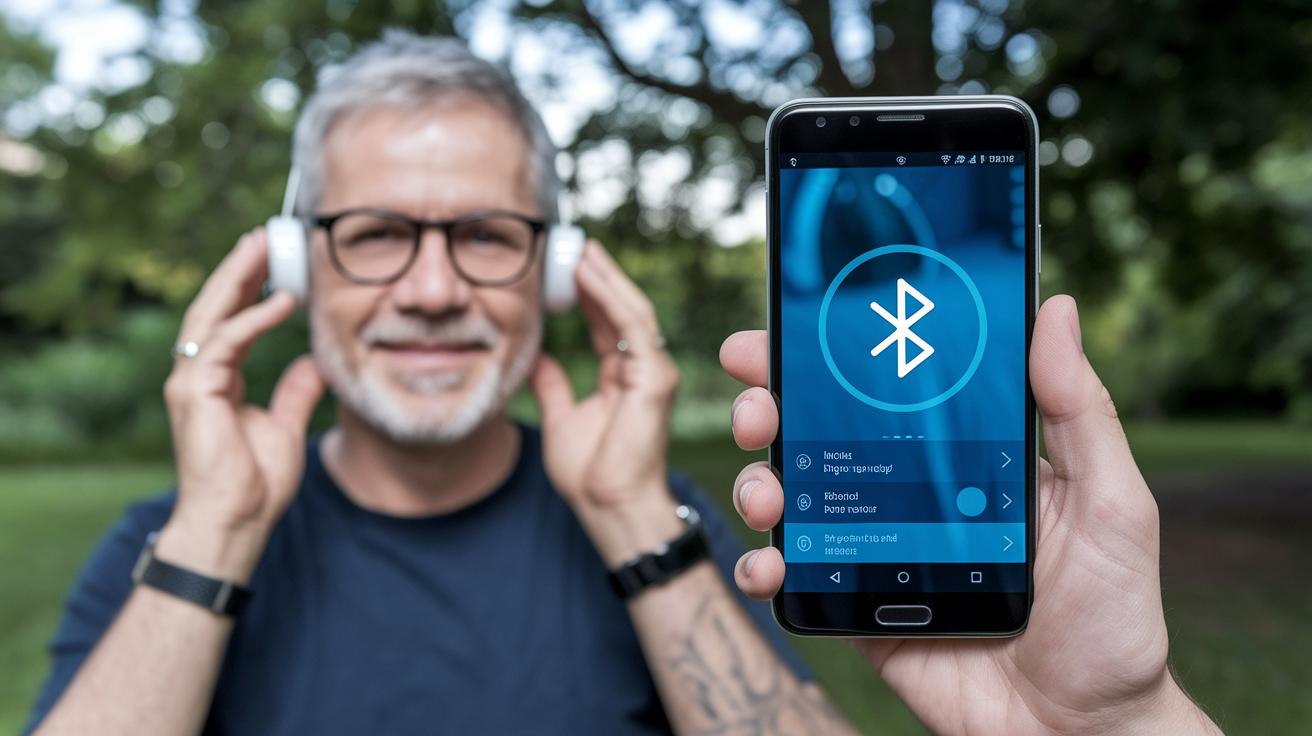
If your hearing aid app isn’t connecting or streaming right, here are a few simple steps to get things back in line.
- Restart your Android device and hearing aids. A quick reboot often clears small glitches.
- Clear your Bluetooth pairing data and then re-pair your devices after clearing the cache. This routine can smooth out connection issues.
- Update your app to the latest version. For example, if you're on myPhonak v4.0.4, a new update might include important fixes.
- Check the firmware update section in your app settings. Keeping your firmware current can prevent unexpected hiccups.
- Verify that your microphone and Bluetooth permissions are turned on. It’s easy to miss a setting sometimes.
This friendly, step-by-step guide borrows ideas from support tools by Phonak and Oticon to help your hearing aid app run smoothly on Android. If these steps don’t do the trick, it might be time to reach out to your device’s customer care or take a look at what other users have shared in app reviews.
Future Innovations in Android Hearing Aid Technology
Imagine an app for your hearing aid that smartly picks up background sounds and adjusts settings right away. It uses clever AI to learn what kinds of noises you come across every day, like the soft hum of a busy room, and then it cuts out those extra sounds so you can chat without distraction.
Then there's cloud backup for all your audio settings. Picture this: every change you make is saved in a secure online space, so your personalized setup follows you, even if you switch devices. And soon, your hearing aid app might team up with wearables like smartwatches and fitness bands that keep an eye on your health. That means your phone could even alert you about changes in your overall well-being.
Voice commands are set to get even easier, too. You could just speak your instructions in your own language, and the app will understand them without a hitch. Some apps are even trying out virtual assistants that connect you with audiologists remotely, offering professional help whenever you need it. All these fresh ideas promise to make hearing aid apps simpler, smarter, and more helpful for everyone.
Final Words
In the action, we explored Android hearing aid apps and broke down their key features. We looked at how to install, compare, and even troubleshoot these digital tools. Each section painted a clear picture of how these apps boost audio clarity, personalize sound settings, and integrate with your hearing aids. The article showed that managing your hearing has never been simpler with hearing aid apps for android. It’s all about making your daily health care smoother and more accessible, leaving you feeling in control and upbeat about the future.
FAQ
What free hearing aid apps for Android can I download?
The free hearing aid apps for Android let you boost volume and reduce background noise. Apps like MDHearing and myPhonak offer basic audio adjustments and custom sound profiles at no cost.
What hearing aid apps are available for smartphones and iPhone?
The hearing aid apps for smartphones work on both Android and iPhone. They deliver sound amplification, noise filtering, and custom tuning via simple controls on your device.
What does the Phonak hearing aid app for Android do?
The Phonak hearing aid app for Android, such as myPhonak, gives you control over volume and sound settings. It pairs with your Phonak hearing devices using Bluetooth for streaming and adjustments.
Can I use my Android phone as a hearing aid?
Using your Android phone as a hearing aid is possible by employing apps that boost sound and filter unwanted noise for better clarity. Such apps make your phone a practical tool for improved hearing.
Are hearing aid apps free to use?
The hearing aid apps vary in pricing; many offer free versions that provide essential volume and sound enhancements, while others feature extra options through optional in-app purchases.
How can I connect my hearing aid to my Android phone?
Connecting your hearing aid to your Android phone involves pairing via Bluetooth. Once connected, the app allows you to stream audio and adjust settings directly from your device.
Is it possible to control my hearing aid using my phone?
Controlling your hearing aid from your phone is achievable with specialized apps. These apps let you adjust volume, switch profiles, and manage settings through an intuitive, on-screen interface.