

Ever feel like your weight journey just isn't going the way you need it to? Choosing the right tracker can really make a difference.
Imagine an app that not only records your numbers but also gives you a little cheer along the way. In this post, we will explore the best weight tracker apps that help you see every bit of progress you make.
We will dive into features like a friendly points system and helpful daily tips that turn small wins into big changes. Remember, every step forward is a cause for celebration when you have the right support by your side.
Best Weight Tracker Apps of 2025: Top Picks and Ratings

WeightWatchers sits at the top with ratings between 4 and 5 out of 5. It offers both in-person and online support that feels flexible and personal. Many users love how the points system adjusts to their own needs, making it really easy to see progress. One user mentioned, "After joining, I felt empowered by seeing my progress step by step."
BetterMe is a great pick for fans of Pilates and bodyweight workouts. It comes with a nutrition tracker and a psychology-based approach that helps build healthy habits. With clear instructions and daily challenges, you get a friendly boost each day, and it feels like having a little coach by your side.
Noom takes a different route by focusing on small changes in your mindset. Rather than just showing calorie counts, it uses short lessons in cognitive behavioral therapy (which basically means learning how to adjust your habits) to make every decision count. It’s like getting a warm reminder that every little choice matters.
The Simple app is a smart helper for those who like intermittent fasting. It even lets you snap a picture of your meal to get instant advice with AI-powered feedback. Even though it might get a bit glitchy sometimes, it’s perfect if you want quick, on-demand insights.
Cronometer is all about details. It tracks your macros and 84 different nutrients, ensuring nothing gets overlooked. The free version covers everyday needs, and a Gold subscription adds more in-depth tracking. For many users, it’s comforting to know that every nutrient you eat counts toward your health goals.
MyFitnessPal has an incredible database of 14 million foods, making it simple to log meals whether you prefer manual entry or scanning a barcode. Even though the free version lacks the barcode scanner, upgrading to the Premium version (at $19.99 per month or $79.99 a year) gives you a more detailed experience.
Fitbit is great if you own one of its wearable devices. It combines tracking for weight, nutrition, and sleep, making it a solid all-in-one option. Meanwhile, PlateJoy offers personalized meal plans and grocery lists that cut the stress out of healthy eating.
Apple Health is a strong choice exclusively for iOS users, letting you track steps, sleep, and cycle data without any cost. Lose It! makes logging food easy with its Snap It feature, using a vast database of 47 million items to help you keep up with your nutrition. And for those watching their carbs, Carb Manager offers a rich set of tools, including a collection of 5,000 low-carb recipes and detailed nutrient tracking.
Feature Comparison Among Leading Weight Tracker Apps
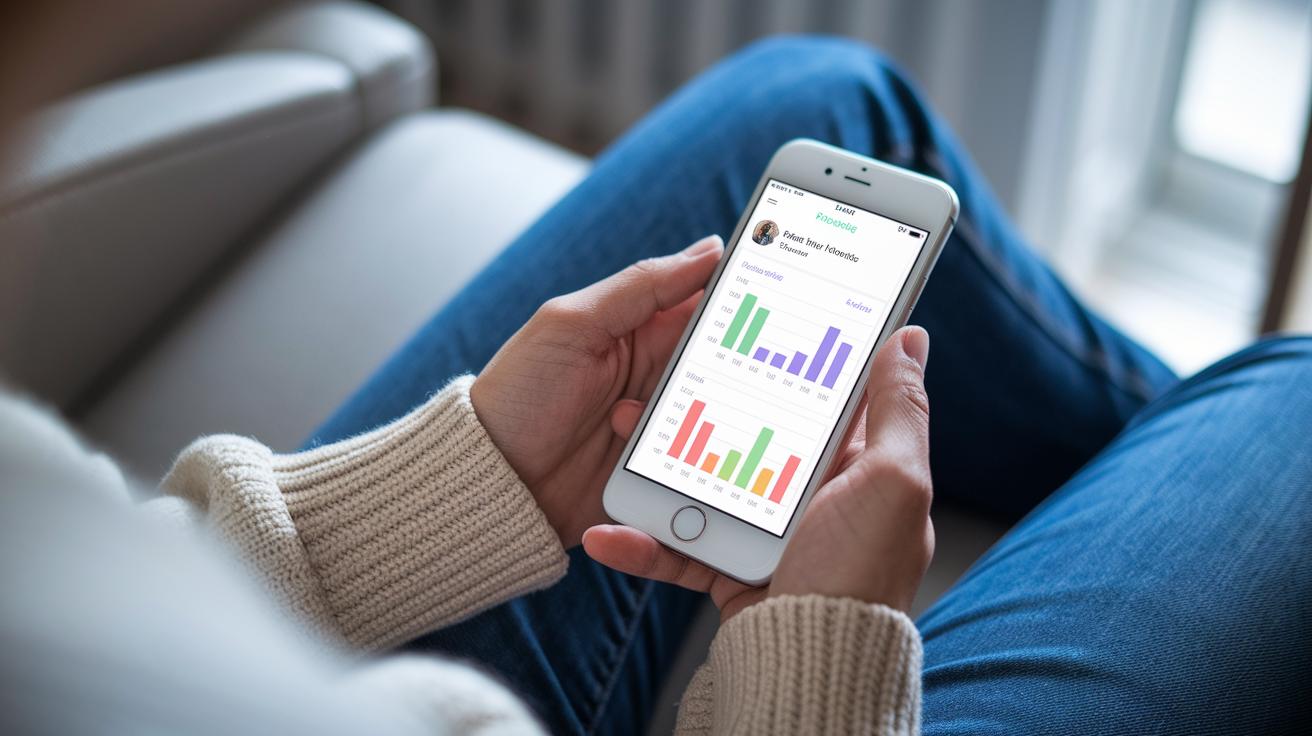
When you're picking a weight tracker app, it's smart to check out the main features. We looked at things like food logging, coaching approach, nutrient details, community support, and pricing. Every app mixes these elements differently to help you hit your weight goals.
Here's a simple table that shows how five popular apps line up:
| App | Food Logging | Coaching | Nutrient Depth | Community | Pricing |
|---|---|---|---|---|---|
| WeightWatchers | Manual entry and a simple point system | Workshops and online support | Basic nutrient focus | Strong forums and support | Mid-range subscription |
| Noom | Manual input with handy tips | Lessons inspired by CBT | Moderate macro details | Group challenges and chats | Moderate pricing tier |
| MyFitnessPal | Barcode scanning plus photo logs | Minimal coaching features | Comprehensive macro tracking | Active community support | Free with a premium upgrade |
| Cronometer | Manual entry and barcode options | Self-guided tracking | Tracks over 84 nutrients | Niche community groups | Free basic and Gold plan |
| BetterMe | Simplified manual logging | Interactive workout tips | Calorie and nutrient overview | Beginner-friendly support | Affordable subscription |
WeightWatchers stands out with its flexible point system and both in-person and online support. Noom offers handy lessons that shape healthy habits. MyFitnessPal impresses with a huge food database and easy scanning options. Cronometer is great if you like detailed info on over 84 nutrients. And BetterMe is perfect for beginners, thanks to its simple tracking and guided workouts.
best weight tracker app: Celebrate Your Progress
When it comes to picking a weight tracker app, it helps to know which ones work best on your everyday devices. Apps like MyFitnessPal, Noom, BetterMe, Cronometer, and Lose It! run great on both iOS and Android. They’re a smart choice whether you’re using an android scale or need an iPhone weight diary.
Fitbit is a bit different. It only works with Fitbit wearables, so if you're already using one, its companion app gives you real-time updates on your weight and activity. Cronometer also shines with real-time syncing, making sure your info stays current on your phone or tablet.
Apple Health comes built right into iOS and offers regular updates without any extra fees. Just keep in mind, it only works with Apple devices.
Then there’s PlateJoy, which works both on the web and mobile. This makes it a great option if you switch between devices often. In truth, having an app that fits your tech and lifestyle can really boost your motivation as your progress flows smoothly from one device to another.
best weight tracker app: Celebrate Your Progress
Instead of going through all the pricing details we mentioned before, let’s focus on what makes each app a smart choice for your money.
-
MyFitnessPal
It’s still a favorite thanks to its strong free version. Sure, it has a few limits, but the premium upgrade really sharpens its tracking. Check our earlier breakdown for more details. -
Cronometer
You get a solid free option for daily nutrient logging. And if you need extra details, a small upgrade adds richer nutrient insights. -
WeightWatchers
This one offers flexible plans that mix both online and in-person help. It balances cost and features, giving you thoughtful tracking and guidance. See the main section for pricing specifics. -
The Simple app
With a mid-range subscription, you enjoy innovative features like smart, AI-driven meal suggestions. It’s a standout choice if you’re looking for clever tips. -
PlateJoy
Here, personalized meal plans come with extra grocery service fees. It’s perfect if you really value a structured approach to nutrition. -
Apple Health
This app is completely free for tracking your daily activity and weight. It’s a great option for anyone keeping an eye on their health on a budget.
Usability and Design Insights for Weight Tracker App Dashboards
Dashboards are built to show clear info and inspire you. MyFitnessPal has a search and logging screen that's both friendly and easy to use, even if free scan options aren’t its focus. Step in and you'll see a neat layout that gets you logging without any fuss.
Cronometer stands out with nutrient dashboards you can adjust to your needs and interactive trend graphs that let you see your progress at a glance. It’s like checking your stats on a bright, organized display that highlights every nutrient detail.
Noom takes a step-by-step approach using a lesson-based timeline to guide you through behavior changes. Each log feels like a small, important part of a helpful routine, making tracking feel natural and supportive.
Fitbit puts community stats and sleep details right up front. Its dashboard links directly to wearables (https://ourmobilehealth.com?p=83), giving you real-time feedback that keeps you tuned in to your progress.
Lose It! brings fun and ease to tracking with its Snap It feature. This quick photo logging tool turns daily entries into engaging visual updates that are simple to manage.
| App | Dashboard Highlights | Customization & Visual Appeal | Unique Feature |
|---|---|---|---|
| MyFitnessPal | Simple search and log interface | Friendly design | Clear basic info visualization |
| Cronometer | Customizable nutrient dashboards; interactive trend graphs | Highly flexible, clear data display | Detailed nutrient breakdown |
| Noom | Lesson-based timeline | Guided, step-by-step experience | Behavior-change focus |
| Fitbit | Community stats and sleep metrics | Integrated wearable connectivity | Real-time performance feedback |
| Lose It! | Quick photo logging via Snap It | Intuitive layout | Engaging visual record of meals |
User testing shows these designs score above 4 for easy navigation. Clear visuals and smart layouts help keep your focus on your progress.
Privacy, Security, and Data Synchronization in Weight Tracker Apps

Weight tracker apps really work hard to keep your personal health data safe. For instance, Cronometer and MyFitnessPal back up your info automatically using secure cloud systems. This means your data gets refreshed every 24 hours or less, so everything stays up to date. Cronometer even makes sure each nutrient count you enter remains locked down, giving you a calm feeling as you track your progress.
WeightWatchers and Apple Health protect your numbers with strong encryption. So whether it's your weight changes or your BMI from a device, your info stays secure during transfers. Noom goes one step further by following HIPAA-aligned practices, keeping your details as private as a diary that only you can open.
Sometimes, even the best systems have little hiccups. For example, some users say the Simple app experiences sync errors now and then. So if real-time backup is a must-have for you, it might be something to keep an eye on.
Every app runs privacy checks and security validations to make sure your workout logs, statistics, and weight records are safe. With reliable cloud backup options, you can trust these apps to keep your efforts secure while you celebrate every win.
How to Choose the Best Weight Tracker App for Your Goals
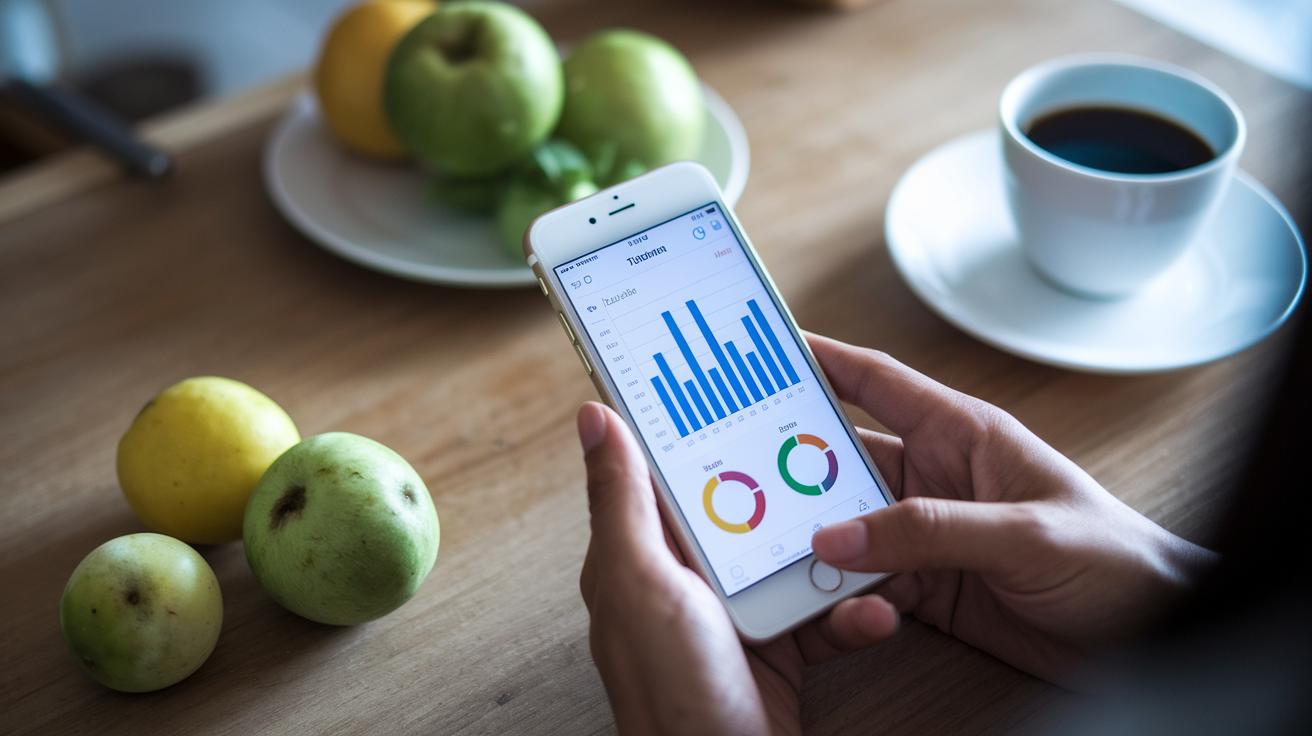
When picking a weight tracker app, start by thinking about what you really want from it. Are you simply curious about your weight, or do you want to keep an eye on calories, protein, fats, and even vitamins? Some apps only show your weight, while others give you a full look at your food and nutrients. For example, if you like the idea of getting little tips to boost healthy habits, look for one that offers coaching features that feel right for you.
Next, remember to check your gadgets. Does the app work well with your phone, tablet, or any wearable device you use? When your tech connects easily, your data updates all on its own, letting you see your progress in a flash.
Here's a quick guide to help you decide:
| Key Aspect | What to Check |
|---|---|
| Goal Alignment | Decide if you want basic weight tracking or detailed info on calories and nutrients. |
| Device Compatibility | Make sure the app works well with your smartphone or wearable devices. |
| Coaching Style | Choose between self-guided tracking and interactive, behavior-driven tips. |
| Budget & Subscription | Check if the free features are enough, or if the paid version fits your budget. |
| Tracking Depth | Decide whether you need basic measurements or a complete breakdown of your food intake. |
Logging your progress regularly, celebrating small milestones, and leaning on a supportive community or coach can make a real difference in reaching your health goals.
Final Words
In the action, we've reviewed top apps, compared their features, and looked at pricing, design, and security. We broke down everything from food logging to real-time data sync so you can choose what works best for your lifestyle. Every review was shared in a simple, friendly way to help you pick the right option. With choices like these, you’re ready to embrace a healthier routine using the best weight tracker app. Enjoy taking control of your health and making each step count!
FAQ
Q: What is the best weight tracker app according to Reddit?
Reddit discussions show that MyFitnessPal is often praised for its huge food database and handy interface, making it a top pick among users who value ease and detailed tracking.
Q: Which free weight tracker app is highly recommended?
The best free weight tracking app is frequently identified as MyFitnessPal due to its robust basic features, including food logging and weight tracking, with options to upgrade for more advanced tools.
Q: What is the best weight tracker app for iPhone users?
iPhone users favor Apple Health for its native integration and MyFitnessPal for its extensive functionality, both offering reliable tracking and a smooth experience on iOS devices.
Q: How can I track my weight online for free?
Many free options like MyFitnessPal and Apple Health allow you to log your weight without charge, offering user-friendly online dashboards and reliable tools to monitor your progress.
Q: How can I visualize my weight progress with a tracker chart?
Weight tracker apps, such as MyFitnessPal, include built-in charts that display your weight change over time, giving you a clear and visual record of your progress.
Q: Which daily weight tracker app is popular?
A favored daily tracker is MyFitnessPal, known for its simple daily entry features and extensive food tracking, which help you maintain a consistent record of your weight.
Q: Which free app is best for weight loss?
Many find MyFitnessPal the best free weight loss companion, as it combines basic calorie tracking with weight logging to support gradual, measurable weight loss.
Q: Can I check my weight on my phone using an app?
Yes, modern weight tracker apps sync directly to your phone, allowing you to log and review your weight data anytime, making on-the-go tracking both simple and convenient.
Q: Is using a weight tracker app really worth it?
Using a weight tracker app offers clear, organized insight into your progress, which can boost motivation and help you achieve your health goals with an easy-to-use tool.