

Ever wonder if there's a smarter way to track your blood pressure? With so many apps available, it can be hard to decide which one fits your needs best.
Some apps are simple and let you enter your readings quickly while showing easy-to-read graphs. Others pack in extra features backed by real studies to give you more detailed insights.
This guide is here to help you sort through the options. We'll highlight trusted choices so you can pick an app that fits your lifestyle. Stay with us as we share what works and what might not, making it easier for you to keep your health in check.
Comparing the Best Blood Pressure Apps for Accurate Tracking
When picking a blood pressure app, it's a good idea to look at all your options. A side-by-side look at each tool makes it easier to find the one that fits your needs. Some apps give you a free basic version that lets you enter numbers by hand, view simple graphs, and set up reminders. Others offer paid upgrades with extra features like detailed exportable reports and advanced tracking tools.
Remember, these apps only keep track of your readings, they don't measure your blood pressure on their own. So, you should still use your traditional cuff for accurate checks. Only a handful of these tools have been backed by solid studies to help manage high blood pressure. This guide helps you see which top-rated apps are both accurate and dependable.
| App Name | Platform | Price | Clinical Validation | Key Feature |
|---|---|---|---|---|
| BP Track Pro | Android, iOS | Free basic, Paid upgrade | Study-validated | Customizable graphs and reminders |
| HeartView BP | iOS | Free basic, Paid upgrade | Peer-reviewed validation | Digital BP tracking tool |
| Pressure Check | Android | Free | Limited validation | Manual entry and exportable PDF reports |
| Pulse Monitoring | Android, iOS | Free basic, Premium upgrade | Based on university study | Smartphone PPG detection using built-in sensors |
For many users, the best mix is a free blood pressure app that lets you quickly enter numbers and see easy-to-read graphs with reminders. It really helps if the app has study-backed results that you can trust. On the other hand, some might choose an app that works with verified Bluetooth cuffs or wearables. These types of tools can nicely complement your regular clinical checks.
How Blood Pressure Apps Collect and Record Your Readings
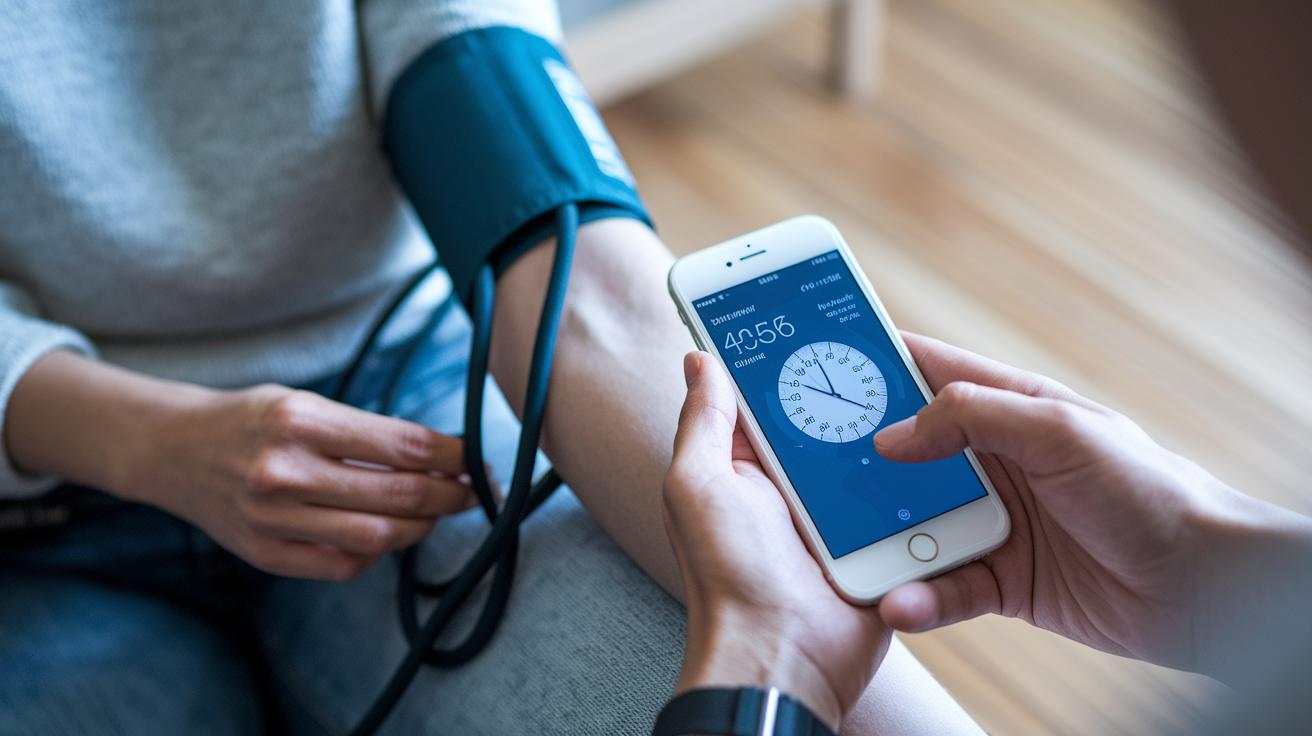
Blood pressure apps have three main ways to track your readings. Sometimes you measure your blood pressure using a cuff and then type the numbers into the app. Other times, the app links with a Bluetooth or wireless cuff that sends your systolic and diastolic values straight to your device. And then there’s the method where the app uses your smartphone's sensors, often the camera or a built-in finger sensor, to estimate your pulse pressure. It sounds cool and simple, right? But recent studies suggest that these cuff-free methods can sometimes be off; one study even found that over 75% of readings in high blood pressure cases came back as falsely normal.
Here’s a quick look at the good and not-so-good points for each method:
- Manual entry gives you full control and works just about anywhere. However, it depends on you measuring carefully and logging honestly.
- Bluetooth or wireless connections make things super smooth and easy to use, but they need a certified cuff, which might cost a bit more.
- Using your phone’s sensors lets you do quick checks using just your device, although the accuracy isn’t always reliable, especially when you need precise numbers.
It’s a smart idea to double-check sensor-based readings with a traditional cuff measurement, ensuring you always have the right information for your health.
Device Compatibility for Blood Pressure Apps: Wearables, Cuffs, and Sensors
Staying connected is key when tracking your health. These apps grab your blood pressure data from a range of devices. For example, Bluetooth cuffs send readings automatically, while smartwatches like the Apple Watch and Android Wear help you keep an eye on your health throughout your day. Some apps even work with simple finger sensors or use your phone’s camera with a method called PPG (that’s a way to measure blood flow using light).
Here are some common devices:
| Device | Details |
|---|---|
| Bluetooth cuffs | Sends data automatically |
| Apple Watch and Android Wear | Wearable Tech for Health |
| Finger-sensor peripherals | Measures directly from your finger |
| Phone camera PPG method | Uses light to estimate readings |
Before you choose a device, make sure it’s certified for medical use. This helps ensure that your health data is accurate and reliable.
Visualizing Your Data in a Blood Pressure App: Graphs and Alerts
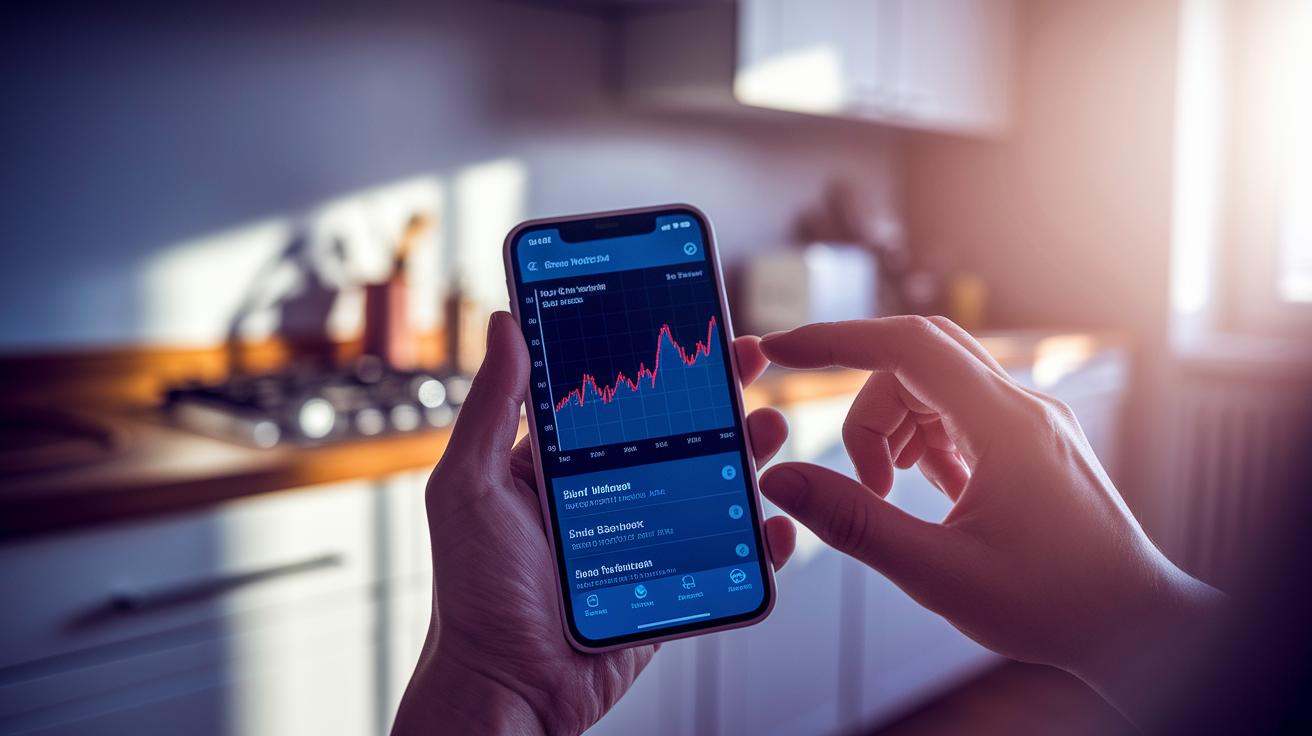
Blood pressure apps turn numbers into clear, easy-to-read pictures that help you keep an eye on your health every day. Instead of just showing lists of numbers, these tools use graphs and alerts to show how things change and to flag readings that might need attention. It’s like watching your own health story come to life without any extra hassle.
- Interactive line and bar charts that reveal your progress on a daily or weekly basis
- Alerts for readings that fall outside your normal range so you can catch potential issues quickly
- Custom reminder alerts that ensure you never miss your scheduled checks
- Dashboards that highlight trends over weeks or months
- PDF summaries you can easily export or share with your doctor
These features give you a real, clear look at how your blood pressure is behaving. And when it’s time to talk with your healthcare provider, these visual tools back up your numbers with real evidence, helping you get advice that’s just right for you.
Security and Clinical Validity of Blood Pressure Apps
When you're handling your health info, you need to feel safe and sure about the numbers you see. You want to know that your details are locked tight and that the readings are as reliable as those from a regular cuff. Only a few of these apps have been through independent studies, and often you'll see a note telling you if the app makers aren't tied directly to big healthcare groups. So, if an app seems off or gives results that feel too good to be true, take a closer look. Make sure the one you choose has been thoroughly checked before you lean on it for any health decisions.
Next, here are a few simple tips:
- End-to-end encryption and user authentication means your data is wrapped up in security from start to finish. Your health details stay safe from prying eyes.
- Clinical validation studies or FDA clearance show that the app's measurements have been tested against approved cuff readings. This gives you extra confidence in the results.
- Transparent developer info and independent reviews help you know who’s behind the app. Honest details and unbiased feedback are good signs the app is trustworthy.
Always remember to chat with your doctor about your app results, so you can be sure the numbers are right for you.
Getting Started with a Blood Pressure App: Downloads and Setup Tips
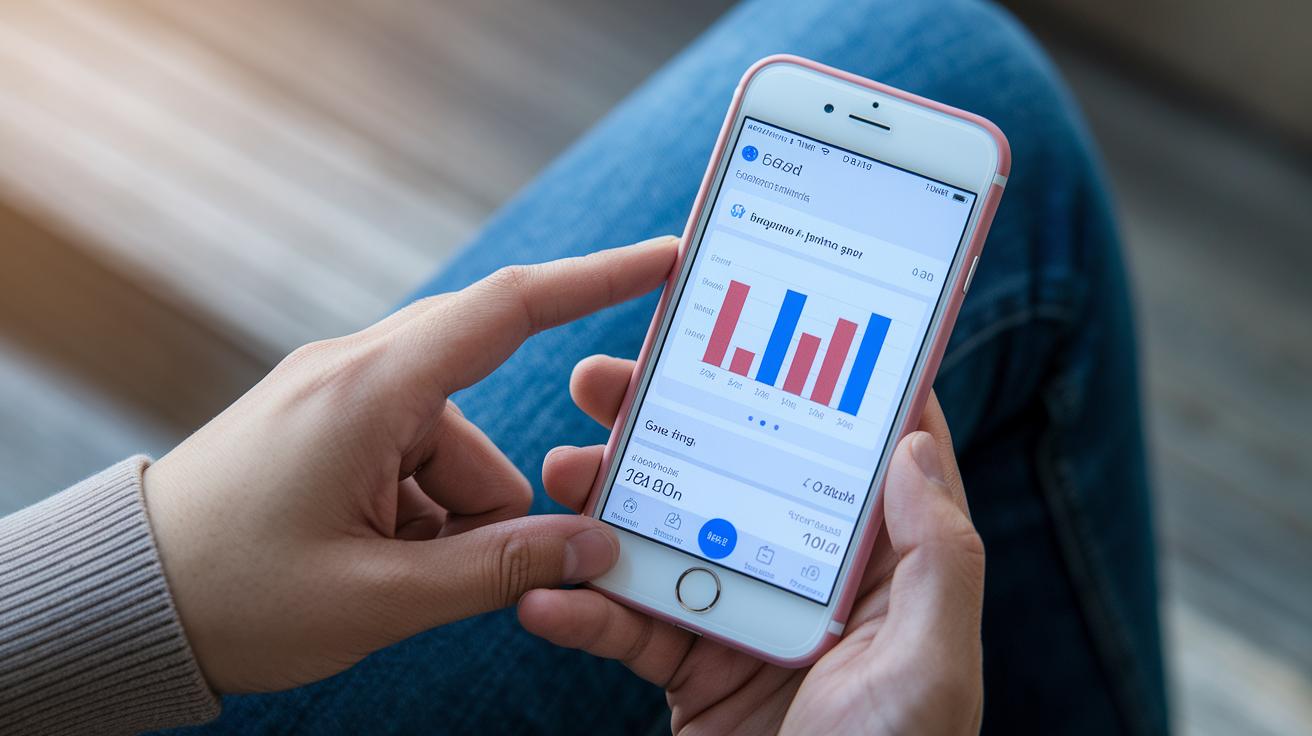
Looking for a good blood pressure app can be simple. Try using trusted places like Google Play or the App Store. Most are free and let you track your blood pressure easily. They often come with neat features like manual entry, clear graphs, and gentle reminders. Plus, your doctor can help you set a target range so you begin with clear and correct info. Once you pick an app with an easy-to-use interface, setting it up is a breeze.
- Download the app from an official store
- Allow notifications and access to your health data
- Fill in your personal health details and set your BP target
- Connect your blood pressure cuff or use the camera reading method
- Set daily reminders for your readings
After you’re up and running, take a minute to check for updates and back up your data. This little extra step helps keep your info safe and current, making your health monitoring feel smooth and reliable.
Final Words
In the action, we compared top blood pressure apps by looking at data collection, device connectivity, and easy-to-read graphs. We walked through different methods, manual entry, Bluetooth cuffs, and sensor-based estimates, and discussed security and clinical checks. Each section helped show you which blood pressure app fits your lifestyle, whether you need clear visuals or trusted health insights. Technology now makes managing your health simple and smart. Enjoy using these digital tools to keep you on track and feel great every day.
FAQ
What are the best free finger blood pressure apps for Android?
The best free finger blood pressure apps for Android combine ease of use with features for manual input and graphing. They offer a simple interface and free download options, though readings should always be verified with a certified cuff.
What free blood pressure apps are available for iPhone?
The free blood pressure apps for iPhone let you record and track readings using manual entry or Bluetooth cuff integration. These apps provide basic graphing and reminder options at no cost, making tracking simple and accessible.
What features should I look for when downloading a blood pressure app?
A good blood pressure app download offers features like daily reminders, graph reports, and secure data storage. Look for options with clinical validation and user-friendly design to help you track your health effectively.
Can my phone measure my blood pressure on its own?
Checking your blood pressure with your phone generally relies on manual entry or pairing with a Bluetooth cuff. While some apps use camera-based methods, they often lack the accuracy of traditional cuff measurements.
Which blood pressure app is the most accurate?
The most accurate blood pressure apps are those that integrate with FDA-approved Bluetooth cuffs and have study-validated methods. They typically require external hardware to ensure reliable readings compared to sensor-only options.
Are there reliable blood pressure apps that are completely free?
Reliable free blood pressure apps provide essential features like manual data entry and graphing. However, while basic versions are free, premium upgrades may unlock exportable reports and additional insights.