


Have you ever felt frustrated when technology stops you from really connecting with your doctor? Sometimes video chats get choppy, the internet lags, or your device just isn’t up to date. This can mean you miss the friendly cues you’d normally see in person.
But don’t worry, there are simple fixes. Upgrading your equipment, boosting your network speed, and setting clear privacy rules can make a big difference. It’s like clearing the fog so you can see every smile and nod clearly.
In this post, we’ll chat about the common issues that spoil our video calls and share easy ways to overcome them. Soon, your virtual visits could feel just as warm and connected as a face-to-face conversation.
Addressing Key Video Consultation Challenges and Solutions

Video consultations can be tricky sometimes, making it hard for your doctor to offer care that feels personal. One big issue is technology. For instance, many people use older devices or have spotty internet connections. This means that the session might get choppy. Also, when patients join from public or shared spaces, there is a risk to their privacy. These technical problems can lead to interruptions and even expose personal details.
Besides technology, there is the matter of missing out on non-verbal cues. When you speak to someone through a screen, much of the body language and facial expressions can get lost. This makes it tougher to build a warm connection. In some cases, patients might feel less understood or even a bit ignored. The absence of in-person conversation might also interfere with physical examinations or other careful assessments a doctor needs to make.
Now, you might wonder how to solve these issues. In truth, understanding these challenges is the first step. Providers can look at ways to standardize devices, boost network reliability, and set new guidelines for virtual meetings. By doing so, they aim to create a smoother and safer video consultation experience. With these changes, not only will technical problems be reduced, but the warmth of a face-to-face chat could shine through, too.
Overcoming Technical and Connectivity Hiccups in Video Consultations

Sometimes video calls run into bumps because our personal devices aren’t always up to the task. Patients often join in using older smartphones, tablets, or computers that vary in power. This can lead to choppy video and mix-ups in conversation. Plus, many home and office networks were built mainly for downloading, not for constant back-and-forth video chats. Even if a quick speed test looks fine, hidden issues like packet loss or jitter can still sneak in and mess things up.
Network hiccups can throw everyone off. A spotty connection might cause delays, dropped calls, or screens that freeze mid-conversation. This disruption can make it hard to keep a natural, engaging chat with your health provider. It’s no wonder that both sides can end up feeling frustrated during important discussions about your care.
- Standardize hardware with preconfigured devices
- Adjust router settings to give video calls top priority
- Run simple network checks before your call, not just a basic speed test
- Keep backup connection options handy, like a mobile hotspot
- Set clear minimum device requirements for everyone taking part
- Offer easy, step-by-step connection guides
These troubleshooting tips can really help smooth out your video sessions. When everyone uses similar, pre-set devices, you cut down on unwanted surprises. Tweaking router settings helps ensure that video calls take the lead, and running prior checks can catch issues before the call starts. A backup hotspot means you’re covered even if the main connection fails. With clear guidelines and simple tutorials, both patients and providers can focus more on the conversation and less on frustrating tech glitches.
Improving Communication and User Experience in Video Consults

Video consults can sometimes miss the little cues that help us understand each other. When audio or video glitches happen because of a bad connection, everything can feel a bit off. Many people tell us that chatting face-to-face builds trust, while video calls might lose gestures, subtle expressions, and tone.
Getting your camera and lighting right can really clear up your message. Try setting your camera at eye level so you seem to look directly at the other person. Simple tricks like using a soft light instead of a strong window light help keep shadows at bay. It’s like setting up a cozy room where a gentle lamp light makes everything feel warm and inviting.
You can also adjust the platform layout to encourage a smoother conversation. Adding features like caption fields or on-screen adjustments can ease the stress of delayed words. And occasionally looking right into the camera or pausing for a quick check-in makes the talk feel more personal. These changes fix common design hassles while making your consult feel more like a natural, face-to-face chat.
Managing Privacy, Security, and Compliance in Video Consultations
Virtual consultations can risk exposing your personal info when you’re in a shared space. If you join from a spot that isn’t private, sensitive health details might leak out. Laws change from place to place, so care providers sometimes find it tricky to meet every legal rule. And when managed and personal devices mix, especially if old systems are used, security can take a hit. Clearly, we need a fresh, safe approach for digital visits.
- Use end-to-end encryption so every conversation stays locked and private.
- Make sure that sensitive discussions happen in rooms where no one can overhear.
- Check your processes often with compliance audits that follow HIPAA or GDPR guidelines.
- Use multi-factor authentication and secure login processes for extra peace of mind.
- Keep a close eye on devices and sessions with IT-monitored logs.
Strong security measures not only fend off problems but also build trust between patients and providers. Solid encryption, smart login steps, and regular checks help make online visits safer. By tackling these risks with up-to-date IT solutions, everyone can focus on care without fretting over privacy issues. When both the tech and guidelines are robust, trust in digital health grows naturally.
Building Technical Readiness and Support for Video Consultations
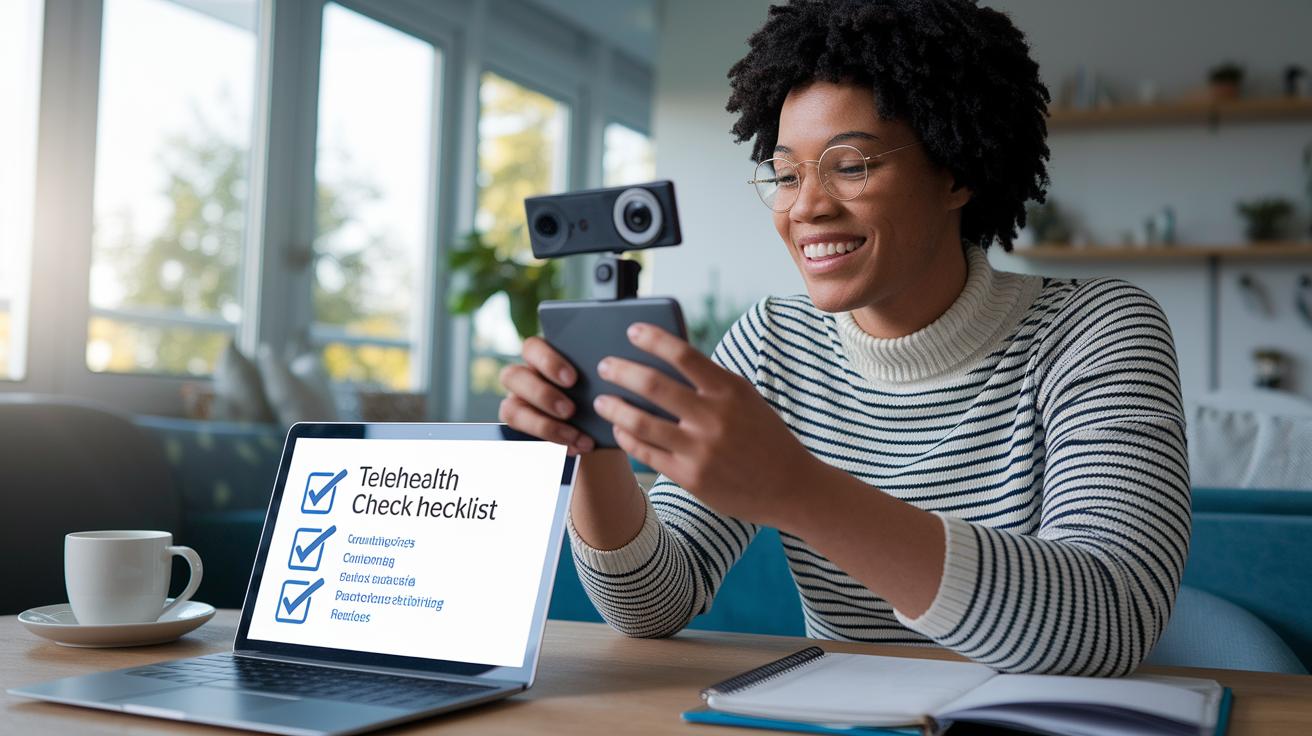
Lots of patients, and even some health providers, sometimes feel lost when trying to use telehealth. Even though most people have smartphones, only a few have actually practiced how to fix simple issues for a video call. For example, checking your audio or making sure your camera works can become a challenge if you are not used to this kind of digital care. It’s even more noticeable now that telemedicine is shifting from clinics to home-based visits.
Making clear, easy-to-follow guides and scheduling a quick test call before your visit can really help. Imagine a simple checklist that shows you how to test your internet connection, set your camera in the right spot, and check your sound. This way, you get to try everything out before your actual appointment. You might hear advice like, "Before your visit, give your connection a quick test to make sure your camera and microphone work as they should." These little practice runs build your confidence and help avoid delays during your meeting.
Helping support is just as important. Having a friendly tech helpdesk ready to assist means you can quickly fix any issues while you're on the call. Both patients and providers can benefit from clear instructions about who should handle any tech problems. Short training clips or video guides can boost tech skills on both sides, making your video consultation feel smoother and less nerve-wracking.
Long-Term Strategies for Future Video Consultation Challenges

Telehealth is changing all the time, and organizations need to keep up to make sure video calls run smoothly. It helps a lot to schedule regular updates for both devices and software because that little refresh makes a big difference in how patients and providers feel about their session. Planned hardware updates are awesome because they let everyone use reliable devices that easily work with new software. Plus, setting up backup network options can save the day when your main connection slows down or drops out. Really, these steps make virtual visits better and ease the stress when tech issues pop up.
Next, syncing new telehealth apps with existing medical records is a smart play. This way, patient data stays current and easy to access. Planning for the future also means thinking about regular training and even hiring extra tech support. With a global shortage of health workers predicted by 2030, having a solid plan for staff training and recruitment is key. In truth, making sure everyone is comfortable handling tech improvements means pairing digital upgrades with real care. Finally, keep an eye on your system with regular reviews to catch any integration issues early, ensuring that your setup stays top-notch.
Final Words
In the action, we explored key issues from tech glitches to communication lags, privacy worries, and support gaps. We broke down each challenge with practical tips and simple fixes meant to guide everyone through modern digital appointments.
Our discussion on video consultation challenges and how to overcome them shows that clear, step-by-step strategies can smooth out virtual appointments. With steady efforts and practical tools, digital healthcare keeps getting better. Happy connecting!
FAQ
How do you overcome telehealth barriers and telemedicine limitations?
The telehealth barriers include technical glitches, privacy risks, and limited non-verbal cues. Overcoming these issues means setting up secure connections, testing equipment beforehand, and offering clear guidance to both patients and providers.
What are four obstacles to the use of telemedicine?
Telemedicine obstacles include connectivity challenges, privacy and security risks, diminished non-verbal communication, and constraints with physical examinations. Addressing these hurdles requires improved infrastructure, secure protocols, alternative communication strategies, and supplemental in-person evaluations.
How do you do a video consultation?
A video consultation begins by checking your internet connection, testing your camera and microphone, and finding a private space. Following these steps ensures a smooth session and clear communication with your healthcare provider.