


Have you ever thought a simple app could brighten your pregnancy journey? Picture this: an app that shows your baby's growth with fun, easy-to-read pictures and gently tracks every little kick and change along the way.
It turns cold numbers into warm milestones, making your road to motherhood feel personal and safe. Stick around to see how these handy tools can bring clear guidance and a comforting touch during one of life's most magical chapters.
pregnancy tracker app: Joyful Health Milestones
A pregnancy tracker app is a handy mobile tool that helps you follow your pregnancy from beginning to end. It gives weekly updates on your baby's growth, showing clear visuals like 3D images and interactive timelines. Picture this: you check the app one afternoon and see your baby compared in size to a little peach. That fun image turns abstract numbers into something easy to picture.
These apps also let you track those precious kicks and contractions with simple counters. For example, BabyCenter features a kick counter and contraction timer, helping you feel secure during those busy moments. They even offer a symptom log where you can jot down everything, from tiny aches to noticeable shifts, almost like keeping a digital pregnancy diary. This makes it really simple to share your thoughts with your doctor later.
You'll also find tools like appointment reminders and synced calendars that keep you on track with checkups. Plus, personalized health tips offer practical advice to help you stay well. Some apps even have a community support section, giving you a friendly space to share experiences and get advice during special times like the holidays.
As you enter the third trimester, tools like Wonder Weeks help you keep an eye on your baby's big developmental leaps and mood changes. Apps like Flo even switch smoothly from period tracking to pregnancy care with custom messages and handy tips. All these features, from cute milestone graphics to a lively community board, come together to create a joyful record of your pregnancy journey.
Comparing Essential Features in Pregnancy Tracker Apps

Pregnancy tracker apps mix handy tools with friendly guidance so you can stay on top of things during these special months. Apps like BabyCenter and Pregnancy+ update you week by week about your baby's growth and feature clear, easy-to-read visuals along with milestone graphics that make tracking fun.
These apps come with an antenatal due date calculator that instantly shows you your due date, and they help keep your appointments in check. A neat feature is the appointment scheduler with reminders, as seen in What to Expect, which syncs with your calendar and sends push notifications so you never miss a checkup.
Other interactive features add to the experience. Both Ovia and BabyCenter let you record daily symptoms and kicks, turning routine tracking into a personal health dashboard with custom tips. Meanwhile, Babylist helps you manage registries and essential checklists, making the baby prep process a lot simpler. And with community forums and expert tips, What to Expect offers reassuring advice every step of the way.
| Feature | App Examples |
|---|---|
| Week-by-Week Updates | BabyCenter, Pregnancy+ |
| Fetal Visuals & Milestone Graphics | Pregnancy+ |
| Symptom & Kick Tracking | Ovia, BabyCenter |
| Appointment Reminders & Calendar Sync | What to Expect |
| Registry & Checklist Management | Babylist |
| Community Forums & Expert Tips | What to Expect |
This simple table shows how each app bundles key features in a clear, accessible layout, making your pregnancy tracking both enjoyable and stress-free.
In-Depth Reviews of Top Pregnancy Tracker Apps
BabyCenter
BabyCenter gives you daily insights about your baby's growth with kick and contraction timers that feel like a gentle, constant companion. The info is simple and easy to read, so you can see your baby's progress at a glance. Plus, you can connect with a busy community of moms who share similar experiences. Some might wish for more options to personalize their reminders.
Ovia Pregnancy Tracker
Ovia makes tracking your pregnancy feel personal and fun. It shows your baby's size next to everyday objects like fruits or animals, turning numbers into friendly, memorable images. You can even keep a diary of your symptoms to note daily changes. While the visuals are charming, a few users might look for traditional stats alongside the fun comparisons.
What to Expect
What to Expect brings expert advice right to your phone along with a handy due-date calculator to help plan your schedule. It offers daily tips and connects you with a forum where you can swap stories with others. There’s also a calendar for keeping track of appointments. Still, some users might find that certain features could use a bit more interactive visual flair.
Flo
Flo smoothly shifts from period tracking to pregnancy support, offering personalized advice and friendly health reminders. It breaks down complex info into simple tips that guide you every step of the way. The design is clear and easy to navigate, which makes understanding your health really straightforward. However, if you’re into more advanced visuals, you might miss a few extra features here.
Pregnancy+
Pregnancy+ turns tracking into a fun, interactive experience with eye-catching 3D visuals and a handy kick counter. It even comes with a checklist for your hospital bag, easing some of the pre-birth worries. The app gives you a full picture of your baby’s development, especially for those who enjoy a more graphic and hands-on approach to following their pregnancy journey.
Step-by-Step Setup for Your Pregnancy Tracker App
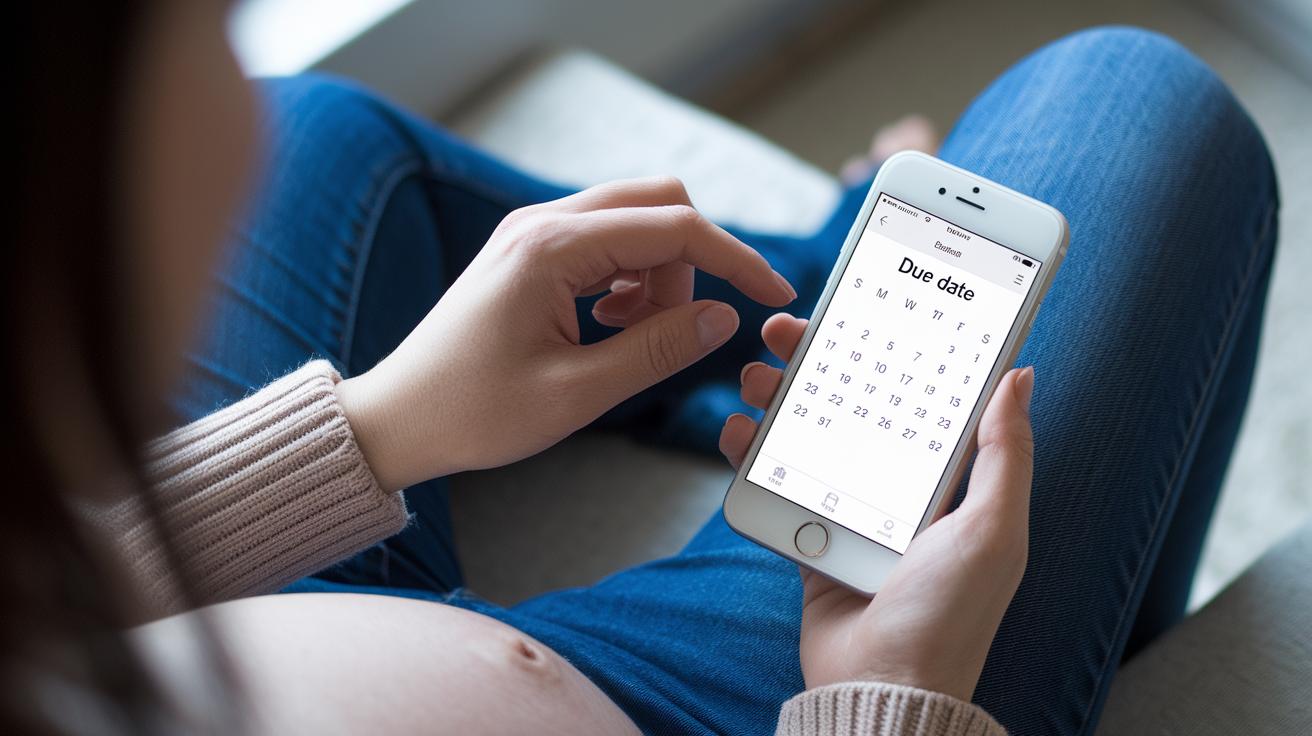
Getting your app set up right is key to a worry-free experience. With a proper configuration, your pregnancy tracker becomes a personal diary where each milestone comes to life. It even links up with your online calendar so your prenatal appointments never slip by, and it sends a gentle reminder every day. Let's dive into the steps to get you started quickly with accurate details.
- Enter your due date using the built-in due-date calculator. This gives you the starting point for all your updates.
- Turn on calendar sync so your prenatal appointments automatically appear in the app.
- Activate daily push notifications to get timely updates and simple health reminders.
- Log your first kick with the activity log and kick counter, it’s like jotting down a cherished memory.
- Record your daily symptoms so you can build a detailed log of your journey.
- Join community threads to chat with others, share tips, and celebrate each maternal milestone together.
Pricing and Compatibility for Pregnancy Tracker Apps
Many pregnancy tracking apps let you download for free while offering extra premium features to help guide you through your pregnancy. For example, BabyCenter Plus and Ovia Premium let you upgrade with monthly fees between $4.99 and $9.99 or an annual fee of about $29.99. These upgrades give you handy tools like a checklist for your hospital bag, detailed charts, and custom meal plans that feel like a personal guide along your health journey.
All the major apps work on both iOS 11 and Android 5.0 or later, so you can check your progress on most devices. Even if you go offline for a bit, you can still log your updates, ensuring your records are always current. This means whether you’re keeping track of your daily symptoms or planning your appointments, the easy-to-use interface is right there for you. Many users love that these apps mix essential free functions with optional add-ons that fit a range of budgets, keeping you informed at every step.
Visual Highlights: Screenshots of Pregnancy Tracker App Interfaces
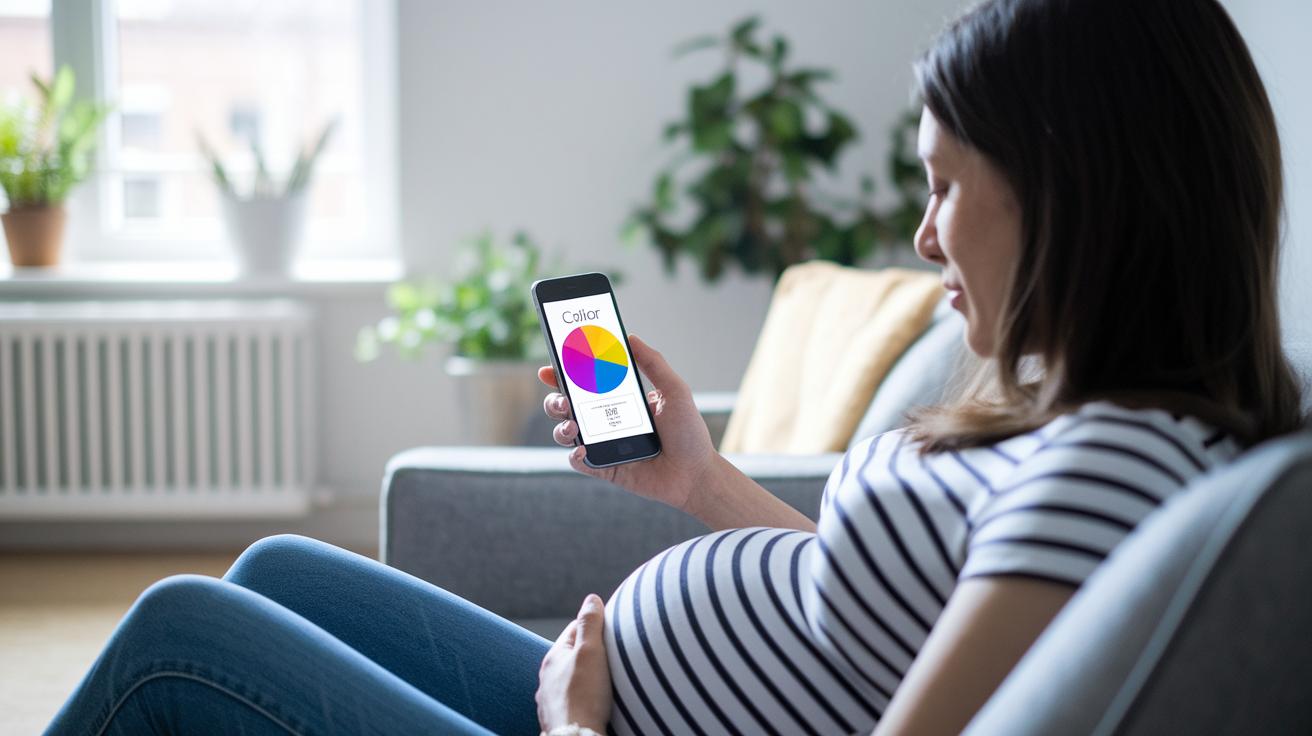
These screenshots show how smart visuals can make tracking your pregnancy feel easy and fun. The clear designs mix simple interfaces with lively graphics that help guide you every step of the way. For example, one screen shows weekly milestones by comparing sizes, like a little apple growing into something bigger, so progress feels natural and easy to grasp.
In Pregnancy+ you’ll find a 3D view that gives you a lifelike peek at your baby's growth, making every moment feel real. Meanwhile, Ovia’s color-coded charts turn numbers into friendly updates you can quickly understand. There’s also a neat hospital-bag checklist with clear icons in Pregnancy+ and a clean, inviting appointment calendar from What to Expect that blends schedule tracking with warm design cues.
| Screenshot Element | Interface & Impact |
|---|---|
| Week-by-Week Milestone Screen | Easy-to-use display that uses size comparisons to make tracking simple |
| 3D Fetal Growth Visual (Pregnancy+) | Offers a lifelike 3D view, helping you feel connected to your baby’s growth |
| Weight & Growth Charts (Ovia) | Bright, color-coded charts that turn numbers into friendly progress updates |
| Hospital-Bag Checklist (Pregnancy+) | Uses clear icons and a neat layout to make planning stress-free |
| Appointment Calendar Overview (What to Expect) | Merges schedule tracking with a warm, inviting design for peace of mind |
Tips for Maximizing Your Pregnancy Tracker App Experience
Taking charge of your pregnancy journey is all about making the app work for you. Start by setting your own schedule for push notifications so every reminder feels like a warm nudge from a friend. This way, you never miss those important daily milestones and appointments.
Next, sync your symptom logs with your doctor. It’s an easy way to keep a clear, consistent record of how you’re feeling and makes sharing progress a breeze. Don’t forget to regularly export your milestone data to build a meaningful digital keepsake of your journey.
Also, use the app to set up reminders for your vitamins and supplements. This gentle prompt helps you stay on top of your health without a fuss. And hey, if you join one of the app forums, you can swap tips, share experiences, and even get a comforting word from other expectant parents.
- Set up notification schedules for friendly, timely reminders.
- Sync your symptom and progress logs with your doctor for an accurate health record.
- Export milestone reports to create your own digital diary.
- Configure reminders for vitamins and supplements to keep your routine on track.
- Jump into community forums to exchange uplifting tips and experiences.
If morning sickness starts to slow you down, check out the in-app advice for natural anti-nausea remedies. This proactive tip, along with insights from trusted health tech solutions, turns your tracker into a handy tool that sorts your symptoms and progress. It really makes your pregnancy journey feel smoother and more organized.
Final Words
In the action, a pregnancy tracker app helps you stay on top of every vital milestone, from weekly fetal progress to handy appointment reminders. The blog post guided you through setup steps, compared essential features, and even showcased intuitive visuals to make tracking your journey simple. It also discussed pricing options and community support that bring smart, reliable insights right to your pocket. Experience the ease of managing your health and let every update brighten your day.
FAQ
What are some free pregnancy tracker apps available?
The free pregnancy tracker apps provide week-by-week updates, symptom logs, and community tips. These apps let you download and start tracking your progress at no cost while offering reliable health insights.
What is the best pregnancy tracking app for overall monitoring?
The best pregnancy tracking apps combine fetal visuals, appointment reminders, and symptom tracking. They offer comprehensive updates that keep you well-informed about each stage of your pregnancy journey.
Is Flo Pregnancy Tracker free for users?
Flo Pregnancy Tracker is free to download and use, with additional premium features available. It delivers personalized tips and reminders, helping you stay supported throughout your pregnancy.
Which pregnancy tracker app works best for iPhone users?
Pregnancy tracker apps for iPhone come with user-friendly interfaces and seamless iOS integration. They provide essential features like health reminders and milestone updates, ensuring a smooth tracking experience on your device.
What is a safe pregnancy app and which one is great for sharing baby updates with my partner?
Safe pregnancy apps focus on secure tracking with verified health tips and private update sharing. They let you and your partner view progress together, making it easier to celebrate each milestone as a team.