


Ever worry that your video calls might not live up to your expectations?
Imagine walking into a home office filled with bright lights, clear video, and crisp, clear sound.
A fast internet connection and reliable equipment boost your confidence while keeping your patients at ease.
Today, I'll share some simple tips to create a workspace that feels as friendly and professional as a good chat, letting your skills truly shine.
Critical Essentials for a Home Office Dedicated to Video Consultation
A solid home office setup can really transform your video consultations. It helps you shine as a professional while making your patients feel comfortable right from the start. With a reliable internet connection and quality hardware, you spend less time fixing tech issues and more time delivering great care.
Every detail counts. A fast upload speed ensures your video comes through crystal clear. A high-definition webcam means your image looks sharp and welcoming. Soft, natural lighting can make you look warm and inviting, while a simple background keeps focus on you. And when your audio is crisp, your words can be heard clearly. Just imagine beginning a video call with a vivid image that instantly eases your patient’s mind – that’s the power of a thoughtful setup.
| Essential | Description |
|---|---|
| Internet Connection | Stable, with at least 3 Mbps upload speed to support clear video |
| Webcam | High-definition (1080p) for a sharp, clean image |
| Lighting | Consistent ambient light at 300-500 lux to mimic natural skin tones |
| Background | Simple and uncluttered to avoid distractions |
| Audio Equipment | Quality headset or external microphone for clear sound |
Checking off these essentials before a session can make all the difference. When your home workspace meets these key criteria, you step into each consultation confidently, knowing that your tech supports you as much as your expertise does. Enjoy the peace of mind that comes with a well-prepared environment, and keep your focus where it matters most – on caring for others.
Selecting Video and Audio Equipment for Professional Telehealth Sessions
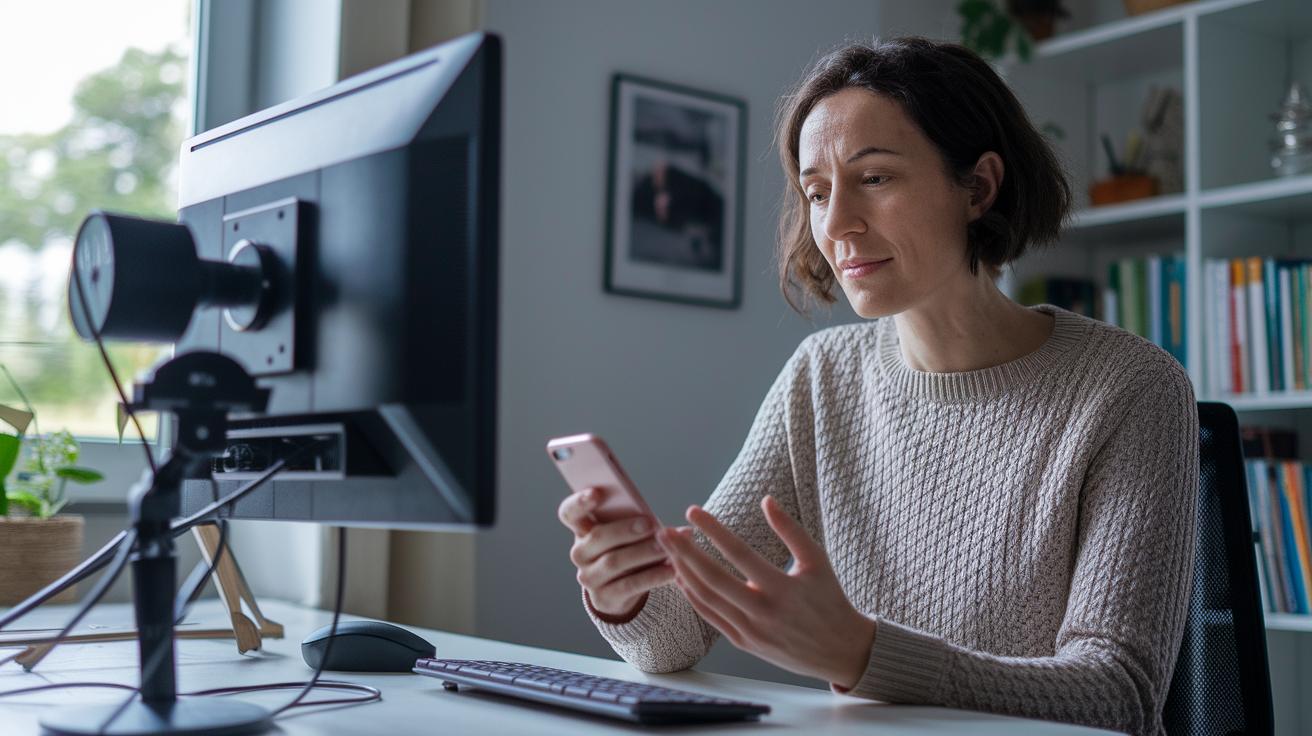
When you're setting up your video call space, a good camera really sets the mood. Webcams that adjust offer a view that covers about 60 to 90° so you stay in focus while showing a friendly image. A high-res sensor gives you a sharp, clear picture. Imagine your camera being just right, turning your screen into a cozy window where patients feel seen and understood.
Getting a good microphone is just as important. USB condenser mics record a wide range of sounds, from the deepest lows to the highest highs. They usually work with a cardioid pickup pattern, which basically means they cut out a lot of the background noise so you come through warmly and clearly. Think of it like sitting with a mic that helps your natural tone shine without any unwanted sound.
Finally, where you place your gear matters a lot. Keep your camera at eye level and about 2 to 3 feet away, so it feels like you’re chatting face-to-face. Set your microphone close enough to capture your voice well but not too close that it overpowers the sound. And make sure everything sits steady on a flat surface. This small setup detail goes a long way in creating a smooth, professional chat every time.
Perfecting Lighting and Background Setup for Clear Video Consultation
Good lighting and a simple background can really boost your video call experience. The right lights give you a warm and friendly look while keeping your skin tones natural. A smart setup cuts down on shadows and distractions so you can connect better with your patients. For example, using a three-point lighting setup, where each light is carefully placed, helps balance your look and softens any harsh shadows. It’s like having a gentle glow around you that brings out every smile and nod.
| Component | Placement | Specs |
|---|---|---|
| Key Light | 45° angle, 2–3 ft | 50–70% brightness |
| Fill Light | 20° opposite, 1–2 ft | 30–50% brightness |
| Back Light | Behind subject, hairline | 20–30% brightness |
Choosing a great background is just as key as setting up your lights. A plain wall or one with a hint of branding helps build trust with patients while keeping the focus on you. Using softbox diffusers can reduce strong shadows by half, and a light temperature of 4,500 to 5,500 Kelvin makes skin tones look just right. With these tips in place, your video setup will feel as clear and professional as a face-to-face chat.
Achieving Optimal Audio and Acoustics in a Home Video Consultation Office

When you're setting up your room for a video chat, the space really matters. Bare walls and hard floors can make your voice bounce around, causing echoes that distract both you and your patient. And sometimes, background sounds like a humming appliance or distant traffic sneak into your call and muddy the conversation.
A simple fix is to add soft touches around the room. Think about draping heavy curtains, laying down a rug, or including some comfortable, upholstered chairs. These items absorb sound and really clear up the space. For example, placing acoustic foam panels in key spots can cut down echo by around 40%, turning a noisy room into a cozy, sound-friendly area.
Audio equipment is just as important. Mic placement, for instance, is key to obtaining crisp sound. A dynamic mic does a great job handling loud sounds and blocking out unwanted background noise. USB headsets often come with built-in noise cancellation, reducing background noise by up to 30 dB. Just remember to position your mic close enough to catch your voice but far enough to avoid picking up breathing sounds.
Feel free to experiment a bit until you find the sweet spot where your voice shines through perfectly.
Ergonomic Workspace Design for Comfortable Telehealth Consultations
When you're on back-to-back video calls, having a space that supports your body makes a world of difference. A smart setup keeps you comfy and helps you zero in on your patients.
Think about your desk. A height of 28 to 30 inches feels just right for smooth work. Place your monitor so its top lands right at your eye level and sits about 20 inches from you. This simple tweak helps keep both your neck and eyes relaxed.
Your chair plays a big part too. A seat that's 15 to 18 inches deep along with a backrest angled between 90 and 100 degrees supports your back naturally. Adding extras like footrests, keyboard trays, and wrist supports can boost your comfort even more. Here’s a quick rundown:
| Recommendation | Details |
|---|---|
| Desk Height | 28–30 inches |
| Monitor Placement | Top at eye level, about 20 inches away |
| Chair Seat | 15–18 inches deep, 90–100° backrest |
| Accessories | Footrests, keyboard trays, wrist supports |
And here’s a tip: taking a quick 5-minute break every 30 minutes for a stretch can really ease muscle tension. A little pause to check your posture might be just what you need to feel refreshed and ready for the next call.
Network and Security Best Practices for Home Video Consultation
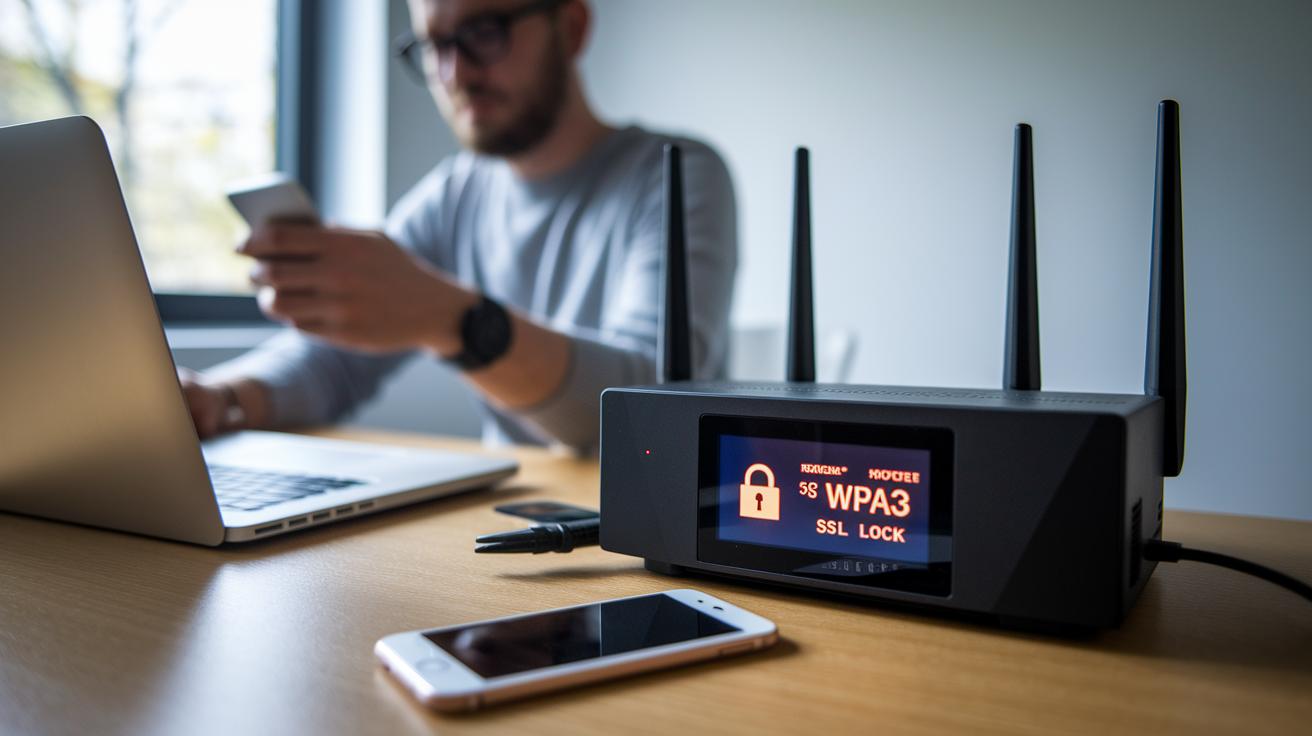
A strong internet connection is the heart of a safe home office for video calls. When your internet is steady and fast enough, your video sessions stay smooth. You might even try switching your router to a dedicated fast band, like a 5 GHz channel, to cut down on interference and delays. And if you upgrade your Wi-Fi to WPA3 instead of older versions, you get a much tighter wireless lock on your sensitive information.
Protecting your data is just as important. Think of using a VPN as putting your data behind a secure door, it scrambles everything you send so no one snoops in. Adding SSL/TLS certificates during live sessions helps stop unwanted onlookers from getting in on your conversation. Following proven security steps for video consults in telemedicine really builds trust for both you and your patients.
Don't forget the little extra layer called user authentication. Two-factor authentication is like a double-check to make sure only the right eyes see your private data. Most systems that meet HIPAA rules require this, so it's a smart move. And of course, keeping your software updated and using strong, random passwords gives your home office the extra security boost it needs for safe, worry-free video chats.
Final Words
In the action, we covered practical steps for boosting your video consultations from the get-go. We looked at stable internet, quality video and audio gear, proper lighting, comfortable workspaces, and safe network practices. Small tweaks across connectivity, equipment, and lighting can make a big difference.
When setting up a home office for video consultation, a few smart choices go a long way. Every detail contributes to a secure, inviting space that makes every consultation feel smooth and effective.
FAQ
What are the critical essentials for a home office for video consultations?
The critical essentials for a home office for video consultations include a stable internet connection with at least 3 Mbps upload speed, a high-definition 1080p webcam, consistent ambient lighting, a clear background, and quality audio gear.
How does choosing the right video consultation equipment benefit my sessions?
Choosing the right equipment improves session clarity by providing sharp video from an adjustable webcam and clear audio from a quality microphone, positioned at eye level and an optimal distance for natural face-to-face interaction.
What lighting and background setup works best for clear video consultations?
A good lighting and background setup uses a three-point lighting technique with key, fill, and back lights to cut harsh shadows, paired with a neutral or branded background that boosts video clarity and patient confidence.
How can I achieve optimal audio clarity during home video consultations?
Achieving optimal audio clarity means reducing echo with sound-absorbing materials, using dynamic microphones or noise-cancelling headsets, and positioning microphones to best capture clear, focused voice communication.
What ergonomic strategies support comfort during long telehealth sessions?
Ergonomic strategies include a desk height around 28–30 inches, a supportive chair with proper backrest and seat dimensions, and accessories like keyboard trays, alongside regular short stretch breaks to reduce strain.
How do I ensure my network is reliable and secure for home video consultations?
Ensuring a reliable and secure network means using a dedicated 5 GHz band for reduced interference, employing VPNs and SSL/TLS for encrypted traffic, and implementing two-factor authentication to protect sensitive patient data.