


Ever imagine shedding pounds could feel like a friendly chat? Picture a tool that quietly tracks your food, sends you a gentle buzz of reminders, and fits your lifestyle without weighing you down.
The Lose It! app combines cheerful wellness tips with smart calorie tracking so you can celebrate progress instead of feeling pressured. With both free basics and premium options available, reaching your health goals becomes as natural as a light conversation, turning everyday dieting into a rewarding, personal experience.
Lose It! App: Effortless Weight Success
Lose It! App comes in a free basic version and a premium subscription you can pay monthly or yearly. You set your weight loss goals at up to 2 pounds a week, and the app kindly reminds you not to go below 1,500 calories a day. Its large food database even features unexpected items and recipes. Every time you enter your morning oatmeal, it quickly suggests your favorite toppings, it feels almost like having a chat with a friend who knows your tastes.
The app isn’t just about dropping pounds. It lets you focus on getting stronger or just feeling better. And if you ever decide to pause your goal, you can pick it up later without having to start over. There’s even an option for higher-calorie days, so a special event won’t throw your progress off track. One user said that planning for a higher calorie day still helped them meet their weekly goals easily.
Exercise tracking is baked right in. You can add your workout details manually or sync with your smartwatch. The app even lets you add the calories you burn during a workout back into your daily count, creating a neat balance with your food log. Beyond just counting calories, Lose It! makes it simple to match different health goals. One user mentioned how much they appreciated the app remembering regular foods, which made tracking a breeze.
How to Download, Install, and Set Up the Lose It! App

First, open your App Store on an iPhone running iOS 11.0 or later, or your Google Play on an Android with version 6.0 or higher. Look up the Lose It! app and tap on the download button. Once it finishes downloading, open the app to start your setup.
When the app opens, you'll see a prompt to enter your details. Start by typing in your age, height, and weight. Then pick your gender and set your goal, like wanting to lose weight or just aiming for better overall health. For instance, you could write, "I want to lose 1 pound a week," to set a clear target.
Next, make an account by entering a valid email address and choosing a secure password. And if you ever pause your tracking, the app lets you pick up your previous goal without any fuss.
If you run into any login issues, like needing a password reset or handling update conflicts, just click the help icon near the login screen. It’s there to guide you through common troubles.
Follow these steps and you'll quickly have your app ready to track meals, workouts, and progress. Enjoy the simple process, it really makes setting up and starting your daily tracking hassle-free.
Lose It! App Pricing and Premium Upgrade Options
The free version of Lose It! makes it really simple to log your meals and workouts without costing you a dime. It helps you keep track of what you eat and your exercise routine, and you even get a free trial so you can see how it works before you sign up. Then, there’s the premium upgrade. This version gives you special insights based on your eating habits and sends friendly push notifications, like a little nudge saying, "Great work on breakfast, keep that momentum going!" It turns daily tracking into a mini personal coaching session.
With premium, you pay a monthly or yearly fee, which can vary depending on where you live. The details let you try out these extra benefits first during the trial period so you can decide if it’s right for you. Some users mention that the cost might be a concern, so testing the premium features ahead of time is a smart move. In short, the premium plan offers extra guidance with tailored insights and motivational reminders, making your journey to reaching your weight goals even clearer.
Lose It! App Nutrition and Exercise Tracking Features
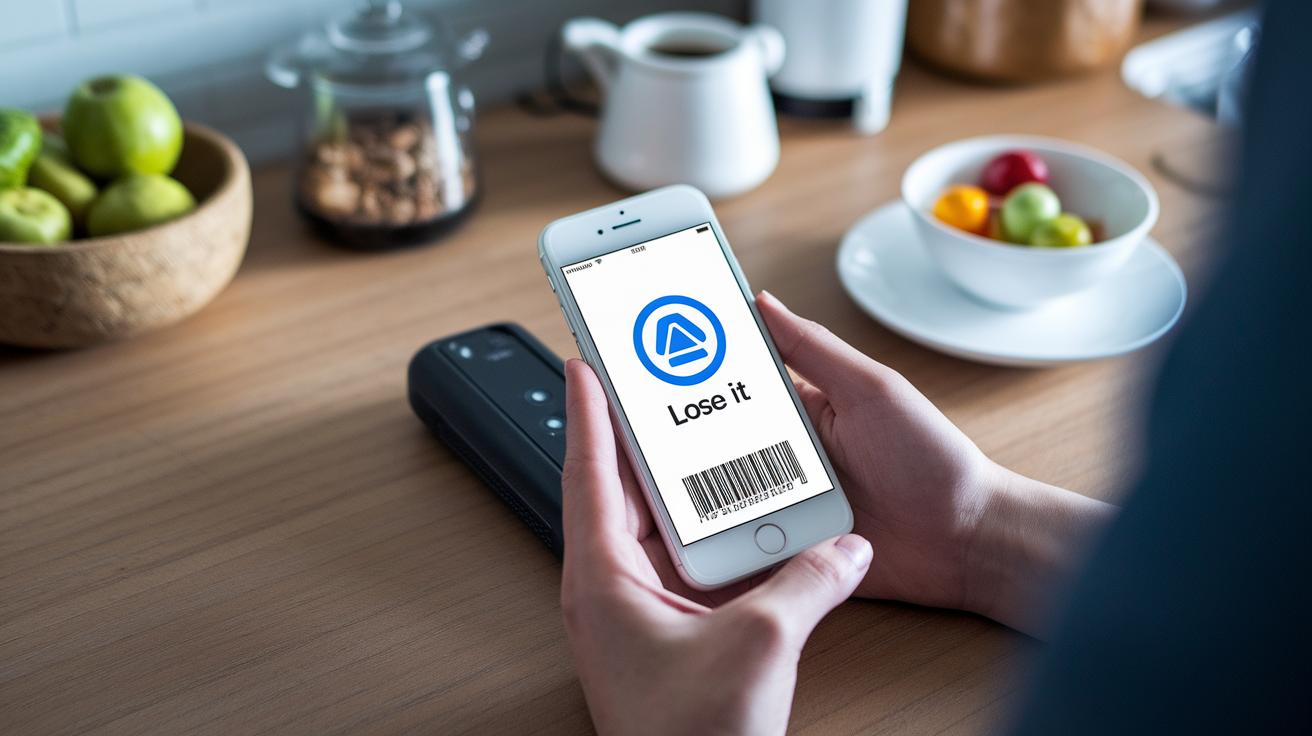
Lose It! makes counting calories easy with a huge food database that covers everyday items and even unique recipes. When you log a meal, you’ll see a quick-pick list of foods you use often. For example, type "oatmeal" and watch your favorite berries pop up, speeding up your entry.
The app also includes a barcode scanner that works right away. Instead of going through extra steps, simply scan your snack and see its nutrition details instantly.
You can even plan for flexible days. On days when you want a little extra treat, adjust your daily targets without messing up your overall plan.
Exercise tracking is built right in, too. Whether you enter your workouts by hand or sync your smartwatch, all your activity data – including burned calories – is added seamlessly to your daily total. This way, you get a complete picture of your energy balance in one simple view.
Putting all these features together means less hassle and more time focusing on your wellness.
Lose It! App Progress Charts and Custom Insights
Lose It! shows you clear, visual charts that make checking your health feel as easy as reading a friendly note. The app features simple weight graphs that track your daily, weekly, and monthly calorie counts and deficits, letting you quickly see how your eating habits are paying off.
Friendly alerts pop up to remind you to log your meals and check your weight. It’s like a supportive friend giving you a little nudge, saying, "Hey, keep it up!" Plus, you can adjust your goals anytime. Maybe you decide to work towards losing a couple more pounds next month, and the app helps you plan your next steps.
Custom insights are a real highlight. They review your patterns and spot trends in how you eat, then offer tips designed just for you. Ever wonder why some days feel tougher than others? The app uses your past habits to guide you with advice that keeps you feeling positive.
- Easy-to-read dashboards
- Personalized goal tweaks
- Reliable reminders
In the end, it turns everyday tracking into a simple, encouraging story of your progress.
Lose It! App User Reviews and Community Features

Users love how the app opens their eyes to portion sizes and makes counting calories feel spot on. Many say that the in-app community is like chatting with friends who share helpful tips. One user even noted, "I’ve boosted my meal planning just by swapping ideas with people who know the struggle."
The community vibe really stands out. The forum lets folks share not just their wins but also the days that didn’t go as planned. This honest sharing helps everyone adjust their eating habits bit by bit. Messaging threads often light up with simple advice, like checking your serving sizes or mixing ingredients in fun new ways.
There’s also a neat friend challenge feature that adds a playful push. A friend might send a quick nudge saying, "I just beat my personal best," sparking a friendly contest to see who sticks to their goals longer. These challenges spark lively chats that keep users motivated.
Some reviews point out that the premium version can feel a bit pricey. For anyone exploring their options, there are free weight loss apps around that still offer a supportive community vibe without breaking the bank.
Lose It! App vs Other Popular Weight Loss Apps
When you look at these popular weight loss apps, you quickly see what sets them apart. Lose It! has a friendly design that makes logging your meals fun. Its big food database and flexible calorie-day planning turn tracking into an engaging task. One user even noted that daily calorie logging felt much more enjoyable with its warm design.
MyFitnessPal brings a huge global food library to the table. You pay a premium, similar to Lose It!, but you get extra features for that price. Then there’s Cronometer. It gives you deep details on vitamins and minerals, although its detailed focus might seem a bit tricky at first.
| App | Free Version Limits | Premium Price | Unique Feature |
|---|---|---|---|
| Lose It! | Basic calorie and exercise tracking | Monthly or yearly subscription | Friendly interface with flexible calorie-day planning |
| MyFitnessPal | Core tracking with a large food library | Comparable premium fees | Huge global food database |
| Cronometer | Standard nutrient logging | Competitive premium cost | Deep micronutrient insights |
These differences show how each app fits different lifestyles and goals. If you love a simple, streamlined interface that makes planning your meals easy, Lose It! is a great choice. MyFitnessPal works well if you enjoy having a massive selection of foods at your fingertips. And if your focus is on getting detailed nutrient info, Cronometer might be just what you need. Pick the one that fits your health journey best.
Best Practices for Maximizing Results with the Lose It! App

Use the app as a handy tool that mixes simple advice with a plan just for you. Instead of setting a goal like "I want to lose 1.5 lb this week," check in on your progress regularly to see which habits are really working. One user said that logging meals right after breakfast helped them notice little shifts in energy as the day went on.
Don’t just focus on calorie counts on your dashboard. Look for other patterns, like bursts of energy or improvements in your workouts. If your workout numbers start to drop, maybe it’s time to try a new activity or change up your schedule. Little adjustments can lead to big changes.
Find the best times to log your meals that fit naturally into your day. Jotting down a snack right after eating captures fresh details and helps you adjust portion sizes later. Some users even note down how they feel during meals, which can give clues about which foods make them feel more upbeat.
- Sync your routine with regular app check-ins
- Experiment with different workout times based on your trends
- Jot down your feelings during meals for extra insight
| Tip | Advanced Insight |
|---|---|
| Log meals as soon as you eat | “I noted my snack immediately and realized I had been overestimating portions.” |
| Watch your dashboard closely | “Changing my workout routine when things slowed down really energized me.” |
Final Words
In the action, we explored the Lose It! app’s setup and tracking features. We walked through account creation, practical meal logging, and syncing exercise data. The post also compared free and premium options and highlighted how visual progress charts and community support can keep you motivated. Each step offers simple ways to manage your health and stay informed with trusted insights. With these easy-to-follow tips, using the lose it app can be a smooth and positive way to track your wellness every day.
FAQ
How much does the Lose It! app cost and what are free versus premium plans?
The Lose It! app offers a free basic version with essential tracking while premium subscriptions charge a monthly or annual fee to unlock advanced insights and personalized notifications.
How do I download and install the Lose It! app, especially on Android devices?
You can download the app from the App Store or Google Play. For Android users, simply install via Google Play and then enter your details to quickly set up your account.
What do user reviews, including Reddit feedback, say about the Lose It! app?
Users praise Lose It! for its intuitive calorie tracking and portion control. Some Reddit feedback highlights its ease of use while noting the premium subscription cost as a downside.
How do I log into the Lose It! app?
Logging into Lose It! involves entering your credentials within the app. If you encounter issues, the in-app help center assists with password resets and login troubleshooting.
Which is better, Lose It! or MyFitnessPal?
Lose It! stands out for its user-friendly design and flexible calorie planning, while MyFitnessPal is praised for its larger food database. Your ideal choice depends on your personal tracking needs.
Is a 30-minute walk every day enough to lose weight?
While a 30-minute walk boosts calorie burn, weight loss also depends on a balanced diet and overall activity. Combining regular exercise with smart tracking helps achieve sustainable results.