
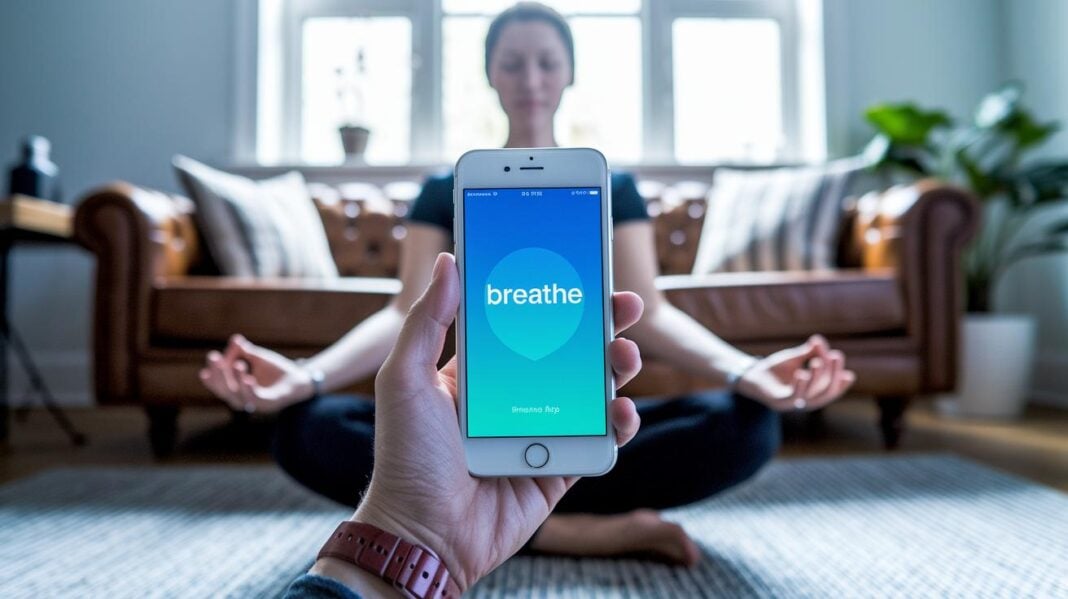

Ever feel like life is moving too fast, making it hard to catch your breath?
Maybe a small app can bring some calm into your busy day.
The breathe app uses your phone’s camera and flash to check your heartbeat. It then guides you through slow, deep breaths. Think of it like a gentle reminder to take a moment for yourself.
This simple tool helps lower stress and clear your mind. A few well-timed breaths can restore balance and bring a sense of peace, even in the midst of a hectic day.
breathe app Inspires Calm and Balance

Ever feel like you just need a moment to breathe? Breathe app is here to lend a hand. It uses your phone’s camera and flash to check your heart rate while you relax. When your heart speeds up, your screen softly lights up, showing you exactly when to take a long, slow breath in and out. It’s like having a gentle reminder during those stressful times.
The app also helps ease signs of stress like shortness of breath, chest tightness, and a racing heart. With just a few mindful breaths, you can feel the weight lift off your shoulders. Each session is a quick escape from anxiety, giving you a simple and effective tool to reset anytime you need it.
Core Features of Breathe App for Mindful Breathing
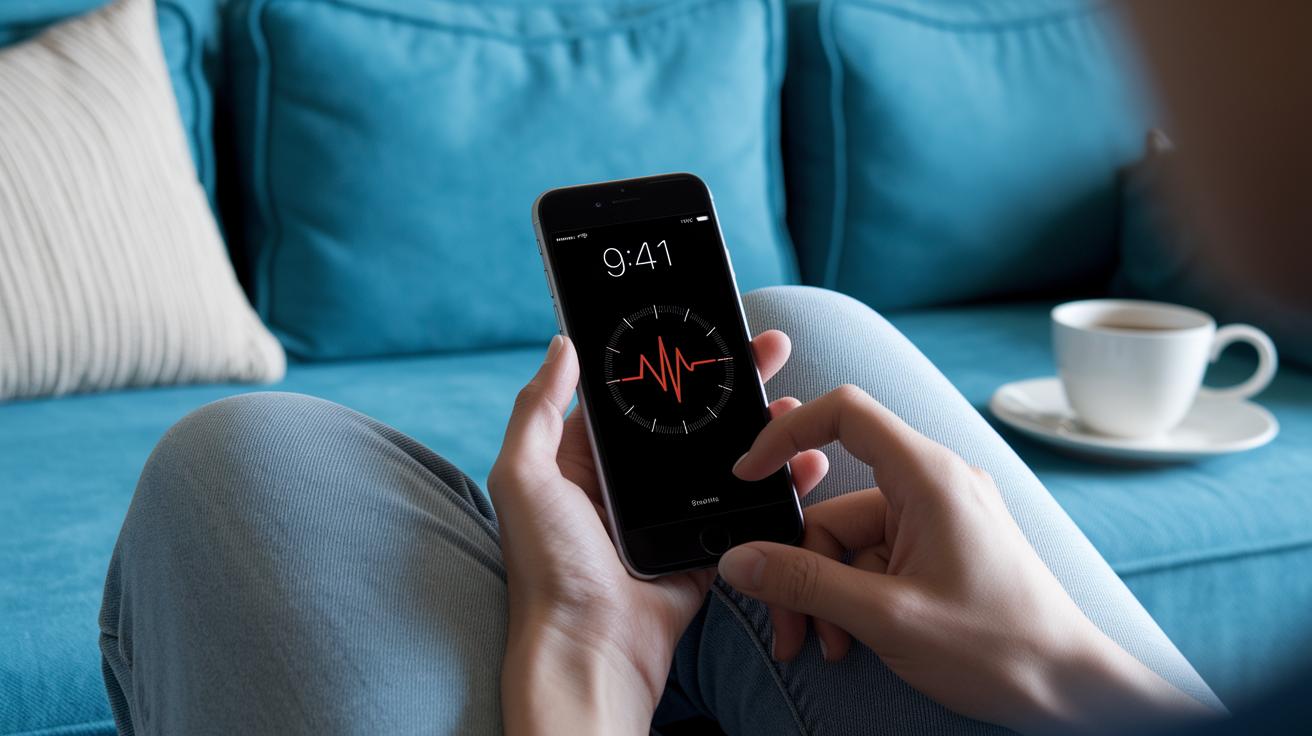
Breathe App makes it easy to blend modern technology with calming breathing exercises. It uses your phone’s camera and little LED sensor to keep an eye on your heart rate as you breathe. This live data gives you a sense of calm and helps you stay in the moment.
The app offers guided meditation sessions that are just right, whether you have one minute or need a full five-minute break. It fits perfectly into any busy schedule. Plus, it comes with a timer that you can set for different breathing patterns, like a 4-second inhale with a 6-second exhale, or even box breathing. With clear, real-time visual feedback, you can easily adjust your pace and feel secure in every step of your breathing practice.
Here are some of the key features in Breathe App:
| Feature | Description |
|---|---|
| Live Heart Rate Monitoring | Uses your phone’s camera and LED sensor to keep track of your heart rate in real time |
| Customizable Inhale/Exhale Timer | Allows you to try different breathing patterns like 4:6 or box breathing |
| Guided Meditation Sessions | Offers sessions from 1 to 5 minutes to suit any moment in your day |
| Real-Time Visual Feedback | Helps you see your breathing rate and rhythm as you go |
| User-Friendly Interface | Makes stress management and mindful breathing simple and effective |
Every part of Breathe App is designed to help you manage stress in a clear and simple way.
Customizing Your Breathe App Sessions

Our Breathe App is designed to feel like a conversation with a friend. You can set up your sessions to match your mood and everyday routine. For example, simply head to the settings and pick a session length that works for you, ranging from a quick 1 minute to a more relaxing 10 minutes.
You get to decide how your breathing feels. Adjust how long you breathe in and out, and even add little pauses between each breath. It’s all about giving you control, whether you need a calm, gentle pace or something a bit more energizing.
A neat feature lets you bring in soft ambient sounds, creating a soothing background that helps you focus. Plus, the guided pacing adapts to your stress levels, almost like the app knows exactly what you need at that moment. And don’t worry, the menu walks you through each step in a simple, user-friendly way.
- Open the session customization menu. Set your desired session time and choose your preferred inhale and exhale timings.
- Try out optional audio cues and save your custom settings as a preset for next time.
These choices help make every session just right for you. They invite you to explore different breathing patterns until you find the one that really calms your mind. For a few more ideas on mindfulness, check out "Ways to practice mindfulness" (https://siluk.net?p=1329).
Breathe App Compatibility and Wearable Sync
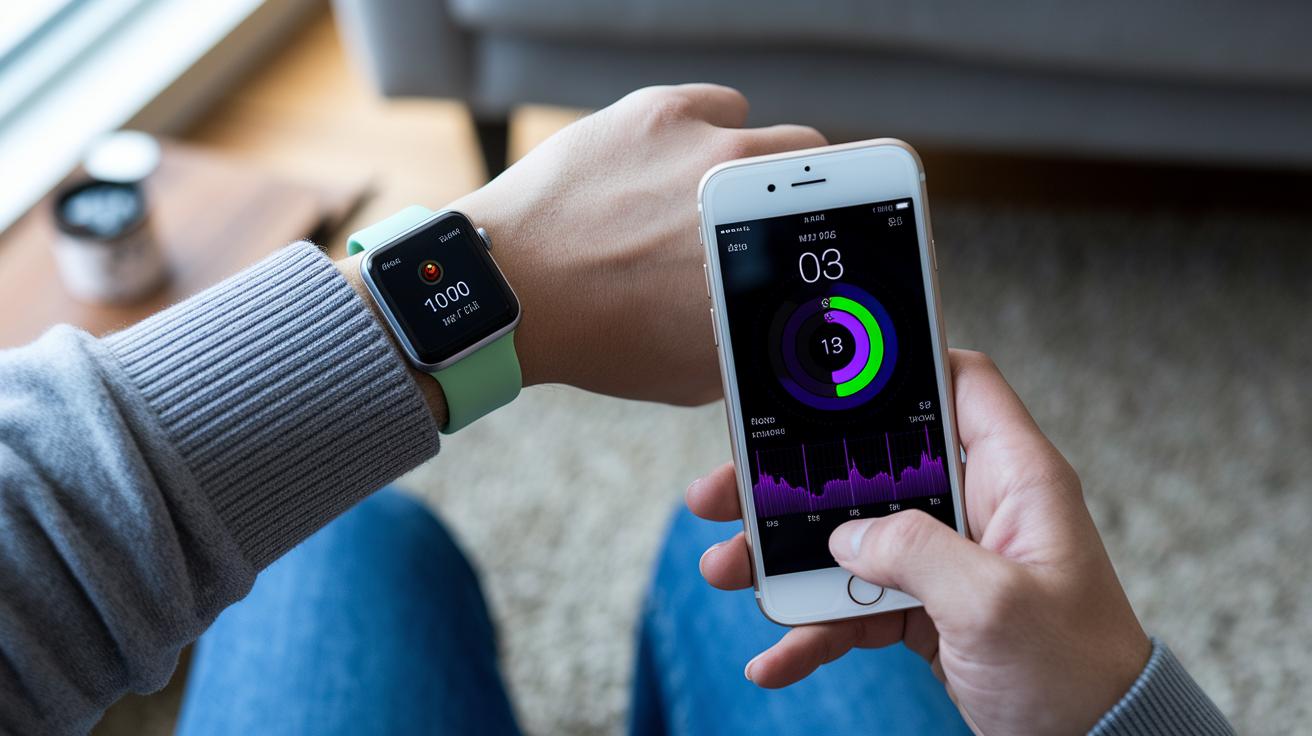
Breathe App works on both iOS and Android, so you can enjoy calming sessions wherever you are. It easily pairs with wearables like the Apple Watch and other smartwatches, which means your breathing and heart rate details are saved for you. This info can be shared with your favorite health apps, making it simple to show a coach or therapist if you're managing stress.
The app’s remote monitoring feature keeps you connected to your wellness routine even on your busiest days. Have you ever wondered how your smartwatch gathers this data? It’s all part of the neat wearable tech that makes health tracking so effortless.
| Device | Integration Feature |
|---|---|
| Apple Watch | Syncs session data and logs heart rate metrics |
| Samsung Galaxy Watch | Monitors breathing patterns and relays data to the phone |
| Fitbit Devices | Tracks heart rate and breathing stats for comprehensive logging |
| Garmin Smartwatches | Shares performance data and supports remote monitoring features |
Free vs Premium: Breathe App Pricing Breakdown

Breathe App is here to help you beat stress with easy, mindful breathing. The free version gives you three basic breathing exercises and even shows your live heart rate – perfect for a quick stress fix. It’s simple and ready to use when you need a little calm in your day.
If you want more, the premium plan opens up extra features to fine-tune your breathing sessions and keep track of your progress over time. You get advanced session presets that offer detailed guidance, the ability to adjust your inhale and exhale times the way you like, and historical analytics so you can see how far you’ve come.
The premium upgrade costs $29.99 per year or $4.99 per month. This lets you try the free version first and then decide if the additional features are right for your long-term wellness journey.
Breathe App vs Other Breathing Tools

For seven years, tests on 29 different apps have shown that the Breathe App really stands out. It’s easy to use and nails the breathing metrics, making it a breath of fresh air compared to apps like Insight Timer and Balance. Users say it quickly eases stress, turning tough moments into calming opportunities. One person even mentioned, "It feels like the app knows exactly when I need a break." Really, it just clicks with you.
People love that the Breathe App goes beyond basic expectations. It captures live data and shows it in a calm, visual way that works great for both beginners and those who have been practicing mindful breathing for a while. Many have found that it helps reduce stress faster and makes the whole breathing experience more meaningful.
Next, here’s a simple table that lays out the key differences between these apps:
| App Name | Key Metrics | Price |
|---|---|---|
| Breathe App | Focused breathing feedback, simple design, real-time tracking | Varies by plan |
| Insight Timer | Huge meditation library, beginner-friendly guided sessions | Free with premium options |
| Balance | Personal routines, variety of mindful sessions | Subscription-based |
Final Words
In the action, our guide showed how the breathe app uses live heart rate monitoring, visual breathing cues, and simple timers to ease stress and make calm easy to find. It broke down core features, highlighted session customization, and explained cross-device sync with wearables.
The overview also compared free and premium versions side by side. This clear, accessible look offers a practical glimpse into managing health with digital tools, bringing a smile as you tap into a simple moment of relief.
FAQ
How is the free version of the Breathe app offered and is it free?
The free version of the Breathe app gives you basic guided breathing exercises and live heart rate monitoring. Advanced sessions and customization options come with a subscription.
Does the Breathe app work on both iPhone and Android devices?
Yes, the Breathe app is available on iOS and Android. You can download it from the Apple App Store or Google Play Store to start your guided breathing sessions.
How do I download the Breathe app?
You can download the Breathe app directly from your device’s official app store. Just search for “Breathe” to install and begin your stress-relief sessions right away.
What are users saying about the Breathe app in reviews and is it any good?
Reviews highlight the Breathe app’s simplicity and effectiveness. Users praise its guided sessions, real-time heart rate monitoring, and noticeable stress relief benefits.
How does the Breathe app work with Apple Watch and what if it’s missing?
When used with an Apple Watch, the Breathe app syncs to track sessions and heart rate data. If it’s missing, try updating watchOS or re-syncing your devices for proper functionality.
What is the difference between the Breathe app and the iBreathe app?
The iBreathe app offers a similar breathing practice experience, but the Breathe app stands out with its real-time heart rate tracking and customizable guided sessions for stress relief.
What happened to the Breathe app?
Recent updates have refreshed the interface, yet the Breathe app continues to deliver guided breathing sessions and heart rate monitoring. Be sure to update to the latest version for the best experience.
How much does the Breethe app cost?
The Breethe app is available as a subscription, costing $29.99 per year or $4.99 per month, with premium features like unlimited customization and advanced meditation sessions.