


Have you ever wondered if your video call is really secure? In recent years, telehealth visits have jumped by 17%, so keeping our video chats safe is more important than ever.
Choosing a good platform is key. It’s not just about a clear view of the patient; it’s also about having a system that protects every word of your conversation. Strong encryption, which means scrambling data so only the right people can read it, plays a big role in keeping patient details safe.
This article walks you through simple ways to build trust and secure your video visits. Next, let’s dive into what you can do to ensure every consultation feels safe and private.
Essential Protocols for Secure Video Consultation in Telemedicine
Telehealth visits have jumped from almost zero in 2019 to 17% by 2023. This shows that secure video calls are now more important than ever. Providers should start by choosing platforms that follow HIPAA rules. For example, when you begin a session, use a system that clearly explains how video calls work so everyone understands the safety measures.
On the technical side, use end-to-end encryption to keep every video call and patient detail safe. Adding multi-factor authentication means only verified users can log in, giving an extra layer of safety. And, don't forget to update your video software to patch any security gaps that might pop up.
Linking your video system with Electronic Health Records gives you a full view of patient history and helps with care decisions. A doctor might say, "Before a video call, I look over the patient’s records, gather my tools, and double-check that my connection is secure." This simple routine makes a big difference.
Setting up a secure space is just as important. Work in a private, well-lit room with a plain background and dress professionally. This helps build trust with your patients. Also, it’s good to review upcoming appointments and adjust your settings as needed to keep things private.
Finally, make sure you update your security rules and train your team often. Keeping up with new guidelines and risks through regular training and tech updates helps protect both patient data and your practice.
Implementing Robust Encryption for Video Consultation Security
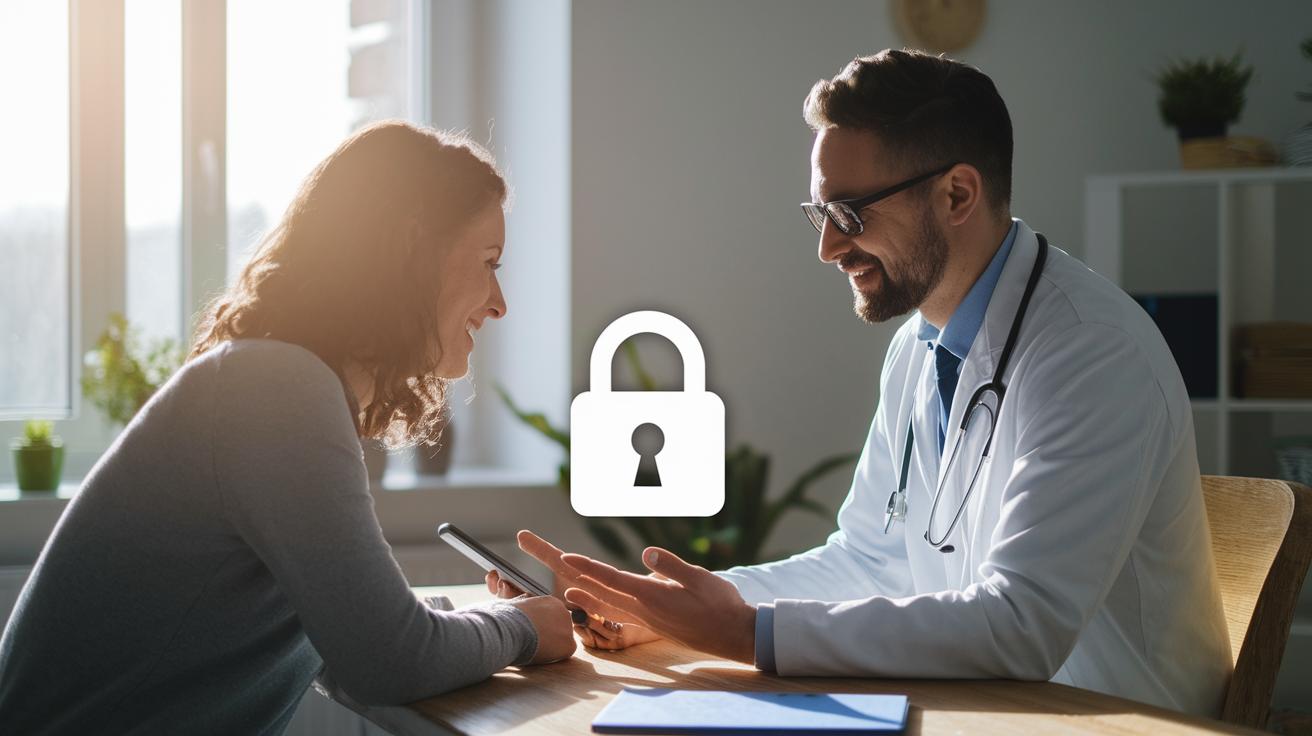
When you have a video consultation, strong encryption is like a safety lock for your private health information. End-to-end encryption makes sure that only the people on the call can see or hear what’s being shared. Even when your data is saved on a device, AES-256 keeps it as secure as a locked diary.
When your information moves from one place to another, TLS 1.2+ steps in like a trusted messenger, keeping everything private. Using Secure Real-Time Transport Protocol along with AES-128 protects both voice and video, so those private chats stay just between you and your doctor. DTLS also helps by securing the key exchange, which means even setting up the call is done safely.
Built-in encryption works great on any device you use, a mobile, desktop, or even a special medical tool. No matter where you connect from, you can feel confident that your consultation is protected. Picture a doctor saying, “I use built-in encryption to keep our call private, just like locking a diary with a secret code.” Every part of your call, from video and voice to the way your data moves, is secured with robust standards that work hard to keep digital care safe and private.
Strengthening Authentication and Access Controls for Telemedicine Security
When you join a telemedicine video call, it’s important that only the right people are present. Start by checking everyone’s identity with clear steps that keep unwanted guests out. For instance, using multi-factor authentication, like a one-time code sent to your phone, adds a strong layer of security to every session.
Strong passwords are a must. Think of it like packing your digital suitcase with locks that only the right people can open. Using complex passwords and changing them often gives extra protection. It also helps when you check that the device joining the call is secure, almost like your phone getting a quick check-up before starting the conversation.
Automatic session timeouts are another neat trick. If there’s no activity, the call closes on its own, much like a door that locks itself after a quiet moment. Plus, keeping detailed audit logs of login attempts and session details creates a paper trail you can follow if anything seems off.
- Multi-factor authentication using one-time codes or tokens
- Strong password rules with regular updates
- Checking the security of devices before a call
- Automatic session timeouts when no one is active
- Keeping a log of login and session details
Selecting Secure Telemedicine Platforms for Video Consultations

Choosing a secure telemedicine platform means using a system that keeps patient information safe and follows HIPAA rules. It’s like finding a digital room where privacy is the top priority. Look for features such as end-to-end encryption, which locks your calls from start to finish, role-based access control to let only the right people in, and clear audit logs that record each session. A doctor might put it simply: "I trust our platform because it automatically logs every session, so I always know who accessed the call."
Next, compare key features side by side. Ask yourself if the platform works well with your current Electronic Health Records (EHR) system. A smooth connection to your EHR not only makes a consultation run more efficiently but also gives you a full picture of the patient's care history. Many modern video conferencing solutions come with built-in security that protects data across devices like mobile phones, tablets, and desktops.
| Feature | Security Benefit | EHR Integration |
|---|---|---|
| End-to-End Encryption | Keeps video calls and media private | Yes |
| Role-Based Access Control | Lets only the right people in | Yes |
| Audit Logging & Monitoring | Records session activity for checks | Yes |
Imagine it like choosing a safe digital meeting room where every entrance is watched. It makes your video consultations feel secure and personal.
Ensuring Regulatory Compliance and Patient Privacy in Telemedicine Video Consultations
Telehealth providers need to follow rules like HIPAA and HITECH so patient information stays safe. They also keep up with local and state laws to make sure records are well-protected. Providers write down how they keep and share information, and they follow ADA guidelines so everyone can access their services. This routine not only helps in audits but also builds trust with patients. For instance, a provider might mention, "I check our policies every few months to make sure we're secure and on track with the latest rules."
Regular reviews of policies and compliance checks help catch issues early. Staff training is a key part of daily work so that everyone, from the front desk to the healthcare team, knows how to handle sensitive data properly.
- Keep clear, up-to-date records of how data is stored and what to do if there's a breach
- Periodically check that HIPAA and HITECH rules are being followed
- Follow state and local telemedicine rules as well as ADA guidelines
Clear internal guidelines are needed to address new risks and legal changes quickly. By using regular audits and simple digital surveys, practices can see trends that need extra care. If a problem pops up, they quickly offer extra training or update procedures. This careful and ongoing process helps protect patients' data during video visits and keeps the telehealth service credible.
Managing Telemedicine Security Risks through Staff Training and Policies

When it comes to telemedicine security, it always starts with your team. Regular training sessions, held every three months, help everyone get a grip on privacy rules and safe online habits. This way, when your staff is familiar with secure video chats, they can quickly notice if something isn’t right. Imagine running a quick drill where someone gets a fake urgent email, what would you do? That kind of practice makes security feel real and part of everyday work.
Then, there are tabletop exercises. In these simple simulations, the whole team gets a chance to work through a potential breach. By knowing exactly what to do if a problem pops up, everyone feels more confident. Plus, detailed plans during these drills add an extra layer of comfort. To top it off, digital surveys gather honest feedback from your team so you can catch any small gaps before they become big issues.
- Quarterly sessions on data privacy and online safety
- Exercises that simulate phishing traps
- Tabletop drills to practice real-life incident responses
- Digital surveys to collect ongoing feedback
These regular, straightforward practices help create a strong security culture in your virtual healthcare space. They ensure that every team member knows their role, policies stay updated, and patient data stays safe at every turn.
Optimizing Telehealth Environment and Workflow for Secure Video Consultations
Make your virtual appointments run smoothly by setting up a simple, clear workflow. Start by choosing a quiet room with good lighting and a plain background. Dress as if you were meeting a patient face-to-face, and check your device’s audio and video settings before you begin.
Follow these easy steps to get ready for your session:
- Look over your records and gather any diagnostic tools before logging on.
- Ensure your remote monitoring (keeping track of health stats from afar) data is handy if needed.
- Set up appointment reminders to keep your schedule in order.
- Use a digital whiteboard or shared screens to help explain points during your talk.
During your visit, speak clearly and encourage questions. For example, a provider might say, "I check my audio before each call to make sure everything works right." After the session, write down the important details and set up any follow-up tasks.
| Step | Action |
|---|---|
| Pre-Session | Prepare the room, review records, and test your devices |
| Session | Speak clearly, use visual aids, and invite any questions |
| Post-Session | Record notes and schedule follow-up tasks |
Final Words
In the action, this article highlighted secure video consultation in telemedicine by reviewing protocols that keep patient data protected and sessions private. We explored encryption techniques, authentication measures, and HIPAA-compliant telemedicine platforms while stressing regulatory compliance and practical workflow tips. The importance of thorough staff training and clear policies also played a role in managing security risks. Embracing best practices for secure video consultation in telemedicine can transform digital health management into a safe, efficient, and positive experience.
FAQ
What are best practices for secure video consultation in telemedicine?
The best practices for secure video consultation mean using HIPAA-compliant platforms, applying end-to-end encryption and multi-factor authentication, working from a private, well-lit space, and updating software regularly along with staff training.
What are telehealth security and privacy measures and concerns?
Telehealth security and privacy involve robust encryption, strict authentication protocols, and current software, while risks include data breaches and unauthorized access that providers address through strict policies and staff training.
How do I use telehealth on a computer?
Using telehealth on a computer means downloading a secure platform, logging in with verified credentials, confirming your system’s software is current, and following the step-by-step instructions provided by your healthcare provider.
What are the HIPAA telemedicine guidelines?
The HIPAA telemedicine guidelines call for using compliant platforms with encryption, maintaining detailed audit logs, and following strict protocols that protect patient information during virtual consultations.
How do I securely receive a telehealth call?
Receiving a telehealth call securely means joining from a private, quiet place using a verified device, following multi-factor authentication steps, and adhering to the provider’s instruction for a smooth, safe connection.