

Have you ever thought your phone might take the place of a bulky monitor? Now, a blood pressure app does just that by quickly checking your numbers. No more fiddling with heavy cuffs. Instead, you get instant readings that log and sync with your favorite fitness apps. Checking your blood pressure becomes a breeze that fits right into your daily routine. This article explains how a blood pressure app can boost your health by giving you simple insights and an easy way to track your well-being.
How a Blood Pressure App Meets Your Monitoring Needs
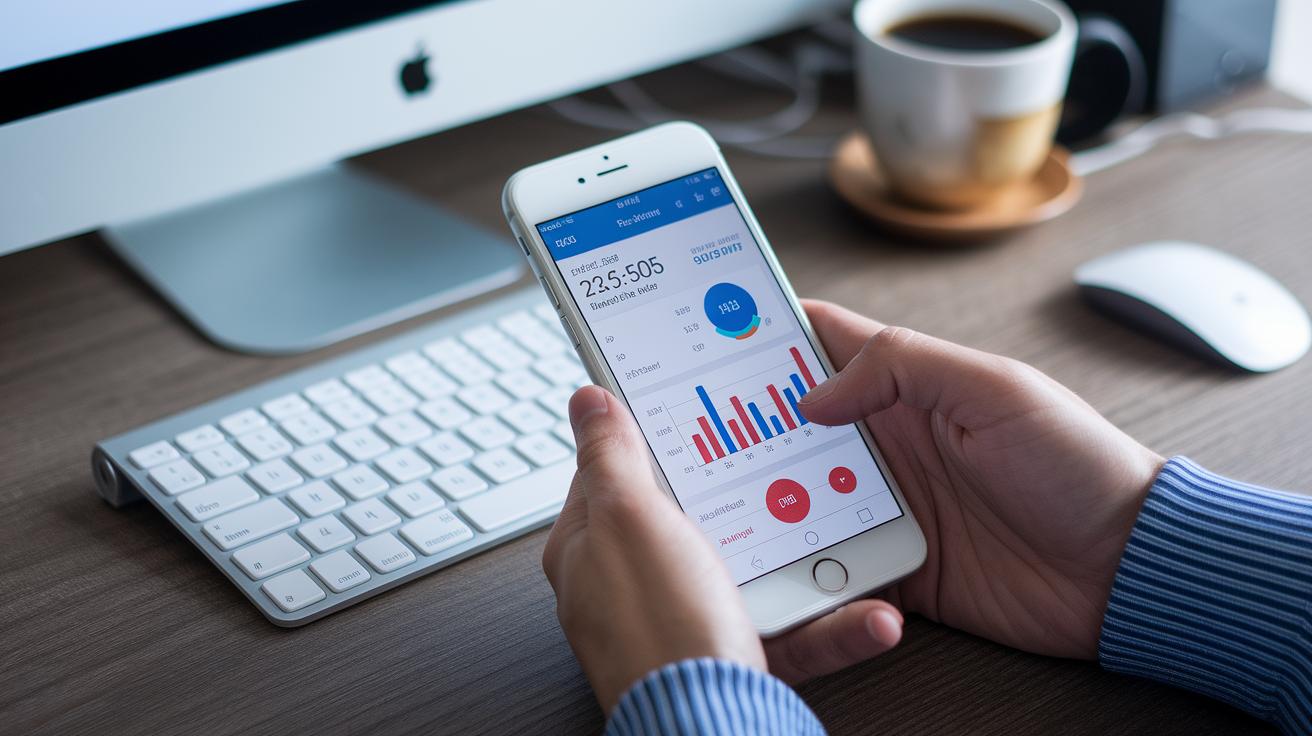
Imagine checking your blood pressure with just your phone. A blood pressure app does exactly that, replacing clunky cuffs with a simple, modern tool. It’s perfect for anyone keeping an eye on hypertension. Usually, these apps encourage you to take readings twice daily, once in the morning and then later on. They log your numbers automatically, making home monitoring feel easy and almost effortless. Plus, many users love that the app even works with fitness apps to give a complete picture of your health.
- Convenience
- Automatic logging
- Syncs with fitness apps
New innovations, like the cuffless pulse-pressure detection app from Pitt researchers, show how smart tracking can be without extra gadgets. This mobile wellness tool blends into your day-to-day routine, keeping you informed all the time. By leaving behind bulky cuffs and using a user-friendly interface, it makes keeping an eye on your blood pressure simple and stress-free, empowering you to take charge of your health wherever you are.
Essential Features to Look for in a Blood Pressure App
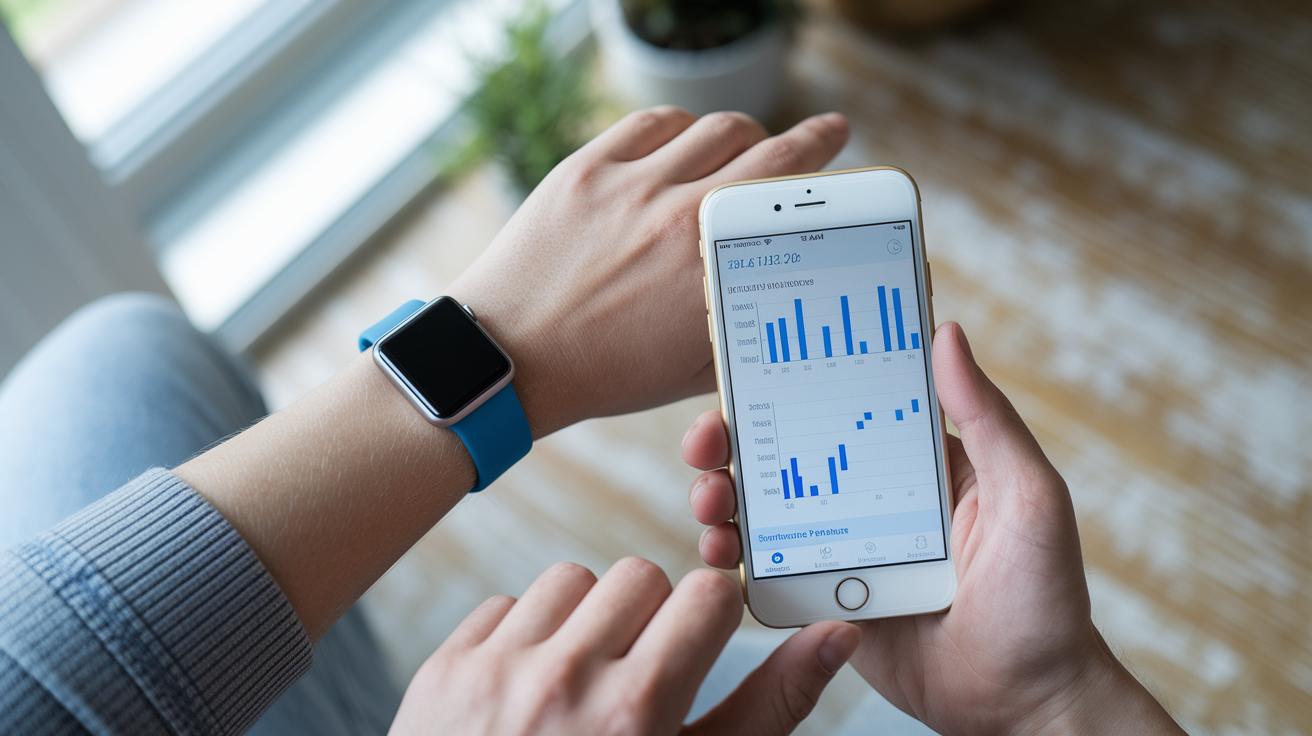
A great blood pressure app does more than just log numbers, it acts like a digital health buddy that keeps tabs on your vital signs. Instead of simply storing data, it tracks trends and gives you straightforward insights to help manage your own care.
Here’s what to check for:
- Real-time capture
- Reminders
- Historical log
- Alert thresholds
- Profile export
When an app has real-time capture, you see your readings right away, which means you can quickly catch any unexpected changes. Reminders nudge you to take your readings at the right times, like in the morning or late afternoon. A historical log lets you compare today's numbers with those from before, making it easier to see any shifts. Alert thresholds warn you if your reading goes off your set target, so you know when it might be time to reach out for advice. And with profile export, you can share your gathered data with your doctor or care team, rounding out your health strategy.
These smart features help turn everyday monitoring into a simple, informed, and empowering experience that fits neatly into your daily life.
Blood Pressure App Data Visualization and Trend Analysis
Our blood pressure apps show your readings in clear, interactive pictures that make understanding your health feel natural. They turn your numbers into line graphs, bar charts, and trend lines that track daily or weekly changes. The interactive dashboard even lets you zoom in on specific dates so you can get a closer look at your data. Really, it’s almost like the data is having a quiet conversation with you.
Knowing what each chart does is super helpful. Each visual is designed to make comparisons easy and your health insights even more personal.
| Chart Type | Use |
|---|---|
| Line graph | Helps you track trends over time |
| Bar chart | Lets you compare data across days |
| Scatter plot | Displays individual readings |
| Heat map | Shows the intensity of changes |
The personalized charts give insights that go far beyond simple numbers. Spotting patterns, like shifts in your blood pressure, becomes almost second nature. It empowers you to tweak your daily habits and makes it easier to share important info with your doctor. In truth, these visuals bridge the gap between raw data and actionable wellness advice, making your health journey a bit more engaging and a lot more understandable.
Blood Pressure App Compatibility on Android, iOS, and Smartwatches
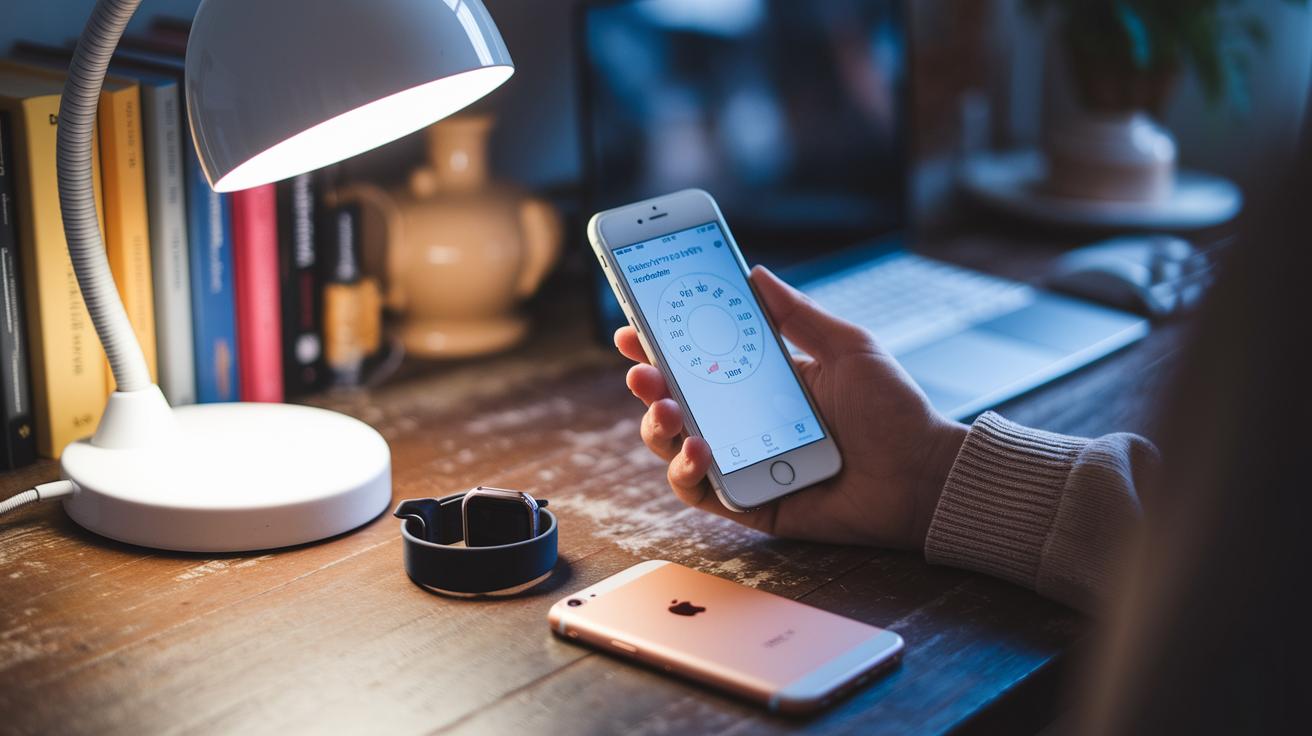
Most blood pressure apps work smoothly on Android and iOS. You can easily find them on Google Play and the App Store, so getting started with your health tracking is a breeze. They're built to blend well with your phone, whether they help you check your blood pressure or monitor your heart health. Some even connect with smartwatches running on Wear OS or watchOS, letting you keep an eye on your readings throughout the day, just as the AHA suggests. It really feels like your devices are talking to each other.
A lot of users really appreciate how data syncs across all their gadgets. With everything in one spot, you can track your blood pressure alongside your daily steps and sleep patterns. This makes it super simple to notice trends over time and share your info securely with your care team. And those wearable watches? They give you timely alerts and stick to the AHA’s twice-a-day reading guideline. Combining your smartphone, tablet, and smartwatch gives you a clear, well-rounded picture of your heart health, making every check a small win for your well-being.
Privacy and Security in Blood Pressure Apps
Using an app to track your blood pressure means your personal details need special care. Your readings and health info are protected with strong locks that keep everything safe. Many apps follow strict guidelines to make sure your data is handled with real care. They often use a PIN or a fingerprint check, so only you can see your information. This way, every time you check your numbers, you feel at ease. Plus, you can control what gets sent to the cloud, making sure your sensitive data stays just where you want it.
| Feature | Description |
|---|---|
| End-to-end encryption | Your data stays locked from start to finish. |
| Local vs. cloud storage | You can choose if your info stays on your device or in the cloud. |
| Permission management | You decide which details can be shared and when. |
These simple best practices build a strong shield around your health records. When your data feels safe, you can relax and focus on staying healthy. It turns a simple blood pressure app into a reliable tool that supports your overall well-being with a secure, easy-to-use experience.
Accuracy and Medical Reliability of a Blood Pressure App
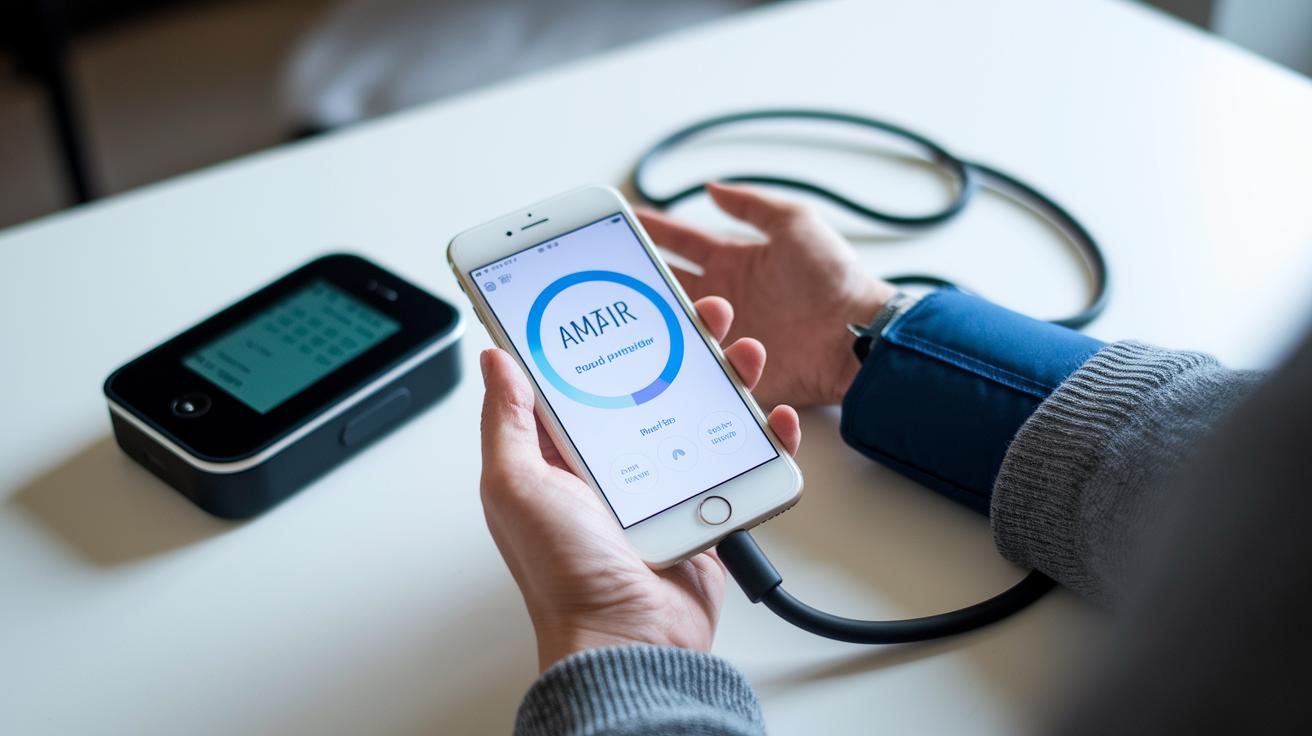
Digital tools that check your vital signs need to give you readings you can rely on. One study found that the Instant Blood Pressure app wrongly told 75% of users with high blood pressure that their numbers were normal. This meant many people trusted results that weren't accurate.
On the other hand, newer solutions like Pitt’s pulse-pressure app use your smartphone camera to measure vital information, no cuff required. That method looks promising. But the American Heart Association still recommends using devices that have been properly tested and advises keeping your doctor in the loop. Knowing exactly how an algorithm calculates your blood pressure can really make a difference.
| App | Validation Method | Accuracy Rate |
|---|---|---|
| Instant BP | Cuff-based comparison | 25% |
| Pitt pulse-pressure app | Smartphone camera algorithm | Approximately 90% |
| FDA-cleared digital cuff | Clinical trials | 98% |
These numbers really show why it’s important to use tools with proven performance when tracking blood pressure. With trusted devices like an FDA-cleared digital cuff, you can feel more confident about your readings at home. Using methods that have been carefully tested helps stop mistakes and makes sure you’re acting on real information. Plus, tools backed by research and reviewed on platforms like Consumer Health Informatics make it easier to combine technology with safe, smart care.
Comparing Top Blood Pressure Apps: Reviews and Pricing
Finding the right blood pressure app can be simple when you know what to look for. Some apps come with free trials, while others have a small monthly fee or a one-time cost. User reviews range from 3.5 to 4.8 stars. This side-by-side look shows you what each app offers, how much they cost, and which devices they work on. It makes it easier to choose a tool that fits your health needs and lifestyle.
| App Name | Price | Platform | Average Rating |
|---|---|---|---|
| Instant Blood Pressure | Free | iOS, Android | 3.5 |
| Qardio | $4.99/mo | iOS, Android | 4.2 |
| Withings Health Mate | $69 (one-time) | iOS, Android | 4.8 |
| MyChart | Free with portal | iOS, Android | 4.0 |
| CardioTrack | $2.99/mo | iOS, Android | 4.3 |
Instant Blood Pressure
• Pros: It doesn’t cost anything, and it's easy to get on both iOS and Android.
• Cons: Accuracy can sometimes be off, which might give you a false sense of security.
Qardio
• Pros: It works well with other health apps and keeps track of your readings continuously.
• Cons: The monthly fee might add up over time.
Withings Health Mate
• Pros: You pay just once, and it packs lots of features with high ratings from users.
• Cons: The higher upfront cost might not be the best fit for every budget.
How to Choose the Best Blood Pressure App for Your Needs
This handy guide pulls together the main ideas we talked about earlier. For more details, check out the sections on Essential Features, Compatibility, Accuracy and Medical Reliability, and Comparing Top Blood Pressure Apps.
- First, figure out what you want to track. Do you need daily readings or are long-term trends more useful for you? It’s a bit like when someone once began recording their health every day and soon discovered a better way to care for themselves.
- Next, make sure the app will work on your device. You don’t want to choose something that only works on one type of phone when you need it on both.
- Then, see if the app has been tested. Look for real proof that its measurements are reliable. This is explained in the Accuracy and Medical Reliability section.
- Finally, weigh the cost and features. Check out what you’re paying for, if you can set reminders, and if there are extra options such as exporting your data. More details on these points are in the Comparing Top Blood Pressure Apps section.
Final Words
In the action, we covered how a blood pressure app simplifies everyday health tracking. We looked at its benefits like seamless logging and fitness app sync. We also explored must-have features, data charts, device compatibility, privacy settings, and medical accuracy studies.
Each part shows why choosing the right blood pressure app can make health management easier and more secure. It’s all about making well-being straightforward and stress-free. Enjoy the journey toward a healthier life!
FAQ
What is a free blood pressure app for Android?
A free blood pressure app for Android lets you track your readings on your phone at no extra cost. It supports easy logging and simple monitoring to help you keep an eye on your health.
What is a finger blood pressure app and is it free to download?
A finger blood pressure app uses your phone’s sensors or manual input to record readings. Some versions are free to download, offering a handy way to track your blood pressure.
How do I download a blood pressure app?
Downloading a blood pressure app is simple. Visit your device’s official app store, search for a well-rated app, and follow the installation instructions for quick setup.
Can I check my blood pressure with my phone?
Checking your blood pressure with your phone is possible through apps that use the device’s built-in sensors or allow manual entry. Always choose an app with proven reliability for accurate readings.
What is the best free blood pressure app?
The best free blood pressure app offers reliable tracking, user-friendly design, and automatic logging. Look for apps that have strong reviews and show results backed by health research.
Can an app really take your blood pressure?
Yes, an app can measure your blood pressure by using your phone’s sensors or manual data input. However, accuracy may vary, so opt for apps that have been supported by medical research.