


Have you ever noticed that fuzzy video or muffled sound can make an online meeting feel off? When your calls display clear pictures and crisp audio, everyone can feel at ease. It’s like having a warm chat face-to-face.
Think about how a clear image and every word coming through can boost confidence for both patients and providers. In this post, we share easy tips to improve your audio and video setup. First, check your camera and microphone; then, adjust your settings so every detail shines through.
Imagine your screen lighting up with vibrant visuals while you hear every word clearly. It makes your consultation not just a routine call, but a friendly, personal conversation. Get ready to transform your sessions into clear, reassuring chats that truly connect.
Core Techniques for Improving Video and Audio Quality in Consultation Sessions
Clear video and crisp audio make a big difference in how well care is given and received. When details are sharp and sound is reliable, both patients and providers feel more connected and sure about the care being shared. This clarity lifts telemedicine, patient education, and staff training by cutting down on mix-ups and keeping conversations meaningful.
A great audio-visual setup builds trust and invites everyone to participate fully in virtual meetings. Better video visuals and clear sound make it easier for people to understand health tips, just like a face-to-face chat. Each consultation becomes more effective and tailored to the individual.
Try these simple tips:
- Pick settings that boost video resolution so images stay clear, even on small screens.
- Turn on echo cancellation to keep distracting sounds away.
- Set up your microphone just right; using a headset works better than an open mic.
- Do regular checks for background noise and use tools to cut it down.
- Adjust your lighting so that glare or shadows don't steal the spotlight.
- Keep your software updated to tap into the latest tricks for better call quality.
Mixing these tech tweaks with a bit of room prep really pays off. A set-up that combines the right gear with a comfortable, well-thought-out space helps video and sound perform together smoothly. This friendly approach makes online consultations feel both engaging and trustworthy, paving the way for better health conversations every time.
Selecting Professional Equipment for Video Clarity and Superior Sound in Consultation Sessions

Choosing between a high-definition webcam and an entry-level DSLR is a bit like picking between a trusty car and a cool upgrade. Webcams are friendly to your wallet and a breeze to set up, giving you clear images without fuss. But sometimes, an entry-level DSLR provides a level of detail that feels truly professional, perfect for showing every nuance in patient education or staff training videos.
When it comes to microphones, your choice can really change how your voice is heard. In rooms with plenty of cozy fabrics or acoustic panels, open microphones do a neat job. Yet, if you want every word to come through with extra clarity, headsets with their dedicated mics are a winning choice. Sure, standard headphones or earbuds seem convenient, but they often miss the mark on voice accuracy. For more tips on the best camera and mic models, check out our advice on setting up seamless video consultations.
Accessories can make all the difference too. Ring lights, for example, gently brighten your space with an even glow, while portable acoustic panels help keep echoes and background noise at bay. When you pair these extras with your primary gear, every consultation session feels engaging and easy to follow.
Configuring Streaming Software and Codecs for High-Definition Video and Audio in Consultation Sessions
Finding the right settings can make your consultation calls feel clear and immediate. Most streaming platforms let you pick options like resolution (720p or 1080p), frame rate (30 or 60 frames per second), and bitrate right from your profile. This flexibility helps you balance smooth playback with sharp visuals, even when your internet isn’t blazing fast. Imagine it like adjusting a gentle water flow to perfectly fill your container, a 1080p setting with an adaptive bitrate can keep your video crisp during busy consultations.
Platform Settings and Codec Selection
When it comes to codecs, you often choose between H.264 and VP9. H.264 is a classic choice that offers reliable, low-delay streaming familiar to many health apps. VP9, on the other hand, can sometimes bring extra benefits, especially when used with adaptive bitrate techniques. Think of it like mixing ingredients in a favorite recipe, you want just the right balance of frame rate and resolution so every session runs smoothly.
Audio Processing Features
Clear audio is a must for any consultation. You can enable features like echo cancellation and digital sound processing to cut out pesky background noise. Many streaming tools include noise-suppression filters that help keep the focus on the conversation. For example, turning on automated noise suppression dims background hums, ensuring both patients and providers can talk without any distracting sounds.
Regular updates and a quick settings check can truly transform your remote sessions, keeping video and sound at their very best.
Optimizing Environment, Lighting, and Acoustics for High-Quality Video and Audio in Consultation Sessions

Start by creating a space that feels inviting. Position soft, natural light so it gently highlights your face without any harsh glare. If the sunlight or indoor bulbs are too strong, you can use curtains or blinds to soften the effect. And hey, try placing an extra light at a 45° angle to your face, it really helps sharpen facial details while cutting down on distracting glare. This friendly lighting setup not only makes everything look crisp but also creates a warm mood for your consultation.
Sound is just as important. Use soft furnishings or portable panels to absorb excess noise and echoes, making sure every word comes through clearly. Simple changes like choosing a quiet room or using noise reduction techniques can make a huge difference. With the right adjustments, both you and your listener can enjoy a clear, focused conversation without background distractions.
| Environmental Factor | Recommendation |
|---|---|
| Natural light | Diffuse with curtains or blinds |
| Overhead lights | Angle at 45° to face |
| Room acoustics | Add soft furnishings or panels |
| Background noise | Use quiet room or noise suppression |
Ensuring Stable Bandwidth and Low-Latency Connections for Consultation Sessions
Using a wired Ethernet connection can really boost your video and audio quality. Wired connections are more dependable than Wi-Fi because they provide a steady flow of data, which means fewer delays and interruptions. When you plug in with Ethernet, you cut down on those annoying dropouts during your important calls. And if you close any background apps, you'll free up even more bandwidth so every word comes through clearly.
Another key step is managing your router settings. Setting up your router’s Quality of Service (QoS), which means prioritizing video and audio over less important data, really helps performance. Adjusting the channel settings can also reduce interference so your sessions feel smoother and more responsive. Plus, regularly updating your router’s firmware helps prevent packet loss and jitter that can disrupt your chat.
Keeping an eye on your network’s performance is crucial, too. Running speed tests and using network tools lets you spot any slow spots before they affect your call. When you monitor these metrics, you can tweak things as needed to make sure your digital consultations stay clear and quick.
Troubleshooting Common Video and Audio Quality Issues in Consultation Sessions
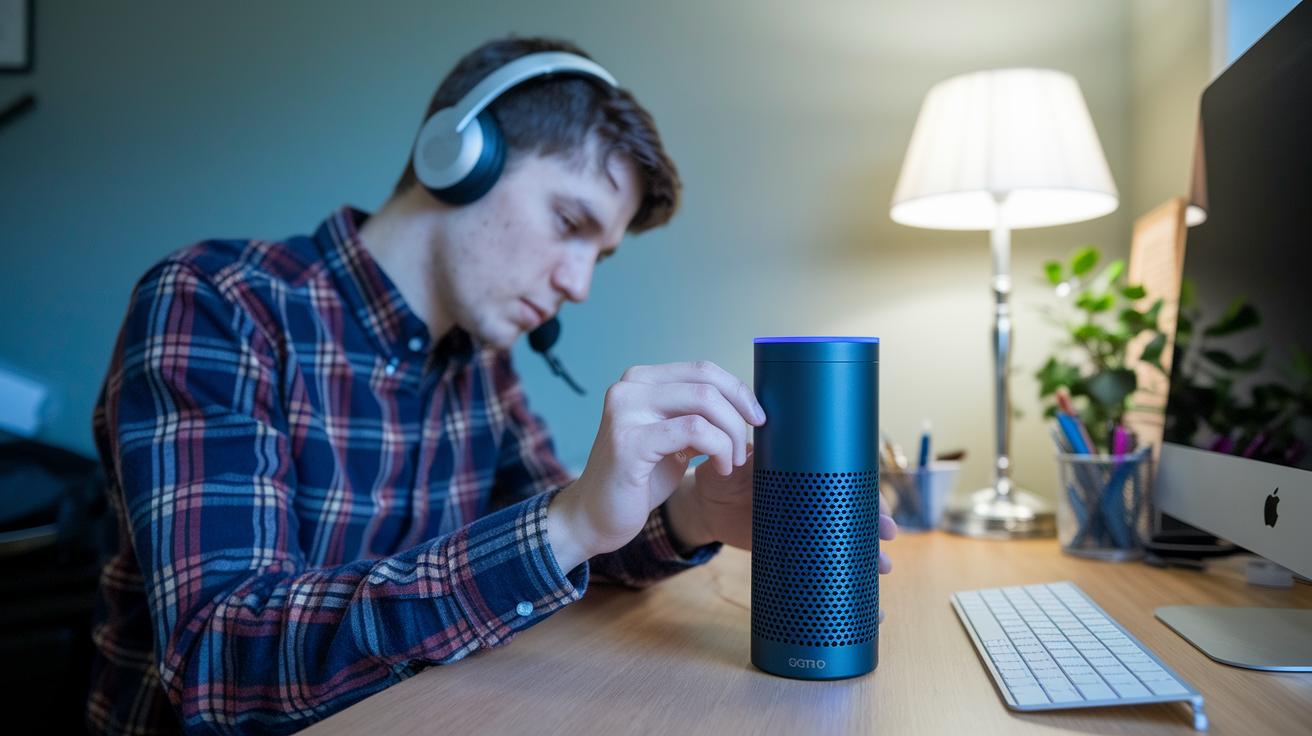
If you’re noticing echo, background buzz, choppy video, or delay during your sessions, don’t stress. We’ve already explored plenty of fixes in the earlier sections on audio tweaks and optimizing video. For instance, when echo bothers you, try lowering your microphone gain and swap out open mics for a good headset. This simple switch can clear up echo in no time.
And if your video seems glitchy because your device is under heavy load, think about reducing the resolution or frame rate. Closing apps that use a lot of power might also help smooth things out.
For clear, step-by-step instructions, be sure to revisit the detailed guides in the previous sections.
Final Words
In the action, this post broke down key techniques for boosting video clarity and sound in consultation sessions. We covered hardware choices, software tweaks, and setting up the right environment, all to enhance clinical outcomes and ease communication.
The guide also offered practical tips like mic placement, lighting balance, and troubleshooting common glitches. These insights truly help in improving video and audio quality in consultation sessions. The steps shared today leave you feeling ready to bring smart, reliable care to every digital interaction.
FAQ
What are the benefits of virtual consultations?
Virtual consultations offer convenience, reduced travel time, and timely access to care. They let patients connect with their providers from home, improving the overall care experience while saving time.
What does the VOCAL study reveal about virtual consultations?
The VOCAL study highlights that virtual consultations improve patient engagement and access to care, though they may face challenges such as technology limitations and the need for clear communication.
How are virtual consultations used in plastic surgery?
Virtual consultations in plastic surgery allow patients to discuss treatment options and review results from home, making initial assessments more accessible and reducing the need for early in-person meetings.
What do virtual consultations mean in health care?
Virtual consultations mean using video and audio tools to connect with healthcare professionals remotely, allowing for effective care delivery and flexible communication without an in-person visit.
How do virtual consultations impact the quality of primary care?
Virtual consultations improve access and efficiency in primary care. They make follow-up communication easier but may require some in-person visits for complete physical examinations.
What should I expect from a virtual consultation with a doctor?
A virtual consultation with a doctor feels like a warm, remote visit where the doctor reviews your symptoms, offers advice, and may suggest tests or follow-up care based on the conversation.
What are some limitations of remote consultations?
Remote consultations can face challenges like technical glitches, limited physical exams, and the need for patients to clearly describe their symptoms, which may sometimes reduce diagnostic accuracy.
What findings are discussed in online medical consultation research?
Research on online medical consultations shows that they streamline care delivery and boost patient access, though success depends on reliable technology and clear communication between patients and providers.
How can I ensure good audio and video quality during a meeting?
Ensuring good audio and video quality starts with quality equipment, testing settings ahead of time, choosing a quiet area, and adjusting lighting to provide clear visuals and sound.
What are the 5 C’s of consultation?
The 5 C’s of consultation include clarity, connection, competence, care, and consistency. These principles help build effective communication, trust, and successful care outcomes during virtual visits.
How can I improve the audio quality in my videos?
Improving audio quality involves careful microphone placement, using noise suppression features, adjusting input levels, and reducing background noise so that the sound is clear and professional.