
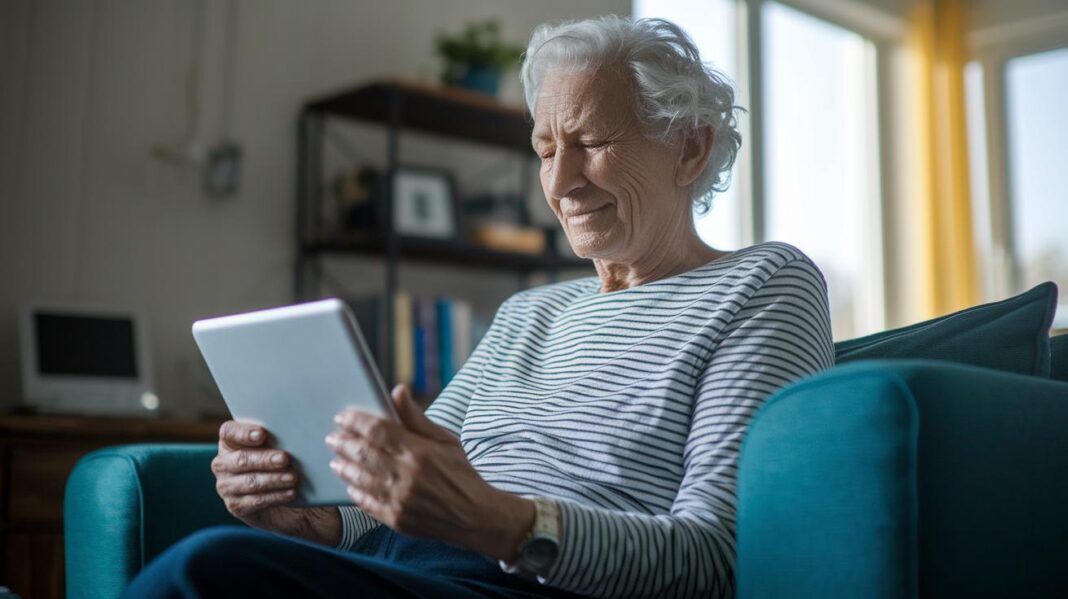

Ever wonder why some seniors still feel unsure about trying video chats with their doctor? It can actually be very simple. First, pick a good appointment time. Then, set up a comfy spot and check your device ahead of time. Next, follow these easy steps and see how much more at ease you feel during your video call. Embrace this modern way to get care at home and notice your confidence grow.
Key Steps for Successful Video Consultation for Senior Patients

First, pick a time that suits the patient best for the appointment. Seniors can chat with their doctors, refill prescriptions, or keep an eye on chronic conditions using their smartphone or tablet. When you book the session, give them an easy guide, like "preparing for your first video consultation with a doctor" (https://ourmobilehealth.com?p=97), to help ease any worries.
Next, set up a comfortable spot. Ask the patient to find a quiet corner with plenty of light, so they can see and hear clearly. Soft, natural light is ideal as it reduces glare on the screen. Place the device around three feet away at eye level, which makes it easier for both the patient and the doctor to get a clear view without fussing over awkward angles.
Before the consultation, test the device and connection. Ensure the smartphone, tablet, or laptop is charged and updated, and that the internet is strong. A quick test call can catch any glitches, so no one feels stressed when the real appointment begins.
Finally, communicate simply and clearly. Speak slowly and use everyday words so the patient can follow along easily. Invite them to ask questions and don’t hesitate to repeat key points. This friendly, step-by-step method helps build trust and boosts confidence, making telehealth an inviting way for seniors to take charge of their health at home.
Device and Connection Setup for Senior Video Consultations
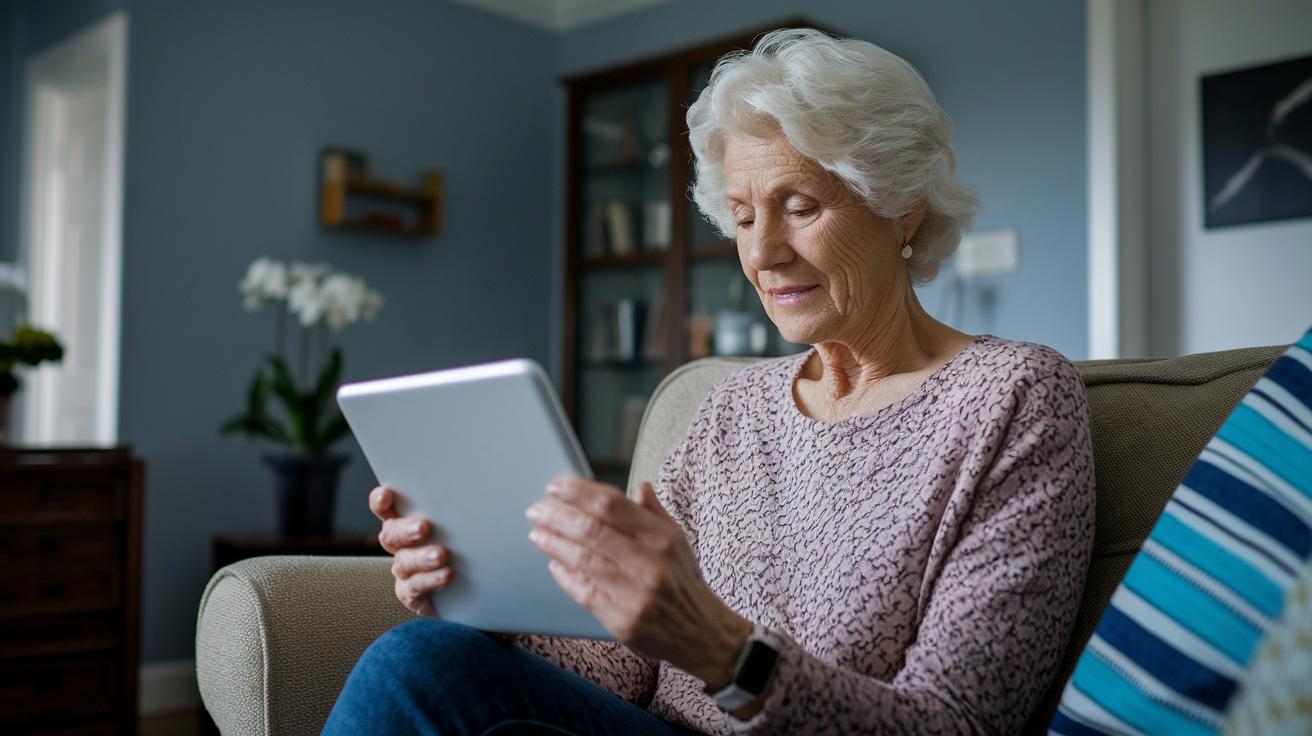
Many seniors use smartphones, tablets, or laptops for telehealth visits, so it’s important to pick a device that’s easy to use. A simple tablet with a big screen can help reduce eye strain and make video calls more pleasant.
Make sure your internet is reliable. A download speed of at least 5 Mbps is a good start to avoid any video freezing. If you see a lag during your test run, try moving closer to your router or switching networks. It’s a quick fix that can save you from trouble later.
Set your device about three feet away at eye level, preferably on a sturdy stand or surface. This helps you see clearly and chat naturally with your healthcare provider. The built-in camera usually works fine, but adding a headset or external speakers with a mic can really boost the sound quality.
You might even consider using a wireless keyboard or remote. This can make it easier for seniors to adjust the settings during the call. Taking these steps makes digital consultations smoother and more secure, letting everyone feel comfortable and confident during their telehealth sessions.
Communication Techniques for Senior Patients During Video Consultations

When chatting with seniors over video, speak slowly and pause frequently so they have plenty of time to take in each word. Keep the language simple and avoid technical jargon that might confuse them. For example, a helpful way to say things might be, "If you need me to say it again, just let me know." This friendly tone helps seniors feel more relaxed during the call.
Look right at the camera as you speak. This small trick makes it seem like you're making eye contact, which adds a warm, personal touch much like talking face-to-face. It shows seniors that their doctor is truly listening and cares about how they feel.
Using visual aids can really help when explaining something like test results. Try sharing basic charts or images on your screen to break down ideas into something easier to understand. For instance, you could say, "Imagine this chart shows how your heart rate changes over time." This way, seniors are more likely to catch on.
If a senior has trouble hearing, adding closed captions or subtitles can make a big difference. Give extra time for questions and encourage them to repeat back what they understood. A simple reminder like, "Please feel free to ask anything at any time," ensures that everyone stays on the same page.
These clear and caring tips build trust and make sure every senior feels comfortable and included during their video consultation.
Video Call Troubleshooting Tips for Elder Telehealth Sessions

Sometimes seniors may face hiccups on video calls, like delays, echoing sounds, or trouble logging in. These problems can be fixed fast with a few simple steps, so the call goes smoothly for both sides.
First, check if any other apps are using your internet in the background. Closing these apps can help boost your connection. Next, play with your device’s screen brightness and sound settings for a clearer view and better audio.
If things still aren’t working right, try restarting your device. This often clears up little glitches that might be messing with the camera or microphone. Also, look through your telehealth app’s settings and make sure the microphone and speaker options are set correctly.
Finally, verify that your web browser is allowed to use the camera and mic. Sometimes, these permissions can block your call if they aren’t set up right.
A few quick checks before your appointment can boost confidence and help keep your session running without a hitch.
Privacy and Security Guidelines for Senior Video Consultation Sessions
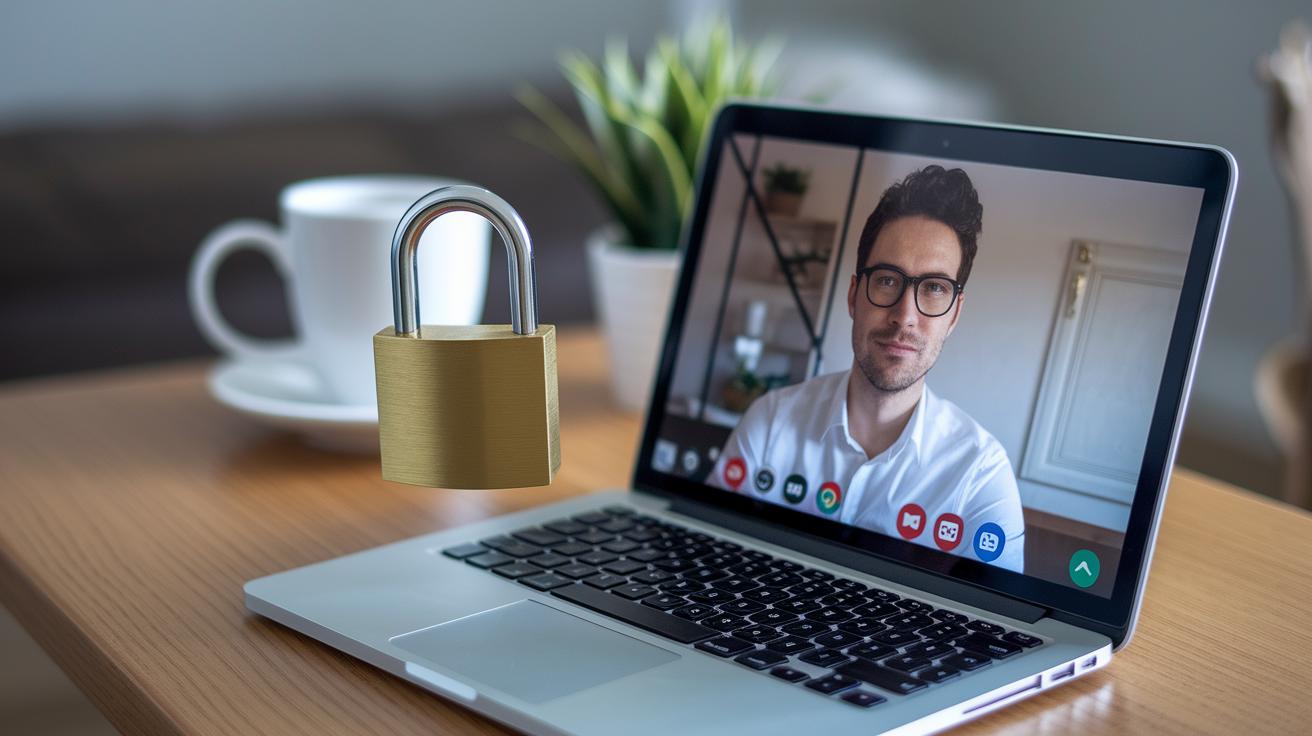
Let’s keep your online visits safe and simple. Start by watching out for any strange emails or links that might be tricks to steal your personal info. Imagine getting a message saying you’ve won a bonus check, that’s a clear sign of phishing.
Next, choose a telehealth platform that meets HIPAA standards and uses end-to-end encryption to keep your call private. When setting up your device, try to avoid public Wi-Fi. If you have to use it, a trusted VPN can add a layer of security. And always make sure you’re really talking to your healthcare provider before sharing any health details.
Here are some easy safety tips:
| Tip | What to Do |
|---|---|
| Email Safety | Be on the lookout for urgent language or odd links |
| Password Security | Create strong, unique passwords and avoid using the same one twice |
| Platform Check | Make sure your telehealth service is HIPAA-compliant |
| Network Use | Stick to secure, private networks over public Wi-Fi |
| Login Info | Keep your passwords and usernames in a safe place |
These simple steps can help you feel more secure during your consultations, making every digital visit as smooth as possible.
Post-Consultation Support Strategies for Senior Video Appointments

After a video call, it’s really important for seniors and their caregivers to stay in touch. Taking a few extra moments to go over what was discussed makes sure everyone clearly understands any changes to medicines or care plans. This simple follow-up is like a friendly check-in that helps avoid mix-ups and keeps you feeling secure even after the call ends.
Next, try these steps:
- Go over your visit notes together and ask about any changes in medicine or treatment instructions.
- Book your next appointment and set up reminders for upcoming tests or doctor visits.
- Get a quick summary of the call via email or print out a paper copy so the main points are fresh in your memory.
- If anything still seems unclear, don’t hesitate to call the clinic with your questions.
Final Words
In the action, we skimmed key steps to make video consultations smooth for seniors. We covered practical device and connection tips, clear communication methods, quick fixes for call issues, and easy-to-follow privacy guidelines.
We also touched on simple follow-up support steps that help keep care on track. Small changes can boost confidence and care quality. Keep these virtual video consultation tips for senior patients in mind, and get ready to enjoy a simpler, more secure telehealth experience. Stay positive and take charge of your health!
FAQ
How can I receive a telehealth call and use telehealth as a patient?
Receiving a telehealth call and using telehealth involve setting up your device with the correct app or platform, ensuring your camera and microphone work, and following your provider’s instructions for a smooth connection.
How do I do telehealth appointments on my smartphone or computer?
Using telehealth on a smartphone or computer means downloading the needed app or accessing the web portal, confirming that your camera and speakers function properly, and checking that your internet connection is stable.
What is the easiest video calling method for the elderly?
The easiest video calling approach for seniors usually involves using a simple, user-friendly app or a tablet with a large screen, designed with clear controls and minimal setup to keep the process stress-free.
What is the 7 day rule for telehealth?
The 7 day rule for telehealth means that follow-up appointments should often occur within seven days, allowing healthcare providers to quickly monitor and adjust treatment plans for ongoing health needs.
What challenges may arise when providing telehealth to older adults?
Challenges include difficulties with setting up devices, unclear audio or visuals, and potential connectivity issues. These can be overcome by using large screens, extra instructions, and ensuring a quiet, well-lit space.
How should healthcare professionals prepare for emergencies if the telehealth system fails during a video visit?
Preparing for emergencies means having backup plans like switching to a phone call, maintaining an alternative video platform, and keeping quick access to local emergency resources to resolve issues fast.