


Have you ever wondered if your video call setup is secure enough for telemedicine visits?
Many people assume that any camera and microphone will do, but using the right gear can really improve your experience.
A strong internet connection, clear visuals, and safe software are the key pieces of a good setup.
In this guide, we’ll talk about the must-have tools for smooth and private consultations.
We’ll walk you through each step so you can meet all the safety standards with ease.
Feel free to ask, aren’t you curious how a few simple upgrades can change your day?
Key Technical Requirements for Telemedicine Video Consultations
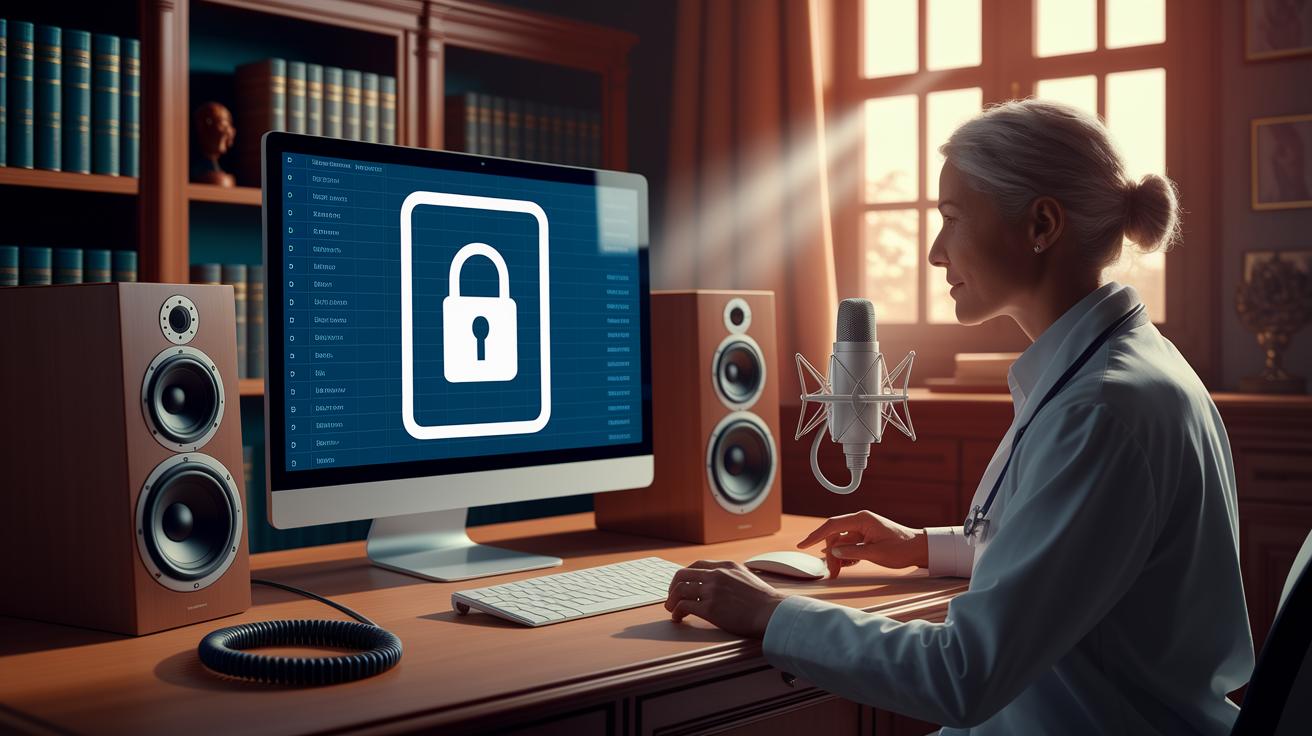
Telemedicine video calls need dependable equipment, secure software, and strong internet connections. You should have an HD camera, a noise-cancelling microphone, and quality speakers so that both video and sound are clear and useful. The software must work well with electronic medical records (EMRs) and include secure ways to verify each session.
Encryption is a must. Making sure that video and audio streams are protected meets HIPAA rules and keeps patient details safe. Also, test your internet to be sure it can handle at least 10 Mbps for downloading and 5 Mbps for uploading. A wired Ethernet connection is best for keeping sessions steady and secure.
Risk checks are important before, during, and after every call. These help spot any problems that might come up. Real-time video calls should be smooth and private, which means keeping the system updated with the latest security checks and following the rules as they change.
Keep these basics in mind:
- Stable high-speed internet
- HD camera and audio devices
- Secure video software
- EMR integration
- Dedicated technical support
| Requirement | Minimum Spec | Recommended Spec |
|---|---|---|
| Internet Speed | Download 10 Mbps, Upload 5 Mbps | Wired Ethernet preferred |
| Video Resolution | 720p | 1080p or higher |
| Audio Quality | Basic microphone & speakers | Noise-cancelling microphone, high-fidelity speakers |
| Encryption Standard | End-to-end encryption | HIPAA compliant video consultation platforms |
| Device Compatibility | Desktop/Mobile support | Cross-platform integration (Windows, macOS, iOS, Android) |
Staying up to date with regulations is key. Regular security checks and protocol updates make sure every session not only works well but also protects patient privacy. This keeps telemedicine calls safe, reliable, and trustworthy for everyone involved.
Network Infrastructure and Bandwidth Optimization for Telemedicine Video Calls

A strong video call starts with a solid internet connection. When your connection is fast and reliable, your telemedicine sessions become smooth and clear. For a worry-free consultation, aim for at least 10 Mbps for downloads and 5 Mbps for uploads. A wired ethernet cable often works better than Wi-Fi, reducing delays and jitter so your video stays steady. It’s a simple but powerful idea to test your speed before each session.
- Run a speed check before every session
- Use a wired connection when you can
- Set up Quality of Service settings to prioritize video
- Pick the best transport protocols (TCP and UDP)
- Keep an eye on real-time network performance
Regular network check-ups can really make a difference. Taking a few minutes to review your router settings and Quality of Service options can help prevent slowdowns. Watching network performance metrics lets you catch any issues before they ruin your video quality. By staying on top of your network and testing it often, you keep your telemedicine sessions clear and dependable.
Hardware Essentials: Cameras, Audio Devices, and Device Compatibility
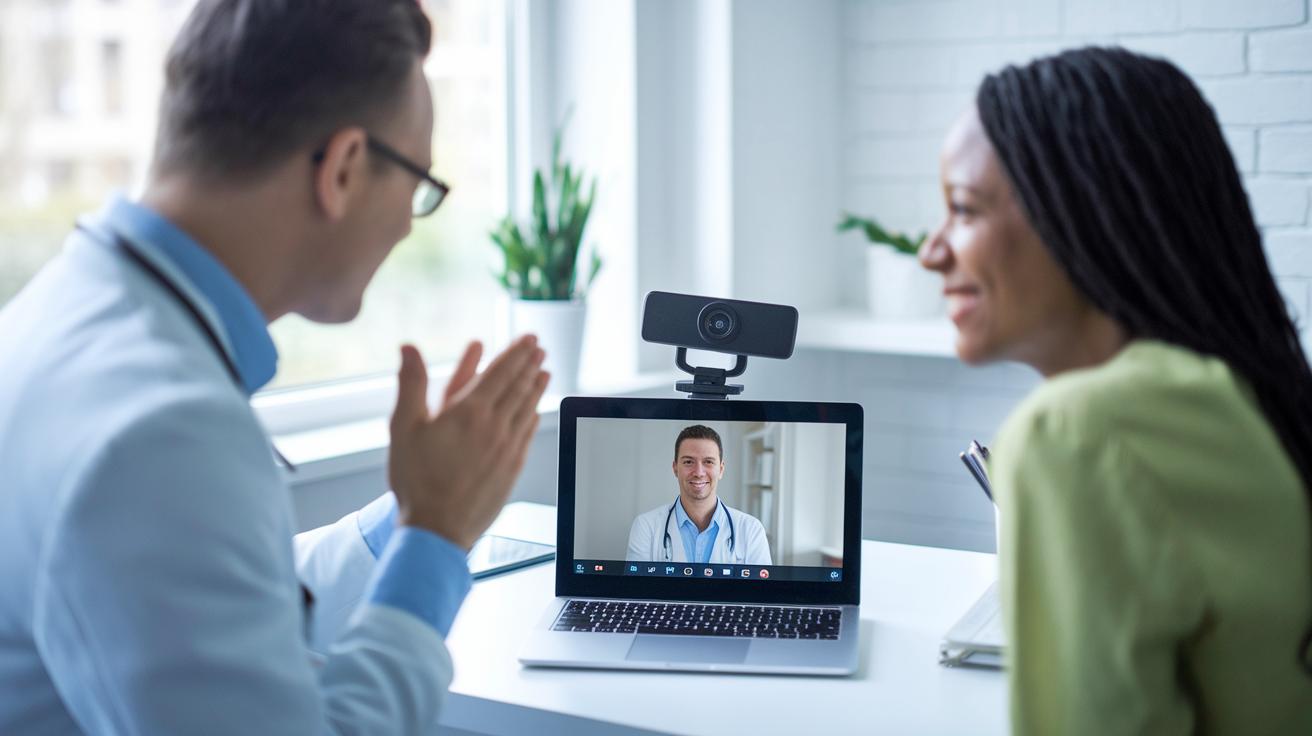
When it comes to a great telemedicine session, having the right video call gear is key. Both doctors and patients need cameras that capture clear images and speakers that deliver crisp sound. The right equipment makes sure no small detail is lost, building trust in every digital meeting.
Good camera quality is like having the perfect pair of glasses for your health check. At a minimum, your camera should shoot in 720p, though many now prefer external HD webcams that step it up to 1080p or even more. And let’s not forget audio, noise-cancelling mics and quality speakers work together to capture every important word with precision.
It’s also important that your setup works well on all devices. Check to be sure your hardware is compatible with Windows, macOS, iOS, and Android so everyone, no matter what they’re using, can connect smoothly. Think of cloud-hosted video services as a helpful boost that takes some processing load off your device, keeping your sessions steady even on the busiest days.
Software Platforms, Integration, and Security Features for Telemedicine Video

Choosing the right telemedicine software is key for safe and smooth video consultations. You want a platform that fits nicely with your current systems and offers must-have features like appointment scheduling, chat, and file sharing. Plus, it should work hand-in-hand with your electronic medical records so your daily work flows easily without extra hassle.
EMR/EHR Integration
Many systems use standards like HL7 and FHIR (simple ways for different systems to share data) to cut down on manual data entry. This means if a patient's information changes in one system, it shows up automatically in their records elsewhere, smoothing out the process and lowering the chance for errors. In truth, this kind of integration helps patients enjoy quicker service and fewer delays.
Security and Authentication Features
Good telemedicine software comes with built-in security to keep your patient data safe. Features like two-factor authentication (an extra step to check it's really you), role-based access controls (only the right team members can see certain info), and audit logs (records of who accessed what and when) are all crucial. They not only block unauthorized access but also keep track of everything to meet HIPAA and state rules.
When you compare your options, cloud-hosted platforms often promise easier scaling and quicker updates. That can be a big help when session numbers go up and down. On the flip side, on-premise solutions might work for smaller practices with steady needs, but they tend to require more hands-on care and might be less flexible when things get busy.
Compliance, Privacy, and Security Standards for Telemedicine Video Consults
Telemedicine video calls follow strict rules to keep patient details safe. Providers use clear guidelines to secure data when it is sent and when it is stored. They make sure that every session meets legal standards and uses technology to protect your information.
HIPAA requires data to be encrypted. In simple terms, that means scrambling the data so only the right person can read it. Secure logins make sure that only authorized users join a call. Plus, providers keep audit logs to track who has seen patient details. Together, these steps work to lower the chances of data breaches during your telemedicine session.
Providers also need to check that they are licensed in the patient’s area. This means verifying state licenses and, if needed, having special telehealth certification. Because rules can change, especially after May 2023, these checks are vital to meeting local legal standards. This careful process builds trust and protects both the patient and the provider.
Regular compliance checks are key to strong privacy. Providers often conduct risk analyses before, during, and after a session to catch any weak spots quickly. They use firewalls, VPNs, and secure streaming protocols to create a robust safety net. Generating compliance reports ensures every telemedicine session is both secure and respectful of patient privacy.
Technical Support and Troubleshooting for Telemedicine Video Consultations
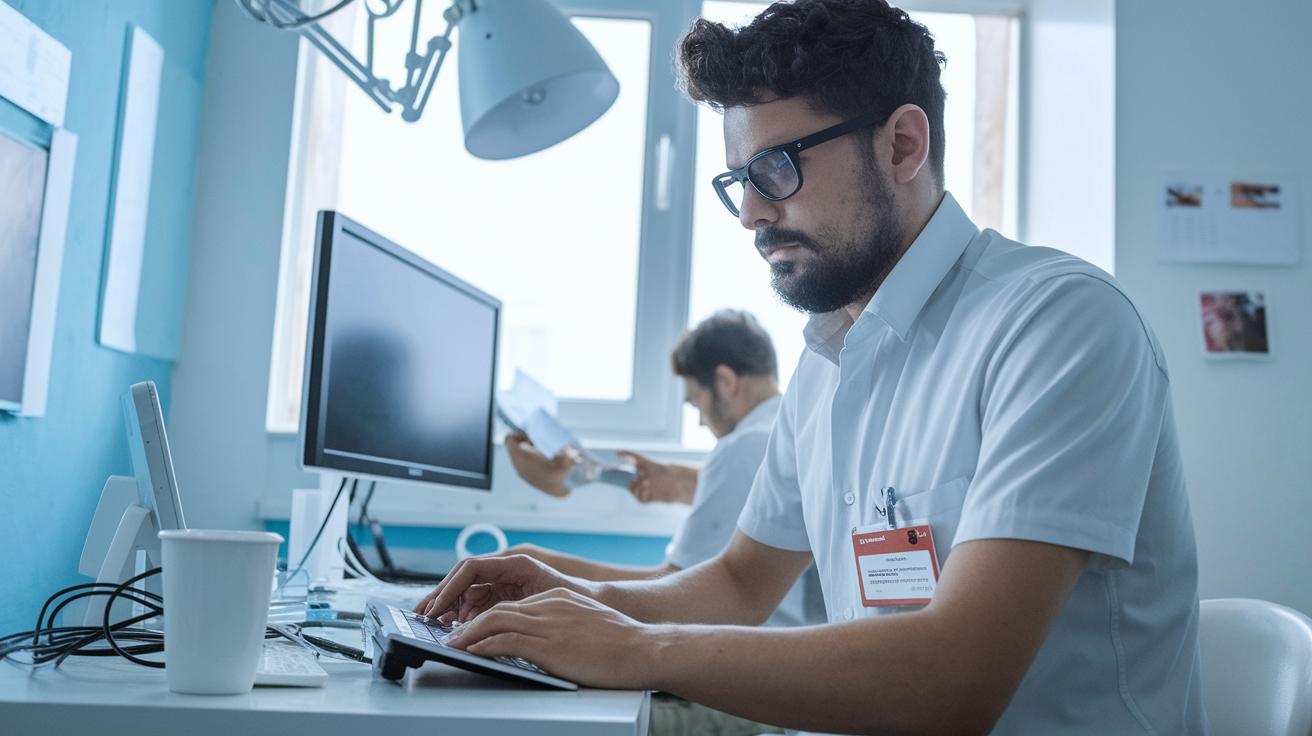
Having a friendly tech team behind your telemedicine visits makes a huge difference. Before each consultation, take a moment to run a simple system check. It’s like giving your device a quick pit stop, making sure there aren’t any connectivity glitches or misconfigured settings. A restart or a quick look at your network settings can prevent unexpected hiccups during your call.
Sometimes, you might experience a few bumps like video lag, audio echo, or even dropped calls. These issues can interrupt the smooth flow of a consultation. Tech experts keep an eye on things like network performance metrics, terms like packet loss, jitter, and latency, which are just fancy ways to say “we’re watching out for connection problems.” If something seems off, a few simple steps, like switching to a wired connection or updating software, can make everything work just right.
Remember, these checks and fixes are like making sure your favorite app is fully updated before a big call. They help both healthcare providers and patients enjoy clear, uninterrupted conversations. It’s all about keeping things simple and stress-free, so you can focus on your care without any technical distractions.
Next time you connect, know that a caring team is ready to support you, smoothing out any bumps along the way.
Final Words
In the action, this article summed up essential telemedicine components, from solid network settings and reliable hardware to robust software integration and strict security checks. We highlighted the steps for maintaining smooth connections and protecting sensitive health data. By sticking to the video consultation technology requirements for telemedicine, you can make secure, efficient care a reality. With the right tools and a dedicated support team, managing your health digitally becomes simpler and even more reassuring.
FAQ
How to receive a telehealth call?
Receiving a telehealth call typically means making sure your device is set up with the right app, having a stable internet connection, and answering a call at the scheduled time via phone or computer.
How to start a telemedicine practice as a Nurse practitioner?
Starting a telemedicine practice involves setting up secure video tools, integrating patient records, meeting state laws, and getting the necessary licenses while ensuring your health data systems are safe and compliant.
What are the 4 types of telehealth?
The four broad types of telehealth include live video conferencing, remote patient monitoring, mobile health messaging, and store-and-forward services, where data is captured and sent for review later rather than in real time.
What are the telemedicine requirements, technology needs, and five basic requirements for telemedicine?
Meeting telemedicine requirements calls for stable high-speed internet, HD camera and audio devices, secure video software, seamless EMR integration, and dedicated technical support to ensure clear, safe, and reliable consultations.
How does telehealth address HIPAA compliance?
Telehealth addresses HIPAA compliance by using secure, encrypted video and audio streams, ensuring proper user authentication, and conducting risk analysis during various phases of care to protect patient information.
What are examples of telehealth and telemedicine?
Examples of telehealth include virtual doctor visits through secure video platforms, remote monitoring of patient data, mobile health apps, and online consultations that support a range of care from routine check-ups to specialist advice.
How to start a telemedicine concierge practice?
Starting a telemedicine concierge practice means offering personalized, on-demand care by integrating secure video consultations, responsive scheduling, and tailored patient interactions to deliver a white-glove service remotely.
What are the types of telehealth platforms?
Telehealth platforms vary by features and can include platforms with secure video conferencing, integrated chat and scheduling tools, mobile applications, and systems that support multi-device access for both patients and providers.
Does telehealth include video conferencing?
Telehealth does include video conferencing, which is a key component that allows real-time interactions between patients and providers through secure, encrypted video sessions that facilitate effective consultations.