


Have you ever thought a video call might change your doctor visit? Video checkups let you chat with your doctor right from home, so you can skip crowded waiting rooms and long drives.
In this guide, I'll walk you through the simple steps that make these calls safe and easy. The system connects you straight to your provider while keeping your conversations private, just like a friendly video call with someone you trust.
It's pretty amazing how modern tech makes healthcare feel both straightforward and personal.
How do video consultations work for telemedicine: seamless
Telemedicine video consults let you speak with your doctor through live, secure video calls. They save you from long trips, high costs, and unnecessary risks. Picture this: no crowded waiting rooms, just chatting with your doctor from your kitchen table. It makes healthcare feel welcoming and safe.
Starting a video call is a breeze. You log in through an easy-to-use portal or a free app that needs no installation. Once you're signed in, a secure, direct connection is set up so your chat stays private. It’s like opening your favorite messaging app, just a couple of taps and you're connected to your healthcare provider.
The call itself uses smart audio and video tech that adjusts to your internet speed. Whether your connection is strong or a bit shaky, the system does its best to keep the sound and visuals clear. It’s just like having a natural conversation where every smile and nod comes through.
When the call wraps up, the system automatically tidies everything up. It even helps with next steps, like issuing digital prescriptions or certificates. This clean finish makes sure your follow-up is as simple as the call itself.
Technical Requirements and Security Protocols for Telemedicine Video Consultations

All you need for a smooth video visit is simple. Make sure you have a working webcam, a clear microphone, and stable internet that runs at least 1.5 Mbps. It’s just like setting up your favorite video call for a comfortable chat with your doctor.
Strong security starts with solid encryption. Our system uses AES-256 encryption that meets top industry guidelines. It connects you directly with your provider using a secure, peer-to-peer channel, almost like passing a secret note that only your doctor can read. This setup is similar to what you would expect from HIPAA-compliant video consultation services.
Telemedicine services also need to follow strict rules to qualify. They are checked under Section 365 by an accredited body, and each verified provider is listed by the supervising association. This official stamp of approval shows that the service meets high safety and performance standards.
Regular security tests and safe data storage practices work like routine check-ups for your system. They help find and fix any weak spots to keep your private health details safe at all times.
Scheduling and Preparation for Your Telemedicine Video Consultation
Getting ready for your telemedicine visit is as simple as following a few easy steps. First, you use a free app to book your appointment and share some important health info through a quick questionnaire. It asks about your medical history, current symptoms, and medications so your provider has everything they need.
Next, make sure your equipment is in good shape. Test your camera and microphone and adjust your lighting so your provider can see and hear you clearly. Set your device on a steady surface in a quiet spot to avoid interruptions. And be sure to sign in a little early, giving yourself a moment to settle before your consultation starts.
| Step | Action |
|---|---|
| 1 | Download the telemedicine app and schedule your appointment. |
| 2 | Fill out the questionnaire with your history, symptoms, and medications. |
| 3 | Test your camera, microphone, and adjust your lighting (place a light source to the side or above). |
| 4 | Place your device on a level surface in a quiet area. |
| 5 | Log in 10–15 minutes early so you’re ready when your provider joins. |
Patient-Doctor Interaction During Telemedicine Video Consultations

Conducting the Symptom Inquiry
During a video visit, the doctor and patient start by chatting about the symptoms, any past health issues, and the pain they are feeling. They work from questions based on information shared before the call. Patients are encouraged to speak in short bursts with little pauses so that any audio delays don’t mix things up. The doctor jots down notes as you go, making it easier to form a full picture for an accurate diagnosis.
Virtual Examination Protocol
Next, patients adjust their camera so the doctor can see their face and upper chest clearly. It helps if you stay seated, keep the device at a good distance, and choose a nicely lit spot. These simple steps let the provider spot even small physical cues. Keep in mind that while live vitals or high-res images might not always be possible, this method is a friendly way to check your health visually without replacing a full exam if something urgent comes up.
Follow-Up and Documentation
At the end of the consult, the doctor sends out electronic prescriptions or work certificates when needed. The details of the session are saved in your patient portal, and any next steps are set up right then. Patients can also ask questions along the way to clear up any doubts. This structured, yet relaxed, process helps keep everything organized for continued good care and makes the telemedicine experience feel smooth and reassuring.
Regulatory, Billing, and Compliance for Telemedicine Video Consultations
Your health is in safe hands when your doctor is registered in trusted medical registers like the State or Indian Medical Register. That means your doctor has met all the needed qualifications and passed strict checks. It’s a simple way to feel reassured that only authorized practitioners are looking after you.
Telemedicine systems follow clear certification rules under Section 365. A respected accreditation body checks these systems to make sure they meet tough safety and quality standards. Once certified, a supervising association lists the provider so you can trust that the technology is secure and reliable every day.
Billing for video visits is straightforward and easy to understand. Insurance companies cover a base fee of around €30 per quarter, plus about €15 for every 10 minutes of consultation. This clear model means you know what to expect, with no hidden costs.
Keep in mind that video consultations aren’t meant for emergencies like severe chest pain or breathing problems. Any claims need to be filed properly so you get reimbursed quickly. These rules help prevent misuse and make sure both urgent and regular care are handled correctly.
Troubleshooting Common Technical Issues in Telemedicine Video Consultations
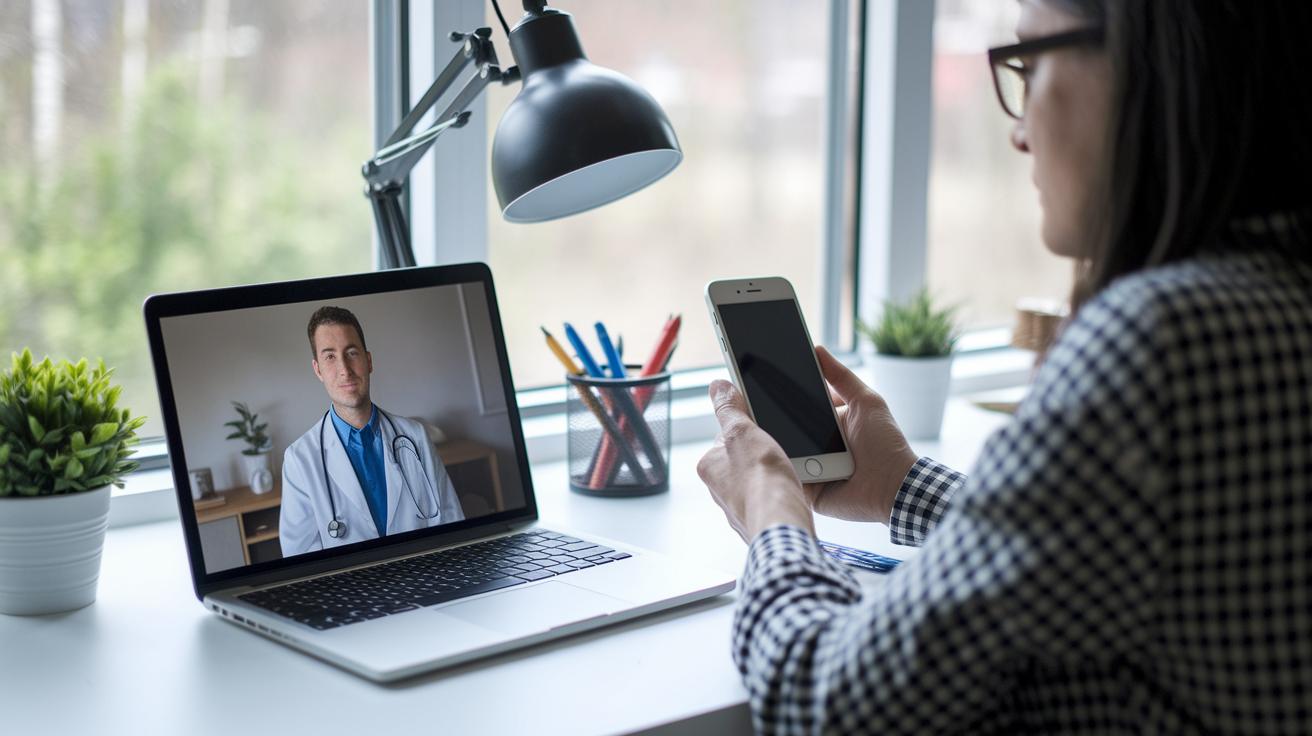
When you’re talking with your doctor over a video call, connection issues can sometimes pop up. Low internet speeds might cause the audio to lag or even drop the call, which can really break the flow of your conversation.
Sometimes your device itself might act up. For instance, you could see your camera or microphone stop working when the internet slows down unexpectedly. This is especially frustrating when you need clear sound and visuals to explain your symptoms properly.
The good news is that a few simple troubleshooting tips can usually help you get back on track. Many platforms include easy fixes and a help section that guides you step by step. Here are some things you can try:
- Check and reset your internet connection if you notice video or audio lag.
- Close and reopen the app or browser tab to fix any camera or mic issues.
- Switch to audio-only mode when your bandwidth isn’t enough.
- Contact support if you’re still seeing errors like login or encryption problems.
Final Words
In the action, we explored every step of telemedicine video consultations, from starting a call in a secure, user-friendly app to the detail-rich guidance of scheduling, interacting with providers, and handling tech issues. We touched on technical requirements, safety checks, and smart follow-ups that keep your health on track.
This guide helps clarify how do video consultations work for telemedicine, making care easy to access and understand. Enjoy a healthier, more connected experience with every consultation.
FAQ
How do telehealth appointments work?
Telehealth appointments work by connecting you with a healthcare provider via a secure, encrypted video call. This method cuts wait times, travel, and risk of exposure while offering real-time care.
What are some examples of telehealth services?
Telehealth examples include video consultations, remote check-ins, and digital monitoring tools. These services let patients receive care quickly without the need for an in-person visit, saving time and travel.
How do telehealth services improve patient care and safety?
Telehealth improves patient care by offering clear, secure video calls that reduce exposure risks. It also helps maintain ongoing care through easy follow-ups and reduces the need for unnecessary travel.
What is the difference between telehealth and telemedicine?
Telehealth is an umbrella term that covers all online health services, while telemedicine specifically refers to clinical consultations and treatment provided through secure video calls.
How does a telehealth video appointment work?
A telehealth video appointment connects you to a provider through an encrypted, real-time video call. You simply log in through a user-friendly app, with no software installation needed, to start your session.
Does telehealth include video conferencing?
Telehealth does include video conferencing by using secure, encrypted calls. This allows you to interact face-to-face with your provider using an approved, safe digital platform.
How do you make a telehealth video call?
To make a telehealth video call, log into your telemedicine app, test your camera and microphone, and join your scheduled session. This setup ensures a smooth, clear connection with your provider.